
Skip to content
KitploitKITPLOIT
ToolsBlog
Submit
ToolsBlog
Submit

Hacking, PenTest, and Cybersecurity Tools for Your Security Arsenal!

Kitploit is a directory of hacking, cybersecurity, and pentesting tools. Discover the latest project updates to find vulnerabilities, analyze systems, automate testing, and strengthen your security.

··Feeds·Contact·Privacy·© 2026 Kitploit

Tool Directory

Categories

View all categories
Loading categories
AtomShields-cli — CLI for AtomShields static analysis scanner. Install, uninstall, and run checkers and reports to detect vulnerabilities in source code projects. | Kitploit
Tools/GitHubGitHub/elevenpaths/atomshields-cli
Static AnalysisVulnerability ScannersCode AnalysisDevSecOps
GitHubelevenpaths/atomshields-cli

AtomShields-cli

CLI for AtomShields static analysis scanner. Install, uninstall, and run checkers and reports to detect vulnerabilities in source code projects.

View Repository
7138 years agoNot yet reviewed

Most Popular

View all →

Discover the most used tools by our community.

Explore all tools

Browse our collection of tools

View all tools →
Share

AtomShields Cli

AtomShields Cli is a Command-Line Interface to use the software AtomShields <https://github.com/ElevenPaths/AtomShields>_

.. raw:: html
Installation

.. code-block:: shell

pip install atomshieldscli

Basic usage

.. code-block:: shell

ascli --target --name <project_name>

The allowed action values are:

  • install: To install a checker or a report, depending the context setted.
  • uninstall: To uninstall a checker or a report, depending the context setted.
  • run: To run the scan.
  • show: To show a checker list or a report list, depending the context setted.
  • help: Show the help

The allowed context values are:

  • checkers: Operate with checkers
  • reports: Operate with reports

The target option set the path to scan, or the plugin (checker/report) to install/uninstall.

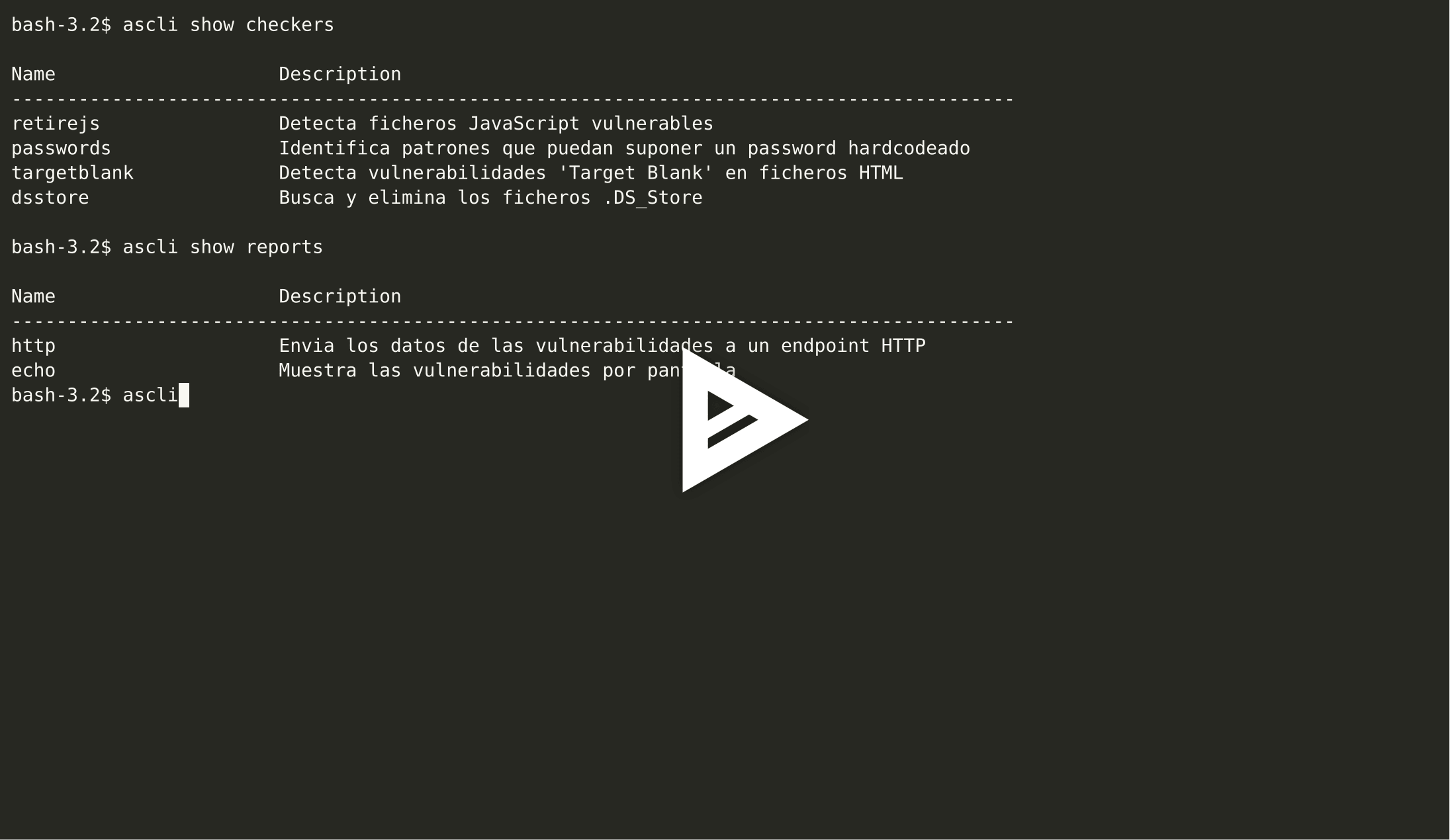
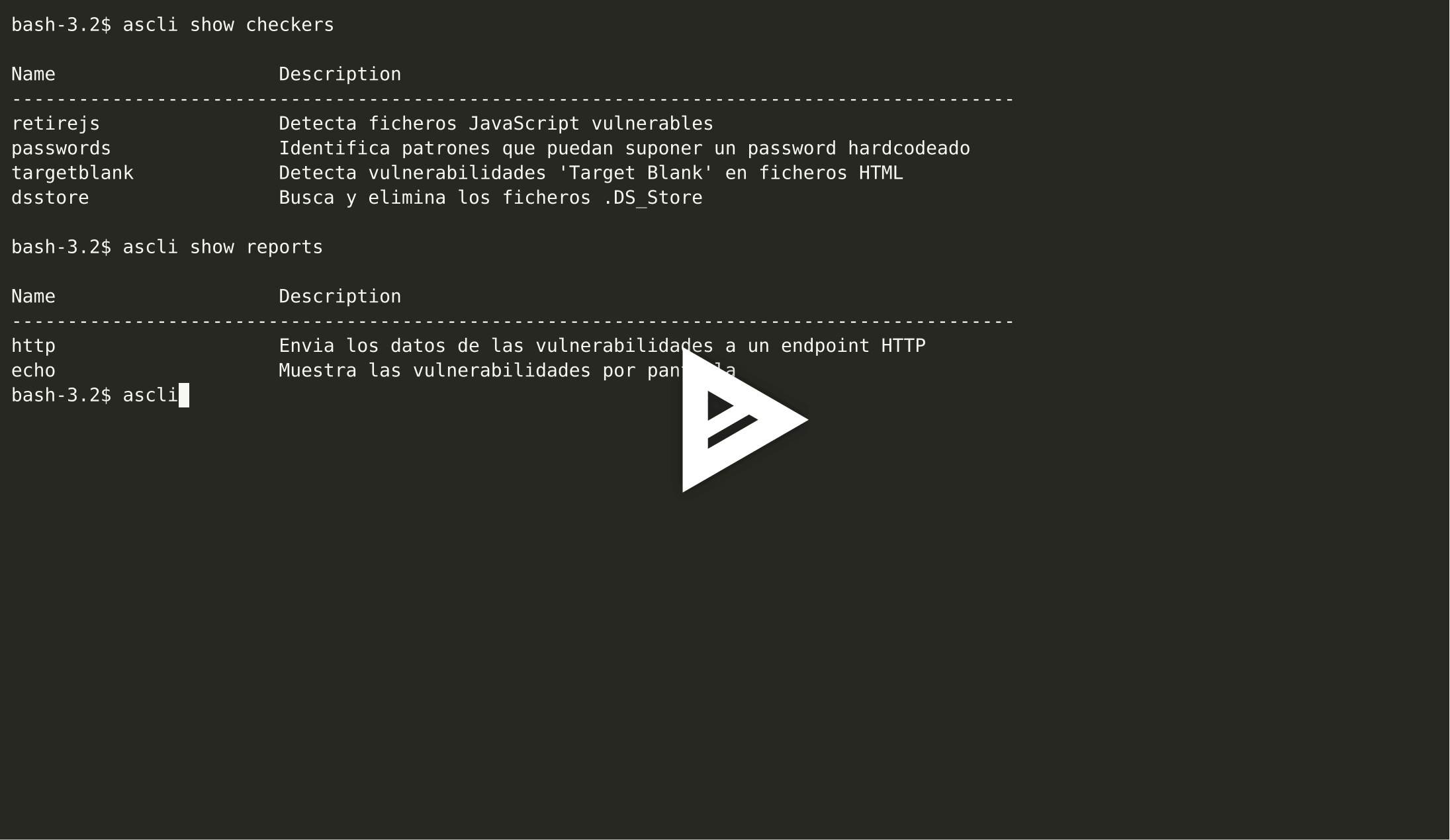
Show all checkers

.. code-block:: shell

ascli show checkers


Show all reports

.. code-block:: shell

ascli show reports


Install checker

.. code-block:: shell

ascli install checkers --target path/to/file.py


Install report

.. code-block:: shell

ascli install reports --target path/to/file.py


Uninstall checker

.. code-block:: shell

ascli uninstall checkers --target path/to/file.py

or

.. code-block:: shell

ascli uninstall checkers --target checker_name


Uninstall report

.. code-block:: shell

ascli uninstall reports --target path/to/file.py

or

.. code-block:: shell

ascli uninstall reports --target checker_name


Run the scan

.. code-block:: shell

ascli run --target path/to/file.py --name repo_name

Download Tool