 dstotijn/hetty
An HTTP toolkit for security research.




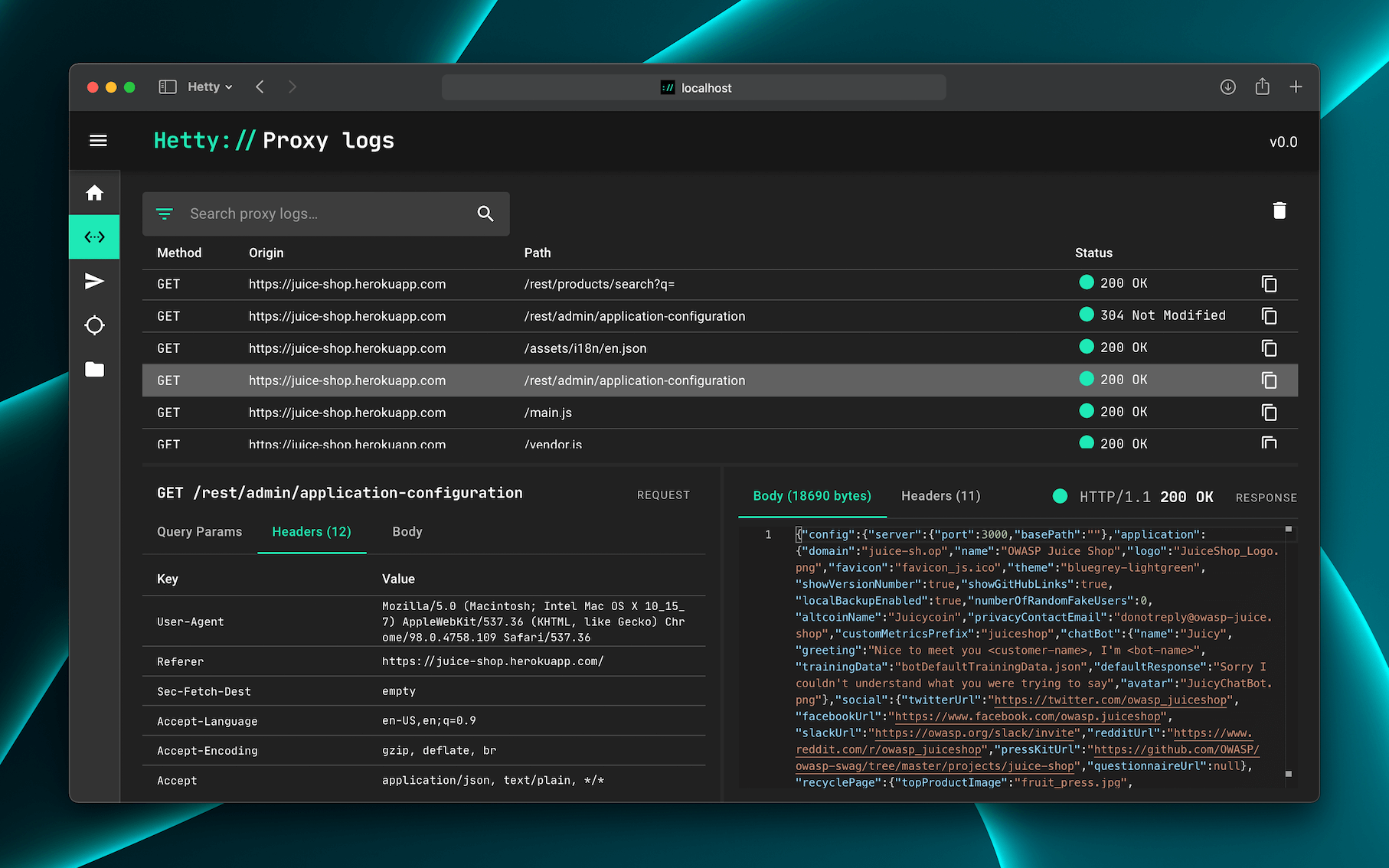
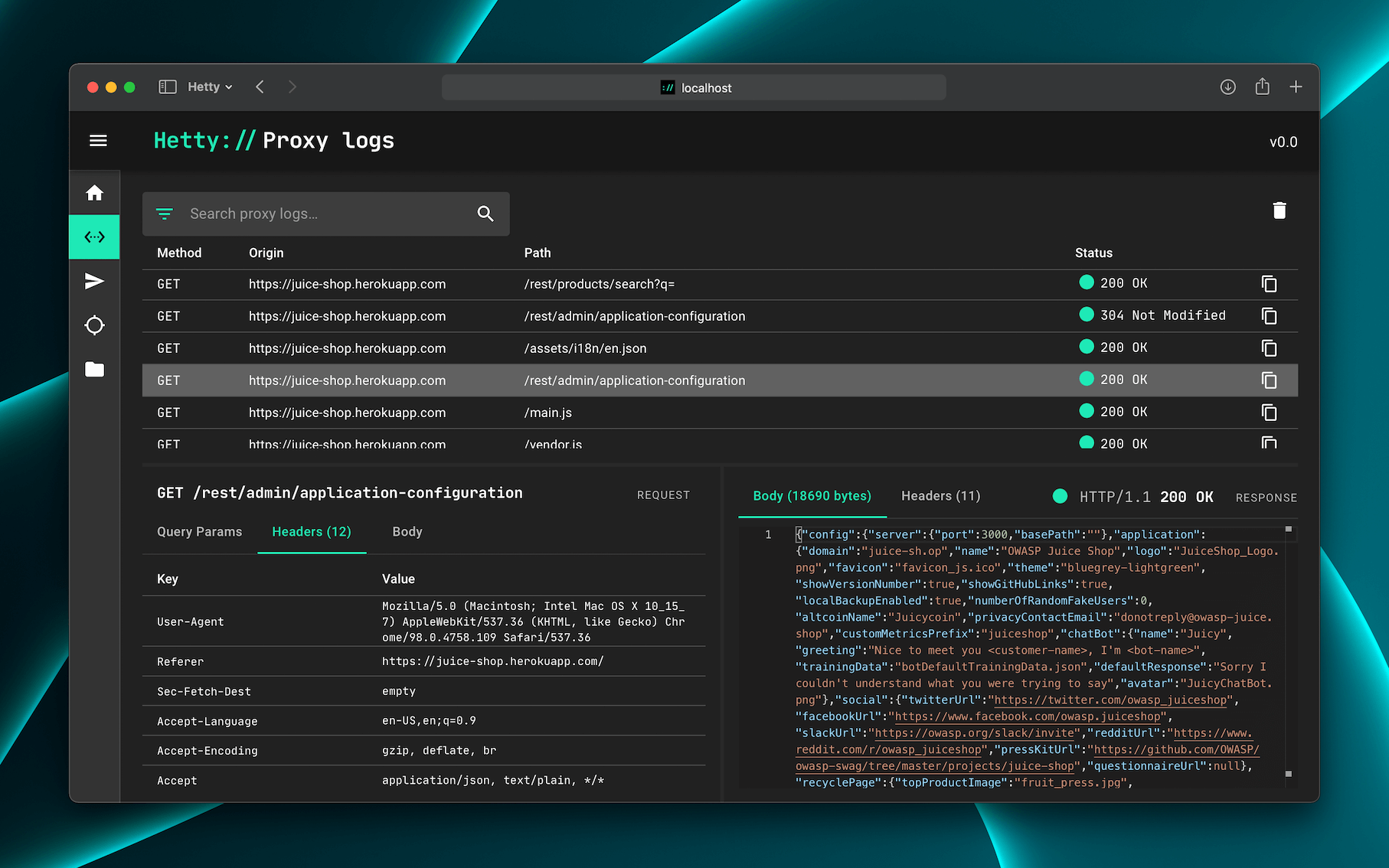
Hetty is an HTTP toolkit for security research. It aims to become an open source alternative to commercial software like Burp Suite Pro, with powerful features tailored to the needs of the infosec and bug bounty community.
👷♂️ Hetty is under active development. Check the backlog for the current status.
📣 Are you pen testing professionally in a team? I would love to hear your thoughts on tooling via this 5 minute survey. Thank you!
💡 The Getting started doc has more detailed install and usage instructions.
The quickest way to install and update Hetty is via a package manager:
brew install hettysoft/tap/hetty
sudo snap install hetty
scoop bucket add hettysoft https://github.com/hettysoft/scoop-bucket.git
scoop install hettysoft/hetty
Alternatively, you can download the latest release from
GitHub for your OS and
architecture, and move the binary to a directory in your $PATH. If your OS is
not available for one of the package managers or not listed in the GitHub
releases, you can compile from source (link coming soon).
Docker images are distributed via GitHub's Container registry and Docker Hub. To run Hetty via with a volume for database and certificate storage, and port 8080 forwarded:
docker run -v $HOME/.hetty:/root/.hetty -p 8080:8080 \
  ghcr.io/dstotijn/hetty:latest
Once installed, start Hetty via:
hetty
💡 Read the Getting started doc for more details.
To list all available options, run: hetty --help:
$ hetty --help

Usage:
    hetty [flags] [subcommand] [flags]

Runs an HTTP server with (MITM) proxy, GraphQL service, and a web based admin interface.

Options:
    --cert         Path to root CA certificate. Creates file if it doesn't exist. (Default: "~/.hetty/hetty_cert.pem")
    --key          Path to root CA private key. Creates file if it doesn't exist. (Default: "~/.hetty/hetty_key.pem")
    --db           Database file path. Creates file if it doesn't exist. (Default: "~/.hetty/hetty.db")
    --addr         TCP address for HTTP server to listen on, in the form \"host:port\". (Default: ":8080")
    --chrome       Launch Chrome with proxy settings applied and certificate errors ignored. (Default: false)
    --verbose      Enable verbose logging.
    --json         Encode logs as JSON, instead of pretty/human readable output.
    --version, -v  Output version.
    --help, -h     Output this usage text.

Subcommands:
    - cert  Certificate management

Run `hetty <subcommand> --help` for subcommand specific usage instructions.

Visit https://hetty.xyz to learn more about Hetty.
Use issues for bug reports and feature requests, and discussions for questions and troubleshooting.
💬 Join the Hetty Discord server
Want to contribute? Great! Please check the Contribution Guidelines for details.
💖 Are you enjoying Hetty? You can sponsor me!
© 2019–2025 Hetty Software

