 dr-noob/cpufetch
Simple yet fancy CPU architecture fetching tool







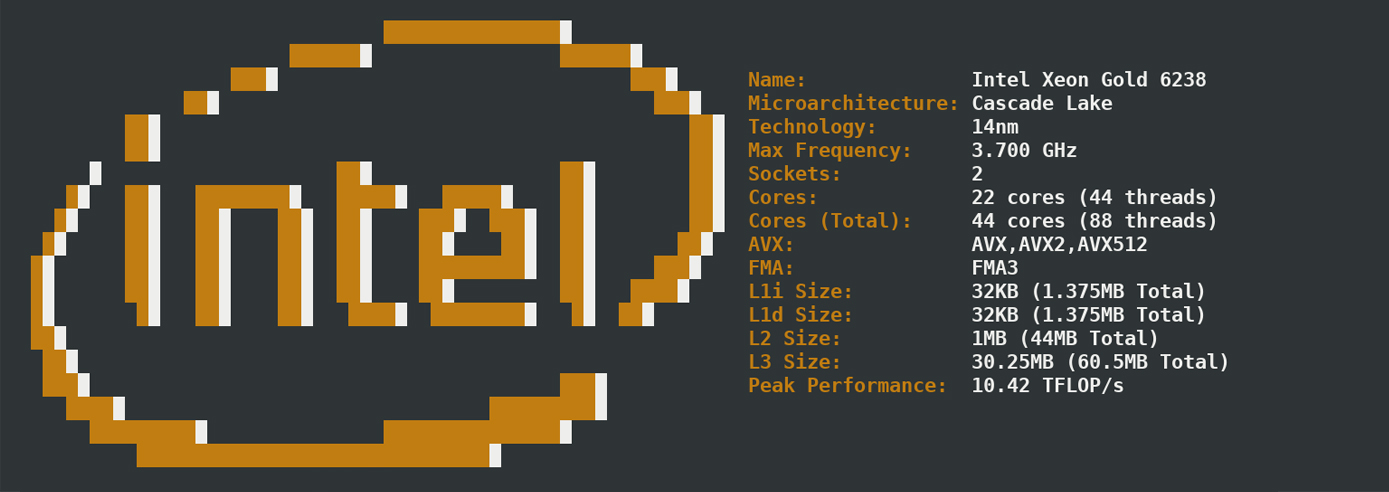
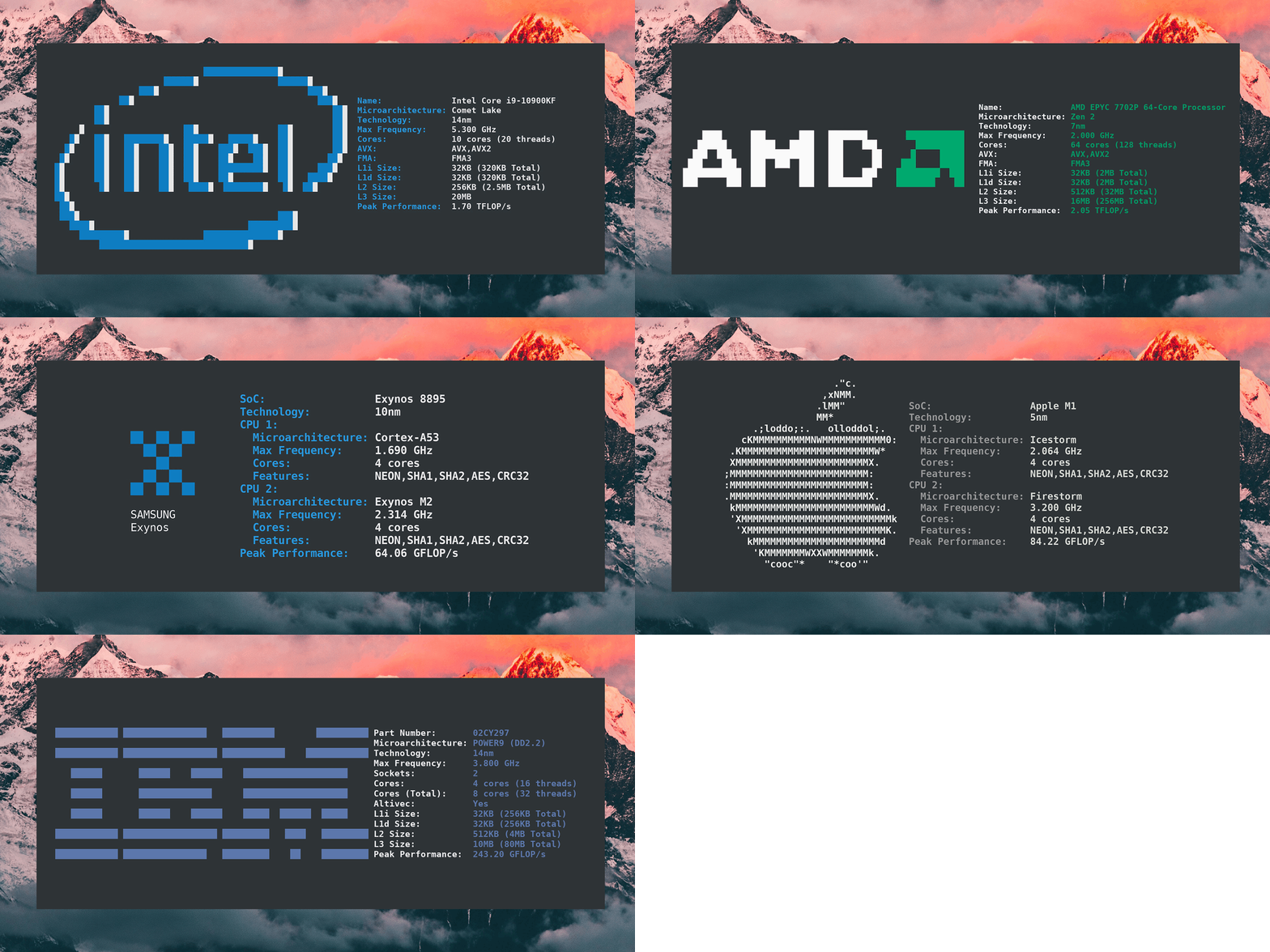
cpufetch is a command-line tool written in C that displays the CPU information in a clean and beautiful way
| OS | x86_64 / x86 | ARM | RISC-V | PowerPC |
|---|---|---|---|---|
| GNU / Linux | ✔️ | ✔️ | ✔️ | ✔️ |
| Windows | ✔️ | ✔️ | ❌ | ❌ |
| Android | ✔️ | ✔️ | ❌ | ❌ |
| macOS | ✔️ | ✔️ | ❌ | ✔️ |
| FreeBSD | ✔️ | ❌ | ❌ | ❌ |
NOTES:
Choose the right package for your operating system:

If there is no available package for your OS, you can download the cpufetch binary from the releases page, or build cpufetch from source (see below).
You will need a C compiler (e.g, gcc) and make to compile cpufetch. Just clone the repo and run make:
git clone https://github.com/Dr-Noob/cpufetch
cd cpufetch
make
./cpufetch
termux app (terminal emulator)pkg install -y git make clang inside termux.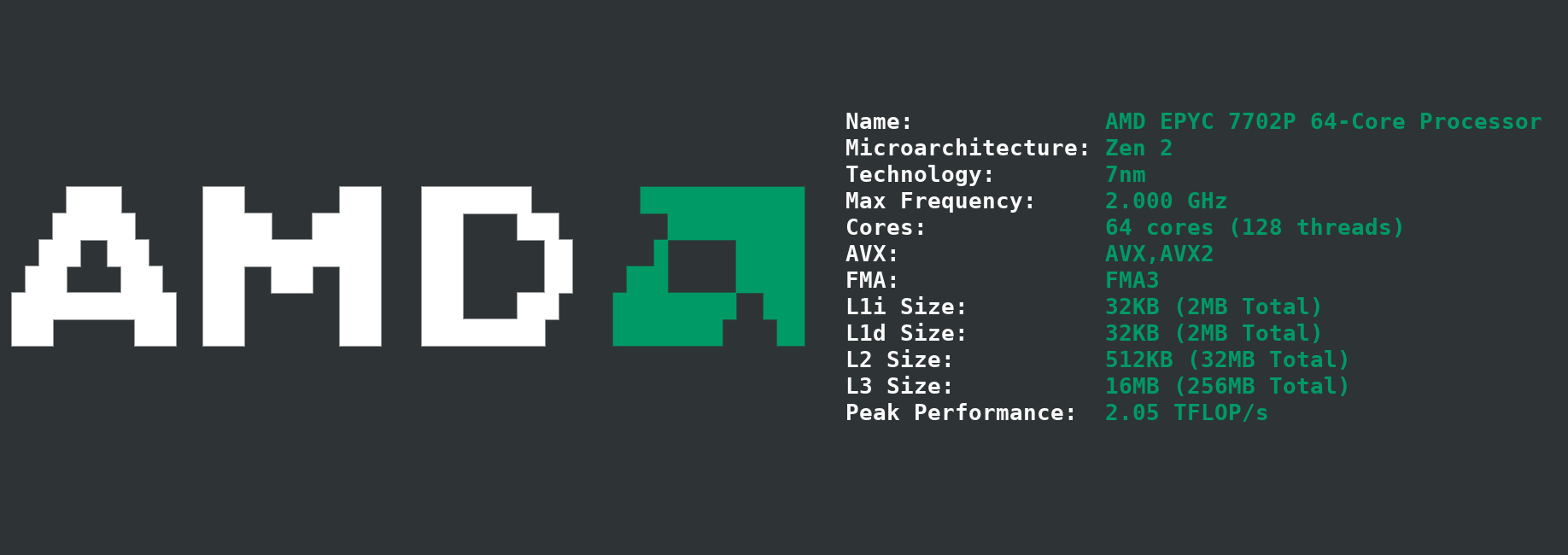
AMD EPYC HPC server
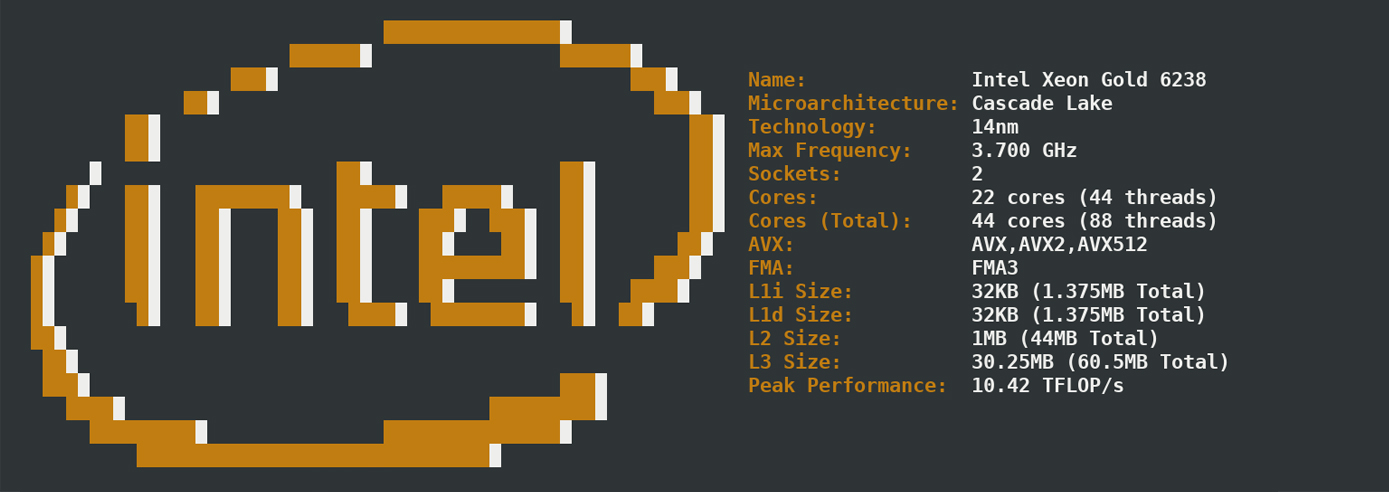
Intel Xeon HPC server
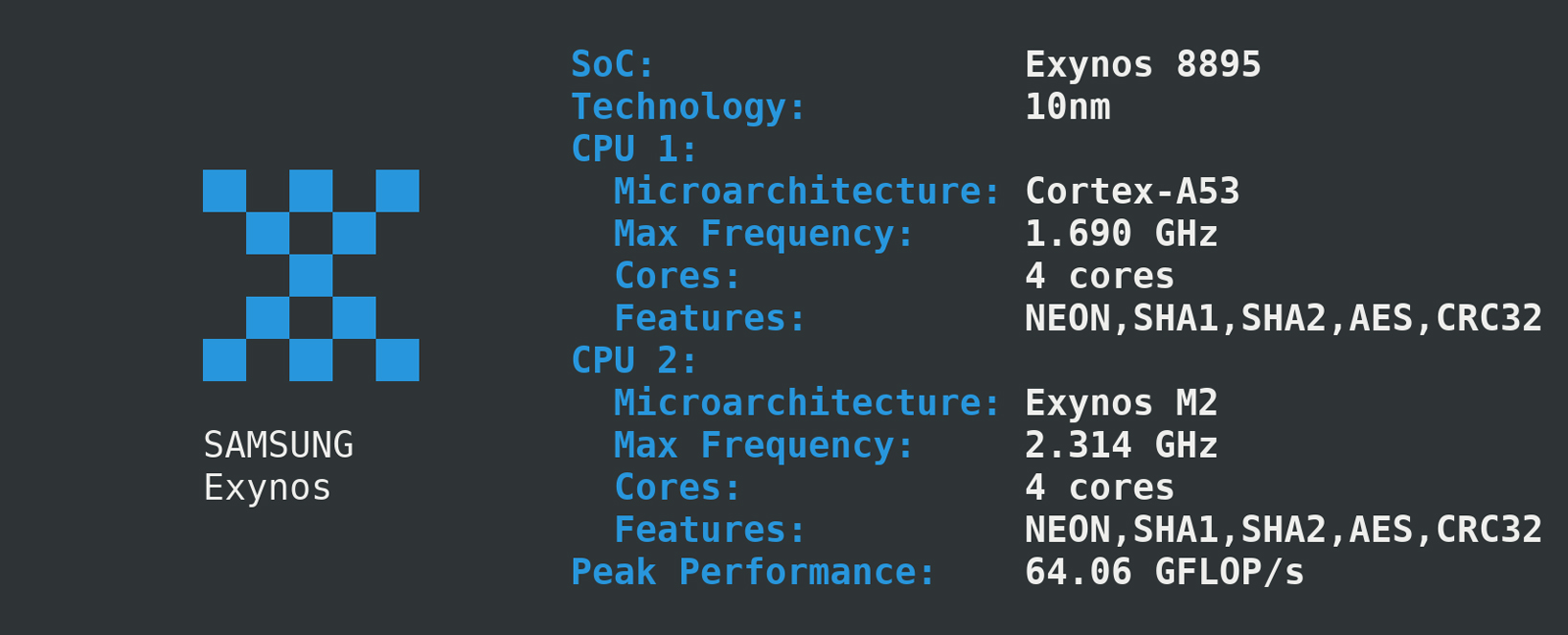
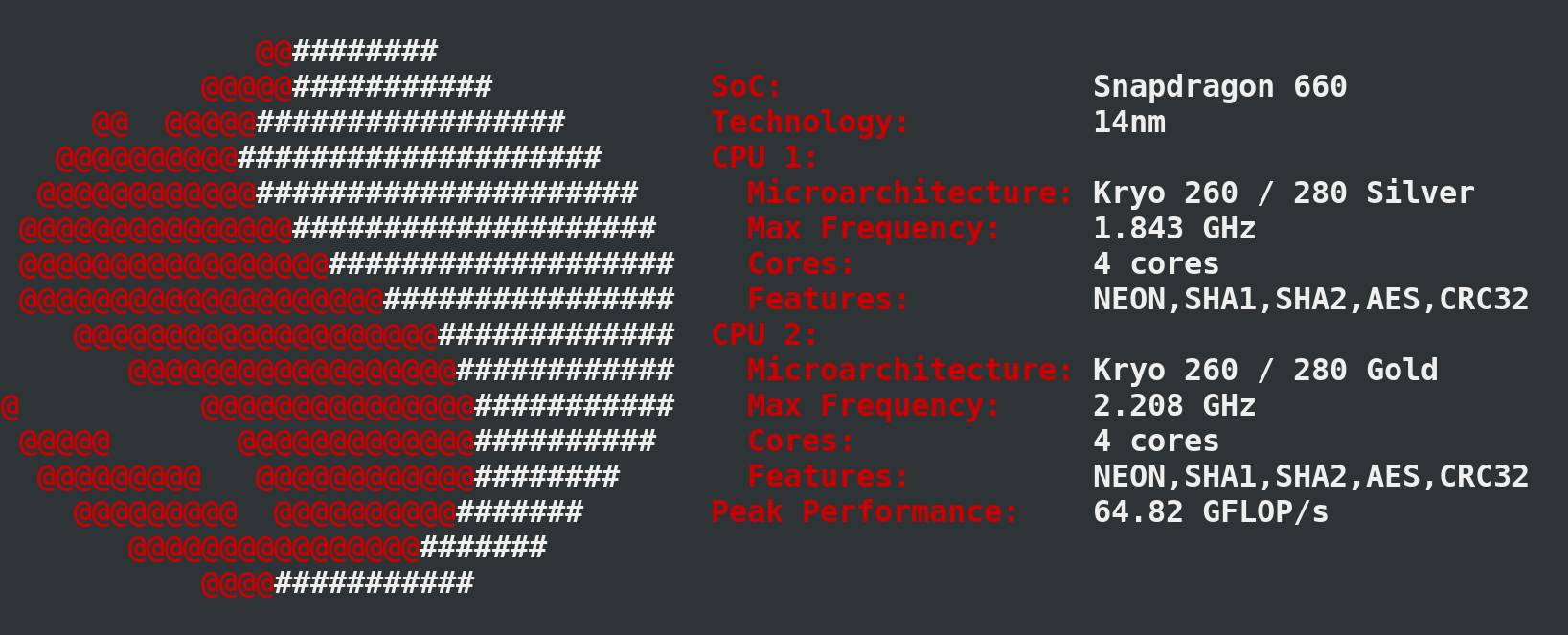
Samsung Galaxy S8 (left) Xiaomi Redmi Note 7 (right)
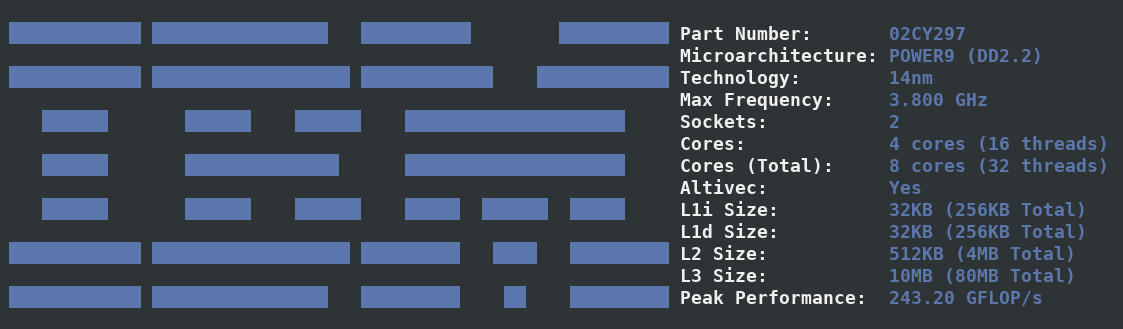
Talos II
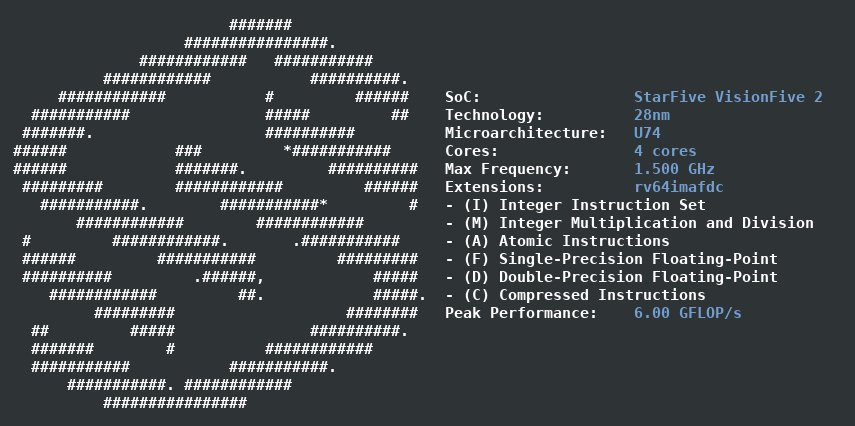
StarFive VisionFive 2
By default, cpufetch will print the CPU logo with the system colorscheme. However, you can set a custom color scheme in two different ways:
By specifying a name, cpufetch will use the specific colors of each manufacture. Valid values are:
./cpufetch --color intel (default color for Intel)
5 colors must be given in RGB with the format: [R,G,B:R,G,B:R,G,B:R,G,B:R,G,B]. These colors correspond to the CPU logo color (first 3 colors) and for the text colors (following 2).
./cpufetch --color 239,90,45:210,200,200:0,0,0:100,200,45:0,200,200
If you get the Unknown microarchitecture detected error when running cpufetch, it might be caused by two possible reasons:
Download and compile the latest version (see https://github.com/Dr-Noob/cpufetch#22-building-from-source for instructions) and verify if the error persists.
Thanks to the fellow contributors and interested people in the project. Special thanks to:
See gpufetch project!
