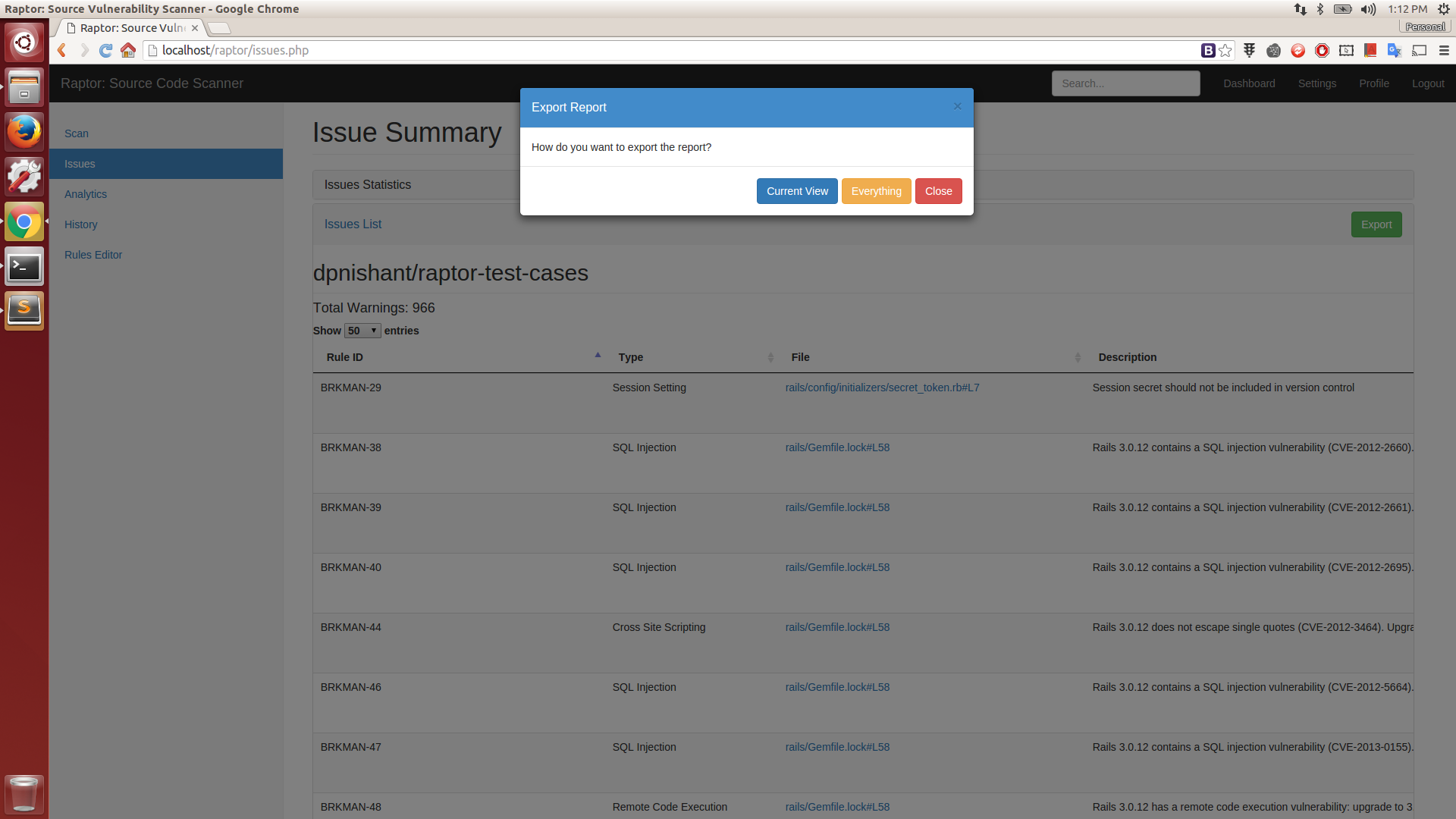

Web-based Source Code Vulnerability Scanner

Raptor is a web-based (web-serivce + UI) github centric source-vulnerability scanner i.e. it scans a repository with just the github repo url. You can setup webhooks to ensure automated scans every-time you commit or merge a pull request. The scan is done asynchonously and the results are available only to the user who initiated the scan.
Some of the features of the Raptor:
This tool is an attempt to help the community and start-up companies to emphasize on secure-coding. This tool may or may not match the features/quality of commercial alternatives, nothing is guaranteed and you have been warned. This tool is targeted to be used by security code-reviewers and/or developers with secure-coding experience to find vulnerability entry-points during code-audits or peer reviews. Please DO NOT trust the tool's output blindly. This is best-used if you plug Raptor into your CI/CD pipeline.
0.1 beta
Integrated Plugins:
Note: Most of the following tools/modules/libs have been modified heavily to be able to integrate well in the framework.
Available Rulepacks:
Installation Video: YouTube Install
$ wget https://github.com/dpnishant/raptor/archive/master.zip -O raptor.zip
$ unzip raptor.zip
$ cd raptor-master
$ sudo sh install.sh
Installation Video: YouTube Usage
cd raptor-master
sudo sh start.sh #starts the backend web-service
Now point your browser to Raptor Home (http://localhost/raptor/)
Login with the username as registered on the corresponding github server you are connected to and any password (but remember the username to view scan history)
For example:
If you are registered as foobar on https://github.com, then use the same username when scanning repos on https://github.com. However if are registered as foobar_corp on your personal/corporate github (say https://github.corp.company.com) then use the same username if you intend to scan repos on https://github.corp.company.com
However, as of now password can be anything, since we have NOT implemented a database in the development version.
You can use the bundled light-weight, GUI client-side rules editor for adding any new/custom rule(s) for your specific requirements(s) or any other plain-text editor as the rulepack files are just simple JSON structures. Use your browser to open rules located in 'backend/rules'. When you are done, save your new/modified rules file in same directory i.e. 'backend/rules'. All you need to do now is a minor edit, here: Init Script. Append your new rulepack filename to this array without the '.rulepack' extension and restart the backend server. You are all set! 👍
You can access it here: Rules Editor (http://localhost/raptor/editrules.php)
Add a filename or directory name pattern to exclude from getting scanned. This is useful to ignore any known files like jquery.min.js etc. or say the entire /test/ directory. For example in the sample content below, jquery means jquery and is case-sensitive, hence be careful. In the plugins section, name of the plugin is the name of the rulepack file without the ".rulepack" extension as available under the rules/ directory. The issue field is the ID of the issue mentioned in each rule of the rulepack files: Example #1, Example #2. The match_type field value can be either regex or start or end. The value field is the exact string to be matched in case the match_type is start or end. In case the match_type field is regex the value should contain the raw RegEx pattern which needs to be Base64 encoded to avoid any JSON syntax escaping related issues. regex is a Regular Expression based matching, start will match the at the beginning of the snippet and end will match at the end of the snippet.
The way it works is when the scanner has finished scanning for issues, it will iterate through all the issues found and remove those that match the patterns (based on the type of match) of each plugin mentioned in the ignore_list.rulepack file.

