 dovughs/velum-vmm
Windows x64 research hypervisor using Intel VT-x and per-CPU EPT hooks to intercept Nt/Ex/Mm routines, apply request policies, and stream live kernel telemetry.

Intel VT-x virtualization, EPT hooking and interactive kernel telemetry in C and x64 assembly.
Velum brings a running Windows kernel into VMX non-root operation and gives researchers an interactive way to observe native calls, inspect kernel activity and apply request policies. Its EPT hooks replay original instructions in hardware, while guest helpers capture metadata and a deferred worker delivers readable events to the console or DebugView.
Use it to follow a file operation from input arguments to a policy decision, compare an allowed request with a denied one, or explore processor identity and timing settings without restarting the hypervisor. The implementation includes per-CPU startup and shutdown, CET state transfer, event reinjection and translation-cache management.
Get started | Usage guides | Technical write-up | Runtime captures | MIT License
| Area | What you can do |
|---|---|
| EPT hooks | Enable and disable exported-entry hooks with original-instruction replay and MTF restoration |
| Native-call telemetry | Inspect caller IDs, paths, process metadata and decoded input arguments |
| Request policies | Deny matching Nt requests using caller, path and input-field criteria |
| Access reduction | Remove explicit requested rights for NtCreateFile, NtOpenFile, NtCreateSection, NtOpenProcess and NtDuplicateObject |
| Kernel observation | Follow pool allocation/free, memory mapping and copy inputs; inspect module/tag summaries |
| Logging | Choose live-console or DebugView output and configure per-target filters |
| CPUID | Apply and query identity rules, then restore the defaults |
| TSC | Apply a fixed signed offset with deadline translation and reset to zero |
| Lifecycle | Check each participating CPU and return Windows to native execution through the shutdown flow |
The target catalog contains 12 Nt routines and 12 Ex/Mm routines. The console resolves available exports and shared entry addresses on the running kernel. See the target index for each target's fields and supported actions.
The runtime is optimized around explicit state ownership and a small VM-exit path. A roughly 1,000-line x64 assembly layer handles register preservation, VMX transitions, CET state transfer and native return. Per-CPU structures and preallocated EPT reserves keep allocation out of the exit path; event formatting runs in a deferred PASSIVE-level worker. Release builds use compiler optimization, while selective interception avoids trapping ordinary operations unnecessarily.
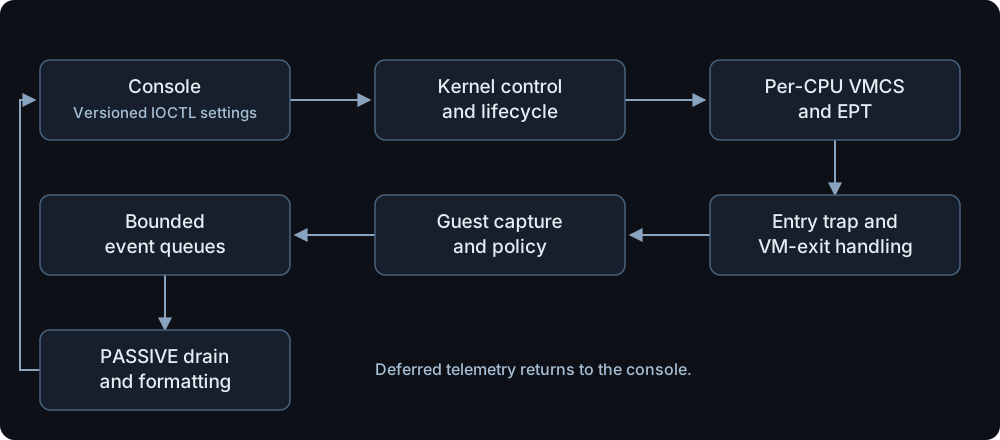
Root handlers manage VMCS and EPT transitions. Eligible guest helpers capture arguments and evaluate policies in Windows context. Formatting runs later in the drain worker. An allowed call executes its original entry instruction under a temporary EPT mapping; MTF returns control to restore the shadow. Denied calls use a real guest return so the normal stack and CET shadow stack advance together.
For an in-depth explanation, read Velum: preserving Windows execution across VMX transitions. The article follows VMX startup, VMCS controls, EPT hooks, CET, NMI/event handling, telemetry and shutdown through the source code. It includes WinDbg evidence from the Windows 10 investigation and explains the ExFreePool/ExFreePoolWithTag alias fix. The shorter engineering notes summarize those decisions.
The captures below come from a physical Windows 11 build 26300.9711 session on an Intel i7-12700F with 20 logical processors. The session includes 20/20 CPU diagnostic checks, scoped file-write denial, access reduction, processor configuration and verified shutdown. Full gallery and animations | Session details and hashes.
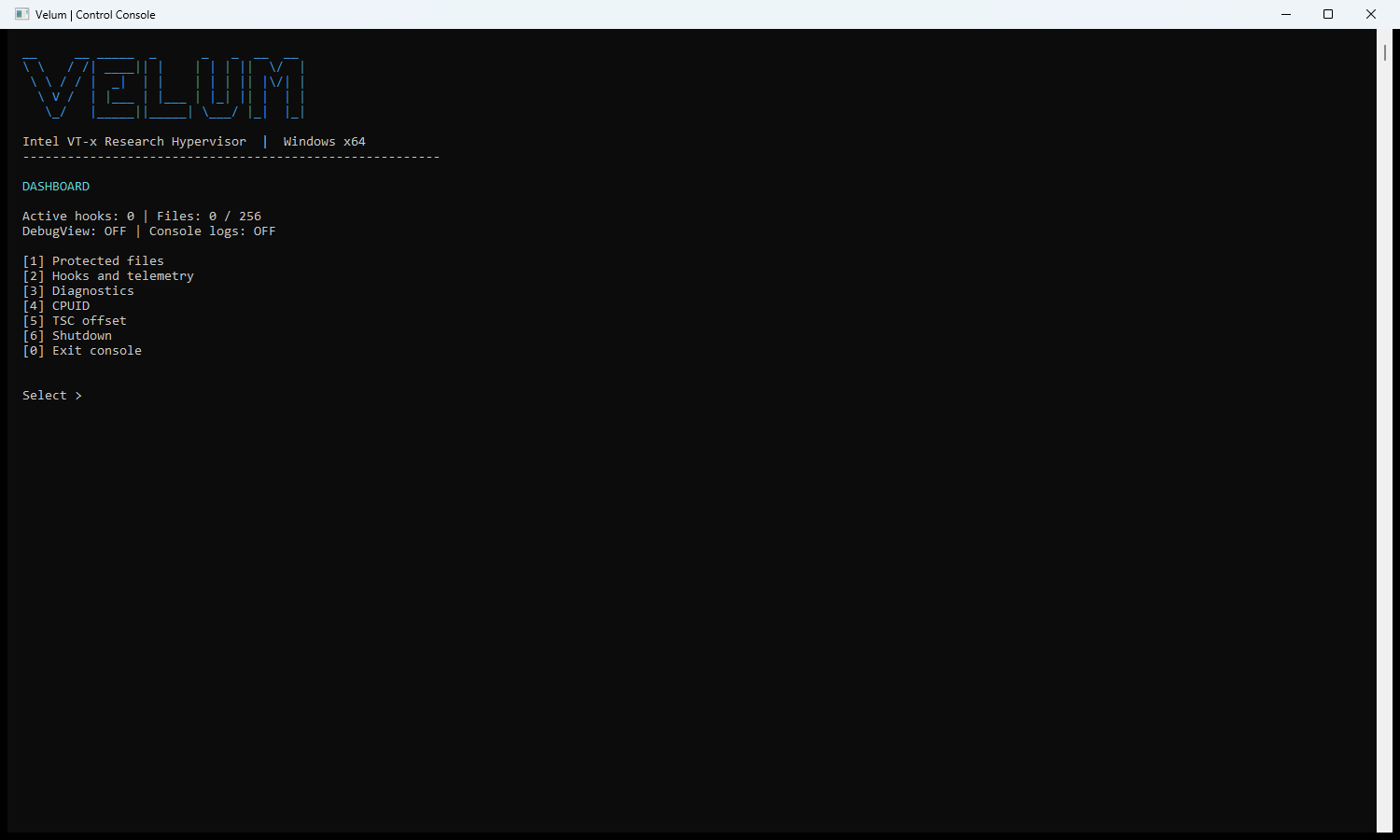
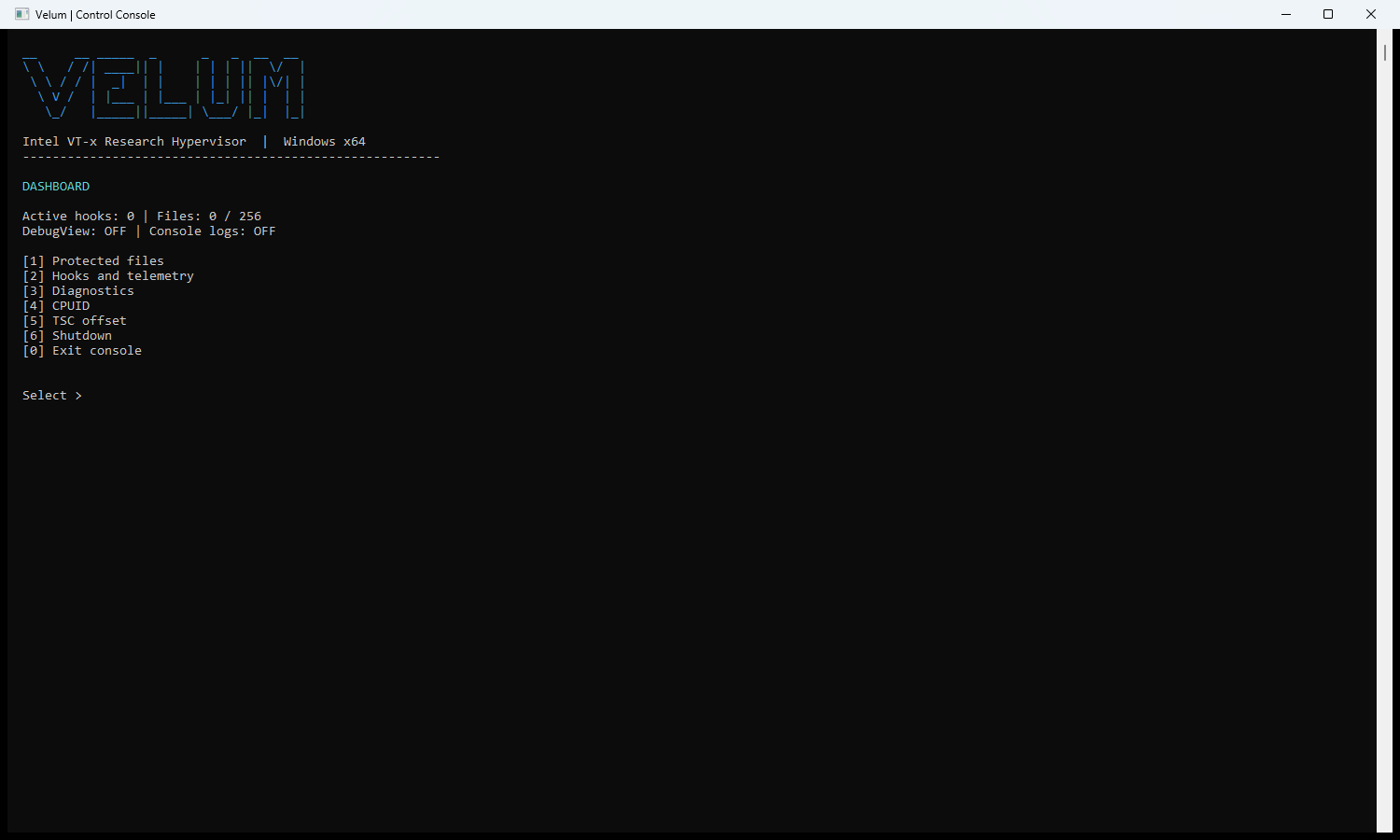
Enable hooks, configure policies, inspect CPU state and manage the runtime from one console.
A controlled six-byte NtWriteFile request with its caller, path and input fields.

Requested access 0x12019F becomes 0x120199 after removing mask 0x6. The open
succeeds, and the probe confirms that the resulting handle cannot write. This labeled
composite pairs the monitor output with the application's result.


Download v0.1.0 for Windows x64 (ZIP) | Release notes and SHA-256 checksums
The ZIP contains velum.sys and velum-console.exe. Follow the setup guide below
before loading the driver, or build from source:
Install Visual Studio 2022 or 2026 with C++ x64 tools, plus a matching Windows SDK
and WDK. build.bat discovers the installed tools; VS_PATH, WDK_ROOT
and WDK_VER allow explicit selection. See the build requirements
for kit compatibility and the locally verified configuration.
build.bat check
build.bat
The default optimized Release build produces x64/Release/velum.sys and
x64/Release/velum-console.exe, with no PE debug directory or PDB output.
build.bat diagnostic is an explicit opt-in for separate diagnostic binaries and symbols.
Runtime telemetry remains available in Release. Generated output stays outside Git.
