 domcyrus/rustnet
Per-process network monitoring for your terminal with deep packet inspection. Cross-platform, sandboxed.







RustNet is a terminal network monitor that shows live TCP, UDP, and QUIC connections with process attribution when available. It runs on Linux, macOS, Windows, and FreeBSD.
On macOS or Linux with Homebrew:
brew install rustnet
Packet capture needs platform-specific permissions. See the installation guide for Linux capabilities, macOS PKTAP and BPF access, other package managers, and troubleshooting.
Release status: The highlights, GIF, and screenshots below reflect v1.6.0. The guides linked from
mainmay also describe unreleased changes. For the installed release, use the v1.6.0 documentation and checkrustnet --versionandrustnet --help.

See the usage guide, architecture guide, and security guide for feature details.
| Overview Live connections and traffic 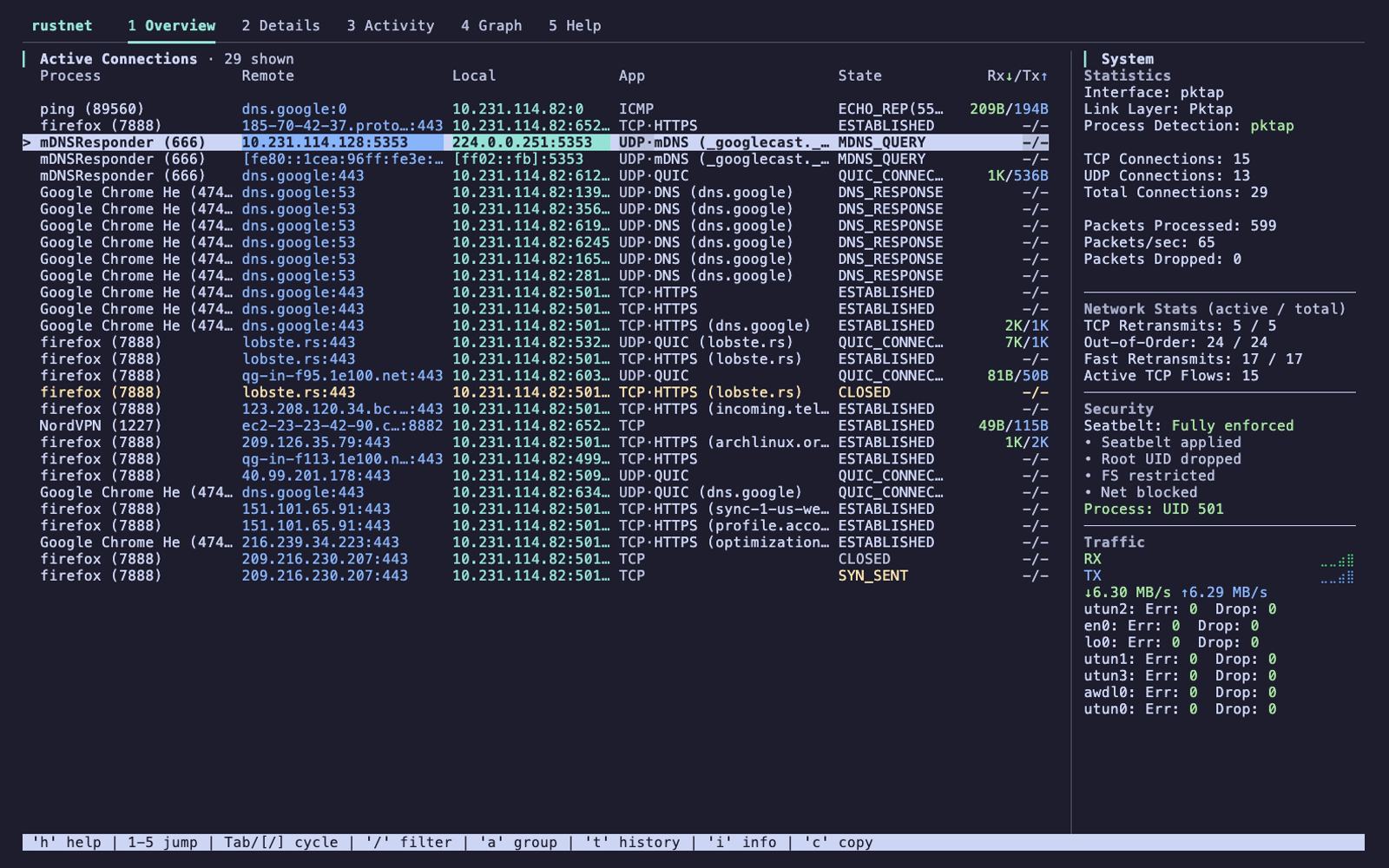 |
Details Process, protocol, and peer information 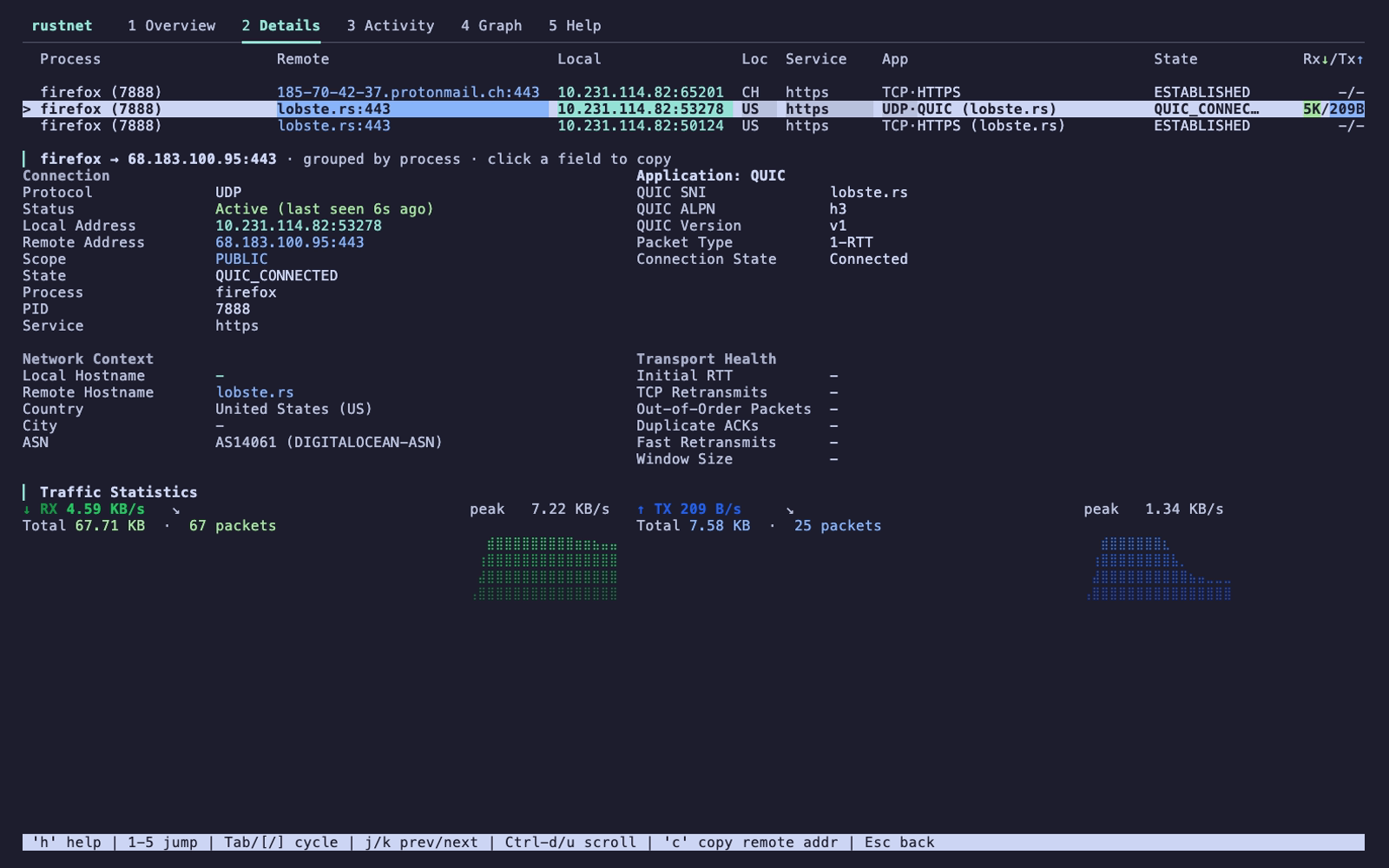 |
| Graph Traffic and application charts 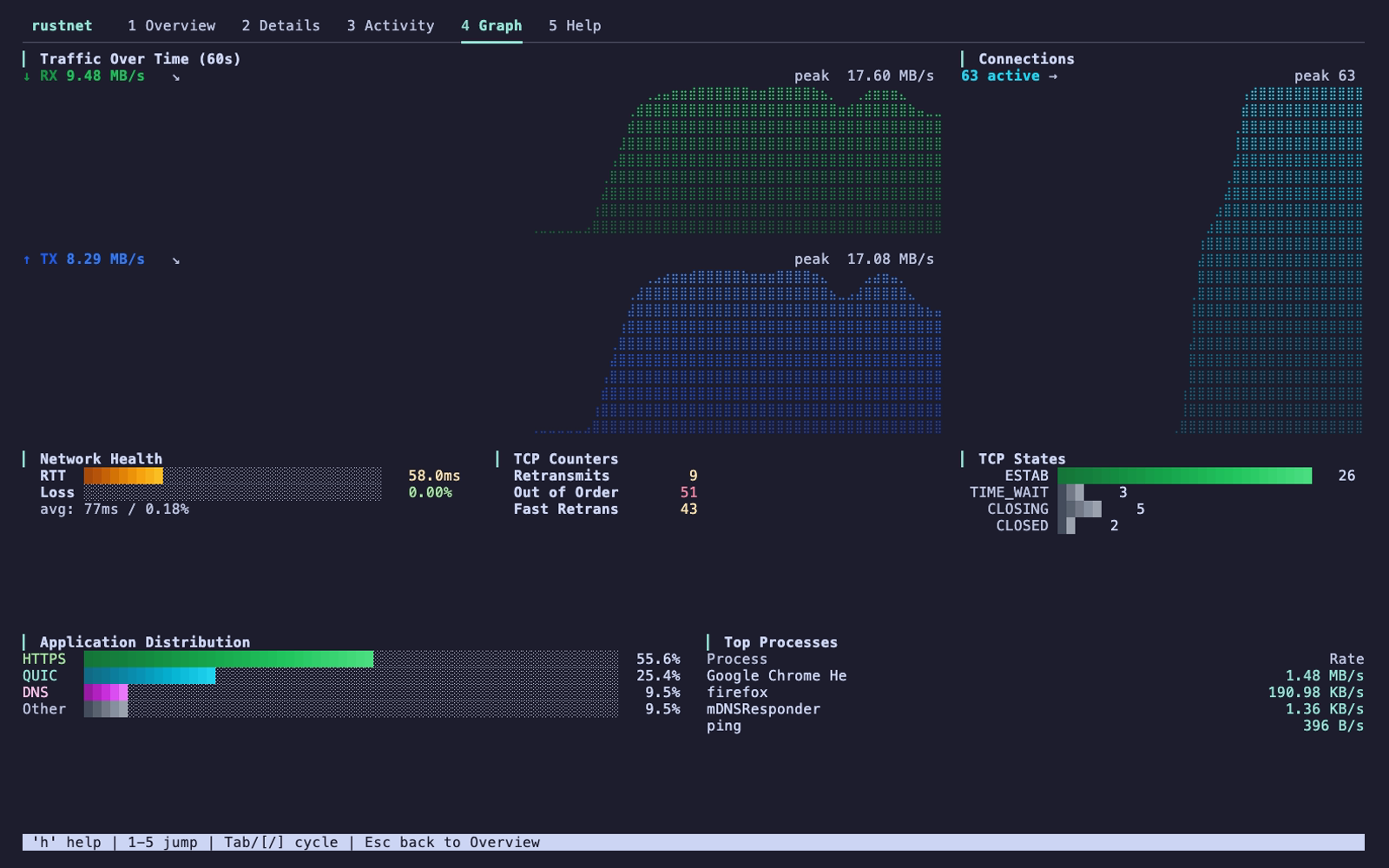 |
Activity Traffic by process 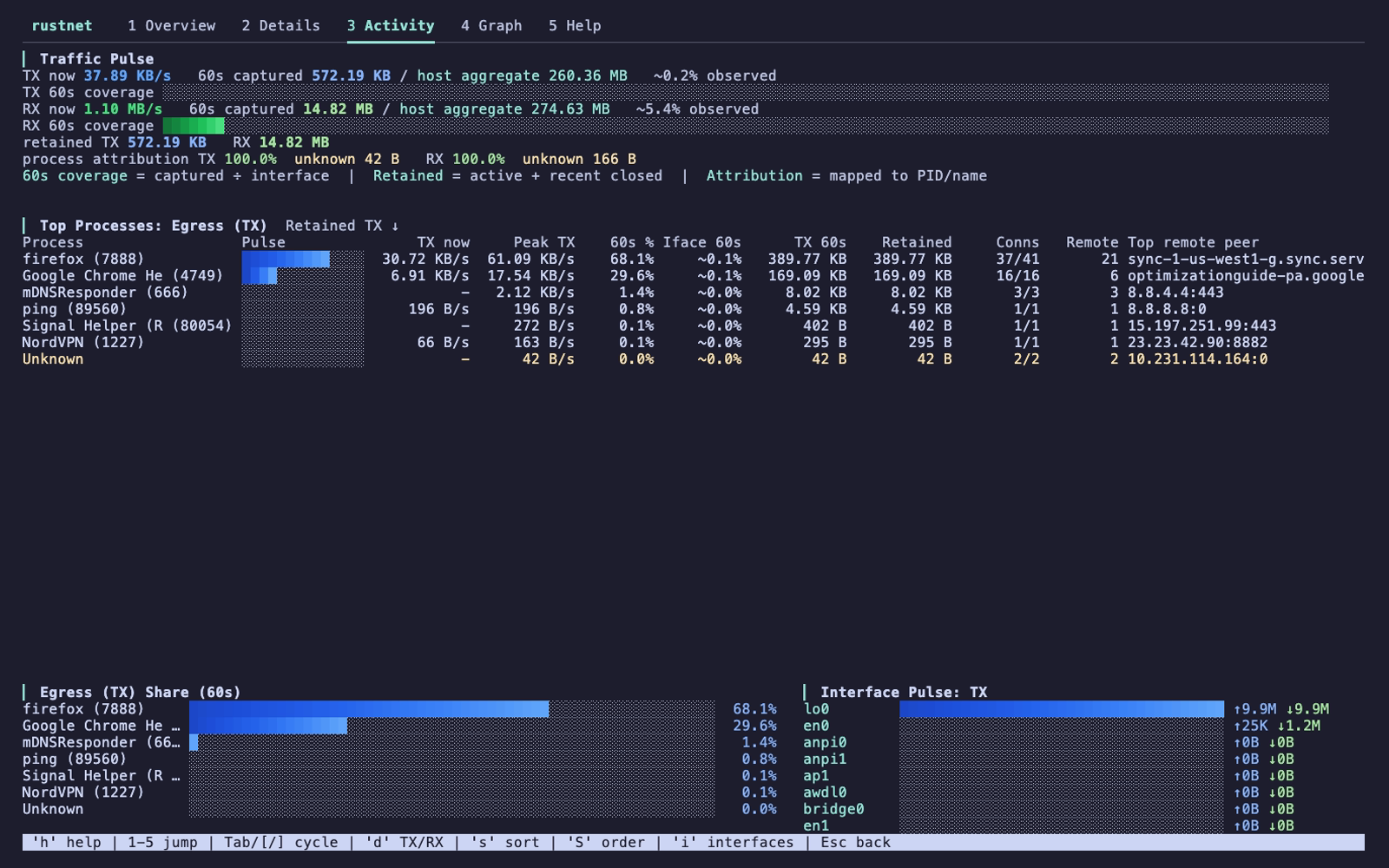 |
| Platform | Command |
|---|---|
| Ubuntu 22.04+ / Linux Mint 21+ | sudo add-apt-repository ppa:domcyrus/rustnetsudo apt update && sudo apt install rustnet |
| Fedora 42+ | sudo dnf copr enable domcyrus/rustnetsudo dnf install rustnet |
| Arch Linux | sudo pacman -S rustnet |
| Windows | choco install rustnet or scoop install rustnet |
| Cargo | cargo install rustnet-monitor |
| Nix / NixOS | nix-shell -p rustnet |
Windows also requires Npcap. For v1.6.0, enable its "WinPcap API compatible mode". For openSUSE, Pop!_OS, FreeBSD, Docker, and source builds, see the installation guide.
On Linux, after configuring capabilities:
rustnet
On macOS, PKTAP requires sudo. With BPF access configured, RustNet can run without it but uses lsof for process detection.
Press / to filter connections, Enter to inspect one, and q to quit. See the usage guide for interface selection, options, controls, filters, and exports.
RustNet uses ratatui for its terminal UI and libpcap/Npcap for packet capture. See CONTRIBUTORS.md for project contributors.
Licensed under Apache License 2.0.
