 dockersecurityplayground/dsp
A Microservices-based framework for the study of Network Security and Penetration Test techniques


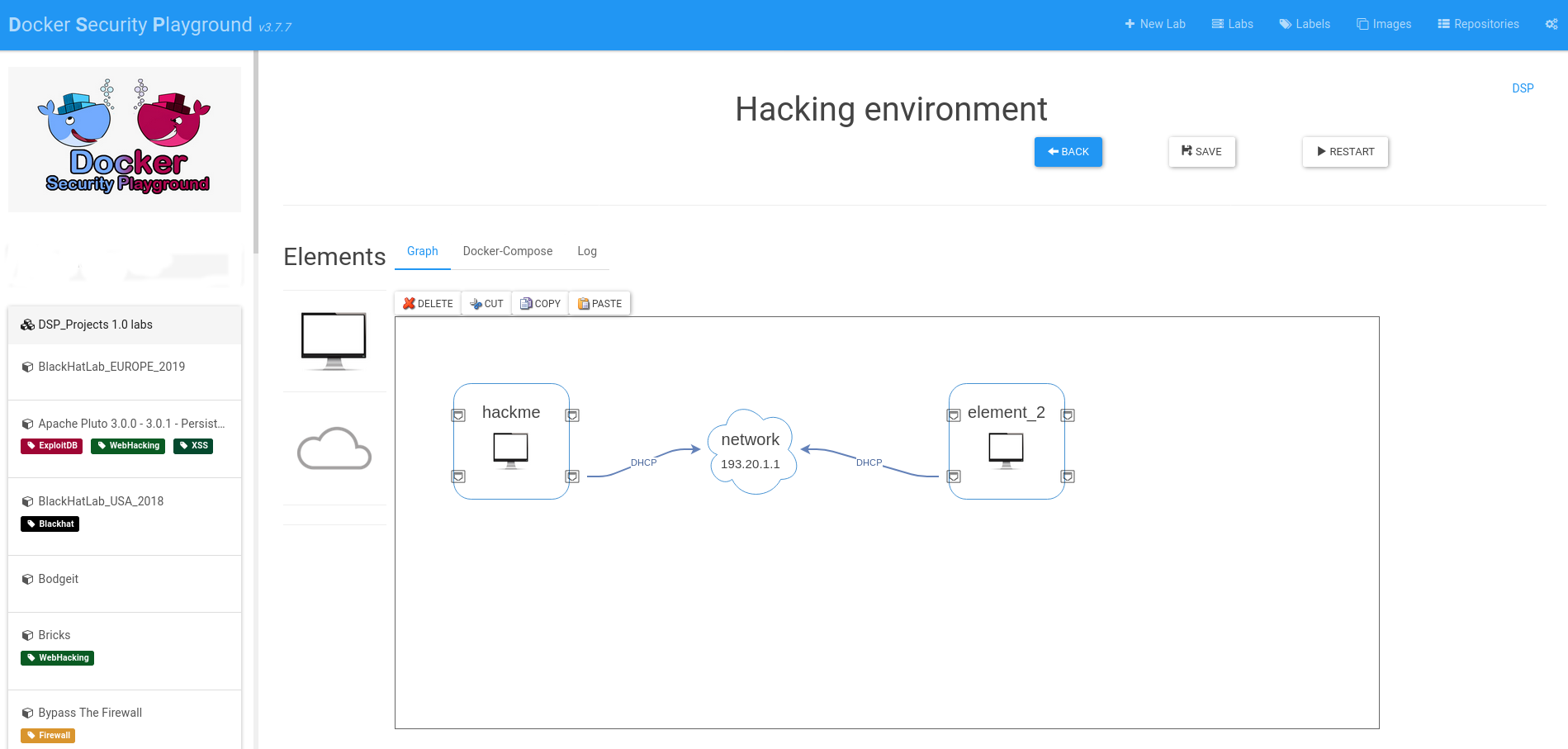
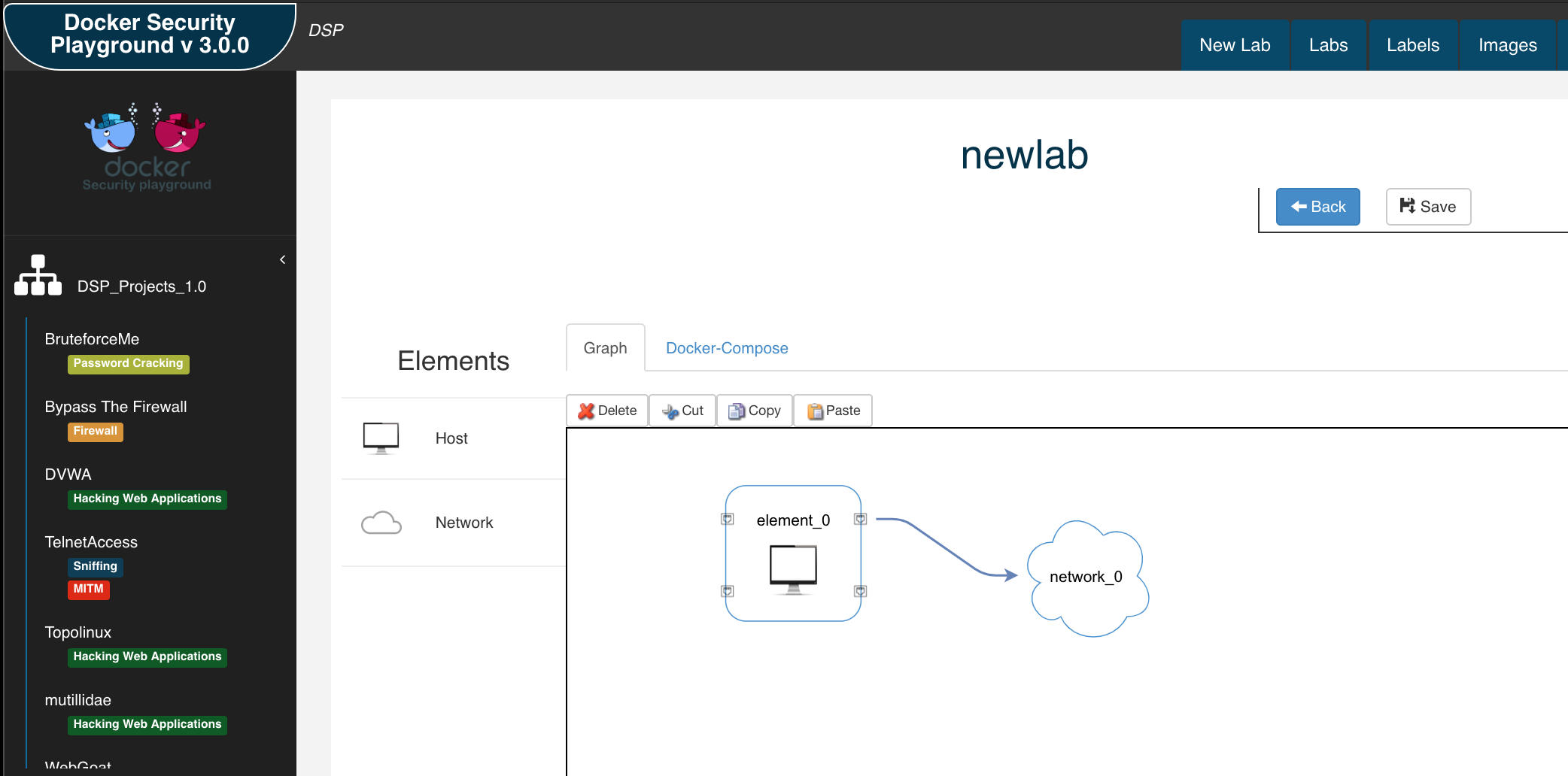
Docker Security Playground is an application that allows you to:
The suggested installation workflow for DSP is by using kali VM:
Here the steps to install DSP on a kali VM. Follow the similar steps for other Linux distributions, but be sure to install all the requirements.
sudo apt update && sudo apt install -y docker.io docker-compose nodejs npm git
Note (kali keyring issue 2025).
If you have the following problem during the installation:
Fetched 34.0 kB in 1s (58.4 kB/s)
Warning: Failed to fetch http://http.kali.org/kali/dists/kali-rolling/InRelease  The following signatures couldn't be verified because the public key is not available: NO_PUBKEY ED65462EC8D5E4C5
Warning: Some index files failed to download. They have been ignored, or old ones used instead.
You need to add the missing key:
wget https://http.kali.org/kali/pool/main/k/kali-archive-keyring/kali-archive-keyring_2025.1_all.deb
sudo dpkg -i kali-archive-keyring_2025.1_all.deb
rm kali-archive-keyring_2025.1_all.deb
sudo systemctl enable docker
sudo groupadd docker
sudo usermod -aG docker $USER
docker ps
Also, verify that docker compose is working:
docker compose --version # or docker-compose --version for older versions
Also verify the npm and nodejs installation:
node -v
npm -v
It is possible to run DSP on host M1 by enabling Rosetta, but I strongly suggest to create a kali VM with UTM or Vmware fusion, follow the previous installation steps and install the binfmt-misc package in order to run x86 images on ARM architecture.
sudo apt install binfmt-support qemu-user-static
Restart the machine.
Then, use the Tonisiigi container to register all the interpreters for the different architectures:
docker run --privileged --rm tonistiigi/binfmt --install amd64
Verify that docker images can run on your machine:
docker run --rm -it --platform linux/amd64 ubuntu uname -m
git clone https://github.com/DockerSecurityPlayground/DSP.git
cd DSP
npm install
When the installation is completed, you can start DSP:
npm start
DSP will run on "http://localhost:18181" .
Note for using Wireshark on kali: I suggest to use chromium browser, as the wireshark container uses some codec that are not supported by firefox on Kali. You can start chromium by just tiping "chromium" in the terminal.
The first step will be to install all the required folders in the current machine.
You can also automate this insstallation step by using the environment variable
export DSP_AUTOINSTALL=1 && npm start
If you want to user your host browser , you can expose on 0.0.0.0 interface.
If you want to expose on another interface, change DSP_IFACE environment variable:
export DSP_IFACE="0.0.0.0"
Now you can use dsp on Remote interface.
If something goes wrong, you can reset DSP to factory by using the following command:
npm run uninstall
This will delete everything, and you can start DSP from the installation step.
DSP_Repo contains official DSP labs. Contribute to DSP by creating new DSP Labs
During the installation you can create a local environment that has not link with git, or you can associate a personal repository the the application. This is very useful if you want to share your work with other people.
DSP Repository must have several requirements, so I have created a base DSP Repo Template that you can use to create your personal repository.
So, the easiest way to share labs is the following:
It is important that all images that you use should be available to other users, so:
If you need a "private way" to share labs you should share the repository in other ways, at current time there is no support to share private repositories.
In DSP you can manage multiple user repositories (Repositories tab)
If you have a problem you can use Issue section.
To run a test:
mocha test/<test-nodejs-file.js>
tests use helper.start() method to initialize the test environment:
If you have the following error during the installation:
[2020-12-14T10:18:21.854Z]  INFO: DockerSecurityPlayground/1536 on vagrant: [DOCKER ACTIONS - DOWNLOAD IMAGE]
events.js:174
      throw er; // Unhandled 'error' event
      ^

Error: connect EACCES /var/run/docker.sock
    at PipeConnectWrap.afterConnect [as oncomplete] (net.js:1107:14)
Emitted 'error' event at:
    at Socket.socketErrorListener (_http_client.js:401:9)
    at Socket.emit (events.js:198:13)
    at emitErrorNT (internal/streams/destroy.js:91:8)
    at emitErrorAndCloseNT (internal/streams/destroy.js:59:3)
    at process._tickCallback (internal/process/next_tick.js:63:19)
Verify 2 things:
docker group