 derailed/popeye
👀 A Kubernetes cluster resource sanitizer


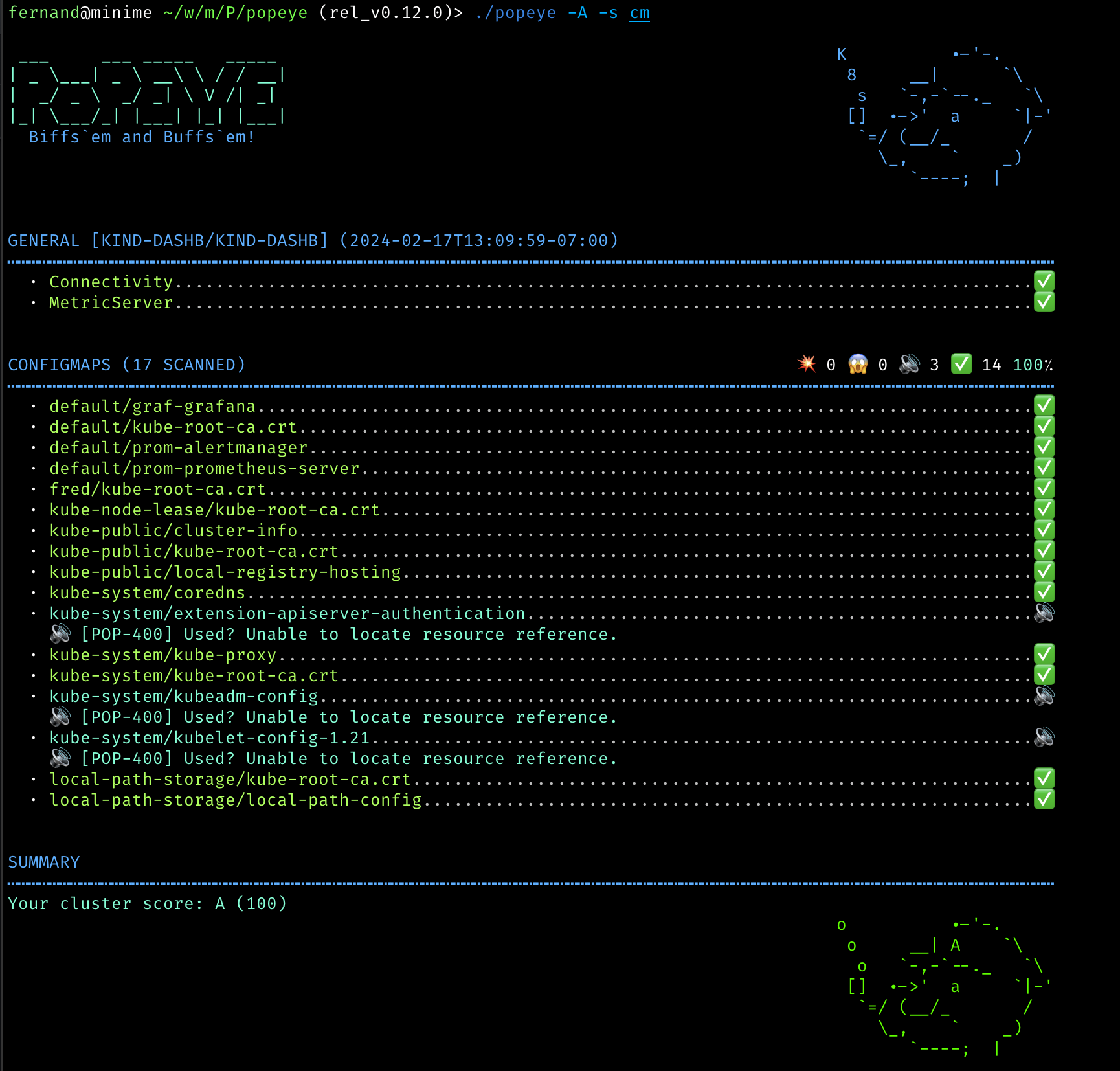
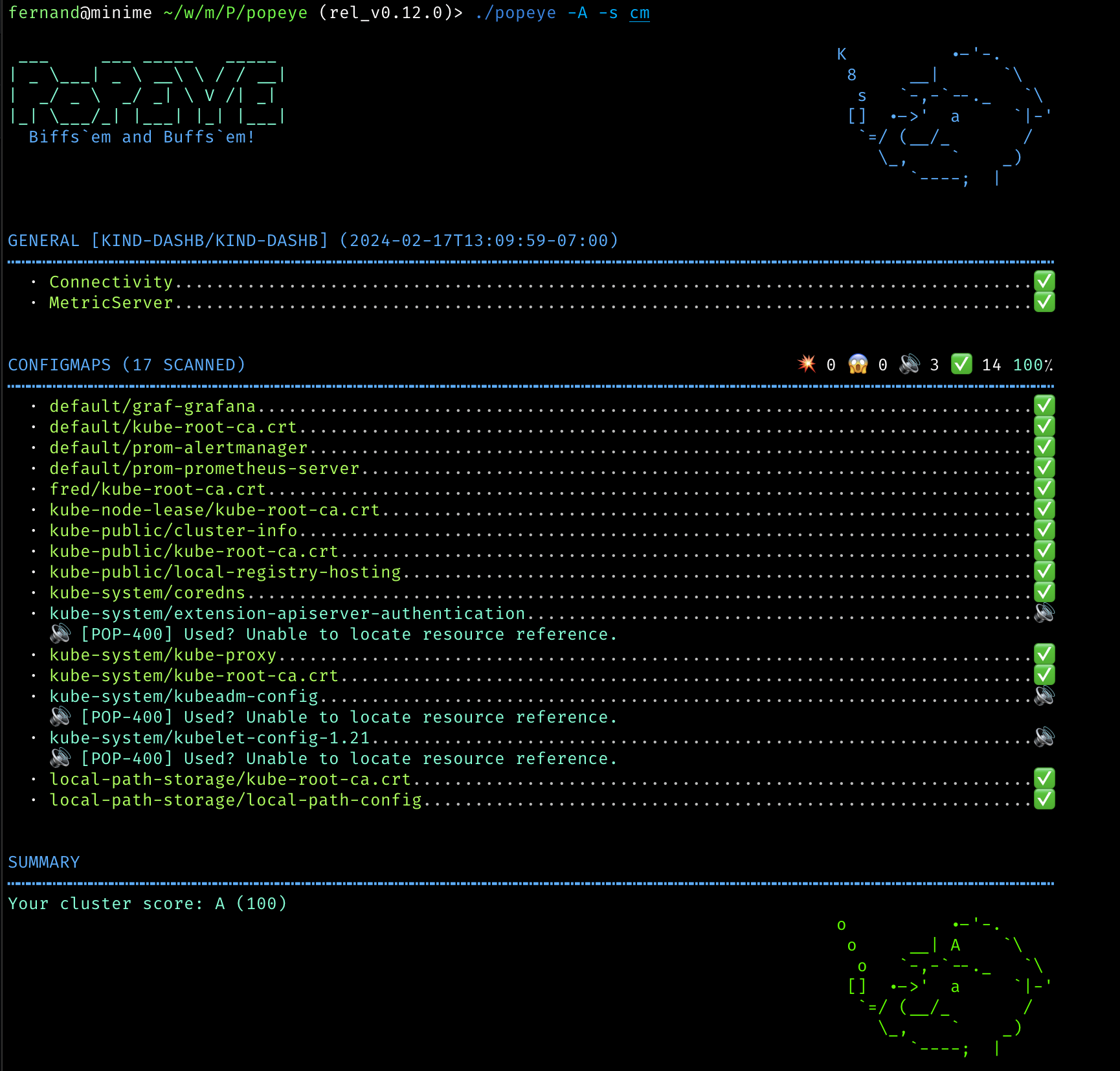
Popeye is a utility that scans live Kubernetes clusters and reports potential issues with deployed resources and configurations. As Kubernetes landscapes grows, it is becoming a challenge for a human to track the slew of manifests and policies that orchestrate a cluster. Popeye scans your cluster based on what's deployed and not what's sitting on disk. By linting your cluster, it detects misconfigurations, stale resources and assists you to ensure that best practices are in place, thus preventing future headaches. It aims at reducing the cognitive overload one faces when operating a Kubernetes cluster in the wild. Furthermore, if your cluster employs a metric-server, it reports potential resources over/under allocations and attempts to warn you should your cluster run out of capacity.
Popeye is a readonly tool, it does not alter any of your Kubernetes resources in any way!
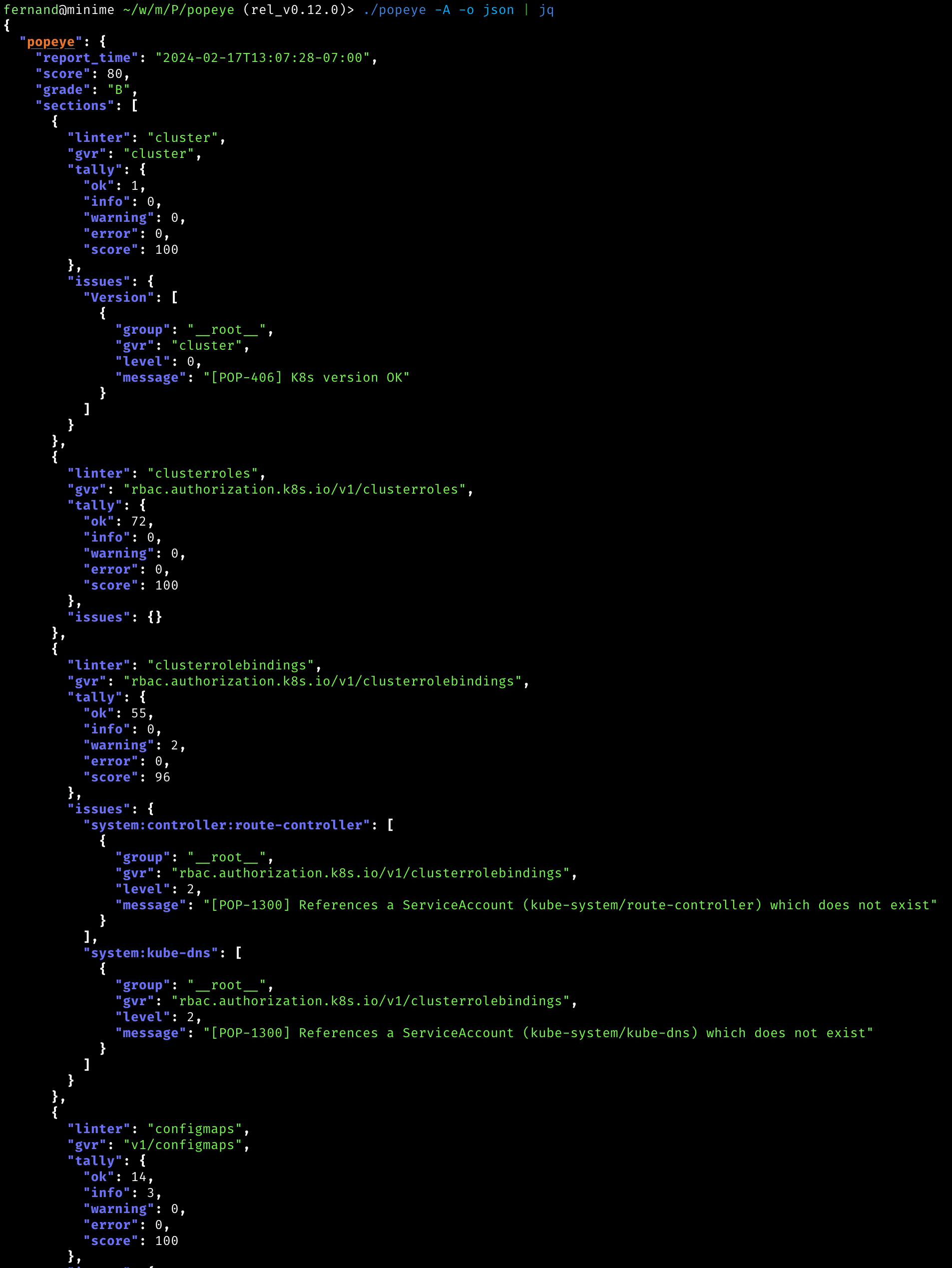
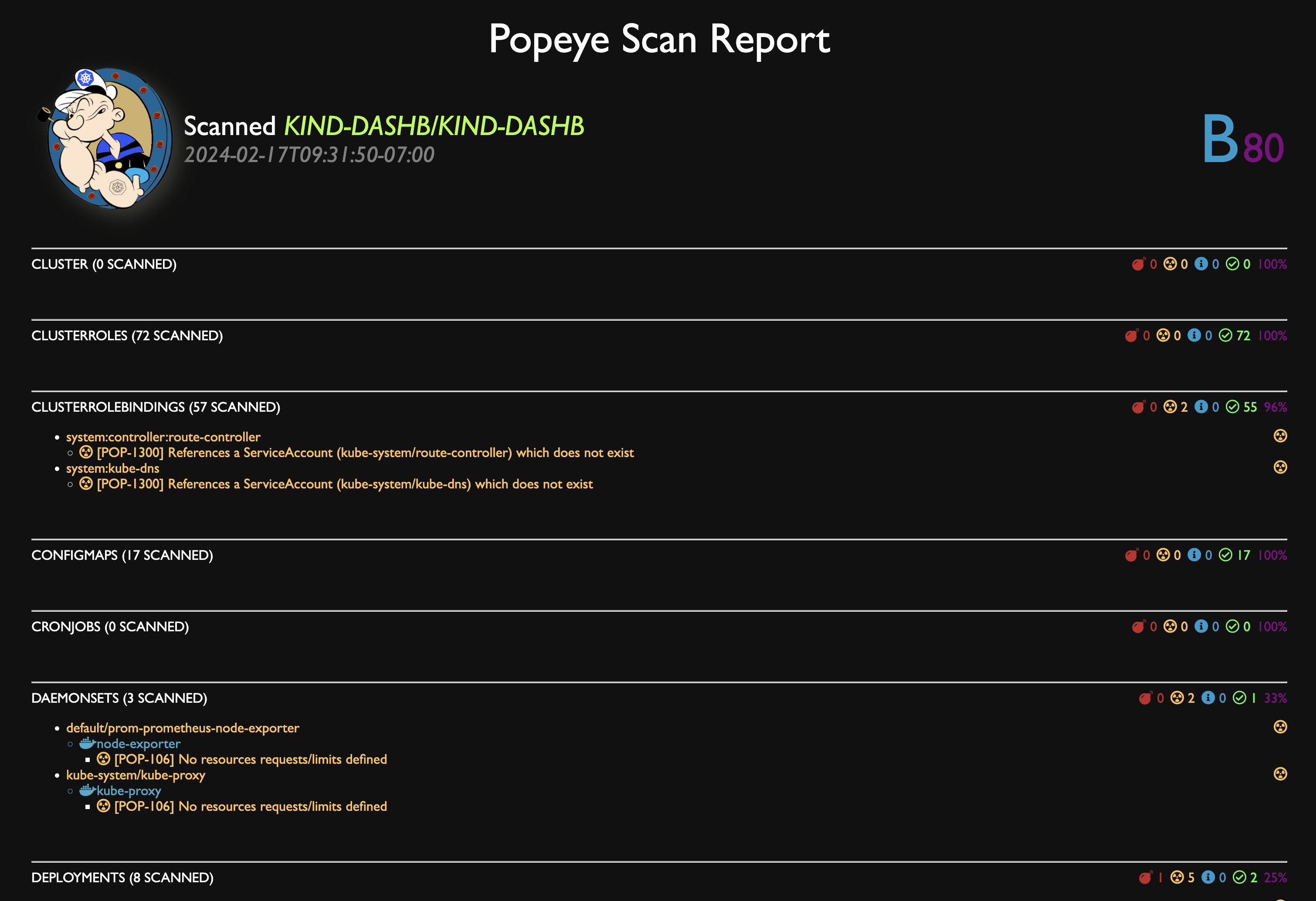
You can dump the scan report to HTML.
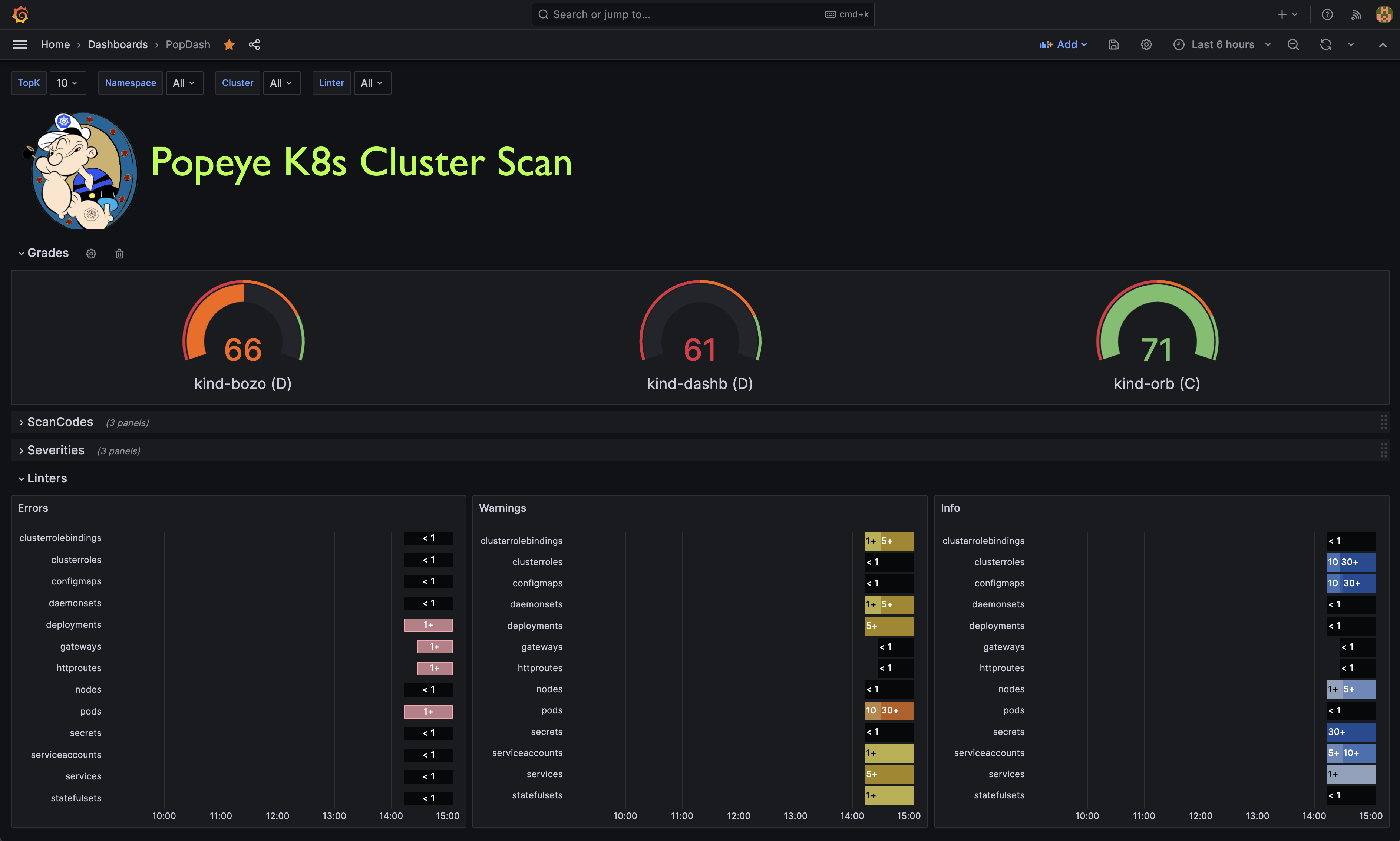
Popeye publishes Prometheus metrics. We provided a sample Popeye dashboard to get you started in this repo.
Popeye is available on Linux, OSX and Windows platforms.
Binaries for Linux, Windows and Mac are available as tarballs in the release page.
For OSX/Unit using Homebrew/LinuxBrew
brew install derailed/popeye/popeye
Using go install
go install github.com/derailed/popeye@latest
Building from source Popeye was built using go 1.21+. In order to build Popeye from source you must:
Clone the repo
Add the following command in your go.mod file
replace (
  github.com/derailed/popeye => MY_POPEYE_CLONED_GIT_REPO
)
Build and run the executable
go run main.go
Quick recipe for the impatient:
# Clone outside of GOPATH
git clone https://github.com/derailed/popeye
cd popeye
# Build and install
make build
# Run
popeye
Popeye uses 256 colors terminal mode. On `Nix system make sure TERM is set accordingly.
export TERM=xterm-256color
You can use Popeye wide open or using a spinach yaml config to tune your linters. Details about the Popeye configuration file are below.
# Dump version info and logs location
popeye version
# Popeye a cluster using your current kubeconfig environment.
# NOTE! This will run Popeye in the context namespace if set or like kubectl will use the default namespace
popeye
# Run Popeye in the `fred` namespace
popeye -n fred
# Run Popeye in all namespaces
popeye -A
# Run Popeye uses a spinach config file of course! aka spinachyaml!
popeye -f spinach.yaml
# Popeye a cluster using a kubeconfig context.
popeye --context olive
# Run Popeye with specific linters and log to the console
popeye -n ns1 -s pod,svc --logs none
# Run Popeye for a given namespace in a given log file and debug logs
popeye -n ns1 --logs /tmp/fred.log -v4
# Stuck?
popeye help
Popeye scans your cluster for best practices and potential issues. Currently, Popeye only looks for a given set of curated Kubernetes resources. More will come soon! We are hoping Kubernetes friends will pitch'in to make Popeye even better.
The aim of the linters is to pick up on misconfigurations, i.e. things like port mismatches, dead or unused resources, metrics utilization, probes, container images, RBAC rules, naked resources, etc...
Popeye is not another static analysis tool. It runs and inspect Kubernetes resources on live clusters and lint resources as they are in the wild!
Here is a list of some of the available linters:




