 denuitt1/mhr-cfw
A Domain-Fronting Relay that routes traffic though GAS (Google Apps Script) and forwards it to Cloudflare Workers. Designed to bypass DPI.

| English | Persian |
|---|
Client -> Local Relay -> Google/CDN Front -> GAS (Google Apps Script) Relay -> Cloudflare Worker -> Exit
            |
            +-> Shows www.google.com to network DPI filter
Client -> Local Relay -> Google/CDN Front -> GAS (Google Apps Script) Relay -> Cloudflare Worker -> Self-Hosted Upstream Forwarder -> Exit
            |
            +-> Shows www.google.com to network DPI filter
In normal use, the browser sends traffic to the proxy running on your computer.
The proxy sends that traffic through Google-facing infrastructure so the network only sees an allowed domain such as www.google.com.
Your deployed relay then fetches the real website through cloudflare worker and sends the response back through the same path.
This means the filter sees normal-looking Google traffic, while the actual destination stays hidden inside the relay request.
git clone https://github.com/denuitt1/mhr-cfw.git
cd mhr-cfw
pip install -r requirements.txt
Can't reach PyPI directly? Use this mirror instead:
pip install -r requirements.txt -i https://mirror-pypi.runflare.com/simple/ --trusted-host mirror-pypi.runflare.com
worker.js file from this project (under deploy/), copy everything, and paste it into the Apps Script editor.const WORKER_URL = "myworker.workers.dev";
Code.gs file from this project (under deploy/), copy everything, and paste it into the Apps Script editor.const AUTH_KEY = "your-secret-password-here";
const WORKER_URL = "https://myworker.workers.dev";
⚠️ Remember the password you set in step 3. You'll use the same password in the config file below.
Click on the run.bat file (on windows) or run.sh file (on linux) to start the relay.
If you're running for the first time it will prompt a setup wizard where you have to enter the AUTH_KEY and Google Apps Script Deployment ID.
You should see a message saying the HTTP proxy is running on 127.0.0.1:8085
We recommend using v2rayN client and configuring a socks5 proxy.
You can also use FoxyProxy's Chrome extension or Firefox extension to use this proxy in your browser.
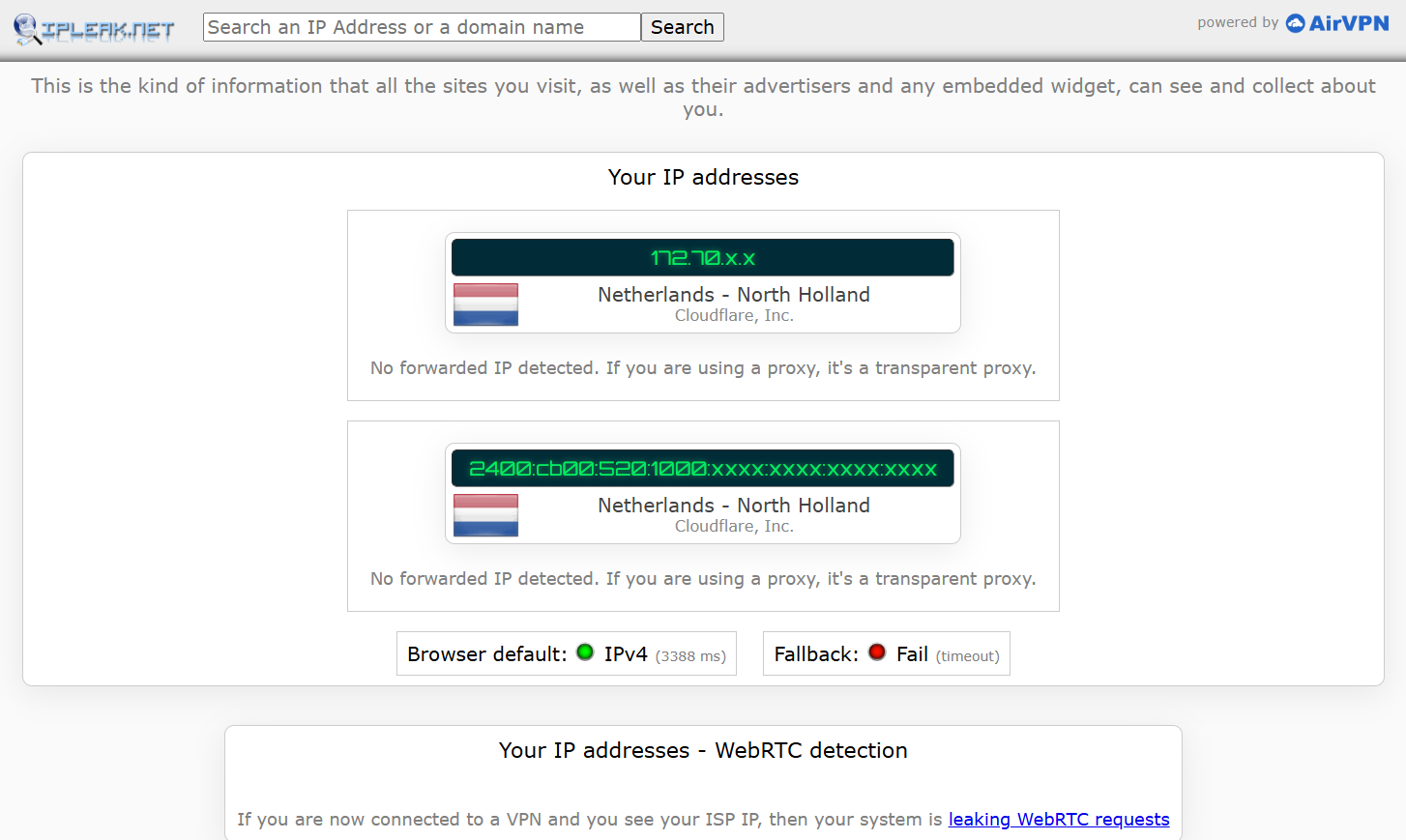
Open ipleak.net in your browser, you should see your ip address set as cloudflare's.
When you run a virtual machine (VM), it operates in an isolated network environment separate from the host. By default, the VM cannot directly access services running on localhost of the host machine — including this proxy.
To fix this, you need to find the gateway IP that your hypervisor assigns to the host, then use it instead of localhost when configuring the proxy inside the VM.
Example: VirtualBox (NAT mode)
The host is always reachable from inside the VM at 10.0.2.2. Set the proxy:
export http_proxy="http://10.0.2.2:8085"
export https_proxy="http://10.0.2.2:8085"
export all_proxy="socks5://10.0.2.2:8085"
To make this permanent, add the lines above to ~/.bashrc and run source ~/.bashrc.
Since this proxy performs SSL inspection, you may see certificate errors. Install the included ca.crt to fix them:
sudo cp ca.crt /usr/local/share/ca-certificates/ && sudo update-ca-certificates
You can use this proxy on your phone or any other device on the same network — no extra software needed.
1. Find your host IP
# Windows
ipconfig

# Linux / macOS
ip addr
Look for the IP of the adapter connected to your router (e.g. 192.168.1.8).
2. Forward the port (Windows only, if the service is bound to localhost)
Run CMD as Administrator:
netsh interface portproxy add v4tov4 listenaddress=192.168.1.8 listenport=8085 connectaddress=127.0.0.1 connectport=8085
netsh advfirewall firewall add rule name="Proxy 8085" dir=in action=allow protocol=TCP localport=8085
3. Configure proxy on your phone
Connect your phone to the same Wi-Fi, then set the proxy manually:
192.168.1.8)8085On Android: Settings → Wi-Fi → Modify → Proxy → Manual
On iPhone: Settings → Wi-Fi → (network) → HTTP Proxy → Manual
4. Install the CA certificate
Transfer ca.crt to your phone, then:
CAPTCHAs (Cloudflare Turnstile/bot challenge, reCAPTCHA, hCaptcha) bind tokens
to the IP that solved the challenge. Cloudflare Workers exit through different
edge IPs per request, so verification on the target site fails even when you
solve the challenge. This optional add-on lets the Worker forward all fetch()
calls through a small Node server you run on a VPS with a stable IP — giving
the target site one consistent exit address.
cf_clearance).If you don't hit these, leave it unconfigured — the Worker behaves exactly as before.

