
XSS Catcher
A blind XSS detection and XSS data capture framework that runs on Flask, VueJS and PostgreSQL.
XSS Catcher is an intuitive tool that automates blind Cross-Site Scripting (XSS) attacks and data gathering, including screenshots. It features a user-friendly payload generator for creating customizable XSS payloads and offers functionalities like webhook and email notifications, multi-factor authentication, and multi-user access. Designed to be straightforward, it integrates easily with platforms such as Slack and Discord, captures comprehensive data including cookies, local storage, and session storage, and provides detailed insights like HTTP headers and DOM snapshots. Additionally, it supports API keys for advanced automation, streamlining XSS testing and making complex attack scenarios more accessible and manageable.
Features •
Installation •
Updating •
First login •
API documentation •
Demo •
Troubleshooting •
Credits
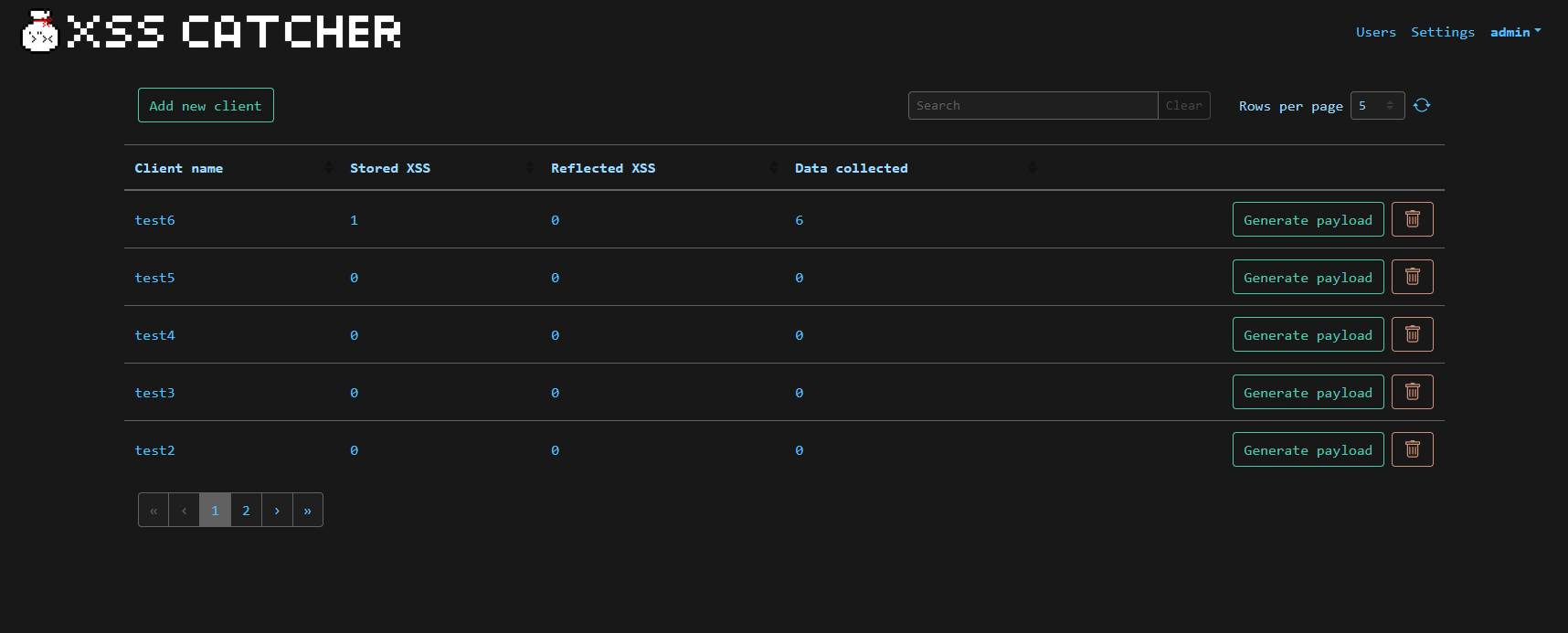
Features
- Generate simple and customizable XSS payloads with an easy-to-use payload generator
- Send notifications when a new XSS is caught using webhooks (Slack, Discord or automation format) and email
- The destination email or webhook can be configured globally and per client
- Multi-user with admin and low privilege users
- Multi factor authentication with TOTP
- Allows capture of cookies, local storage, session storage, and more
- Stores additional information about the XSS such as like HTTP headers, source IP address, timestamp, etc.
- Acts as a "catch-all" endpoint. Just send your data in the querystring (GET) or body (POST) to your client's URL and XSS Catcher will catch it!
- Leverages html2canvas and fingerprintjs
- Captures the full DOM so you can easily know where the payload triggered
- Allows you to add custom tags to your XSS to better categorize and search them.
- Allows you to run custom JavaScript code and capture the output.
- Support up to 5 API keys per user to automate advanced attack scenarios when combined with webhooks
Installation
The easiest way of running XSS Catcher is by using the Dockerhub image (you'll need Docker):
# Running the app by exposing it on port 8080
$ docker run -p 8080:80 daxhackerman/xss-catcher

# By default, the container has no persistence. If you need some, you can setup a volume
$ docker volume create xsscatcher-db
$ docker run -p 8080:80 -v xsscatcher-db:/var/lib/postgresql/14/main/ -d --name xsscatcher daxhackerman/xss-catcher
If you wish to build the image yourself, you'll need Git, and optionally make. From your command line:
# Clone this repository
$ git clone https://github.com/daxAKAhackerman/XSS-Catcher.git

# Go into the repository
$ cd XSS-Catcher

# All of the following commands are using make. If you are on a system where make is not available, simply have a look into the Makefile and manually run the required commands (under build, start or stop)

# If you've never run the application, build it
$ make

# Start the application. It will listen to port 8080.
$ make start

# Stop the application when you're done
$ make stop

# You can update the application when needed
$ git pull && make stop; make && make start
First login
- Default credentials to connect to the Web interface are admin:xss
- Default Web port when run through the Makefile is 8080
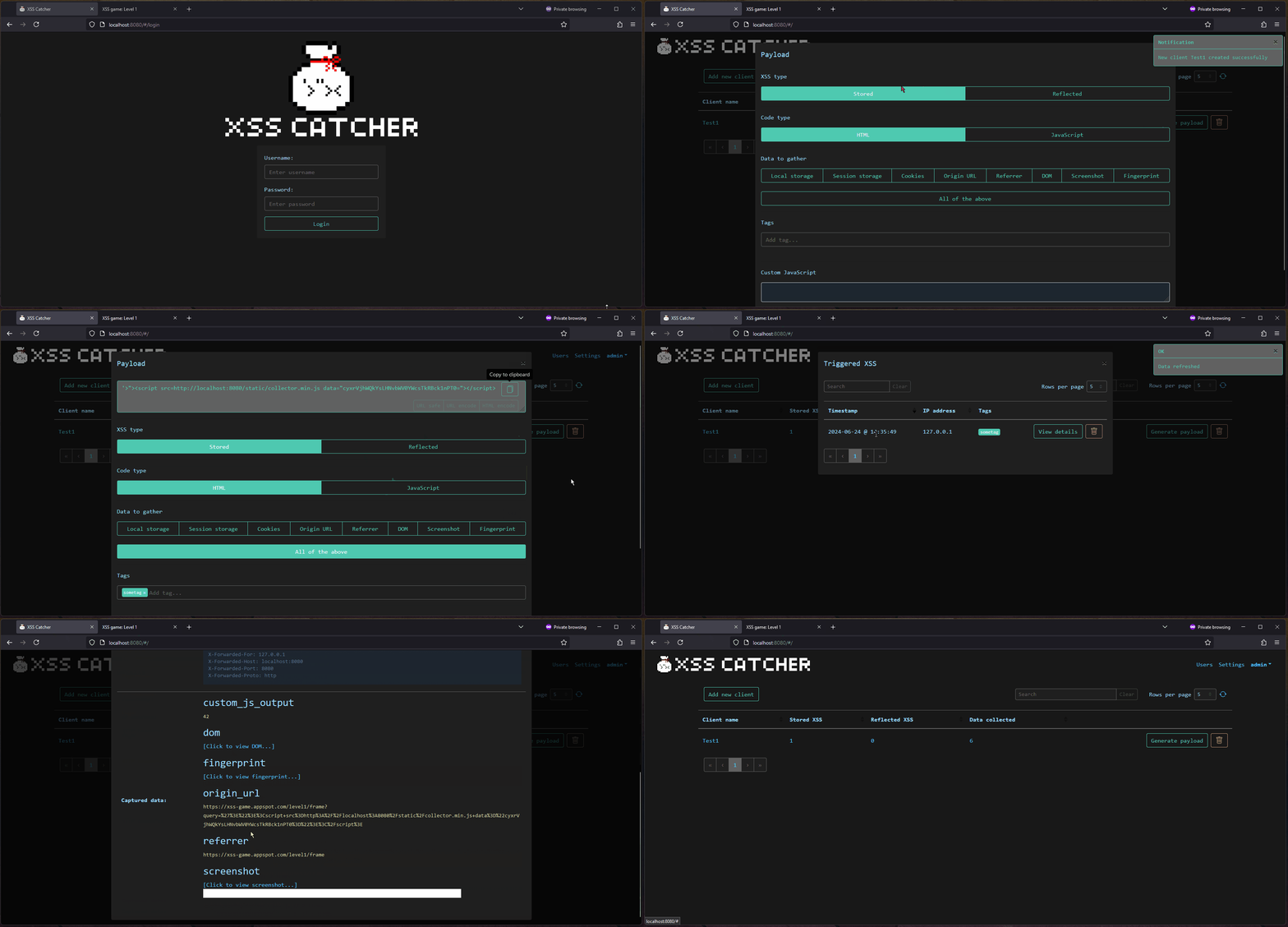
Demo
API documentation
The Postman collections can be found here: https://www.postman.com/maintenance-architect-74448403/workspace/xss-catcher
Troubleshooting
JavaScript mixed content error
In order to avoid JavaScript mixed content errors when the XSS payload is triggered, it is highly recommended to put XSS Catcher behind a reverse proxy providing valid TLS certificates.
Credits
Disclaimer
Usage of this tool for attacking targets without prior mutual consent is illegal. It is the end user's responsibility to obey all applicable local, state and federal laws. We assume no liability and are not responsible for any misuse or damage caused by this tool.
You may also like...
GitHub @daxAKAhackerman
 daxakahackerman/xss-catcher
