 datadog/hash
YAML-configurable low-interactive honeypot framework for deploying HTTP/HTTPS-based deception servers with built-in honeytraps and Datadog log integration.

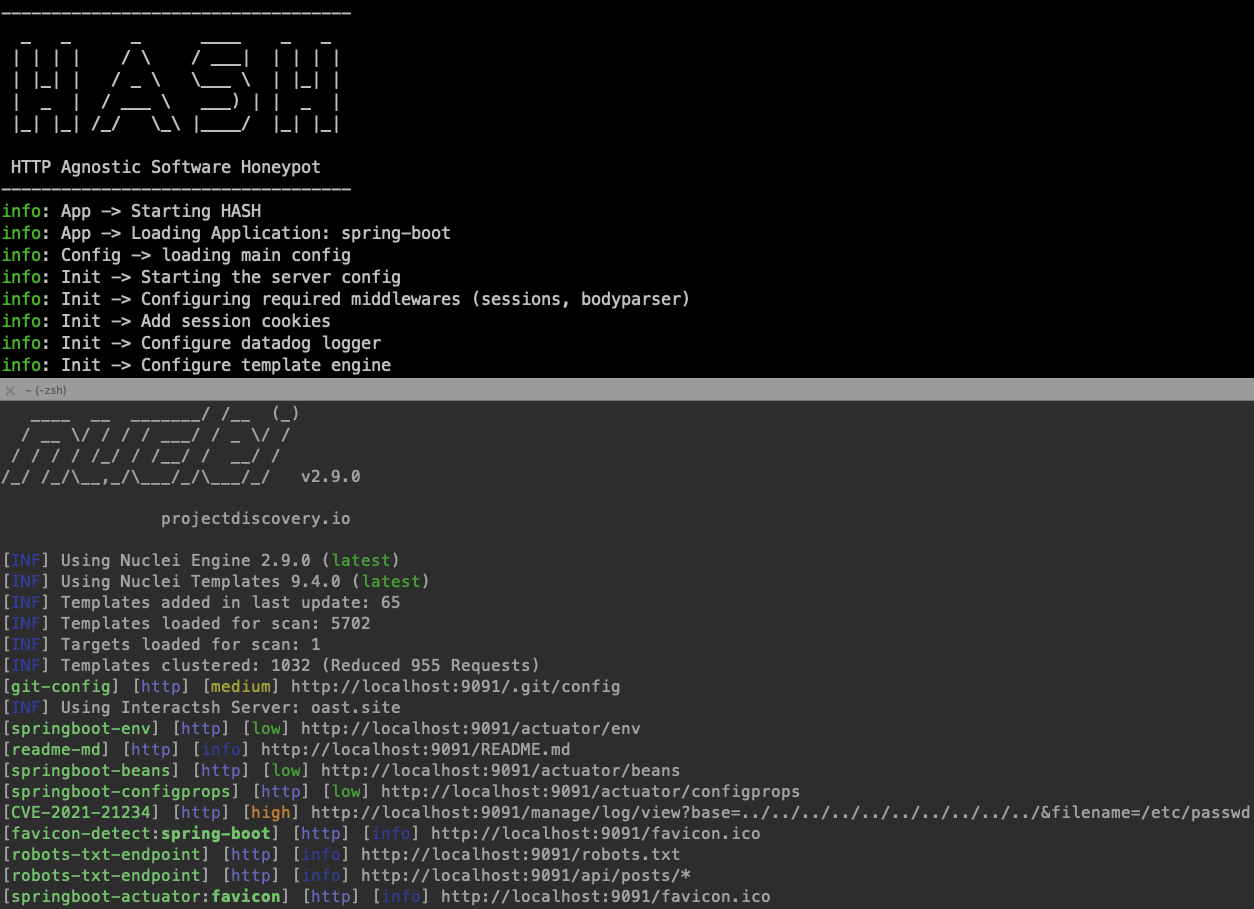
HASH is a framework for creating and launching low interactive honeypots.
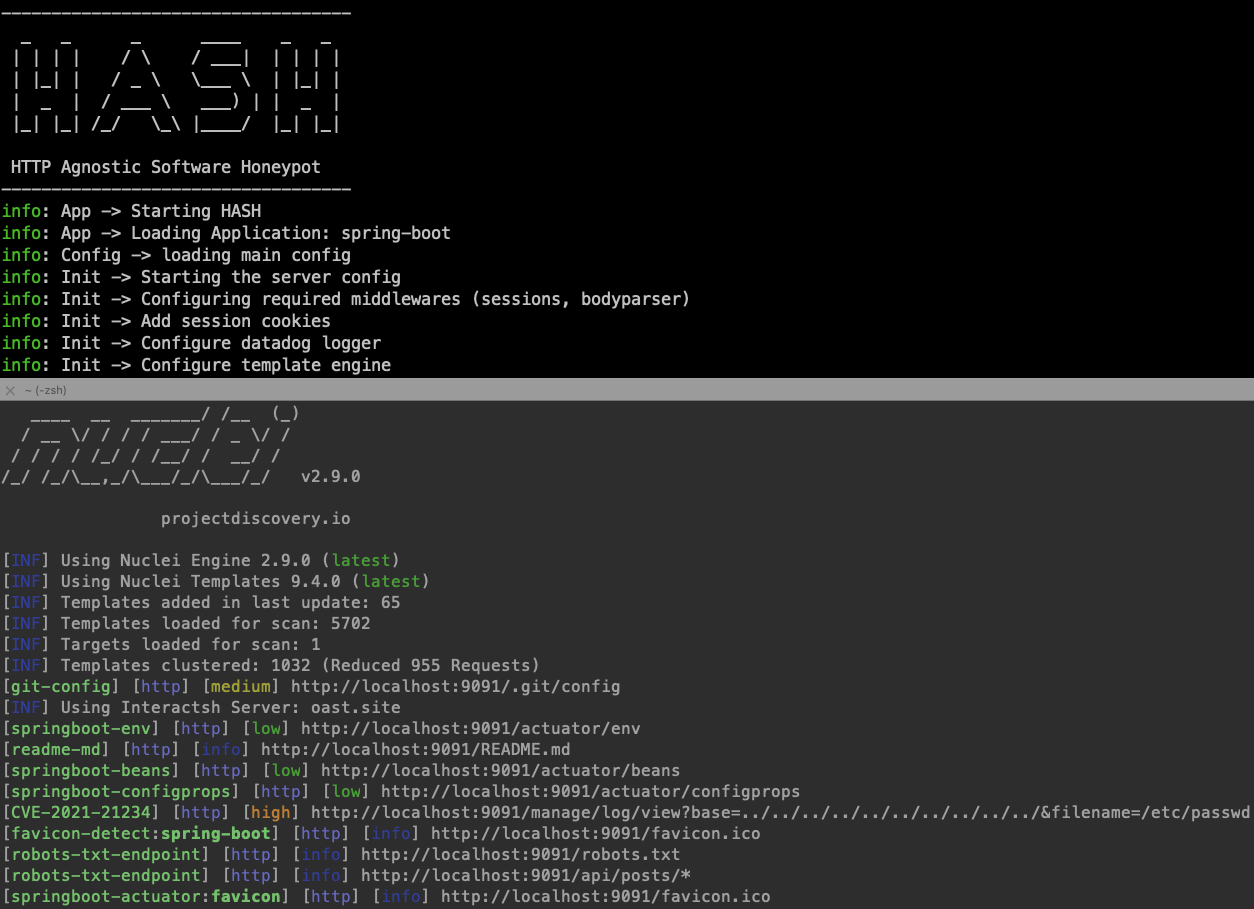
The main philosophy of HASH is to be easy to configure and flexible to mimic any software running on HTTP/HTTPs. With the minimum footprint possible to avoid being detected as honeypot.
fakerjs to avoid honeypot detectionHASH is built using Node.js but it can mimic any web-based language / server based on the configuration. Read the full docs below.
npm install -g hash-honeypot
docker run --rm ghcr.io/datadog/hash help
HASH uses YAML files to configure how it simulate the desired software, The typical structure for the profile folder is the following
|____templates
|     |____resources
|     |     |____index.html
|     |     |____style.css
|     |     |____favicon.ico
|     |____404.yaml
|     |____default.yaml
|____init.yaml
You can build it yourself or you can generate it using generate command
Usage: HASH generate [options] <folder>

Generate honeypot profile

Arguments:
  folder                         path/to the app

Options:
  -t --template <template_name>  base template (default: "default")
  -n --name <honeypot_name>      Honeypot name
  -s --swagger <swagger_file>    Path to swagger file to convert
  -h, --help                     display help for command
Example
hash-honeypot generate myhoneypot --name my-honey-pot --template default
You can also convert swagger files to honeypot directly from the generate command
Example converting swagger file(s) to honeypot
hash-honeypot generate sample-swagger2 -n sample -s ./test-swagger/test-swagger.yaml
Usage: HASH run [options] <folder>

Run HASH

Arguments:
  folder                     path/to the template folder

Options:
  -l, --log <transport>      logging transport (default: "console,file,datadog")
  -f, --log_file <filename>  logging filename (default: "hash.log")
  -h, --help                 display help for command
example
hash-honeypot my-honeypot-profile -l file -f ./logs/hash.log
If you are using Datadog for logs make sure you export the datadog api key
export DD_API_KEY=<your-api-key>
You can customize the your honeypot profile as you want
Example request template:
id: sqli-error
info:
    title: 'SQL error honeytrap'
requests:
    - isTrap: false
      expect:
          method: GET
          path: '/author/:Id([0-9]+)'
      reply:
          status: 200
          headers:
              content-type: 'text/html'
          body:
              view: 'author.html'
    - isTrap: true
      expect:
          method: GET
          path: '/author/:Id'
      reply:
          status: 500
          headers:
              content-type: 'text/html'
          body:
              contents: "You have an error in your SQL syntax; check the manual that corresponds to your MySQL server version for the right syntax to use near '' at line 2"
Read the configuration reference here or see the examples here.
Released under the Apache-2.0 license, contributions are welcome!
Feel free to open an issue, or reach out at [email protected].
