Introduction

Read this in other languages: English, Español, Deutsch, Français, italiano 简体中文.

Packet Sender is an open source utility to allow sending and receiving TCP, UDP, and SSL (encrypted TCP) packets as well as HTTP/HTTPS requests and panel generation. The mainline branch officially supports Windows, Mac, and Desktop Linux (with Qt). Other places may recompile and redistribute Packet Sender. Packet Sender is free and licensed GPL v2 or later. It can be used for both commercial and personal use. If you find the app useful, please consider donating/sponsoring so development may continue.
Table Of Contents
Packet Sender would like to thank the following sponsors.

IWL is a California company creating computer networking products.

NagleCode is a software publisher and development studio.

Eletiope installs lighting, audiovisuals and immersive rooms for exhibitions and museums, and for corporate showrooms.
John Huntington
Author, consultant, educator, sound engineer, award-winning photographer, and storm chaser.
Would you like your name/logo listed here?
Support
NOTE: Try (temporarily) disabling your firewall if having problems in Windows.
Downloads
Desktop Download
Official releases of Packet Sender can be downloaded at PacketSender.com. Some places redistribute Packet Sender.



iOS Mobile App
The Packet Sender for iOS is fully native, contain bare minimum permissions, and collects no data. This is software that respsects you. Thank you for supporting this effort.
The iOS version is located on the Apple App Store
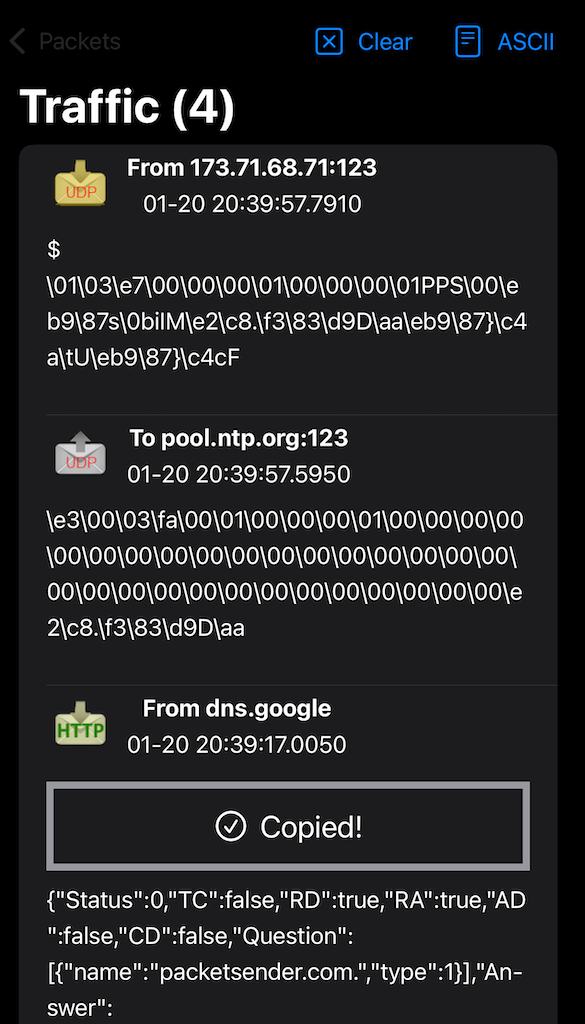
GUI
Packet Sender is identical for all the desktop versions. The only difference is its theme to match the operating system.
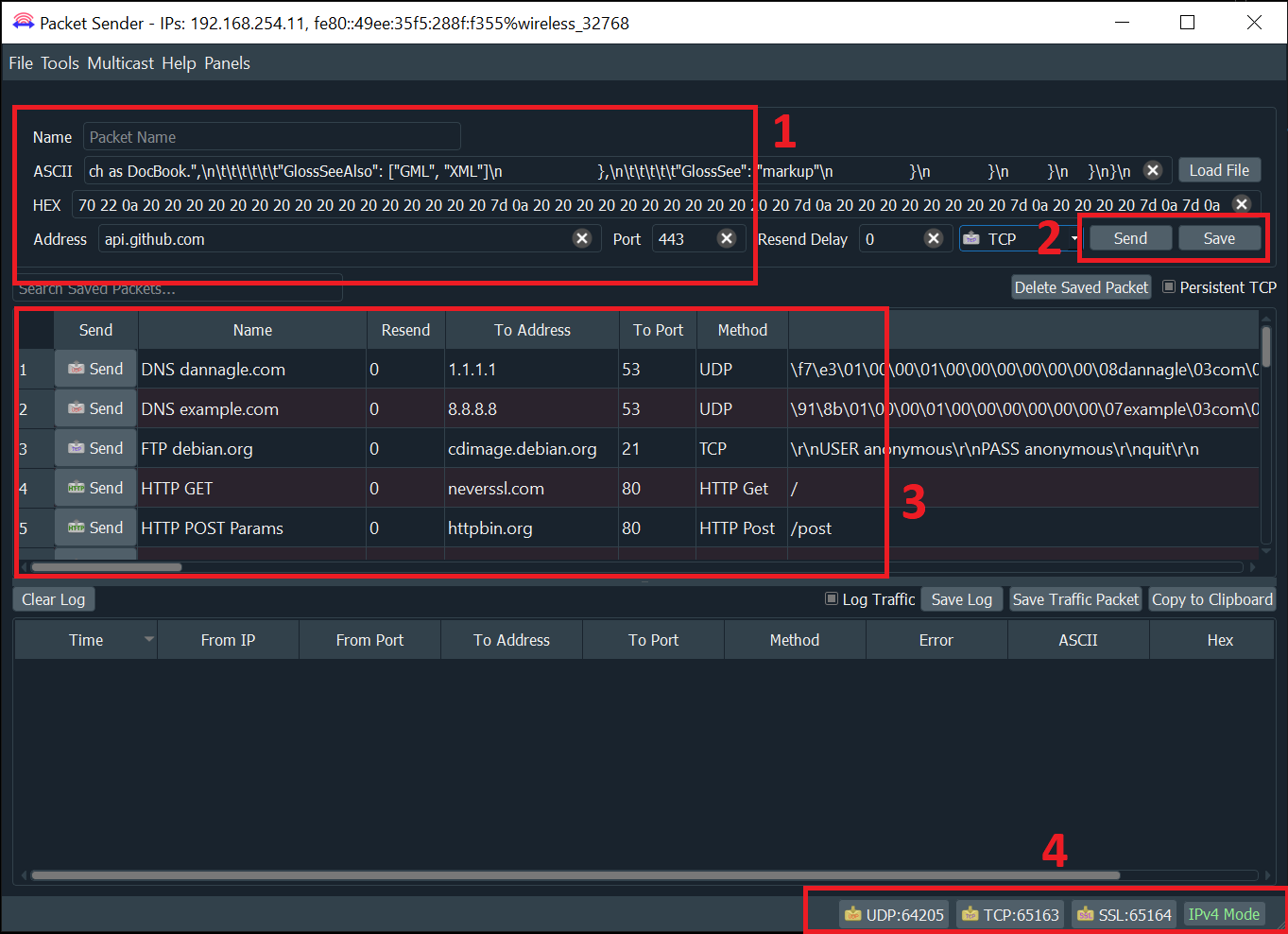
- A packet has a name, destination address (domain names are default resolved just before sending), port, and data associated with it.
- In the table, there is a list of saved packets. You can double-click to directly edit fields in this table.
- In the bottom right, there are UDP, TCP, and SSL server status and port(s). Clicking on these will activate or deactivate the protocol. Packet Sender supports binding to any number of ports.
- There is also a IP toggle button. Clicking this changes it to IPv4 (default), IPv6, or custom IP
General Notes
- A resend value of "0" means it is a single-shot packet.
- During packet resending, there will be a button to cancel all resends.
- Please check your firewall. Windows aggressively blocks TCP-based servers. Packet Sender will still work if the firewall blocks it, but it can't receive unsolicited TCP-based packets.
- An optional response can be sent. The same response is used for TCP, UDP, and SSL.
- For IPv6 sending, you will also need the scope ID.
- Packet Sender supports mixed ASCII and HEX notation:
- Double-click either field to bring up the multi-line editor
- \XX gets translated to XX in hex
- \n, \r, \t will get translated to 0A, 0D, and 09
- HEX numbers are space delimited
- The HEX field will attempt to interpret other common delimiters (such as commas, colons (Wireshark), semicolons, " 0x", etc) and auto-correct. It is very fault-tolerent.
- A single stream of HEX is also supported. If the number of bytes is odd, Packet Sender will assume the front byte needs a zero and then auto-correct.
- Example ASCII: hello world\r
- Example HEX: 68 65 6c 6c 6f 20 77 6f 72 6c 64 0d
- You may save a packet directly from the traffic log. You will be prompted for a name, and the source address and port will be switched for your convenience.
- You may also load a file directly in to the HEX field. The HEX field supports sending up to 10,922 bytes. The theoretical limit for sending via the command line is 200 MB.
 dannagle/packetsender
