 daniel-cues/nmapgui
Advanced Graphical User Interface for NMap


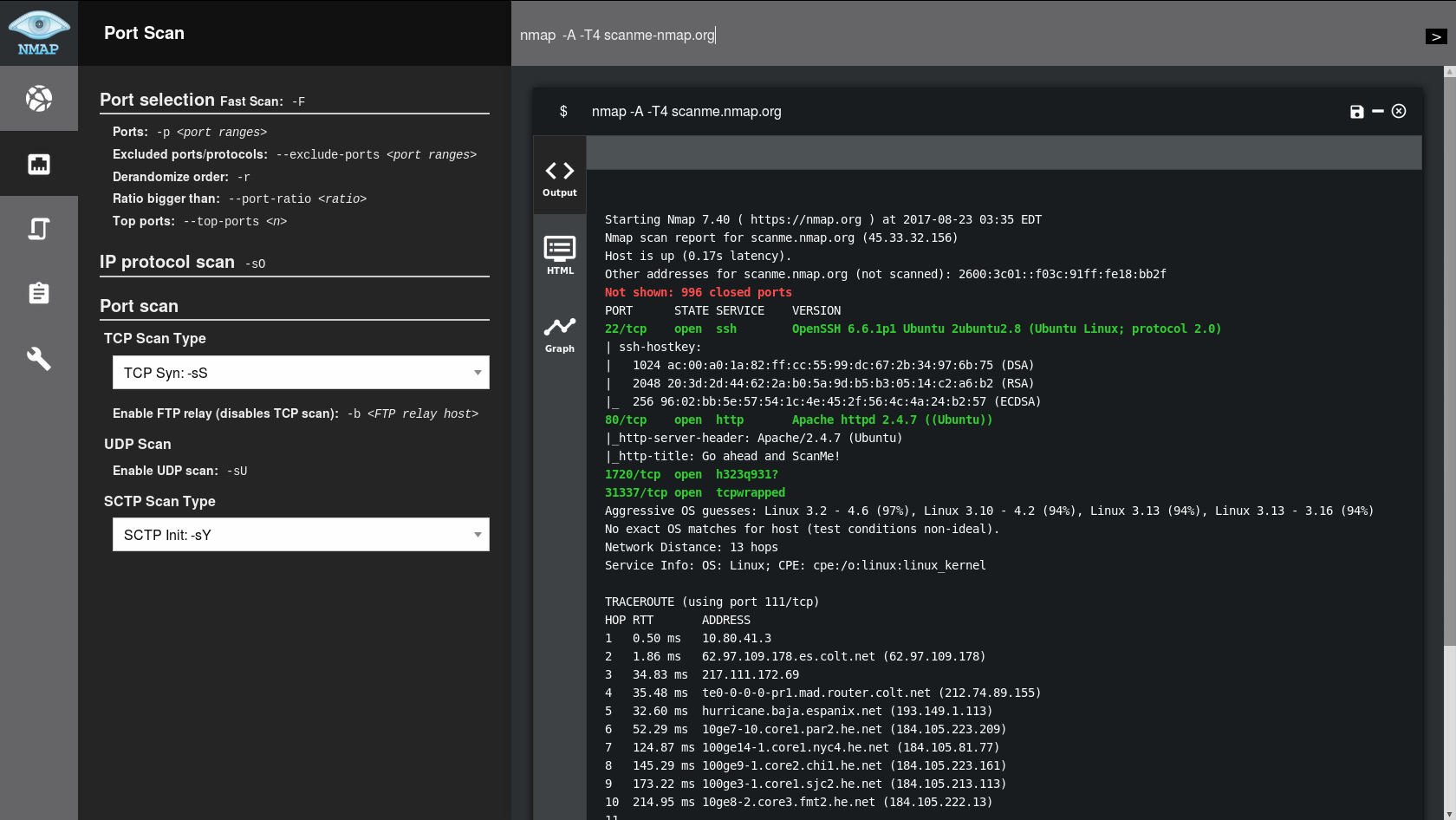
NMapGUI is an advanced graphical user interface for NMap network analysis tool. It allows to extend and ease the typical usage of NMap by providing a visual and fast interface with the application
THIS PROJECT IS CURRENTLY UNMAINTAINED
- For the moment Java8 is required. Later versions not supported (Issue #25) -
If you have any questions about NMapGUI usage or want to get in contact with me, please visit:
| Zenmap | NMapGUI | |
|---|---|---|
| Multiple parallel commands | 🚫 | ✅ |
| Option menu | 🚫 | ✅ |
| ᴺᴱᵂ System's script list | 🚫 | ✅ |
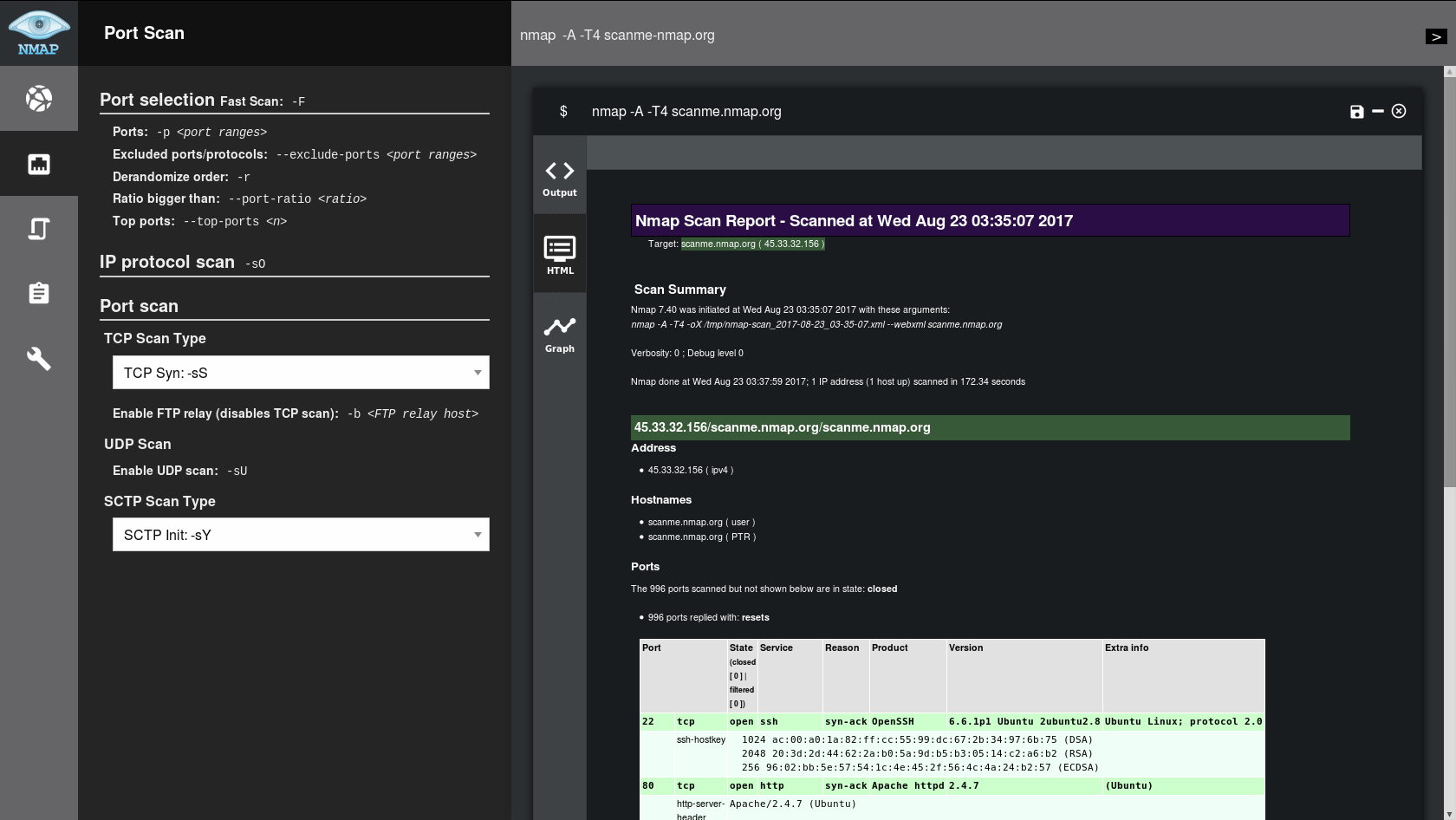
| Automatic HTML report | 🚫 | ✅ |
| Pretty interface | 💩 | ✅ |
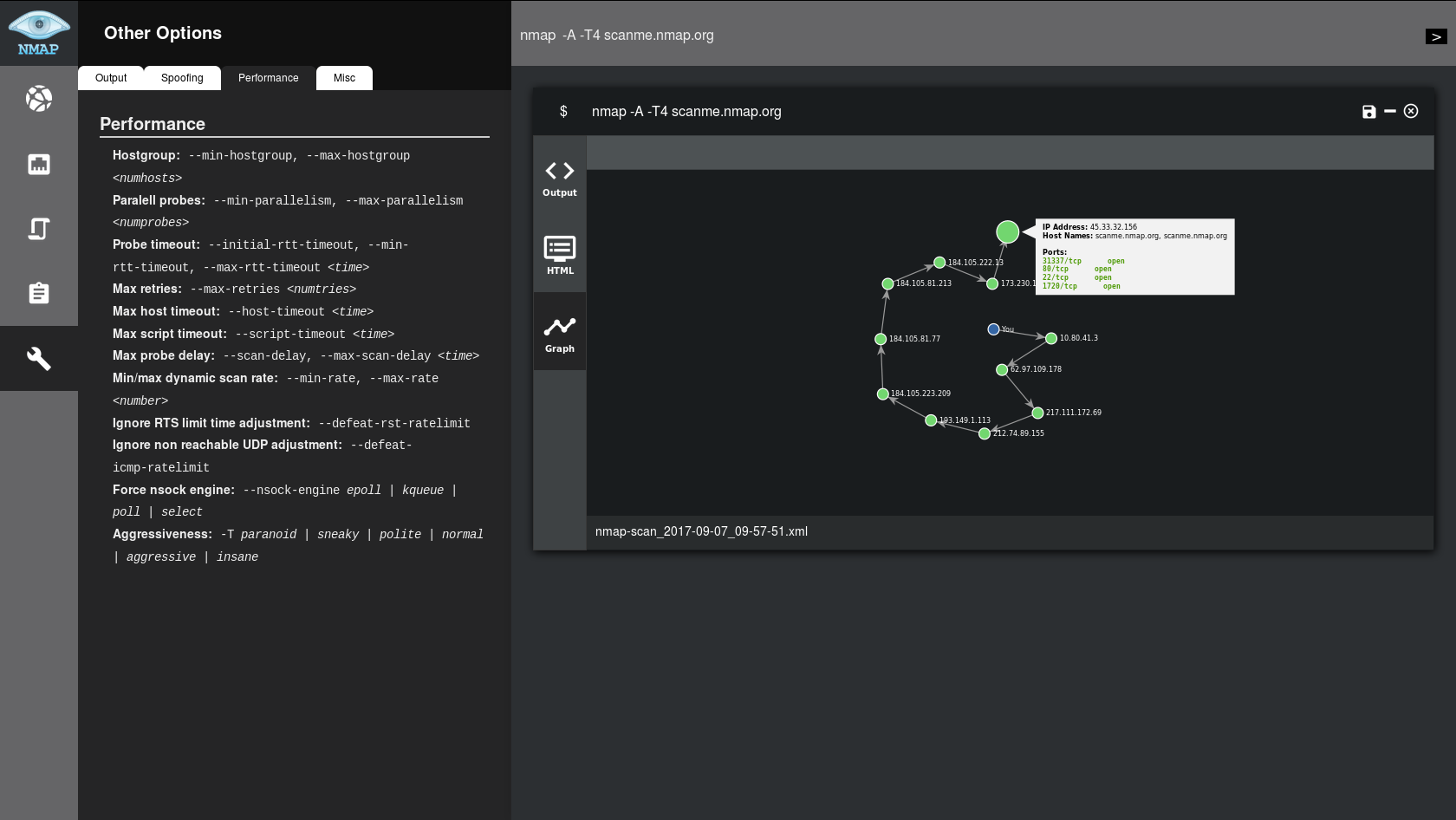
| Graph output | ✅ | ✨✅✨ |
| Unnecessary tabs and menus | ✅ | 🚫 |
| Installation method | Installer | Portable |
| Cross-platform | Compiled⁽*⁾ | Unique jar⁽*⁾ |
* Compiled: Custom file for each OS
* Unique jar: Unique file for any OS
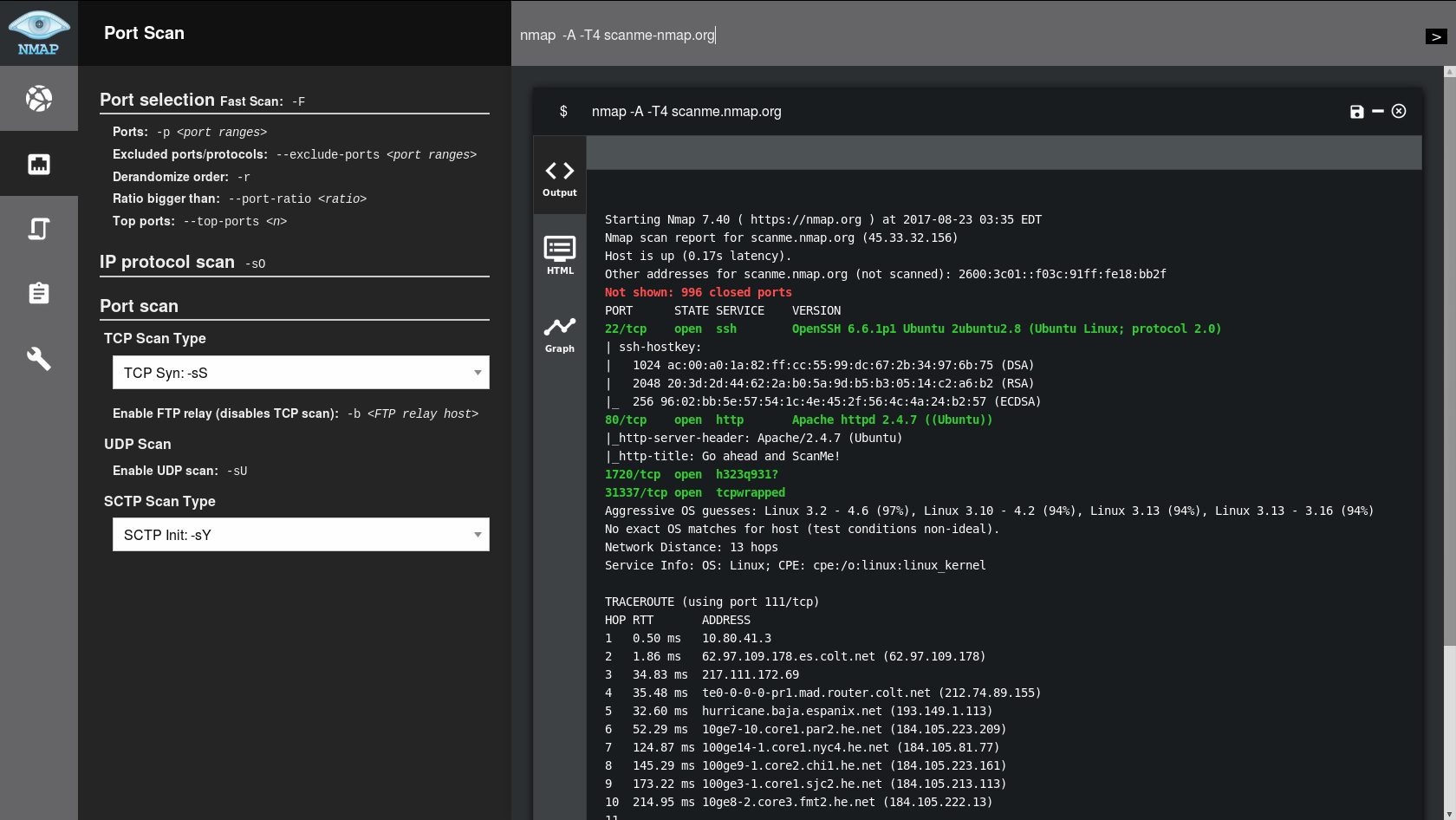
For the moment, NMapGUI can't be installed, it's just a compressed java jar application.
So just go to the releases page and download the latest zip, unzip it and enjoy NMapGUI! On progress: Menu creation
For the moment, you will have to execute the jar file. If you have java properly configured in your system, it should work just by double-clicking the jar file. Otherwise, you will have to launch it with your console. For that I recommend the following command on Linux:
nohup java -jar nmapGUI-0.6.1-snapshot.jar $
as it will let you close the console and still use the app.
Visit our wiki to find out how to use NMapGUI




