 cyberdefenders/email-header-analyzer
E-Mail Header Analyzer

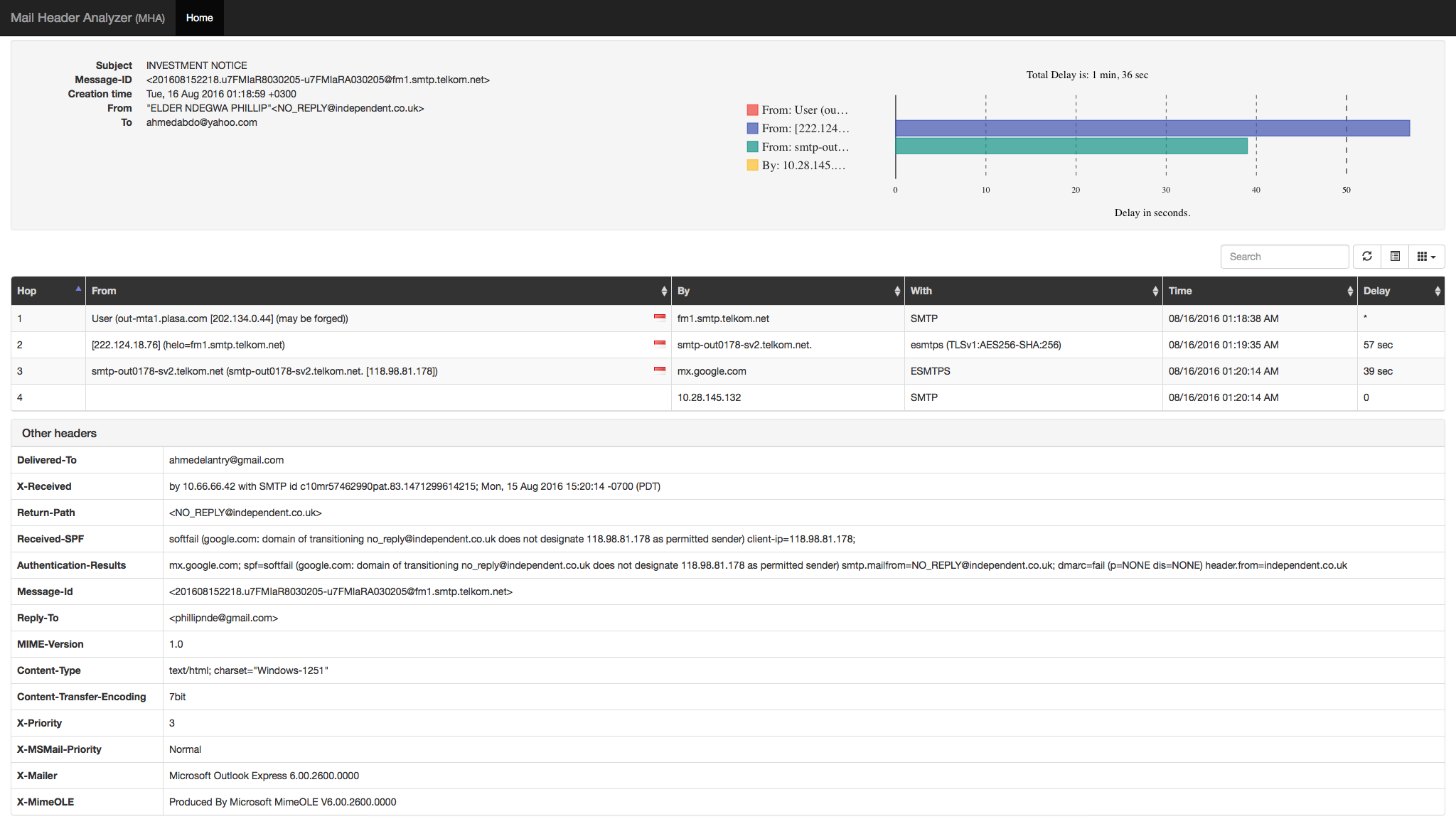
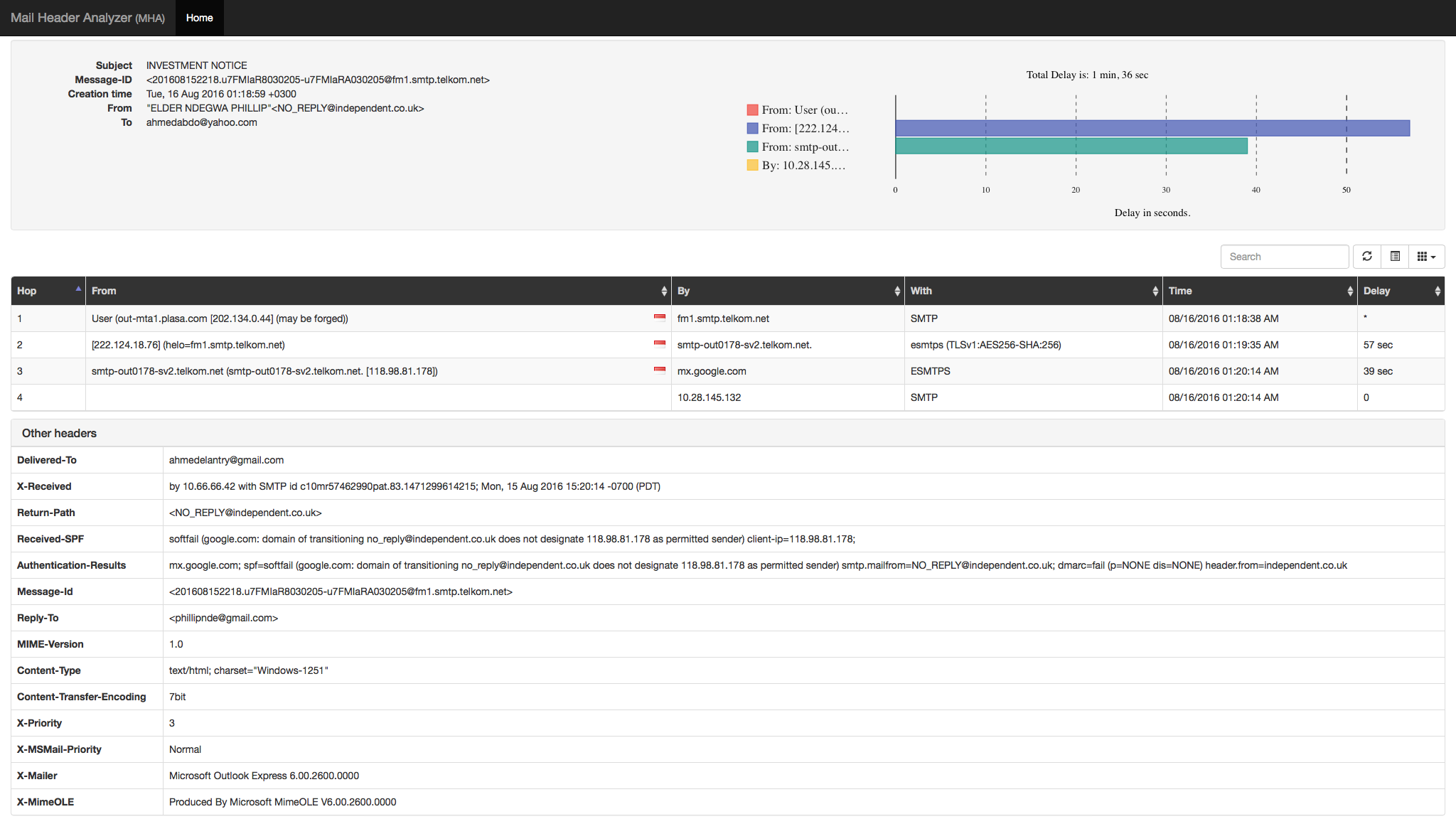
E-Mail header analyzer is a tool written in flask for parsing email headers and converting them to a human readable format and it also can:
| Name | Dev | Issues |
|---|---|---|
| MessageHeader | Not showing all the hops. | |
| EmailHeaders | Mxtoolbox | Not accurate and slow. |
| Message Header Analyzer | Microsoft | Broken UI. |
Install system dependencies:
sudo apt-get update
sudo apt-get install python3-pip
sudo pip3 install virtualenv
Create a Python3 virtual environment and activate it:
virtualenv virt
source virt/bin/activate
Clone the GitHub repo:
git clone https://github.com/lnxg33k/email-header-analyzer.git
Install Python dependencies:
cd MHA
pip3 install -r requirements.txt
Run the development server:
python3 server.py -d
You can change the bind address or port by specifying the appropriate options:
python3 server.py -b 0.0.0.0 -p 8080
Everything should go well, now visit http://localhost:8080.
A Dockerfile is provided if you wish to build a docker image.
docker build -t mha:latest .
You can then run a container with:
docker run -d -p 8080:8080 mha:latest
A docker-compose file is provided if you wish to use docker-compose.
Clone the GitHub repo:
git clone https://github.com/lnxg33k/email-header-analyzer.git
cd email-header-analyzer
Let docker-compose do the work.
docker-compose up -d
Stop the container.
docker-compose down
HowTo enable debugging. Add in the docker docker-compose.yml file the line
command: --debug
