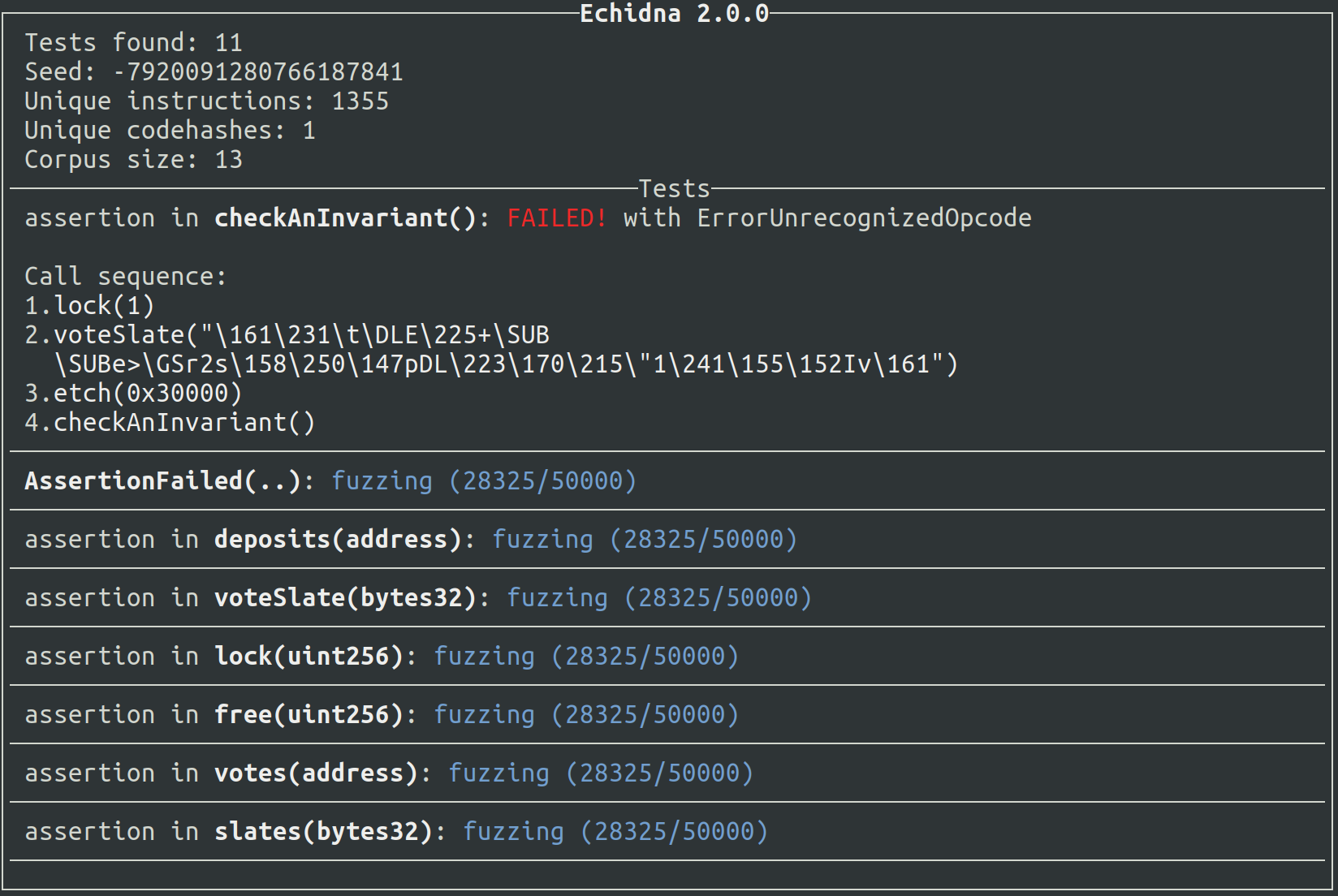
 crytic/echidna
Ethereum smart contract fuzzer


Echidna is a weird creature that eats bugs and is highly electrosensitive (with apologies to Jacob Stanley)
More seriously, Echidna is a Haskell program designed for fuzzing/property-based testing of Ethereum smart contracts. It uses sophisticated grammar-based fuzzing campaigns based on a contract ABI to falsify user-defined predicates or Solidity assertions. We designed Echidna with modularity in mind, so it can be easily extended to include new mutations or test specific contracts in specific cases.
.. and a beautiful high-resolution handcrafted logo.

The core Echidna functionality is an executable called echidna, which takes a contract and a list
of invariants (properties that should always remain true) as input. For each invariant, it generates
random sequences of calls to the contract and checks if the invariant holds. If it can find some way
to falsify the invariant, it prints the call sequence that does so. If it can't, you have some
assurance the contract is safe.
Invariants are expressed as Solidity functions with names that begin with echidna_, have no arguments, and return a boolean. For example, if you have some balance variable that should never go below 20, you can write an extra function in your contract like this one:
function echidna_check_balance() public returns (bool) {
    return(balance >= 20);
}
To check these invariants, run:
$ echidna myContract.sol
An example contract with tests can be found tests/solidity/basic/flags.sol. To run it, you should execute:
$ echidna tests/solidity/basic/flags.sol
Echidna should find a call sequence that falsifies echidna_sometimesfalse and should be unable to find a falsifying input for echidna_alwaystrue.
The example above uses the default property mode, but Echidna supports several testing modes, configured via testMode in the config file or --test-mode on the CLI:
property (default): Test echidna_-prefixed functions that return bool.assertion: Detect assertion failures from assert() and Foundry's assertX helpers (assertTrue, assertEq, etc.).foundry: Run Foundry-style tests, following its naming conventions: test-prefixed unit and fuzz tests (testFail-prefixed ones are expected to revert) and invariant- or statefulFuzz-prefixed stateful invariants. check- and prove-prefixed functions are symbolic entry points, but since this mode is a fuzzing campaign, they are fuzzed like any other test function.verification: Symbolically verify each function of the contract using a single transaction. check- and prove-prefixed functions are always used as entry points.overflow: Detect integer over/underflows (Solidity >= 0.8.0).optimization: Maximize the return value of echidna_-prefixed functions that return int256 (uses the same configurable prefix as property mode).exploration: Collect coverage without checking properties.After finishing a campaign, Echidna can save a coverage maximizing corpus in a special directory specified with the corpusDir config option. This directory will contain two entries: (1) a directory named coverage with JSON files that can be replayed by Echidna and (2) a plain-text file named covered.txt, a copy of the source code with coverage annotations.
If you run tests/solidity/basic/flags.sol example, Echidna will save a few files serialized transactions in the coverage directory and a covered.$(date +%s).txt file with the following lines:
*r  |  function set0(int val) public returns (bool){
*   |    if (val % 100 == 0)
*   |      flag0 = false;
  }

*r  |  function set1(int val) public returns (bool){
*   |    if (val % 10 == 0 && !flag0)
*   |      flag1 = false;
  }
Our tool signals each execution trace in the corpus with the following "line marker":
* if an execution ended with a STOPr if an execution ended with a REVERTo if an execution ended with an out-of-gas errore if an execution ended with any other error (zero division, assertion failure, etc)Echidna can test contracts compiled with different smart contract build systems, including Foundry, Hardhat, and Truffle, using crytic-compile. To invoke Echidna with the current compilation framework, use echidna ..
On top of that, Echidna supports two modes of testing complex contracts. Firstly, one can take advantage of existing network state and use that as the base state for Echidna. Secondly, Echidna can call into any contract with a known ABI by passing in the corresponding Solidity source in the CLI. Use allContracts: true in your config to turn this on.
Our Building Secure Smart Contracts repository contains a crash course on Echidna, including examples, lessons and exercises.
There is an Echidna action which can be used to run echidna as part of a
GitHub Actions workflow. Please refer to the
crytic/echidna-action repository for
usage instructions and examples.
Echidna's CLI can be used to choose the contract to test and load a configuration file.
$ echidna contract.sol --contract TEST --config config.yaml
The configuration file allows users to choose EVM and test generation parameters. An example of a complete and annotated config file with the default options can be found at tests/solidity/basic/default.yaml. See the documentation for more detailed information on the available configuration options.
Echidna supports three different output drivers. There is the default text
driver, a json driver, and a none driver, which should suppress all
stdout output. The JSON driver reports the overall campaign as follows.
