 corelight/dashboards-splunk-dns-hunting-beaconing
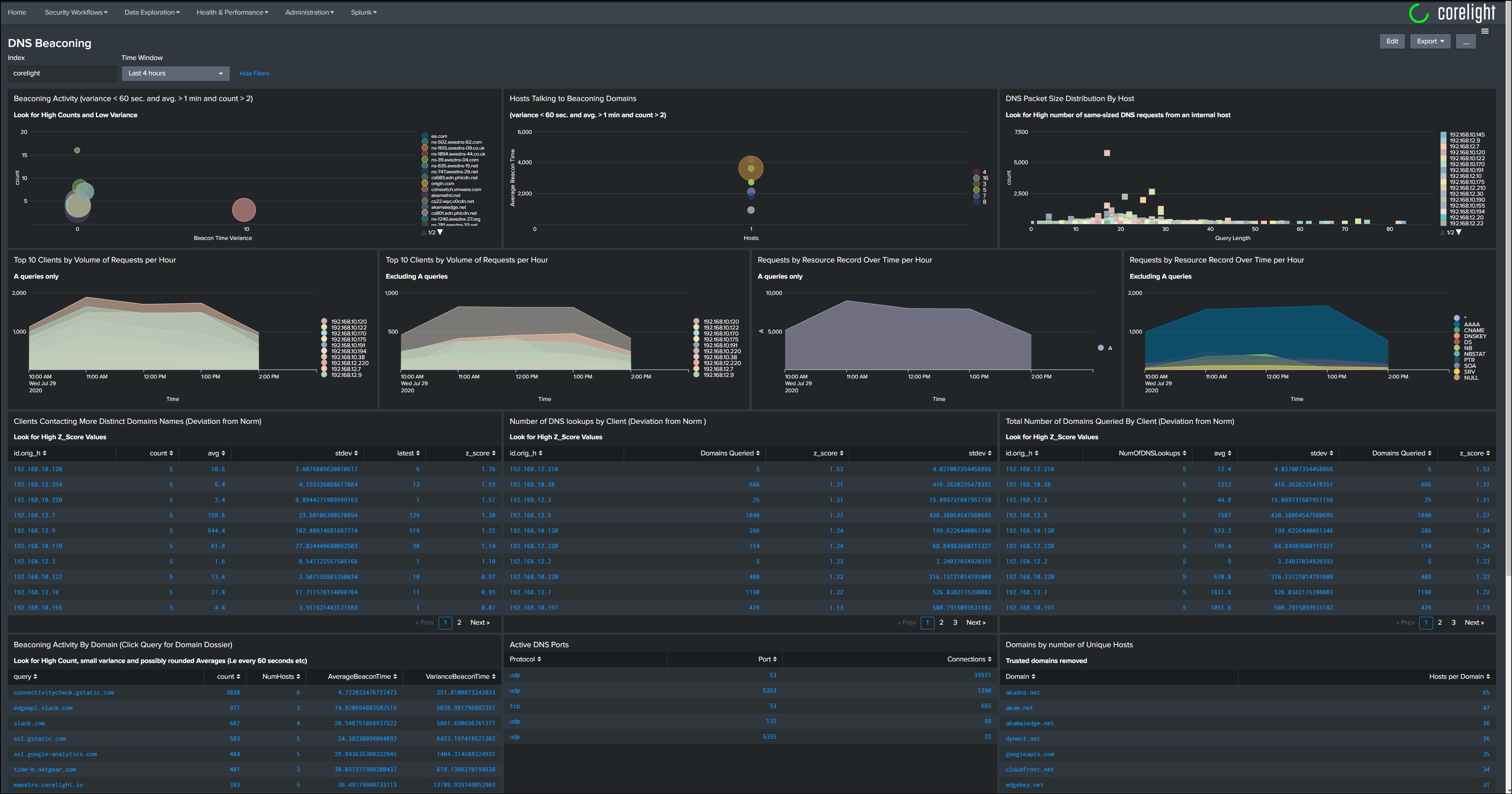
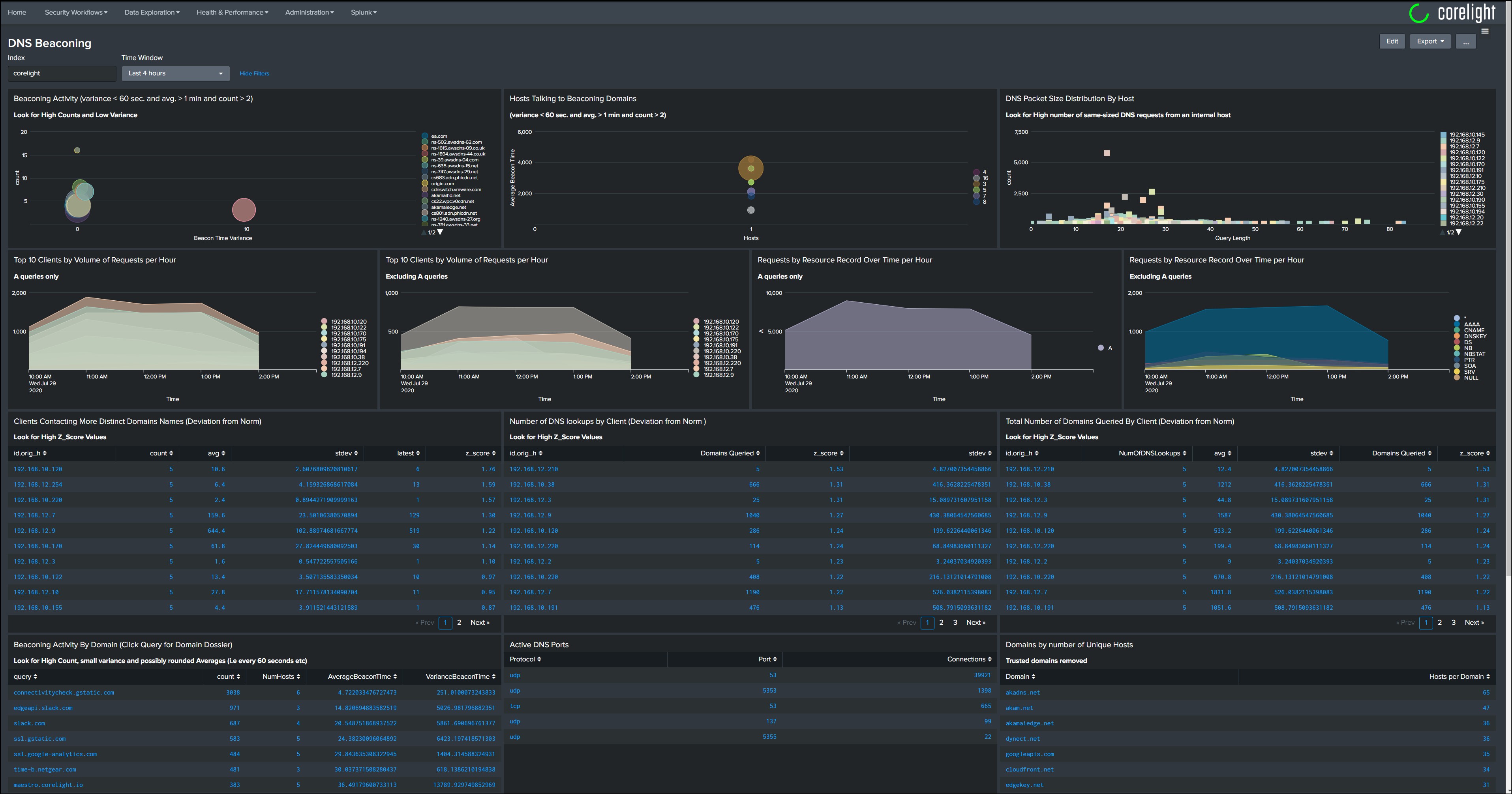
DNS Dashboard for hunting and identifying beaconing

DNS Dashboard for hunting and identifying beaconing
This dashboard no longer uses any third-party modules or a Splunk lookup table to identify "Trusted Domains". All of that work has been moved to the Corelight/Zeek sensor.
However, the dashboard does use two Splunk lookup tables to identify internal and authorized DNS servers.
The file 'internal_dns_servers.csv' is a list of all internal DNS servers that are authorized to talk to external DNS servers. The file 'authorized_dns_servers.csv' is a list of all the DNS servers other devices are authorized to talk directly to.
NOTE: After you add the lookup table file to Splunk, ensure you set the appropriate permissions on the table file.
The core of this dashboard is populated with information from parsing DNS Queries. It also requires a Corelight/Zeek script to parse the DNS query into the required components and to identify "Trusted Domains". The trusted domains list is optional, however, it is recommended to filter out noise from some of the panels. Simply update the trusted domains list via the Input Framework and all new log entries with be marked accordingly.
The script can be found here, https://github.com/corelight/icannTLD