
Skip to content
KitploitKITPLOIT
ToolsBlog
Submit
ToolsBlog
Submit

Hacking, PenTest, and Cybersecurity Tools for Your Security Arsenal!

Kitploit is a directory of hacking, cybersecurity, and pentesting tools. Discover the latest project updates to find vulnerabilities, analyze systems, automate testing, and strengthen your security.

··Feeds·Contact·Privacy·© 2026 Kitploit

Tool Directory

Categories

View all categories
Loading categories
Fold8-Ultra-Root-F976N — One-tap KernelSU installer for the Galaxy Z Fold 8 Ultra (SM-F976N / q8q) using the CVE-2026-43499 late-load exploit via Shizuku. Supports F976NKSU1AZGI, F976NKSS2AZH7, F976NKSU3AZI5 | Kitploit
Tools/GitHubGitHub/coey0814/fold8-ultra-root-f976n
Android SecurityPrivilege EscalationPersistence MechanismsExploitationMobile App PentestingPost-ExploitationMobile SecurityHardware & IoT SecurityPayload Development

Most Popular

View all →

Discover the most used tools by our community.

Explore all tools

Browse our collection of tools

View all tools →
Share
GitHubcoey0814/fold8-ultra-root-f976n

Fold8-Ultra-Root-F976N

One-tap KernelSU installer for the Galaxy Z Fold 8 Ultra (SM-F976N / q8q) using the CVE-2026-43499 late-load exploit via Shizuku. Supports F976NKSU1AZGI, F976NKSS2AZH7, F976NKSU3AZI5

View Repository
17h 1m agoNot yet reviewed

Fold8-Ultra-Root-F976N

한국어 · English

Fold8 Ultra Root icon

One-tap KernelSU installer for the Samsung Galaxy Z Fold 8 Ultra (SM-F976N, codename q8q)
powered by the CVE-2026-43499 late-load exploit via Shizuku.

Download latest APK

⚠️ WARNING

I am not responsible for bricked phones.

  • This tool uses a temporary (late-load) root that does not flash any partition, so it does not trip the KNOX warranty bit.
  • A wrong firmware match or a bad run can still cause a bootloop or hard brick. Only run this on a device you own, and only on the firmware revisions below.
  • While root is active, some apps (banking / government / DRM) may detect root and refuse to run (resolved after a reboot).
  • No warranty; use at your own risk.

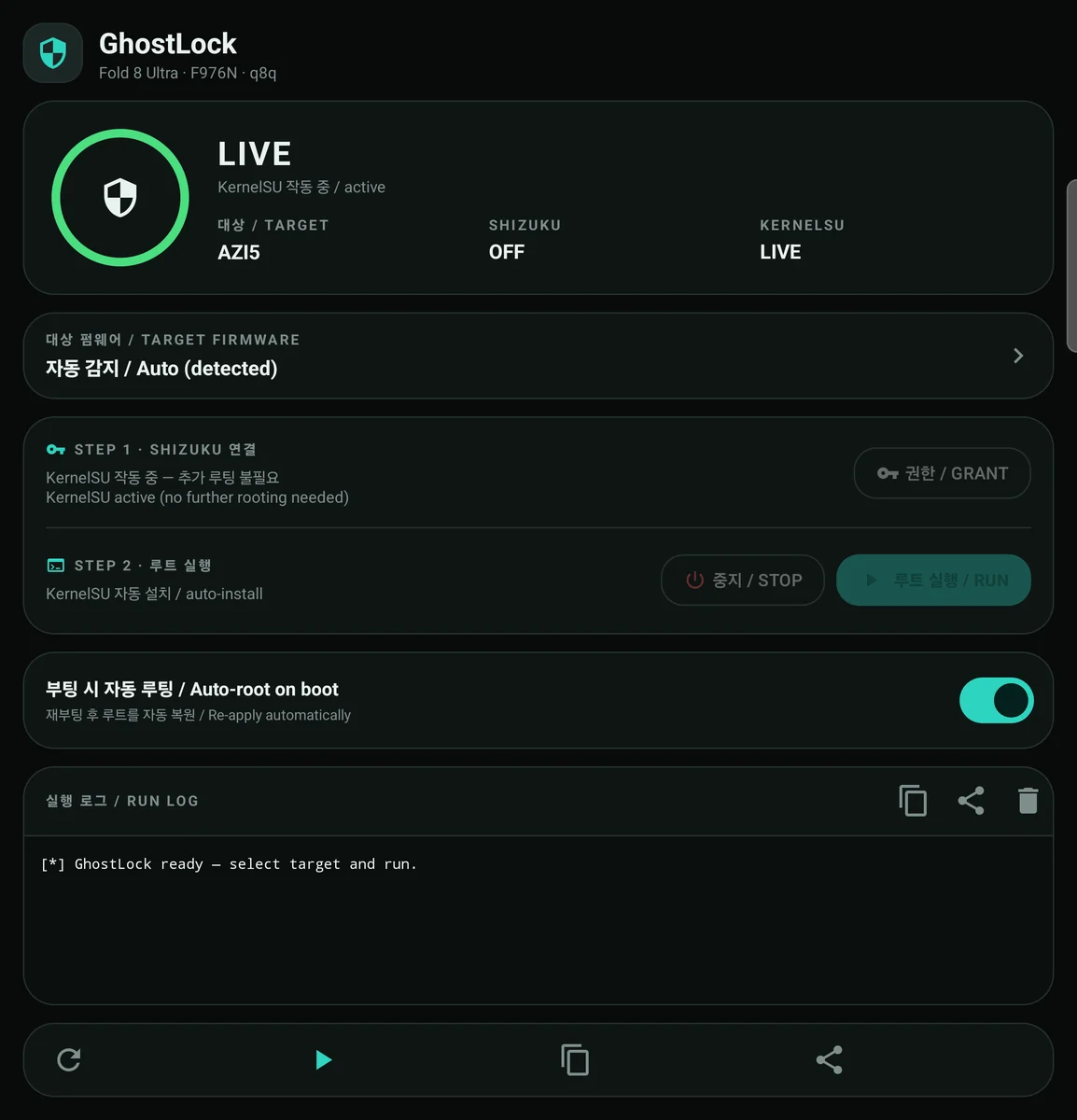
Screenshot

Application screenshot


Supported firmware

The app auto-detects the running firmware from Build.FINGERPRINT / Build.DISPLAY / Build.ID and picks the matching payload. You can also select the target manually from the TARGET FIRMWARE card.

Requirements

  • Samsung Galaxy Z Fold 8 Ultra SM-F976N (q8q) on one of the firmwares above.
  • Shizuku installed and running (wireless debugging / adb mode is enough).
  • The KernelSU manager app — not bundled with this app, install it separately (tested with v3.3.0). Required to use the root once the module is late-loaded.
  • This app does not flash or modify any partition; it loads the KernelSU module at runtime, so root must be re-applied after each reboot (or use the built-in auto-root).

Usage

  1. First, install the KernelSU manager app (it is not bundled with this app).
  2. Install the APK from Releases.
  3. Start Shizuku (wireless debugging pairing), then open this app.
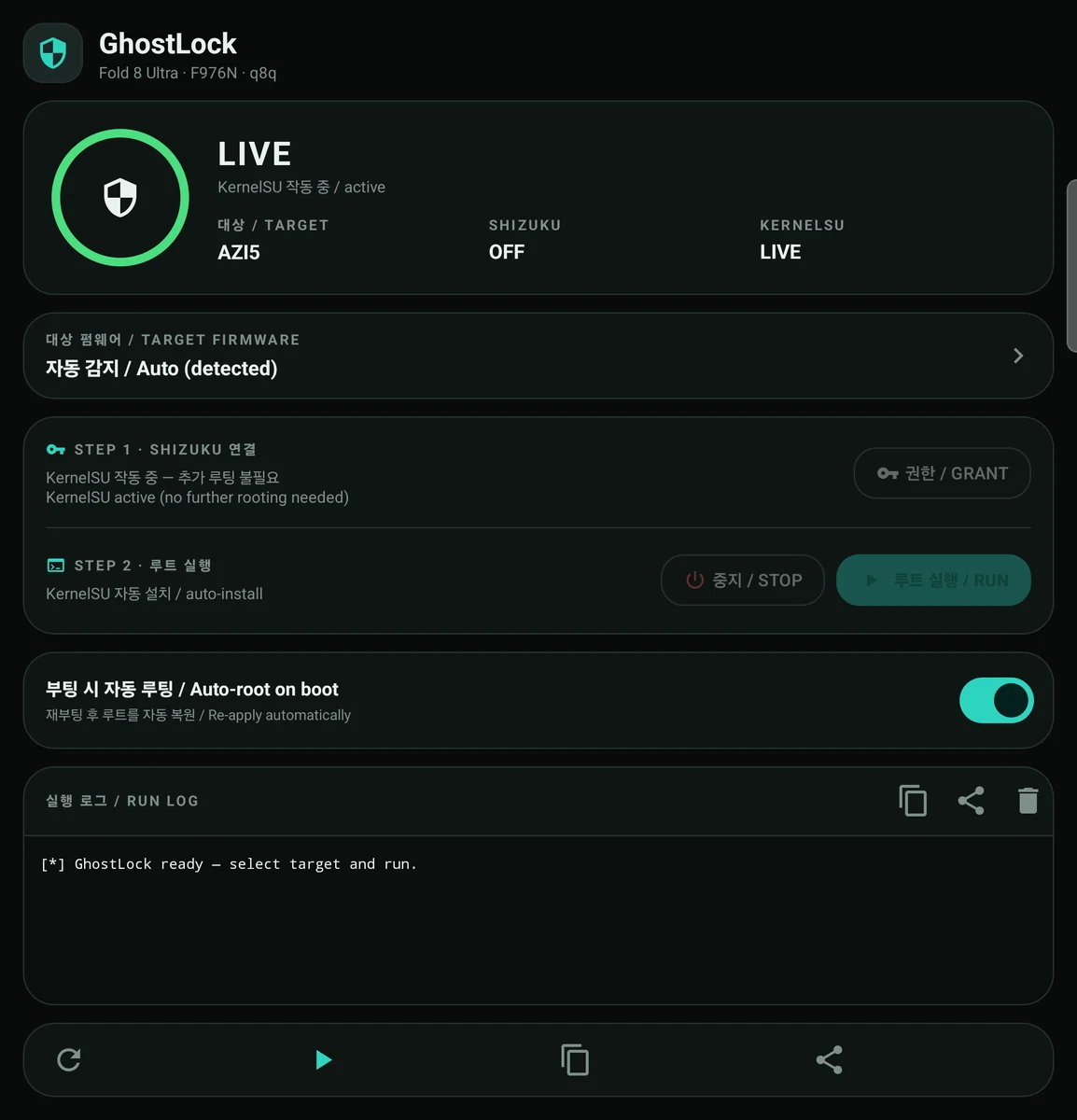
  4. Tap GRANT PERMISSION and approve the Shizuku dialog. The ring goes READY.
  5. Tap RUN EXPLOIT. The log shows the run; on success the ring shows LIVE (KernelSU active).
  6. Open the KernelSU manager to grant root to your apps.

Auto-root on boot

Enable Auto-root on boot. After a reboot a foreground service waits for Shizuku (up to 5 minutes) and re-applies root once per boot. It checks whether KernelSU is already loaded and skips if so.

Notes and limitations

  • Each run retries up to 3 times (60 s apart, 60 s logcat watch per attempt) and aborts on reboot detection.
  • On this ROM an unprivileged app cannot read /proc/modules, so KernelSU is detected through Shizuku (or via su if this app has been granted root in KernelSU). Without Shizuku, the app cannot report LIVE.
  • Run only one at a time — the runner holds a global lock.

Additional info

  • Stability: generally more reliable than the S25-series temporary root; usually succeeds within 1–3 tries. If the device reboots a few minutes after rooting, just run it again.
  • LSPosed: use this combination:
    • NeoZygisk-PostBoot 2.3+
    • LSPosed 2.2.0
  • Hiding root from banking / stock apps: HMA-OSS.

Build

Requirements: JDK 17 and Android SDK 34 (no NDK needed; the payloads are prebuilt assets).

root@kitploit:~
JAVA_HOME=/path/to/jdk-17 ./gradlew :app:assembleRelease
# output: app/build/outputs/apk/release/app-release.apk

local.properties and the signing keystore are intentionally not committed. To build a release, point sdk.dir at your SDK and either create your own keystore or use the debug signing config. The published APK is signed with the AOSP testkey (alias testkey, password android), so updates install in place over an existing testkey-signed build.

Bundled asset integrity (SHA-256)

Credits

This project would not exist without the work of others:

  • YuKongA/ghostlock-app — GhostLock app (UI / logic base, Apache-2.0)
  • diabl0w/ghostlock-q8q — q8q exploit payload
  • NebuSec/CyberMeowfia & polygraphene/CyberMeowfia — original CVE-2026-43499 research
  • tiann/KernelSU — KernelSU (GPL-3.0)
  • RikkaApps/Shizuku — Shizuku (Apache-2.0)
  • BuSung-dev/Root-My-Galaxy — project structure / release reference
  • kuuky29/UniRoot — reference for the auto-root on boot feature

See NOTICE for details.

License

Licensed under the Apache License 2.0. See LICENSE.

The bundled ksud binaries and KernelSU kernel module remain under GPL-3.0 (see NOTICE).

Download Tool
RevisionPDAExploit payloadksud
rev1F976NKSU1AZGIpreload.soksud
rev2F976NKSS2AZH7preload-azh7.soksud-azh7
rev3F976NKSU3AZI5preload-azi5.soksud-azi5
AssetSHA-256 (prefix)
preload.so947099db3862efcc…
preload-azh7.so0408d45a1ba33701…
preload-azi5.sodb1b56b942ff03e6…
ksudc4830698accaa951…
ksud-azh7b140d354cffed359…
ksud-azi5784e4ea7ddee2f8c…