 cobalt-strike/sleep_python_bridge
This project is 'bridge' between the sleep and python language. It allows the control of a Cobalt Strike teamserver through python without the need for for the standard GUI client. NOTE: This project is very much in BETA. The goal is to provide a playground for testing and is in no way an officially support feature. Perhaps this could be something added in the future to the core product.
This project is 'bridge' between the sleep and python language. It allows the control of a Cobalt Strike teamserver through python without the need for the standard GUI client.
NOTE: This project is very much in BETA. The goal is to provide a playground for testing and is in no way an officially support feature. Perhaps this could be something added in the future to the core product.
The project was inspired by the work done by @BinaryFaultline and @Mcgigglez16 in the project https://github.com/emcghee/PayloadAutomation. I want to offer a special thanks you both !!
The heart of this bridge is a python implementation of a headless Cobalt Strike client. This is achieved by using the Aggressor Script Console provided by agscript as the engine. Agscript allows for headless interaction with Cobalt Strike (https://www.cobaltstrike.com/aggressor-script/index.html). The 'bridge' works by using python helper functions in sleepy.py to generate the needed sleep commands expected by the agscript console. Instead of writing the sleep functions, striker.py provides helper functions that abstracts sleep and allows the use of python.
Because the PayloadAutomation project inspired this, it started with much of the same code, but I wanted to strip this down to use the components needed to act as an agscript wrapper.
| Item | Description |
|---|---|
| sleep_python_bridge | The library that allows python to interface with Cobalt Strike |
| output/html | path for html data viewers |
| output/html/data | path for json data used by data viewer |
| output/payloads | path for saved payloads (used by payload generator) |
| payload_scripts | path for external scripts to be loaded by payloadgenerator.py |
| beaconlogtracker.py | Implementation of a beacon log tracker the uses an HTML datagrid to display beacon logs |
| payloadgenerator.py | Implementation of a beacon payload generator that create payloads for each listener |
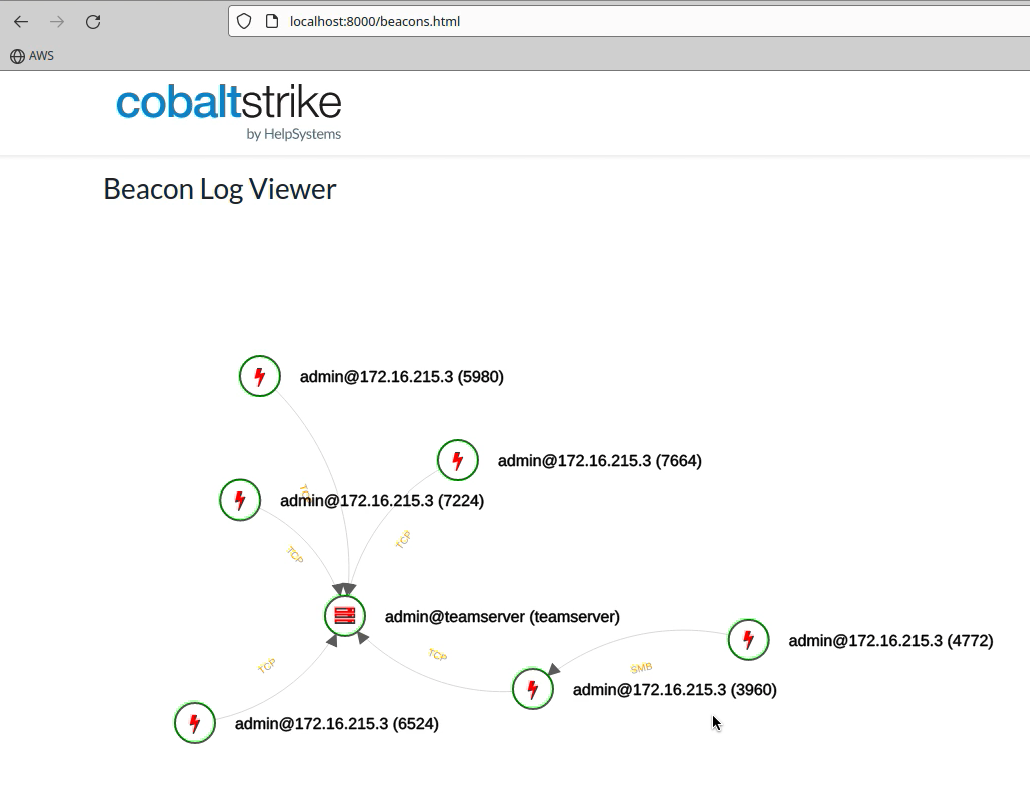
| beacongrapher.py | Implementation of a beacon graph tracker the uses an HTML javascript directed graph to beacons |
The examples in this project may be the easiest way to understand but is the script example.py
#!/usr/local/bin/python3

## Import the bridge
from sleep_python_bridge.striker import CSConnector
from argparse import ArgumentParser
from pprint import pp, pprint

###################
## Argparse
def parseArguments():
    parser = ArgumentParser()
    parser.add_argument('host', help='The teamserver host.')
    parser.add_argument('port', help='The teamserver port.')
    parser.add_argument('username', help='The desired username.')
    parser.add_argument('password', help='The teamserver password.')
    parser.add_argument('path', help="Directory to CobaltStrike")

    args = parser.parse_args()
    return args

## Let's go
def main(args):

    cs_host = args.host
    cs_port = args.port
    cs_user = args.username
    cs_pass = args.password
    cs_directory = args.path

    ## Connect to server
    print(f"[*] Connecting to teamserver: {cs_host}")
    with CSConnector(
        cs_host=cs_host,
        cs_port=cs_port,
        cs_user=cs_user,
        cs_pass=cs_pass,
        cs_directory=cs_directory) as cs:

        # Perform some actions
        #
        # Get beacon metadata - i.e., x beacons() from the script console
        beacons = cs.get_beacons()
        print("BEACONS")
        pprint(beacons)

        # Get list of listners - i.e., x listeners_stageless() from the script console
        listeners = cs.get_listeners_stageless()
        print("LISTENERS")
        pprint(listeners)

if __name__ == "__main__":
    args = parseArguments()
    main(args)
Call the script
python3 example.py 127.0.0.1 50050 example password /path/to/cobaltstrike
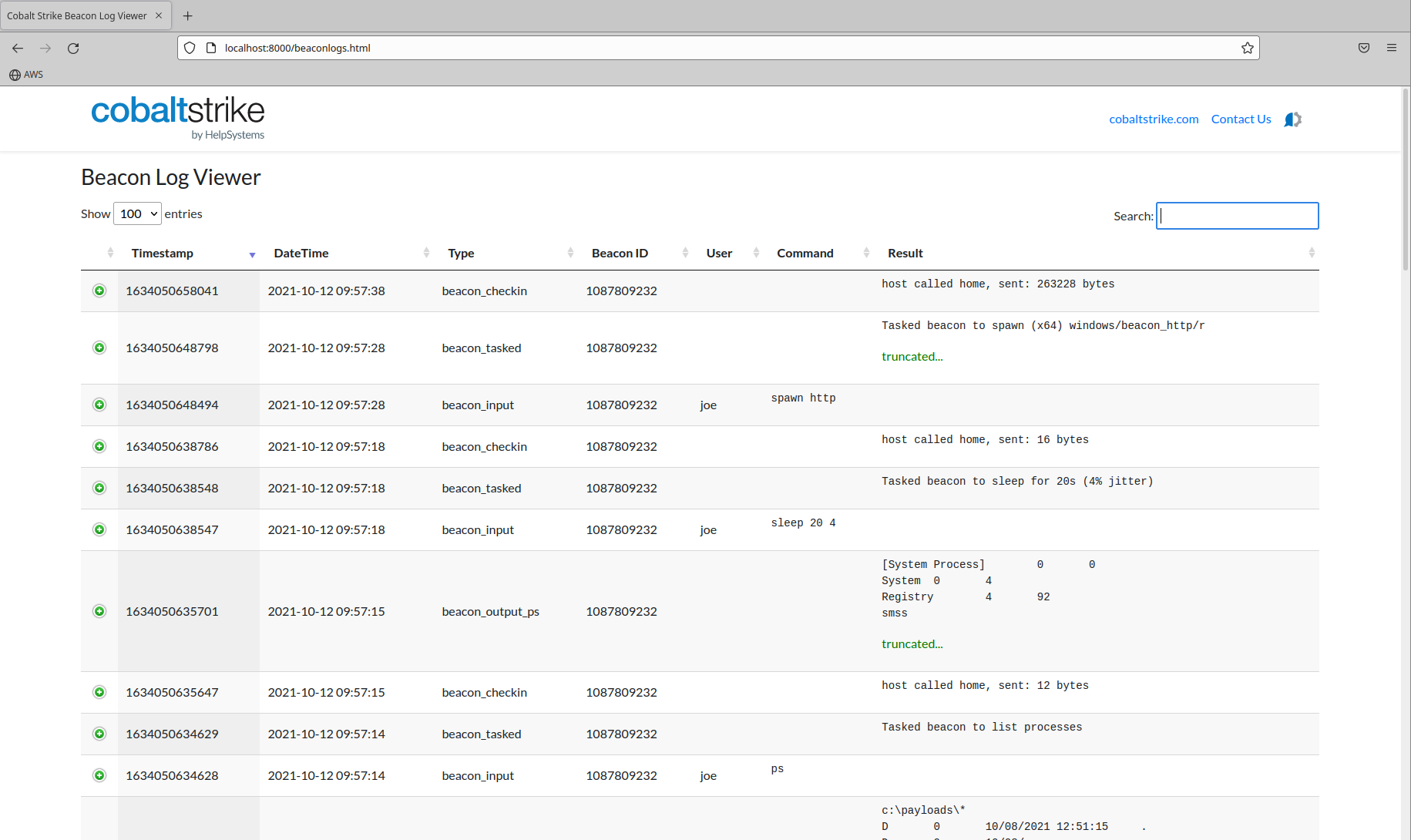
Beacon logs are available at runtime in a teamserver or through the beacon log files saved on the teamserver. The data is always there, but may not be presented in a way you would like. This is an example of log tracker that use an HTML data grid to quickly view beacon logs.
beaconlogtracker.py is a script that connects to a teamserver, extracts the running beacon logs every 30 seconds, saves to <code>beaconlogs.json` and, displays in a searchable and sortable HTML data grid.
Beacons logs are always saved to the logs directory, but this is an alternate way to track the in memory logs with an alternate viewer. If the teamserver is restarted the in memory logs are lost, and you must refer to the logs stored in the logs directory on the teamserver. This script keep in memory logs synced to the file beaconlogs.json. This way you have a quick and easy way to visualize all data without digging through the logs directory even if Cobalt Strike is restarted.
Start the script by having it connect to your teamserver to sync logs every 30 seconds
Usage:
python3 beaconlogtracker.py 127.0.0.1 50050 logtracker password /path/to/cobaltstrike
This will keep beaconlogs.json sync'd with saved and running beacon logs. It syncs every 30 seconds
Start a webserver from output/html directory
python3 -m http.server 8000
Connect to http://localhost:8000/beaconlogs.html
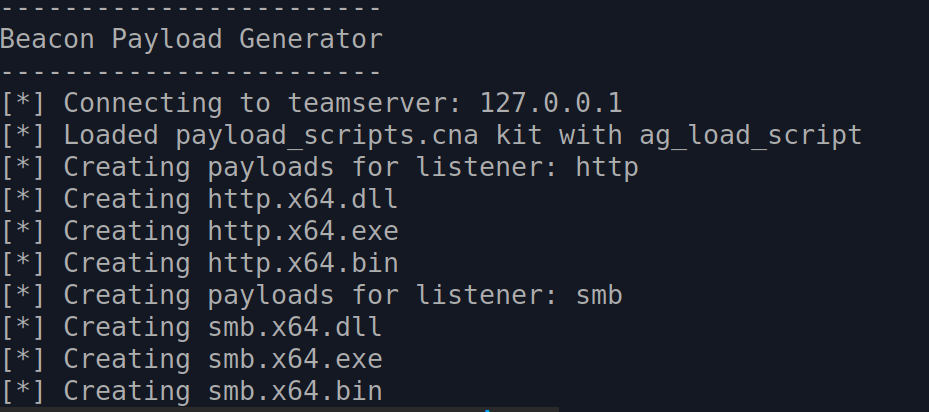
A feature often requested by red team operators is the ability to create payloads programmatically without the need for the Cobalt Strike GUI. The reference project did this with a payload generator. This was great, but there is a unique challenge. Aggressor provides several hooks to influence how a payload is built. These hooks are used by the various kits (i.e., artifact kit, sleep mask kit, or UDRL kit). They are normally used by loading an aggressor script through the GUI. This project was extended to allow the loading of external scripts. Without this, using this payload hooks would be difficult. This code could easily be extended to pass the payloads to external functions to add custom obfuscation, embed in a customer loader, or any other modification.
The payload generator script connects to the teamserver, loads the additional scripts, and creates payloads.
python3 payloadgenerator.py 127.0.0.1 50050 payloads password /path/to/cobaltstrikeThis example will list the steps to add the Arsenal kit which has the artifact and sleep mask kits enabled.
