 cliffe/secgen
Create randomly insecure VMs

SecGen creates vulnerable virtual machines, lab environments, and hacking challenges, so students can learn security penetration testing techniques.
Boxes like Metasploitable2 are always the same, this project uses Vagrant, Puppet, and Ruby to create randomly vulnerable virtual machines that can be used for learning or for hosting CTF events.
The latest version is available at: http://github.com/cliffe/SecGen/
Please complete a short survey to tell us how you are using SecGen.
For a hosted solution visit: https://hacktivity.co.uk/
Computer security students benefit from engaging in hacking challenges. Practical lab work and pre-configured hacking challenges are common practice both in security education and also as a pastime for security-minded individuals. Competitive hacking challenges, such as capture the flag (CTF) competitions have become a mainstay at industry conferences and are the focus of large online communities. Virtual machines (VMs) provide an effective way of sharing targets for hacking, and can be designed in order to test the skills of the attacker. Websites such as Vulnhub host pre-configured hacking challenge VMs and are a valuable resource for those learning and advancing their skills in computer security. However, developing these hacking challenges is time consuming, and once created, essentially static. That is, once the challenge has been "solved" there is no remaining challenge for the student, and if the challenge is created for a competition or assessment, the challenge cannot be reused without risking plagiarism, and collusion.
Security Scenario Generator (SecGen) generates randomised vulnerable systems. VMs are created based on a scenario specification, which describes the constraints and properties of the VMs to be created. For example, a scenario could specify the creation of a system with a remotely exploitable vulnerability that would result in user-level compromise, and a locally exploitable flaw that would result in root-level compromise. This would require the attacker to discover and exploit both randomly selected vulnerabilities in order to obtain root access to the system. Alternatively, the scenario that is defined can be more specific, specifying certain kinds of services (such as FTP or SMB) or even exact vulnerabilities (by CVE).
SecGen is a Ruby application, with an XML configuration language. SecGen reads its configuration, including the available vulnerabilities, services, networks, users, and content, reads the definition of the requested scenario, applies logic for randomising the scenario, and leverages Puppet and Vagrant to provision the required VMs.
SecGen is free software: you can redistribute it and/or modify it under the terms of the GNU General Public License as published by the Free Software Foundation, either version 3 of the License, or (at your option) any later version.
SecGen contains modules, which install various software packages. Each SecGen module may contain or remotely source software, and each module defines its own license in the accompanying secgen_metadata.xml file.
SecGen is developed and tested on Ubuntu Linux. In theory, SecGen should run on Mac or Windows, if you have all the required software installed.
You will need to install the following:
This project has been adapted to work with the Ubuntu (20.04) release due to (16.04) coming to end of life as of April 2021, though it will still work on that version it is not guaranteed to support the security updates needed for your development environment.
Ensure Ubuntu is updated using the following commands:
sudo apt update
sudo apt upgrade
Install a recent version of vagrant:
wget https://releases.hashicorp.com/vagrant/2.2.9/vagrant_2.2.9_x86_64.deb
sudo apt install ./vagrant_2.2.9_x86_64.deb
Install other required packages:
sudo apt-get install ruby-dev zlib1g-dev liblzma-dev build-essential patch virtualbox ruby-bundler imagemagick libmagickwand-dev exiftool libpq-dev libcurl4-openssl-dev libxml2-dev graphviz graphviz-dev libpcap0.8-dev git
Clone the SecGen repo using the following command.By default this will be /home/username/SecGen, change as required:
git clone https://github.com/cliffe/SecGen.git
Install gems using the following commands:
#Step In to the file directory

cd /home/username/SecGen

bundle update --bundler
Update gems:
bundle update
Install all the required packages:
# install a recent version of vagrant
wget https://releases.hashicorp.com/vagrant/1.9.8/vagrant_1.9.8_x86_64.deb
sudo apt install ./vagrant_1.9.8_x86_64.deb
# install other required packages via repos
sudo apt-get install ruby-dev zlib1g-dev liblzma-dev build-essential patch virtualbox ruby-bundler imagemagick libmagickwand-dev exiftool libpq-dev libcurl4-openssl-dev libxml2-dev graphviz graphviz-dev libpcap0.8-dev git
Copy SecGen to a directory of your choosing, such as /home/user/bin/SecGen
Then install gems:
cd /home/user/bin/SecGen
bundle install
To use the Windows basesboxes you will need to install Packer. Use the following command:
curl -SL https://releases.hashicorp.com/packer/1.3.2/packer_1.3.2_linux_amd64.zip -o packer_1.3.2_linux_amd64.zip
unzip packer_1.3.2_linux_amd64.zip
sudo mv packer /usr/local/
sudo bash -c 'echo "export PATH=\"\$PATH:/usr/local/\"" >> /etc/environment'
sudo vagrant plugin install winrm
sudo vagrant plugin install winrm-fs
Basic usage:
ruby secgen.rb run
This will use the default scenario to randomly generate VM(s).
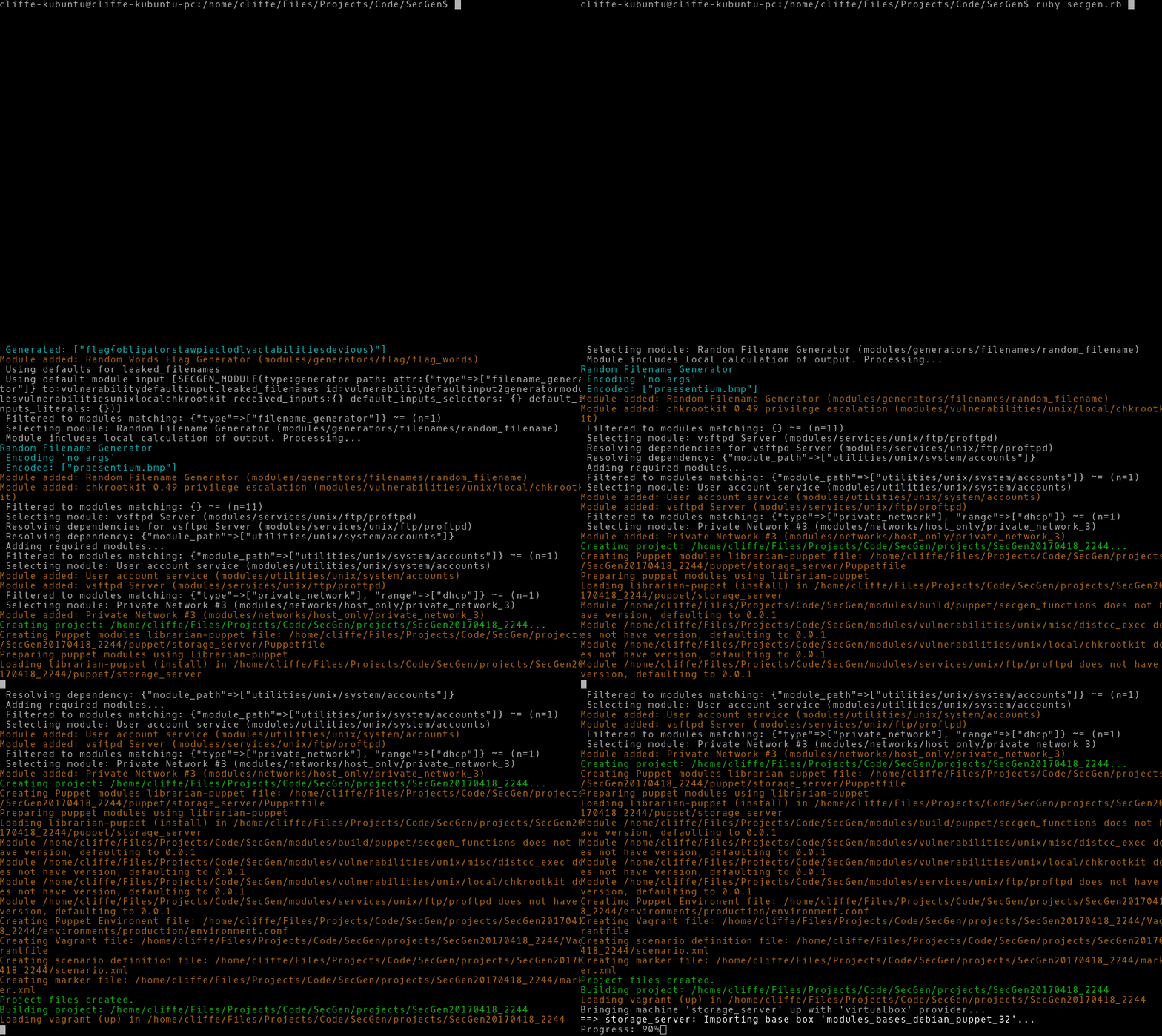
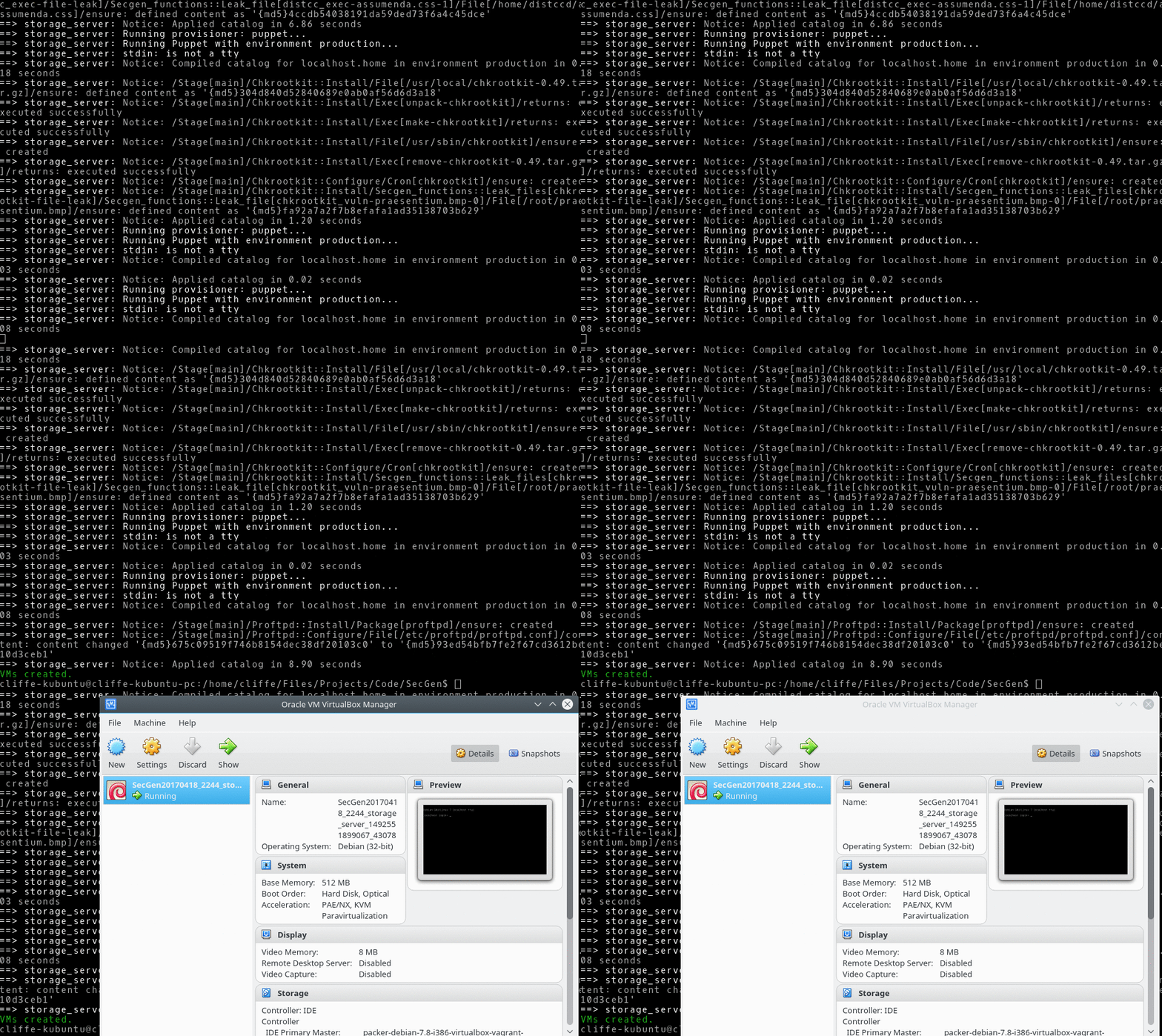
SecGen accepts arguments to change the way that it behaves, the currently implemented arguments are:
   ruby secgen.rb [--options] <command>
      OPTIONS:
      --scenario [xml file], -s [xml file]: Set the scenario to use
        (defaults to /home/secgen/SecGen/scenarios/default_scenario.xml)
      --project [output dir], -p [output dir]: Directory for the generated project
        (output will default to /home/secgen/SecGen/projects/SecGen20200313_094915)
      --shutdown: Shutdown VMs after provisioning (vagrant halt)
      --network-ranges: Override network ranges within the scenario, use a comma-separated list
      --forensic-image-type [image type]: Forensic image format of generated image (raw, ewf)
      --read-options [conf path]: Reads options stored in file as arguments (see example.conf)
      --memory-per-vm: Allocate generated VMs memory in MB (e.g. --memory-per-vm 1024)
      --total-memory: Allocate total VM memory for the scenario, split evenly across all VMs.
      --cpu-cores: Number of virtual CPUs for generated VMs
      --help, -h: Shows this usage information
      --system, -y [system_name]: Only build this system_name from the scenario
      --snapshot: Creates a snapshot of VMs once built
      --no-tests: Prevent post-provisioning tests from running.
