 cisagov/decider
A web application that assists network defenders, analysts, and researchers in the process of mapping adversary behaviors to the MITRE ATT&CK® framework.


This work is licensed under a Creative Commons Attribution 4.0 International License.
This project makes use of MITRE ATT&CK® - ATT&CK Terms of Use.
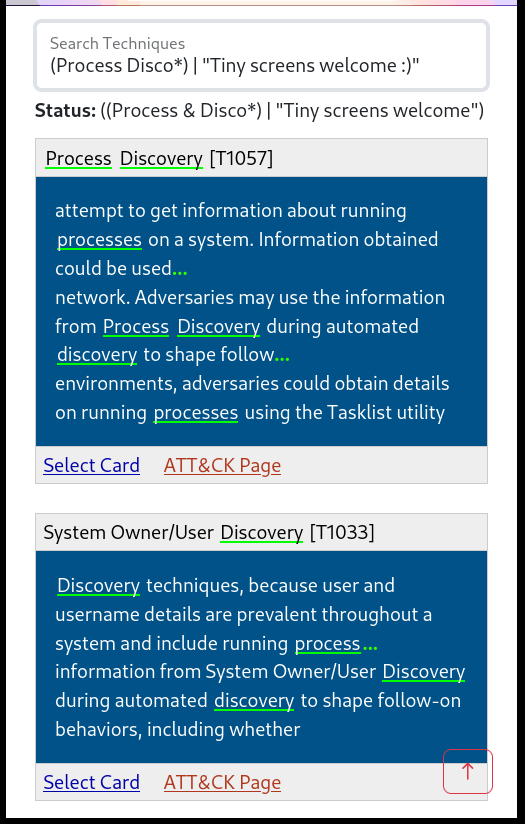
This is Firefox - but it works on mobile too!
A web application that assists network defenders, analysts, and researchers in the process of mapping adversary behaviors to the MITRE ATT&CK® Framework.
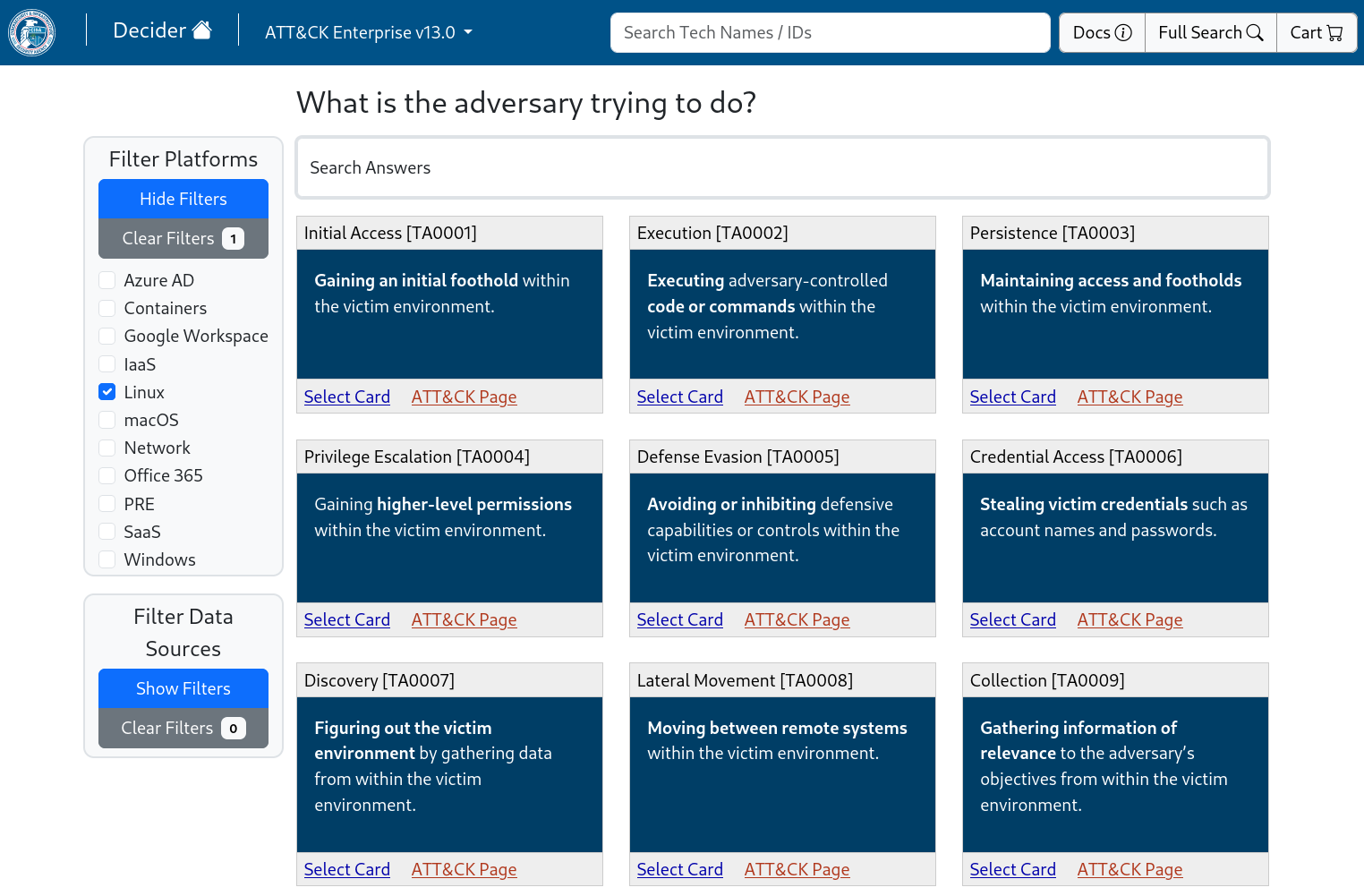
Decider is a tool to help analysts map adversary behavior to the MITRE ATT&CK Framework. Decider makes creating ATT&CK mappings easier to get right by walking users through the mapping process. It does so by asking a series of guided questions about adversary activity to help them arrive at the correct tactic, technique, or subtechnique. Decider has a powerful search and filter functionality that enables users to focus on the parts of ATT&CK that are relevant to their analysis. Decider also has a cart functionality that lets users export results to commonly used formats, such as tables and ATT&CK Navigator heatmaps.
Note: The MD can be viewed directly on GitHub, while the HTML must be downloaded for local viewing. The MD will appear slightly weird - as it contains Pandoc directives used in generating the HTML.
Decider ultimately tries to make mapping to ATT&CK easier.
It offers:
Decider does not intend to replace the ATT&CK site - but rather, it acts as a complementary tool that leads you there in the end. Only information assisting mapping is included.
(you are here)[Matrix > Tactic] > Technique > SubTechnique
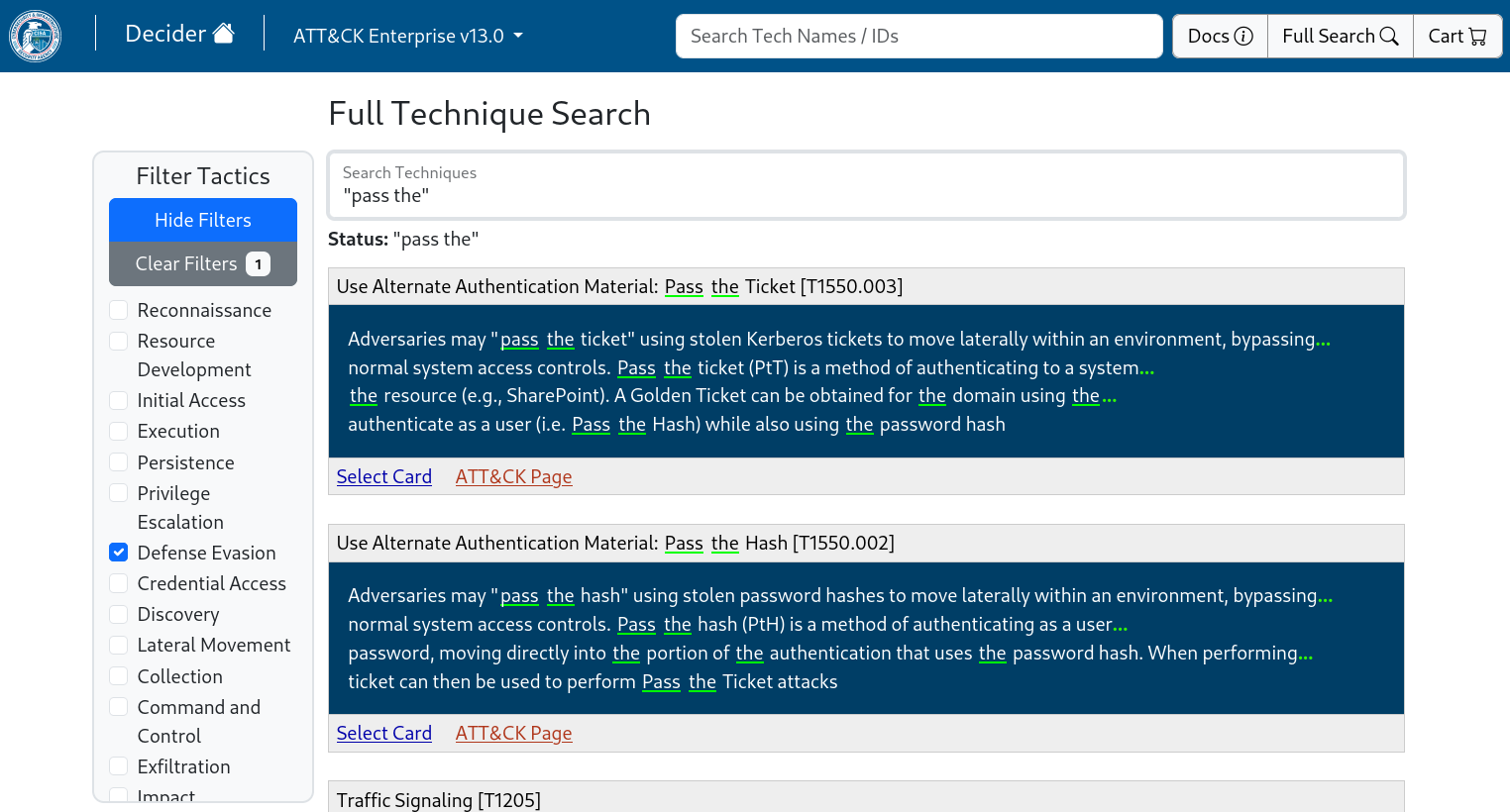
Boolean expressions, prefix-matching, and stemming included.
Best option for 99% of people
git clone https://github.com/cisagov/decider.git
cd decider
cp .env.docker .env
# edit .env - define DB_ADMIN_PASS, DB_KIOSK_PASS, CART_ENC_KEY, APP_ADMIN_PASS
# no default passwords are given :)
cp -r default_config/. config/
sudo docker compose up
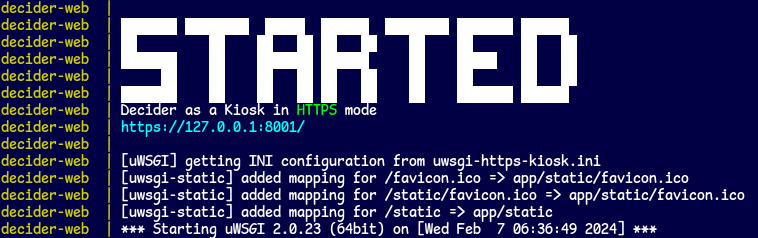
Then visit the link once started (default: http://localhost:8001/).
Changing config/? Just:
sudo docker compose stop
sudo docker compose start
However, changing variables in .env requires
sudo docker compose up
which will recreate containers with modified environments
WEB_HTTPS_ON='' -> http://WEB_IP:WEB_PORT/WEB_HTTPS_ON='anything' -> https://WEB_IP:WEB_PORT/pip install -r requirements-pre.txt
pip install -r requirements.txt
pip install -r requirements-dev.txt
pre-commit install
Read the Ubuntu & CentOS guides and recreate actions according to your platform.
open() in Python uses the system's default text encoding
utf-8 on macOS and Linuxwindows-1252 on Windows
encoding='utf-8' as an arg in each open() may allow Windows deployment(M1 users at least) Make sure to (1) install Postgres before (2, 3) installing the pip requirements
brew install postgresqlpip install -r requirements-pre.txtpip install -r requirements.txtas of April 24th, 2023
Exact required version(s) unspecified.
docker compose should work, whereas docker-compose is outdated.Decider has not yet been tested against many concurrent users (this is soon to change).
But it is extremely lightweight - it sits at roughly 250MB of RAM total for both containers (docker stats).
It does peak during the build process where sources are loaded into RAM, hitting 375MB or so.
JSONs under default_config/build_sources/enterprise-attack are pulled from https://github.com/mitre-attack/attack-stix-data/tree/master/enterprise-attack
© 2023 The MITRE Corporation. This work is reproduced and distributed with the permission of The MITRE Corporation.
# (in repo root)

# pull v13 content
git pull

# remove containers (DB data is safe)
sudo docker compose down

# rebuild images (v13 files copy-over)
sudo docker compose up --build

# add version
sudo docker exec decider-web python -m app.utils.db.actions.add_version --config DefaultConfig --version v13.0
