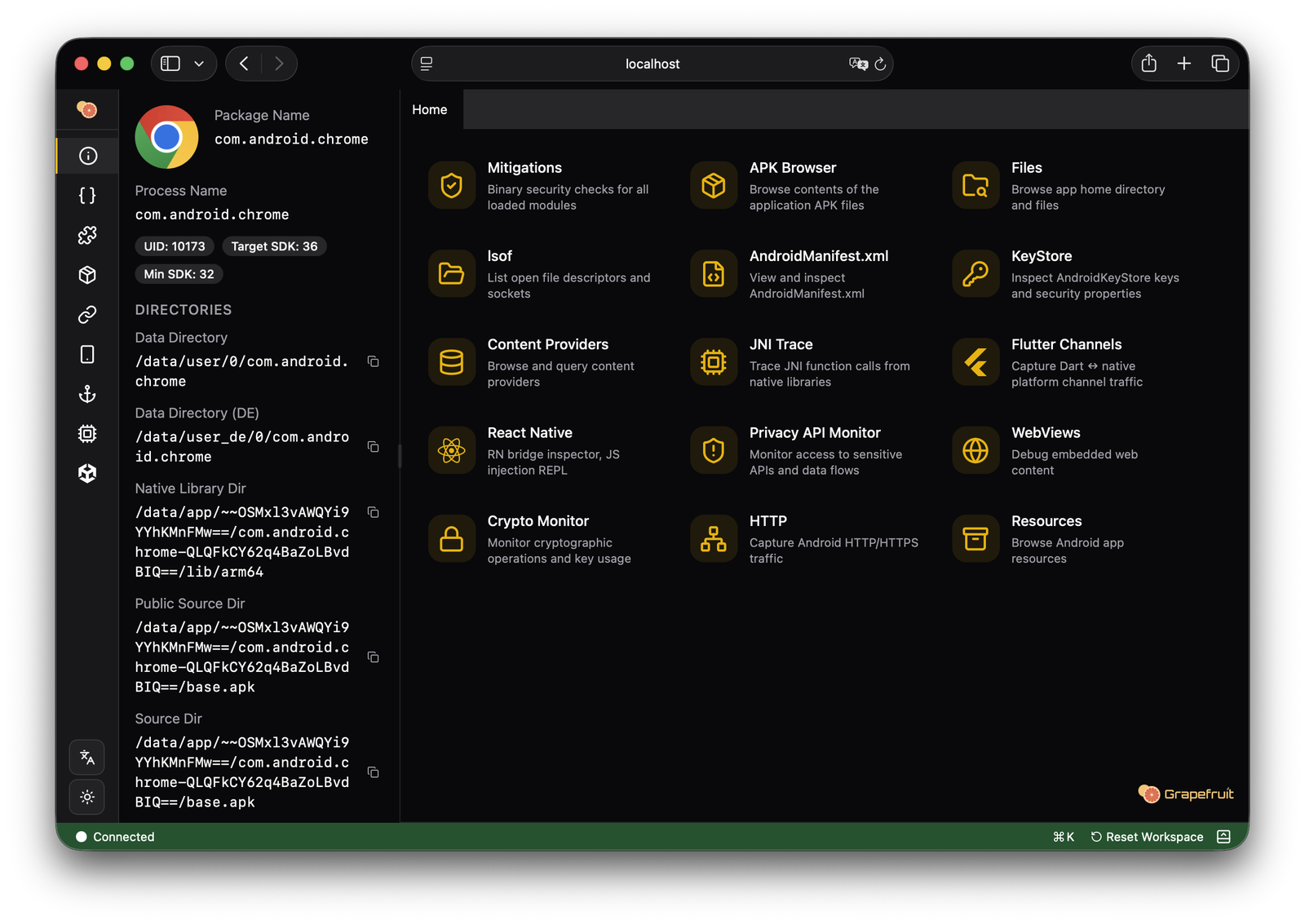


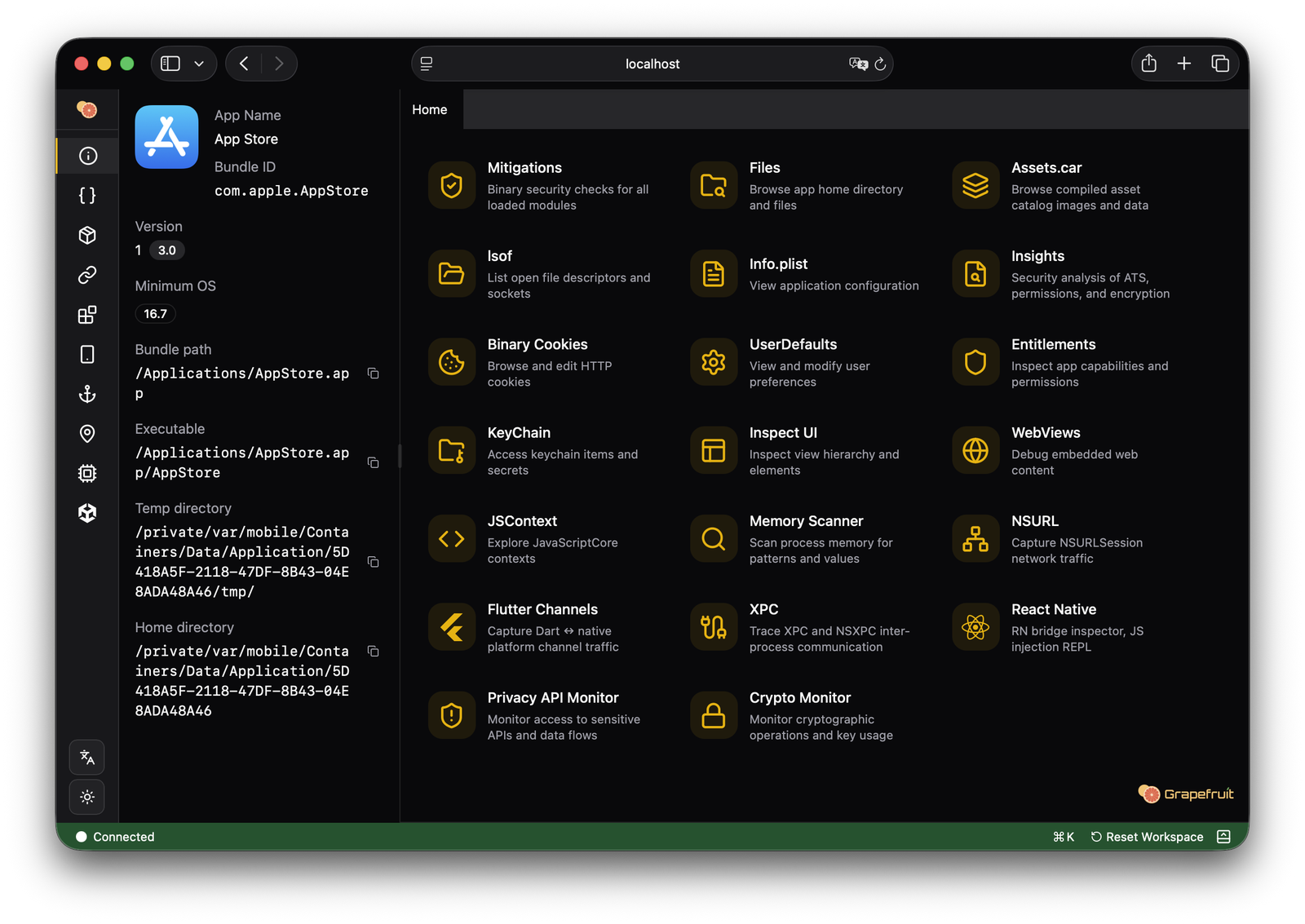
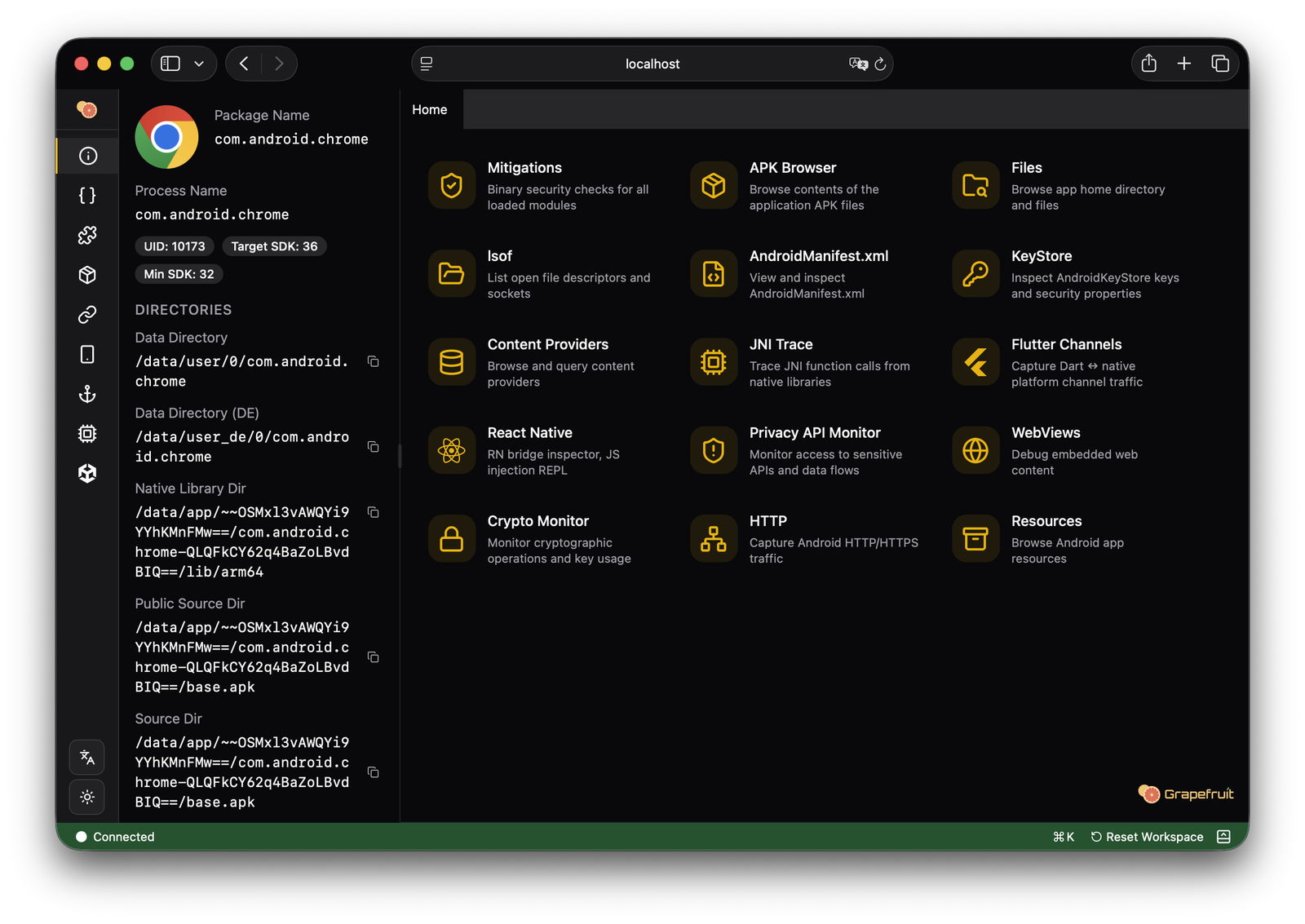
Open-source mobile security testing suite for iOS and Android. Previously Passionfruit





Runtime mobile application instrumentation toolkit powered by Frida. Inspect, hook, and modify mobile apps through a web-based interface.
Now it supports both iOS and Android!
Requires Frida server running on your device. Follow the official setup guides(Android) first.
npm (recommended, requires Node.js 22.18+)
npm install -g igf
igf
Or run without installing (requires Node.js 22.18+)
npx igf
Prebuilt binaries for macOS, Linux, and Windows are available on GitHub Releases. Both source development and prebuilt executables use Node.js; see the development guide for the npm workflow.
igf [options]           Start the server (default)

Options:
  --frida <16 | 17>      Frida version to use (default: 17)
  --host <host>          Host to bind (default: 127.0.0.1)
  --port <port>          Port to bind (default: 31337)
  --project <path>       Project directory for data/cache/logs (default: .igf in cwd)
  --no-open              Do not open browser on startup
  --help, -h             Show help message
| Variable | Description | Default |
|---|---|---|
HOST | Server bind address | 127.0.0.1 |
PORT | Server port | 31337 |
FRIDA_VERSION | Frida major version (16 or 17) | 17 |
FRIDA_TIMEOUT | Frida operation timeout (ms) | 1000 |
PROJECT_DIR | Project directory for data/cache/logs | .igf in cwd |
LLM_PROVIDER | AI provider (anthropic, openai, gemini, openrouter) | |
LLM_API_KEY | API key for the LLM provider | |
LLM_MODEL | Model name (e.g. claude-sonnet-4-20250514) | |
LLM_BASE_URL | Custom endpoint (overrides provider default) |
Command-line flags take precedence over environment variables when both are set.
This project does not include built-in bypasses for anti-tampering protections:
Rationale: RASP (Runtime Application Self-Protection) solutions evolve continuously to detect instrumentation frameworks. Maintaining effective bypasses requires ongoing effort to keep pace with new detection methods, introducing significant maintenance burden and potential stability issues. These bypasses are also highly application-specific, making general-purpose solutions fragile.
Rather than shipping brittle built-in bypasses, Grapefruit focuses on instrumentation and inspection capabilities that compose well with dedicated bypass tooling.
Recommended approaches for authorized assessments where RASP bypass is required:
Frida Syscall Tracer — Use frida-strace (Frida 17.8.0+) to trace system calls in the target process. This helps identify detection artifacts and determine what patches are needed before attaching Grapefruit:
frida-strace -U -f com.example.app
See the Frida 17.8.0 release notes for details.
Multi-session Architecture — Frida supports multiple sessions attached to the same process. Spawn a separate session with your RASP bypass scripts first, then launch Grapefruit. When Grapefruit detects that the target app is already running, it attaches to the existing process rather than respawning it, preserving any bypasses already in effect.

