 cartography-cncf/cartography
Pulls infrastructure assets and their relationships from 30+ cloud, identity, and SaaS platforms into a Neo4j graph for security queries and rule-based analysis.

Cartography is a Python tool that pulls infrastructure assets and their relationships into a Neo4j graph database.
What it connects: AWS, GCP, Azure, Kubernetes, GitHub, Okta, Entra ID, CrowdStrike, and 30+ more platforms.
Questions it answers:
pip install cartography
Install cartography[neo4j-rust] instead to swap in Neo4j's Rust Bolt codec, which cuts sync time by roughly 20-30%. See Faster Neo4j driver.
docker run -d --publish=7474:7474 --publish=7687:7687 -v data:/data --env=NEO4J_AUTH=none neo4j:5-community
Confirm that http://localhost:7474 is up.
Ensure your AWS credentials and default region are configured (e.g. via AWS_PROFILE, AWS_DEFAULT_REGION, or ~/.aws/config). See AWS credentials docs for reference.
Run Cartography:
cartography --neo4j-uri bolt://localhost:7687 --selected-modules aws
See the full install guide for other platforms.
Open http://localhost:7474 and try:
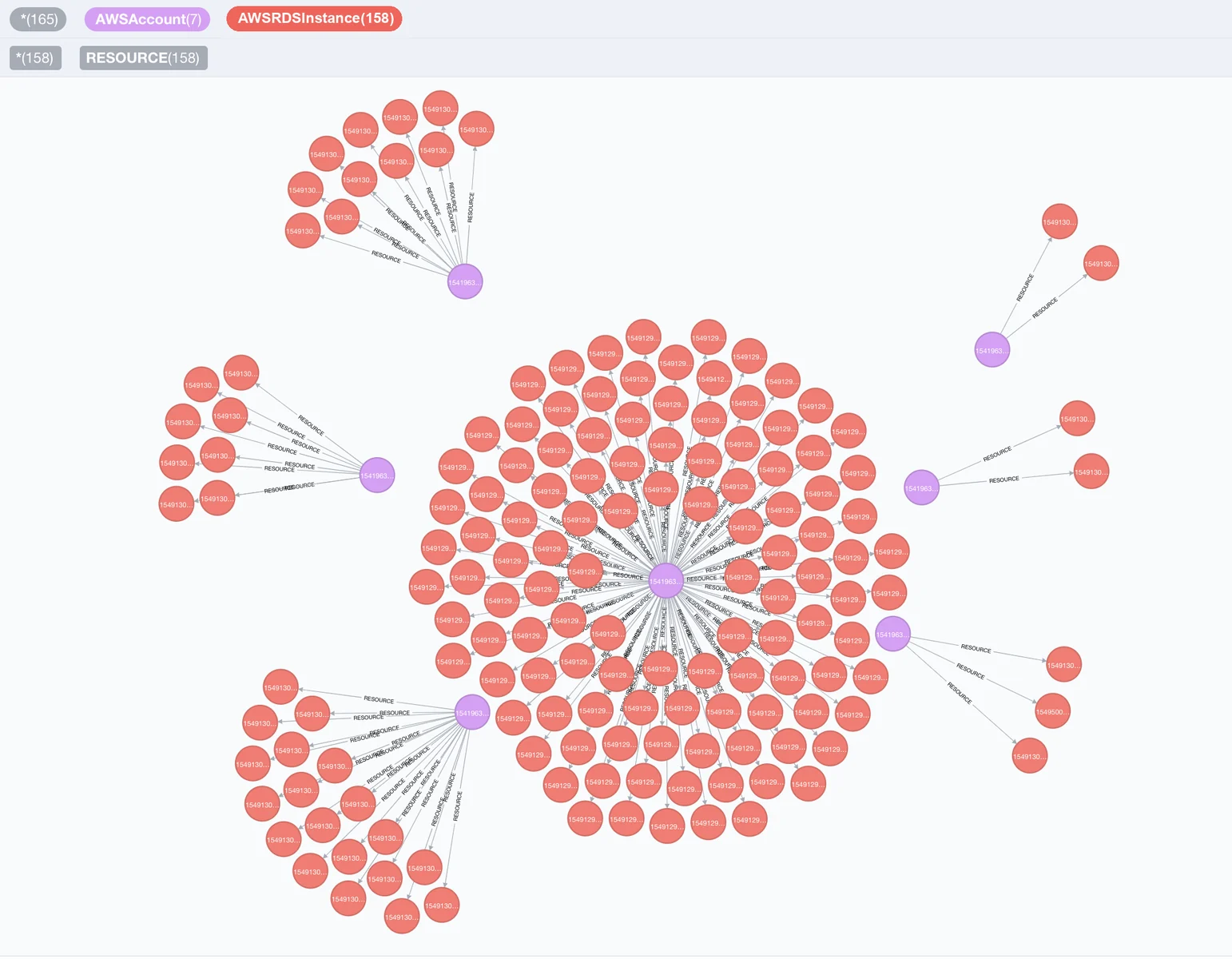
// Find unencrypted RDS instances by account
MATCH (a:AWSAccount)-[:RESOURCE]->(rds:AWSRDSInstance{storage_encrypted:false})
RETURN a.name, rds.id
// Find EC2 instances exposed to the internet
MATCH (instance:AWSEC2Instance{exposed_internet: true})
RETURN instance.instanceid, instance.publicdnsname
See the querying tutorial and data schema for more use-cases.
Once Cartography has populated the reachable Neo4j graph, list, inspect, and run security rules. This quickstart uses the no-auth Neo4j container started above, so no password is required:
cartography-rules list
cartography-rules list object_storage_public
cartography-rules run object_storage_public
For authenticated Neo4j, set NEO4J_PASSWORD or use one of the other secure
password options in the rules docs.



