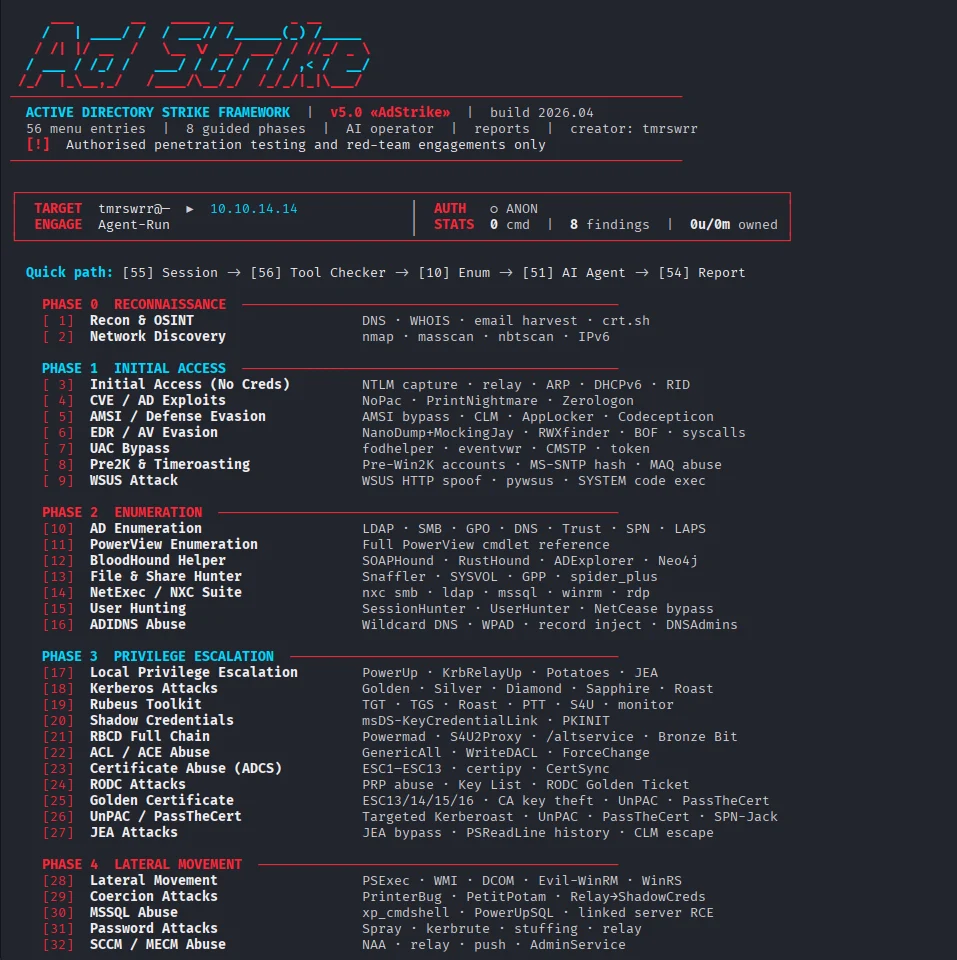
AI-powered modular Active Directory red-team framework for authorized penetration testing, AD enumeration, attack-path analysis, Kerberos/ADCS workflows, reporting, operator automation, and MCP server integration.

v5.0 «AdStrike»AI Powered Professional Active Directory Attack Framework






Authorized use only. Do not run this tool against systems without explicit written permission.
Release status: beta/research build. Menu and import health checks pass; individual modules still depend on target state, credentials, network reachability, and installed third-party tools.
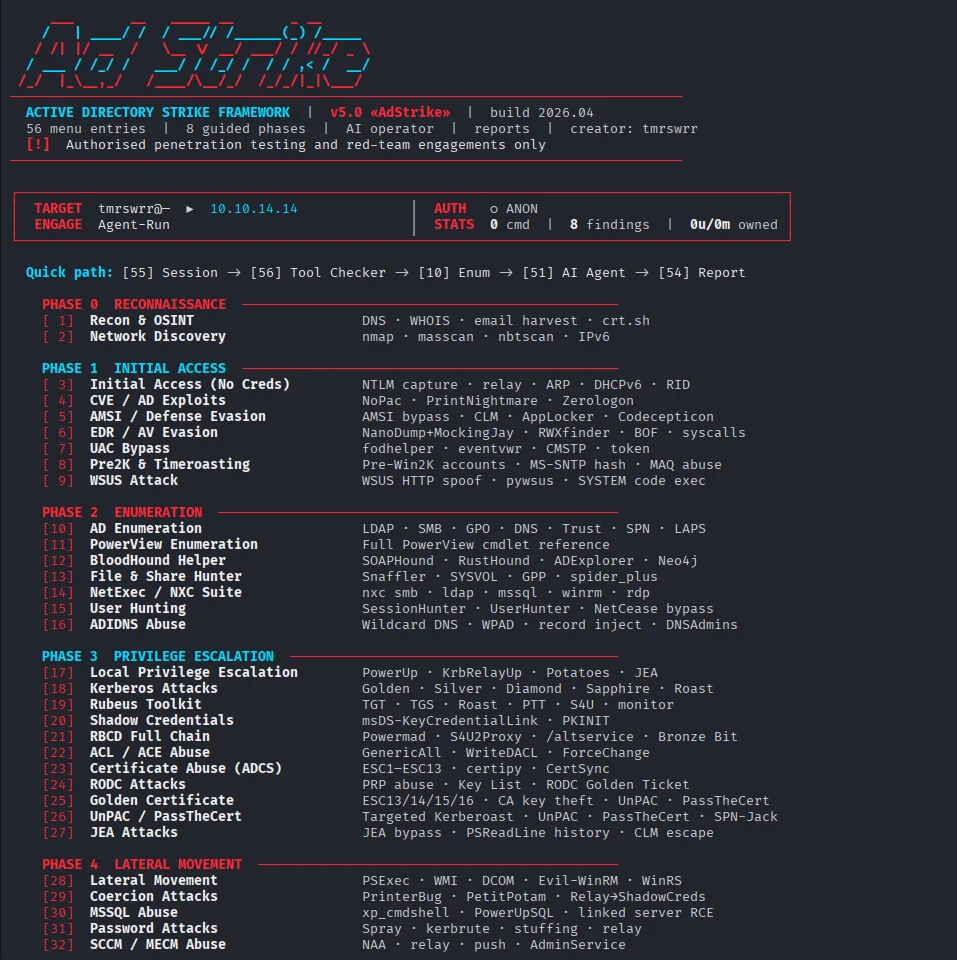
AdStrike is a modular, terminal-based Active Directory attack framework. It helps operators move through discovery, enumeration, exploitation, credential access, lateral movement, persistence, and reporting while keeping session state in one place.
The framework stores target details, credentials, Kerberos state, findings, executed commands, and output paths in a shared session. Modules can reuse that context instead of forcing the operator to re-enter the same data repeatedly.
🔑 No API key required. AdStrike now ships an MCP server that exposes all 53 tools (52 attack modules +
set_engagement) over the Model Context Protocol. Plug it into an MCP host you already use — Claude Code, Cursor, Claude Desktop — and that host's LLM drives the whole engagement with its own subscription. No Ollama, noANTHROPIC_API_KEY, no local model to download. See MCP Server (No API Key) below and docs/mcp.md.
Core capabilities:
| AD Enumeration | BloodHound Helper |
|---|---|
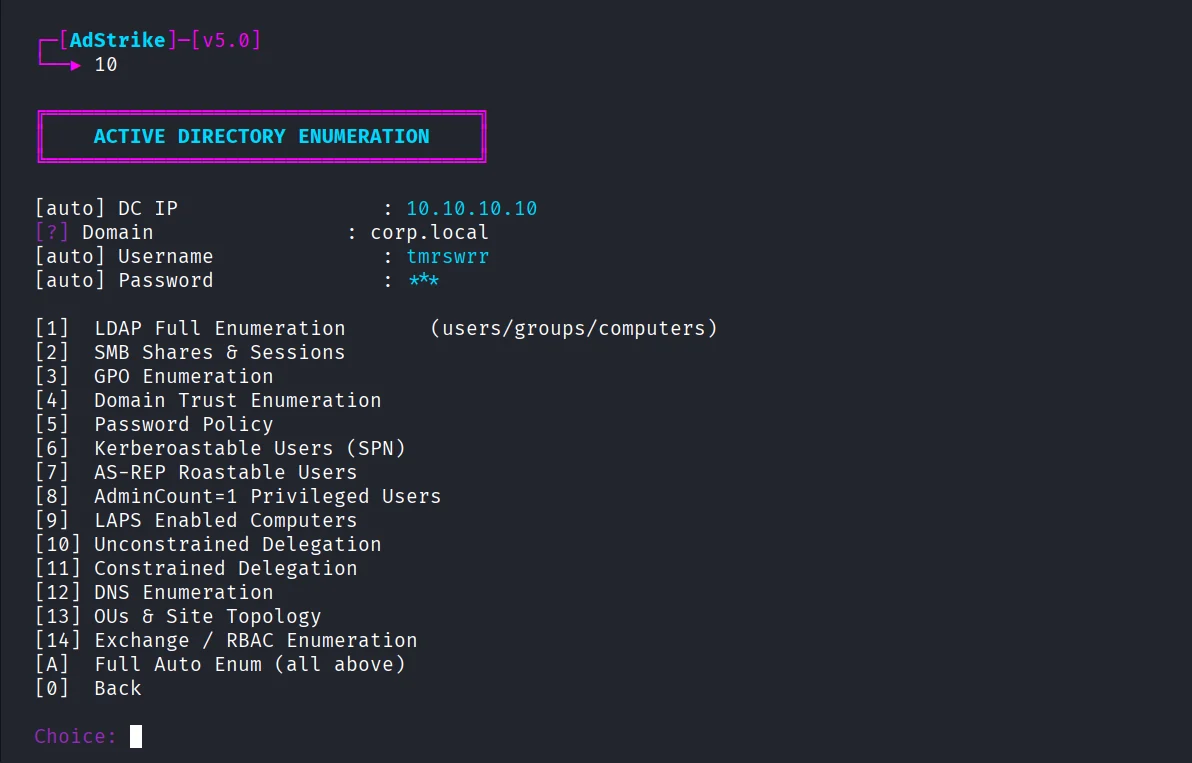 | 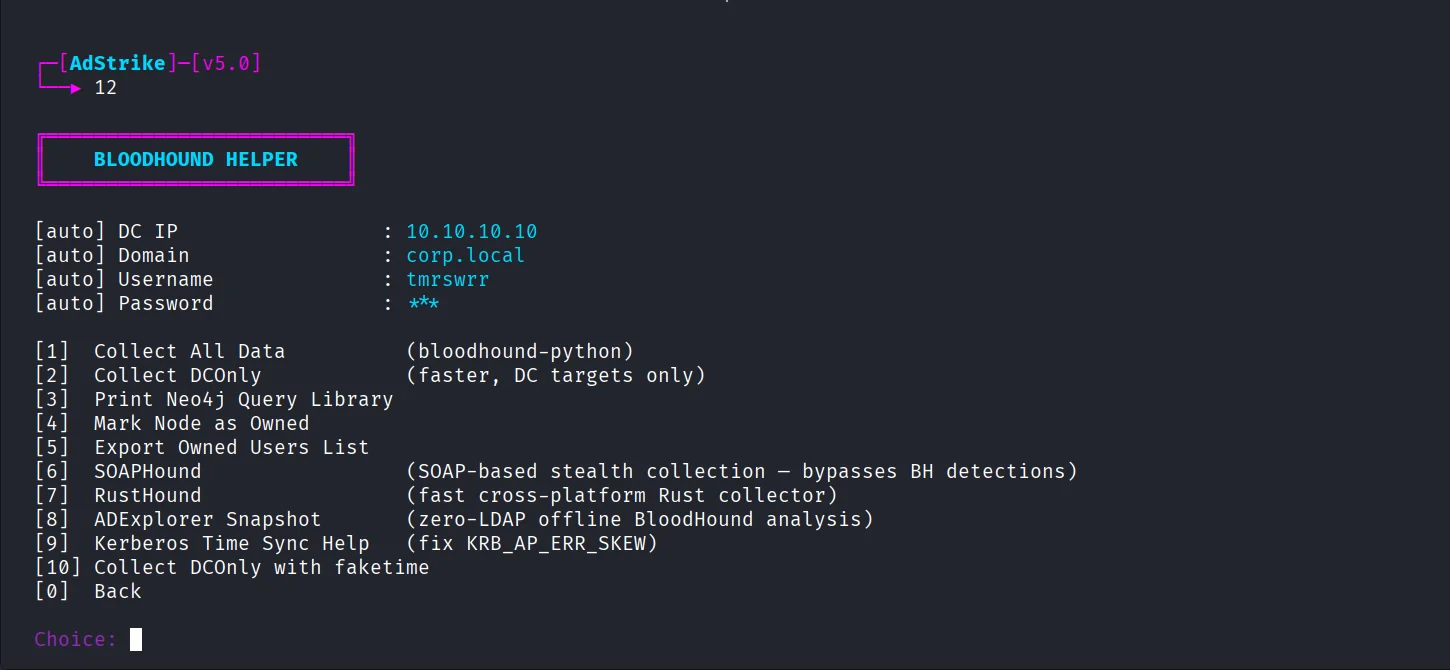 |
| AdStrike Agent | Smart Analyst |
|---|---|
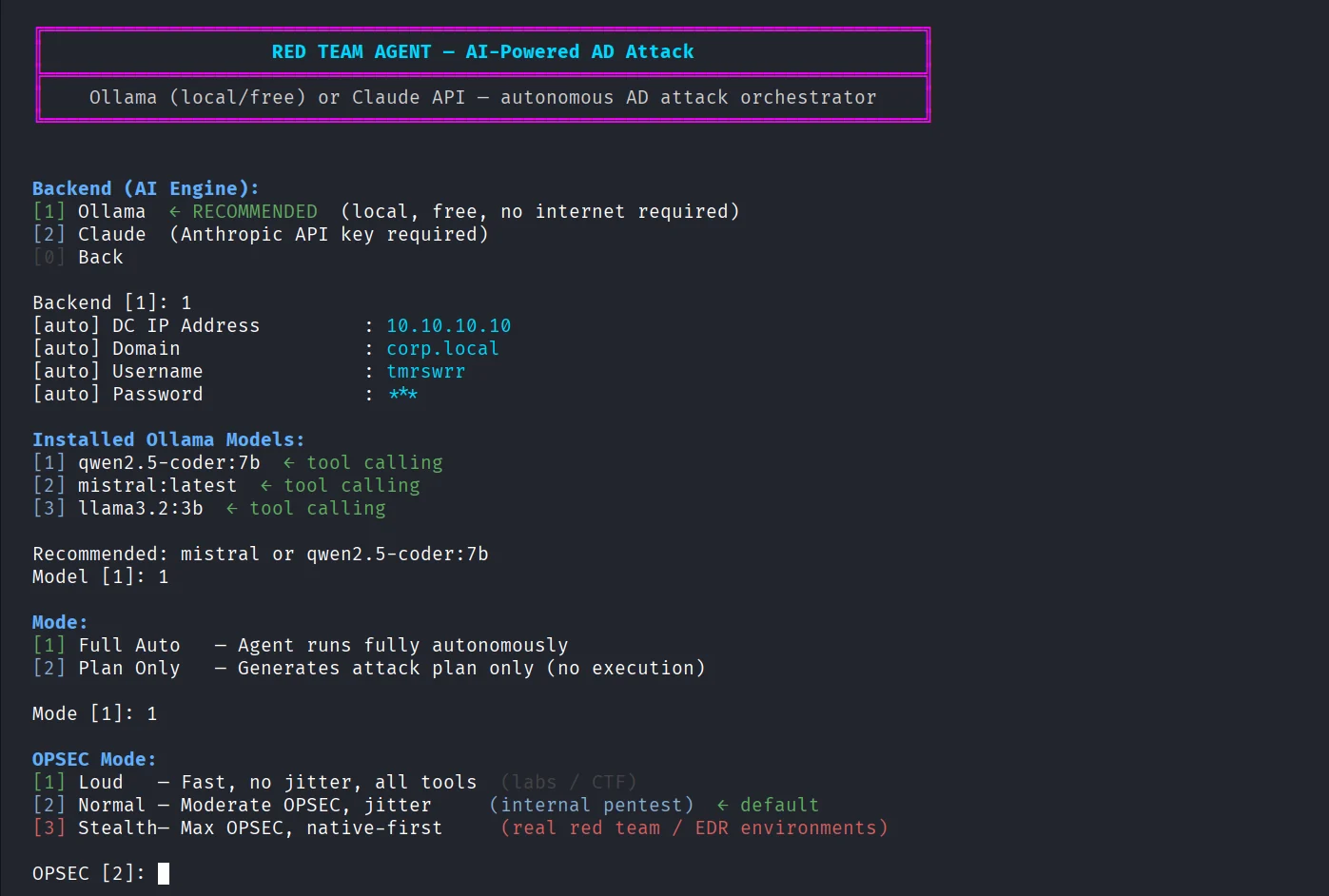 | 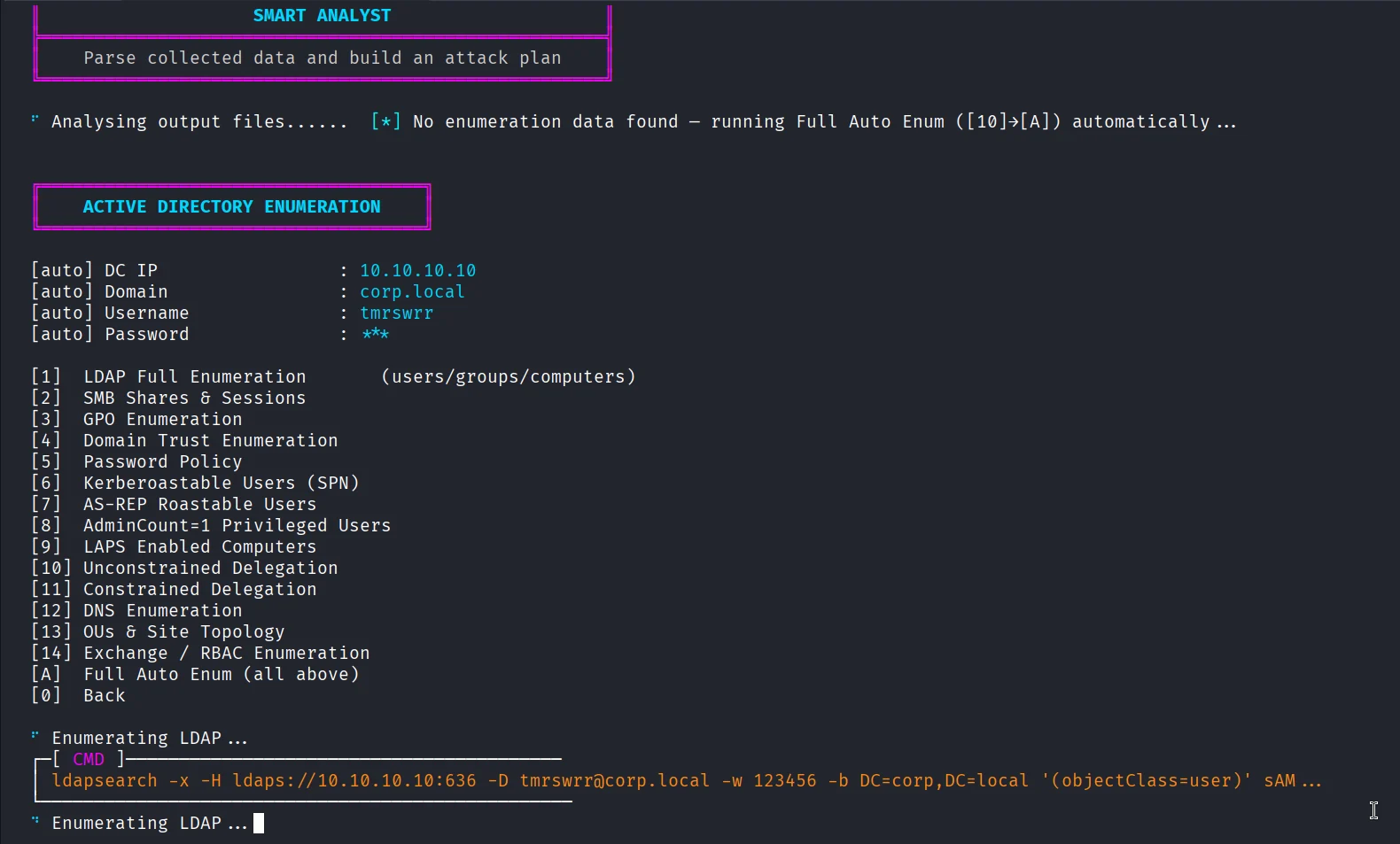 |
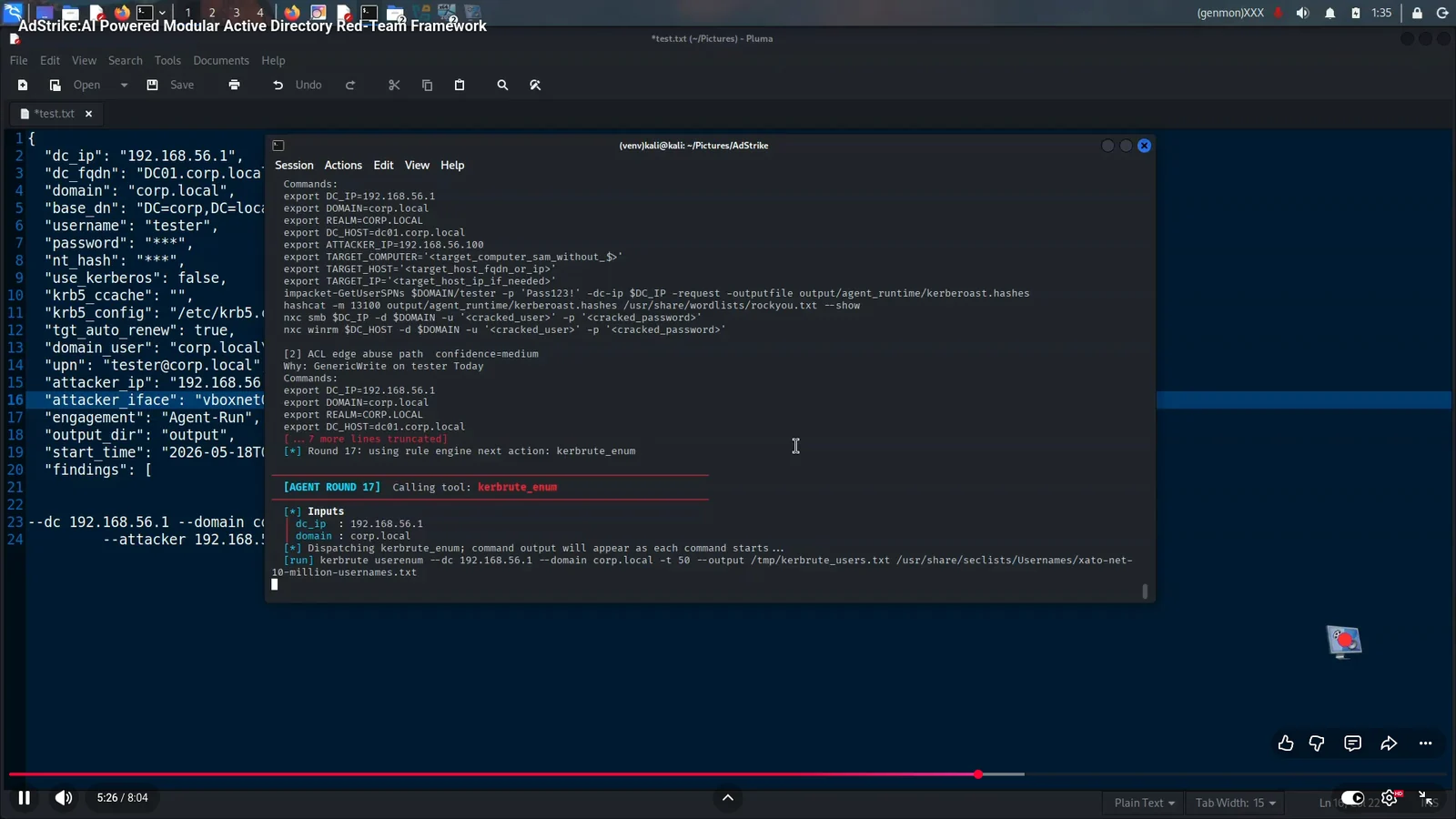
git clone https://github.com/capture0x/AdStrike.git
cd AdStrike
chmod +x install.sh run.sh
bash install.sh
source venv/bin/activate
bash run.sh
OR
git clone https://github.com/capture0x/AdStrike.git && cd AdStrike && chmod +x install.sh run.sh && bash install.sh && source venv/bin/activate && bash run.sh
Do not run install.sh or run.sh with sudo. The installer creates repo-local files such as adrt_venv/, .env, and output/; running as root can leave those files root-owned.
If you already ran it with sudo, fix ownership once:
sudo chown -R "$(id -un):$(id -gn)" .
| Item | Requirement |
|---|---|
| OS | Kali Linux 2024+ or Parrot OS recommended |
| Python | 3.10 or higher |
| Privileges | Normal user for the framework; root only for tools that require packet capture or privileged network actions |
| Network | Reachability to in-scope AD services, commonly 88, 389, 443, 445, 636, 5985 |
Key external tools:
impacket-scripts    nxc / netexec       bloodhound-python    certipy-ad
evil-winrm          kerbrute            responder            ldap-utils
hashcat             john                nmap / masscan       krb5-user
dnstool.py          dig                 ldapsearch
Most dependencies are installed by install.sh. Some optional tools are installed or repaired by scripts/repair_tools.sh when possible.
The installer copies .env.example to .env. Edit .env before an engagement:
DC_IP=10.10.10.10
DC_FQDN=dc1.corp.local
DOMAIN=corp.local
BASE_DN=DC=corp,DC=local
USERNAME=user
PASSWORD=
NT_HASH=
USE_KERBEROS=false
KRB5_CCACHE=
ATTACKER_IP=10.10.14.5
ATTACKER_IFACE=tun0
ENGAGEMENT_NAME=Corp-Internal-2026
ADSTRIKE_SHOW_SECRETS=false
You can also enter these values interactively from the Session Manager. The session carries them across modules automatically.
Never commit real engagement data. Keep .env, output/, ticket files, hashes, dumps, reports, and captured loot private and redacted.
Useful environment flags:
| Variable | Default | Purpose |
|---|---|---|
ADSTRIKE_SHOW_SECRETS | false | Mask passwords, hashes, and loot in logs and reports unless explicitly enabled |
ADSTRIKE_NO_ANIMATION | unset | Disable startup animation for cleaner logs or slow terminals |
ADSTRIKE_PORT_CHECK | unset | Force quick nmap AD port check during session setup |
TGT_AUTO_RENEW | true | Keep Kerberos renewal behavior enabled where supported |
ADSTRIKE_OPSEC | normal | Agent mode override: loud, normal, or stealth |
ADSTRIKE_BH_HOST | unset | BloodHound/Agent hostname override |
ADSTRIKE_BH_DOMAIN | unset | BloodHound/Agent domain override |
ADSTRIKE_BH_IP | unset | BloodHound/Agent DC IP override |
ANTHROPIC_API_KEY | unset | Optional Claude backend key for AdStrike Agent |
Start the interactive menu:
bash run.sh
Recommended first-run flow: