
Skip to content
KitploitKITPLOIT
ToolsBlog
Submit
ToolsBlog
Submit

Hacking, PenTest, and Cybersecurity Tools for Your Security Arsenal!

Kitploit is a directory of hacking, cybersecurity, and pentesting tools. Discover the latest project updates to find vulnerabilities, analyze systems, automate testing, and strengthen your security.

··Feeds·Contact·Privacy·© 2026 Kitploit

Tool Directory

Categories

View all categories
Loading categories
Beaconator — A beacon generator using Cobalt Strike and a variety of tools. | Kitploit
Tools/GitHubGitHub/capt-meelo/beaconator
Exploit FrameworksPayload GenerationShellcodeCommand and ControlRed Teaming
GitHubcapt-meelo/beaconator

Beaconator

A beacon generator using Cobalt Strike and a variety of tools.

View Repository
446625 years agoReviewed by Kitploit

Most Popular

View all →

Discover the most used tools by our community.

Explore all tools

Browse our collection of tools

View all tools →
Share

Beaconator

release license issues stars forks

Beaconator is an aggressor script for Cobalt Strike used to generate either staged or stageless shellcode and packing the generated shellcode using your tool of choice.

Currently, it supports the following tools:

Staged Beacon Generator

  • Alaris

Stageless Beacon Generator

  • PEzor
  • ScareCrow

How to Use

Beaconator

  1. Load the beaconator.cna file via Cobalt Strike > Script Manager.
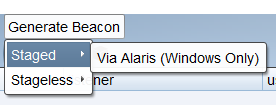
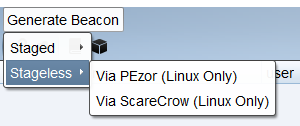
  2. Access Beaconator from the menu bar by clicking the Generate Beacon menu.

Staged Beacon Generator

Alaris

  1. Clone the repo.
root@kitploit:~
git clone https://github.com/cribdragg3r/Alaris.git
  1. Open beaconator.cna and change the value of the $ALARIS_DIR variable and point it to where Alaris is located.

Stageless Beacon Generator

PEzor

  1. Install PEzor using the following:
root@kitploit:~
git clone https://github.com/phra/PEzor.git
cd PEzor
./install.sh
  1. Add PEzor's $PATH variable in your ~/.profile or ~/.bashrc (if using Bash), OR ~/.zprofile or ~/.zshrc (if using ZSH).

ScareCrow

  1. Install the dependencies.
root@kitploit:~
sudo apt update -y && sudo apt install -y openssl osslsigncode mingw-w64
go get github.com/fatih/color
go get github.com/yeka/zip
go get github.com/josephspurrier/goversioninfo
  1. Clone the repo and build ScareCrow.
root@kitploit:~
git clone https://github.com/optiv/ScareCrow.git
cd ScareCrow
go build ScareCrow.go
  1. Open beaconator.cna and change the value of the $SCARECROW_DIR variable and point it to where ScareCrow is located.
Screenshots

Beaconator

option-staged.png option-stageless.png

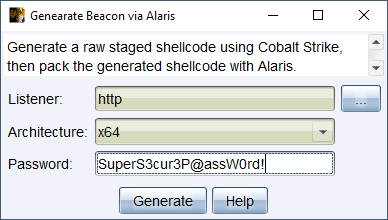
Alaris

alaris-options.png alaris-console.png

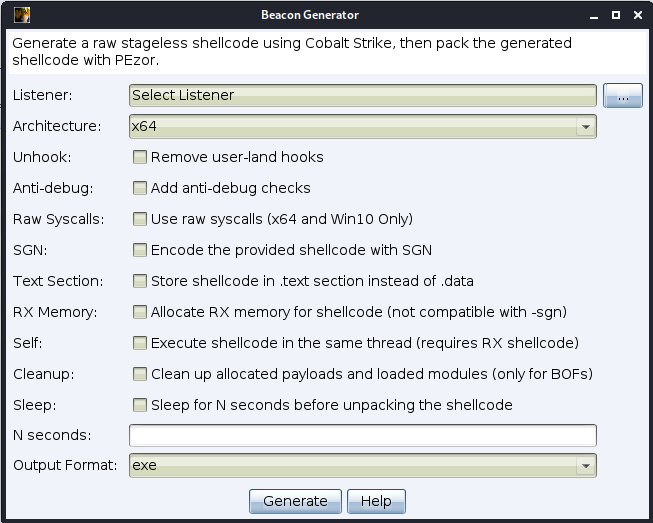
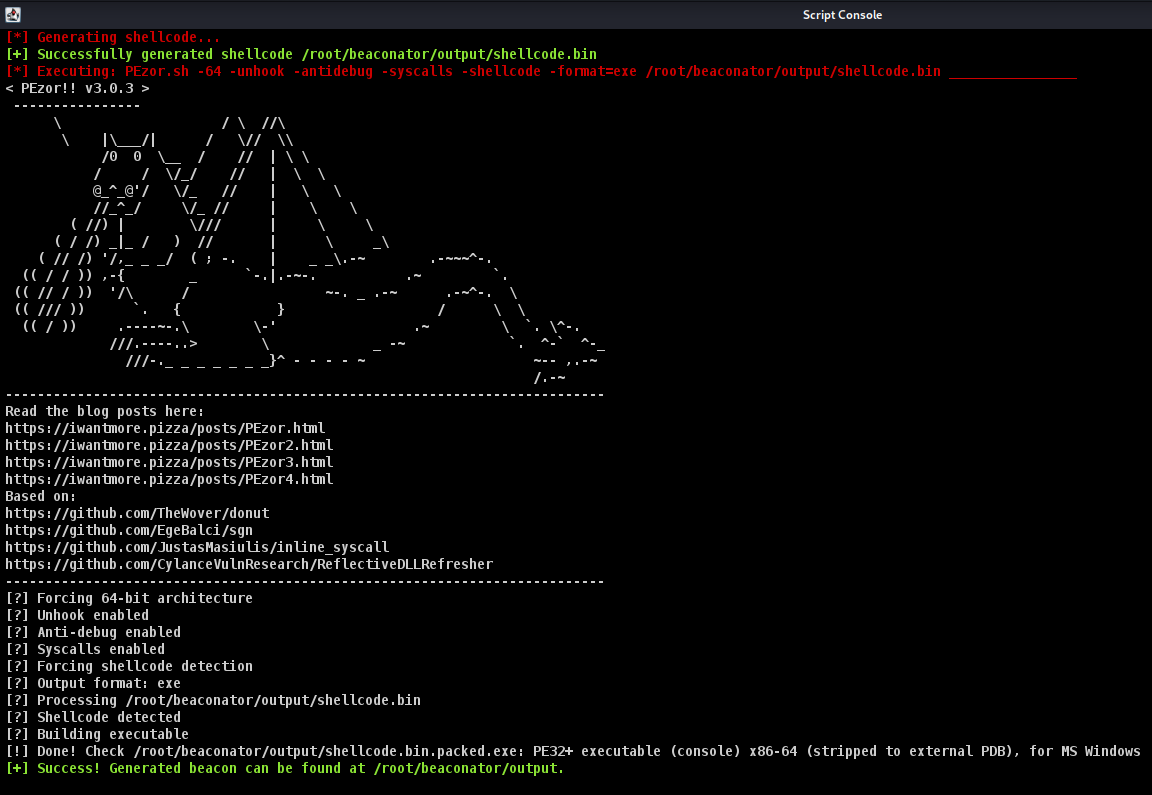
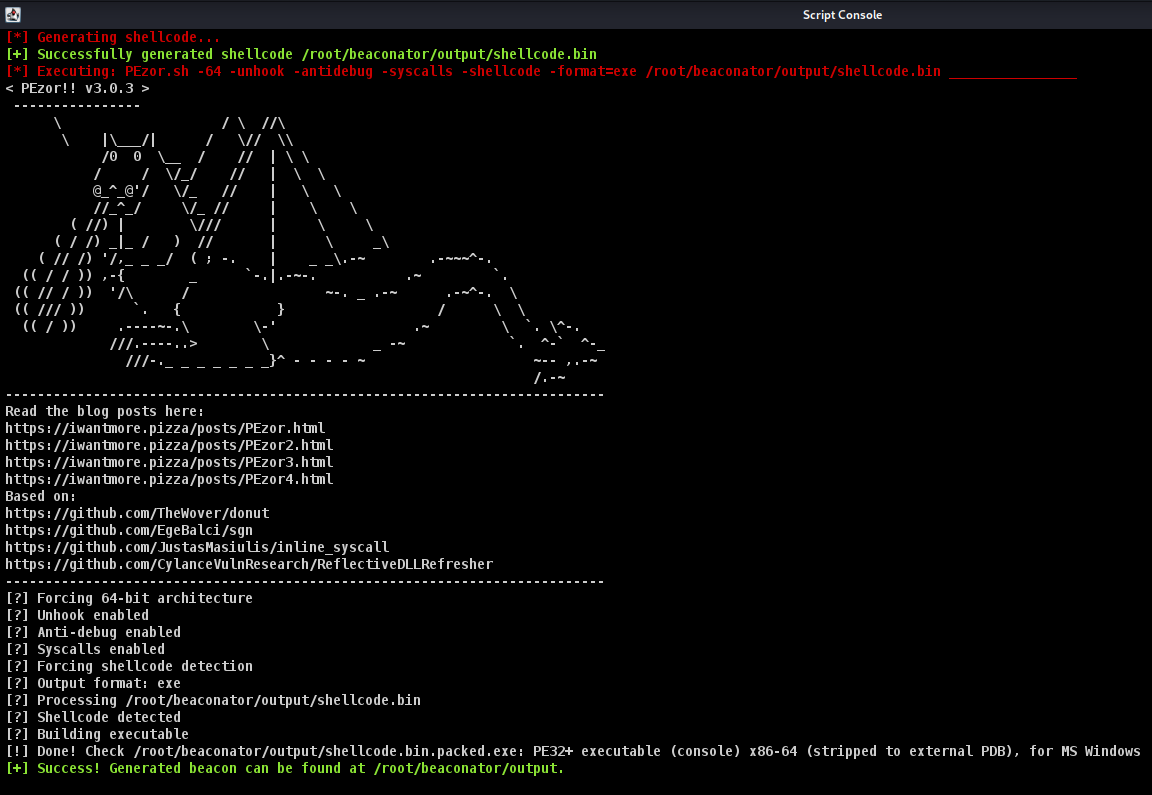
PEzor

pezor-options.png pezor-console.png

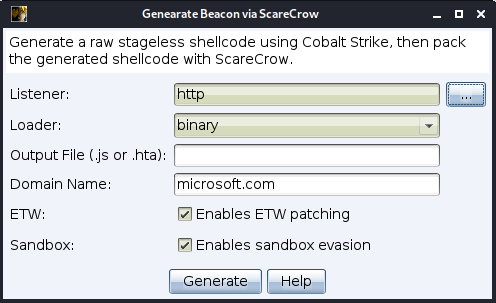
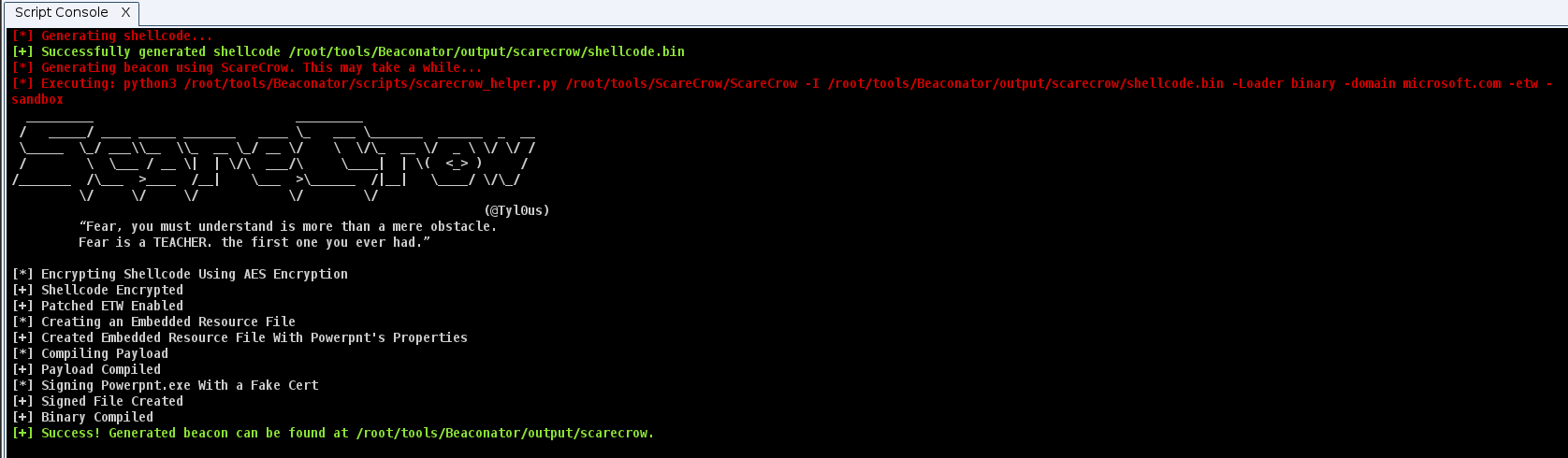
ScareCrow

scarecrow-options.png scarecrow-console.png

Credits

  • @JFaust_ for developing Alaris.
  • @phraaaaaaa for developing PEzor.
  • @Tyl0us for developing ScareCrow.
Download Tool