 caido-community/paramfinder
Discover hidden parameters in Caido

Discover hidden parameters straight from Caido!
plugin_package.zipplugin_package.zip fileThe fastest way to start ParamFinder is using the keyboard shortcut (customizable in Caido Settings → Shortcuts).
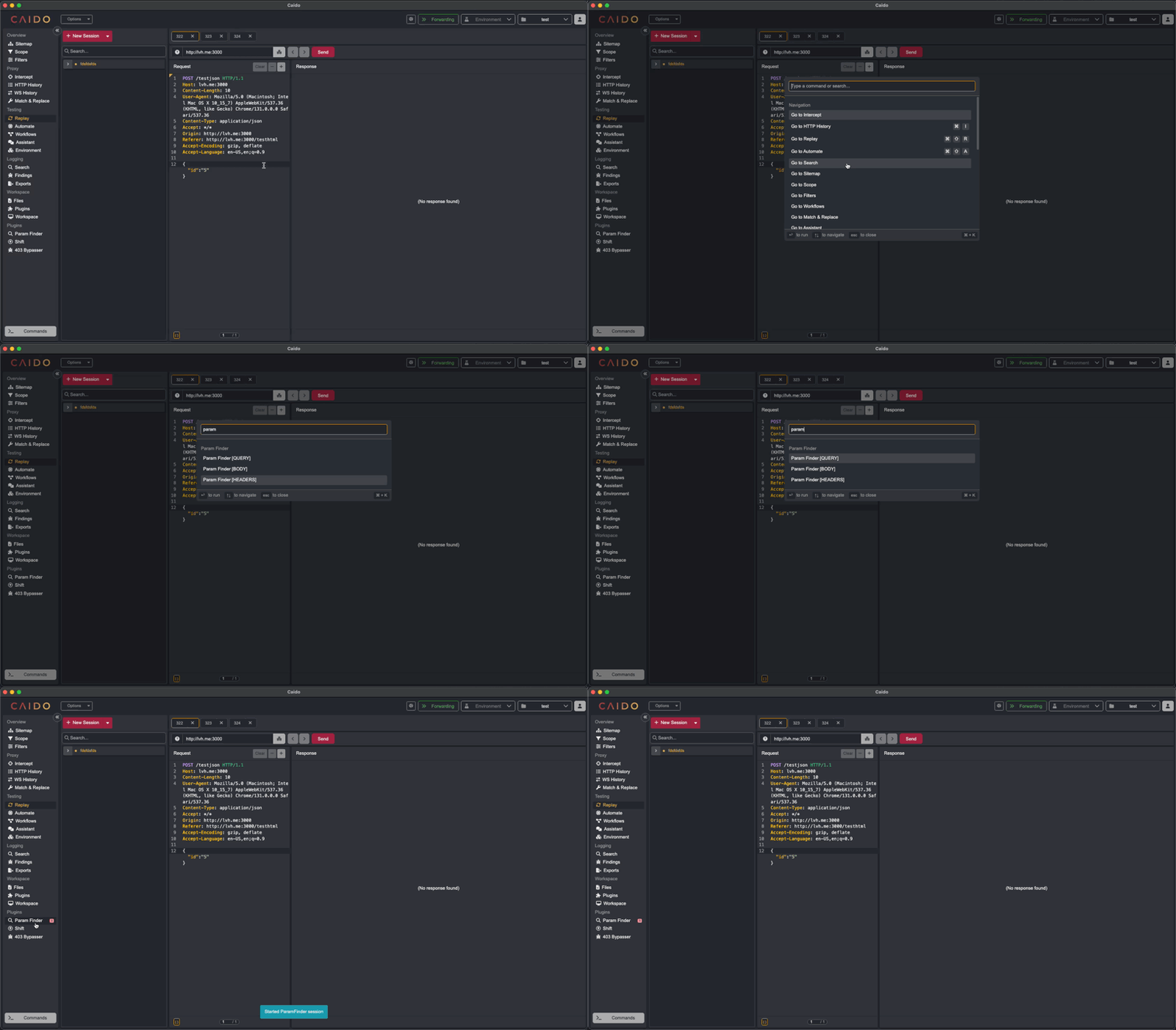
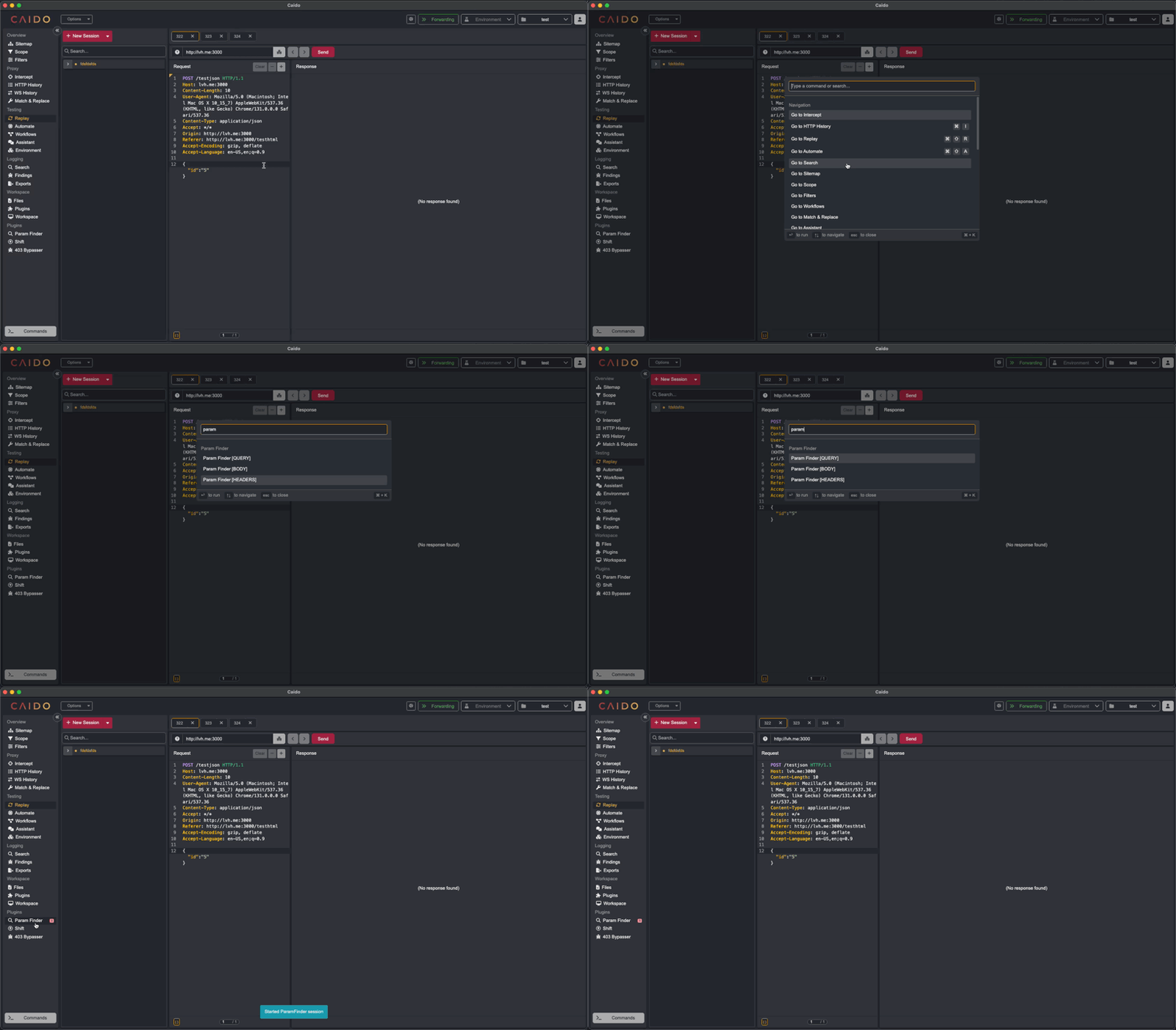
Open Caido's command palette and type 'Param Finder' to see available commands:
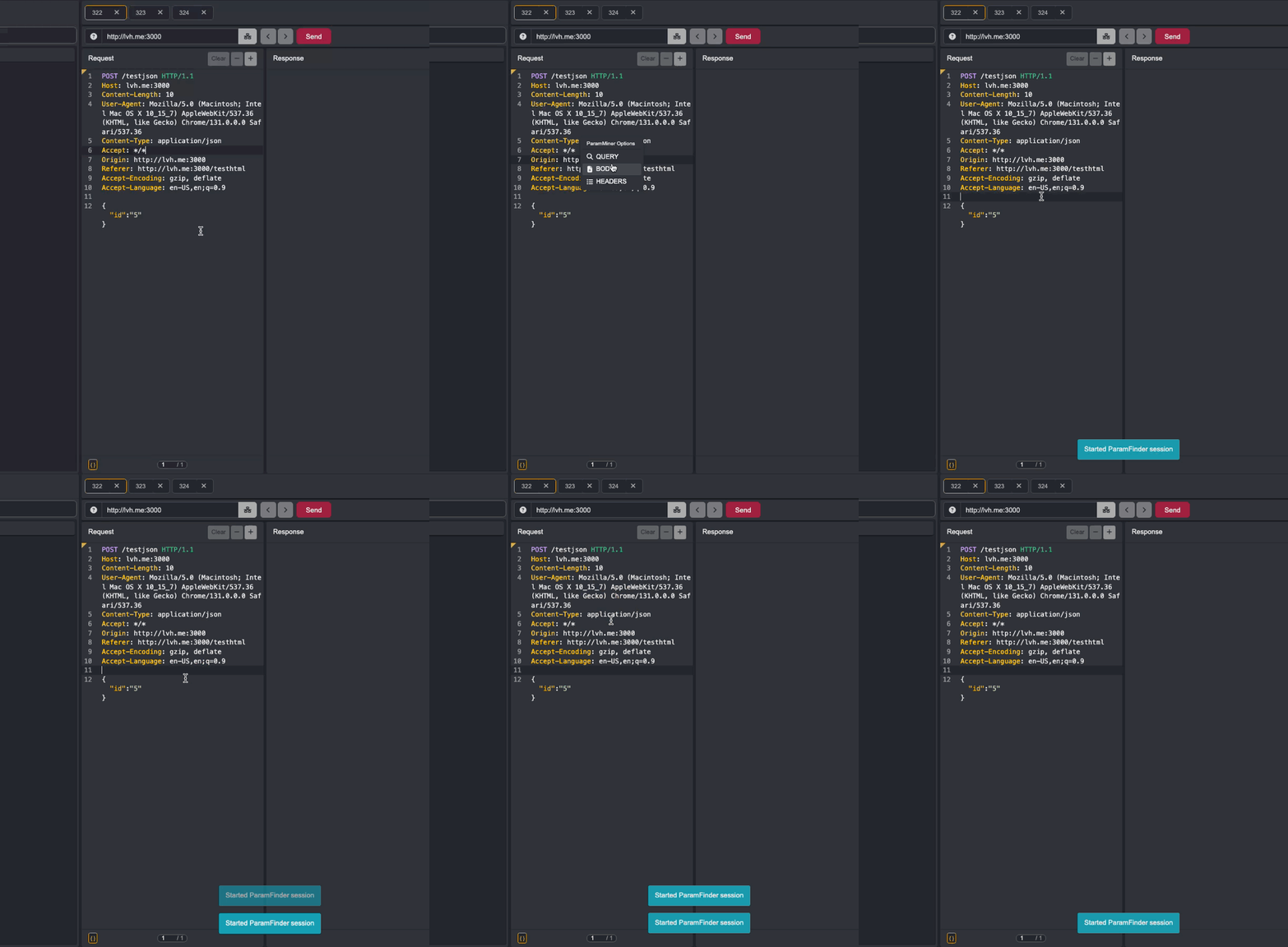
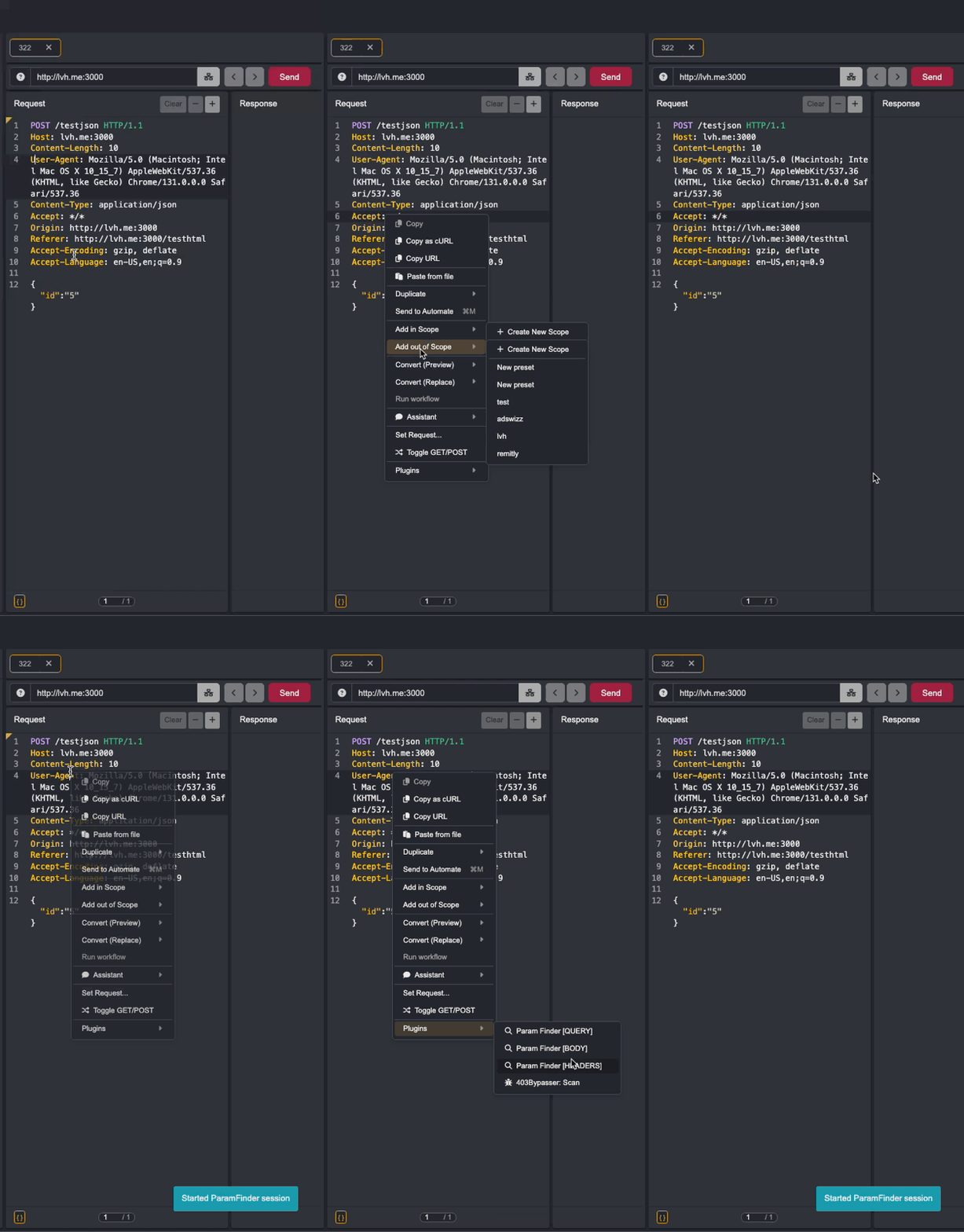
Right-click on any request in Caido to start parameter discovery from the context menu.
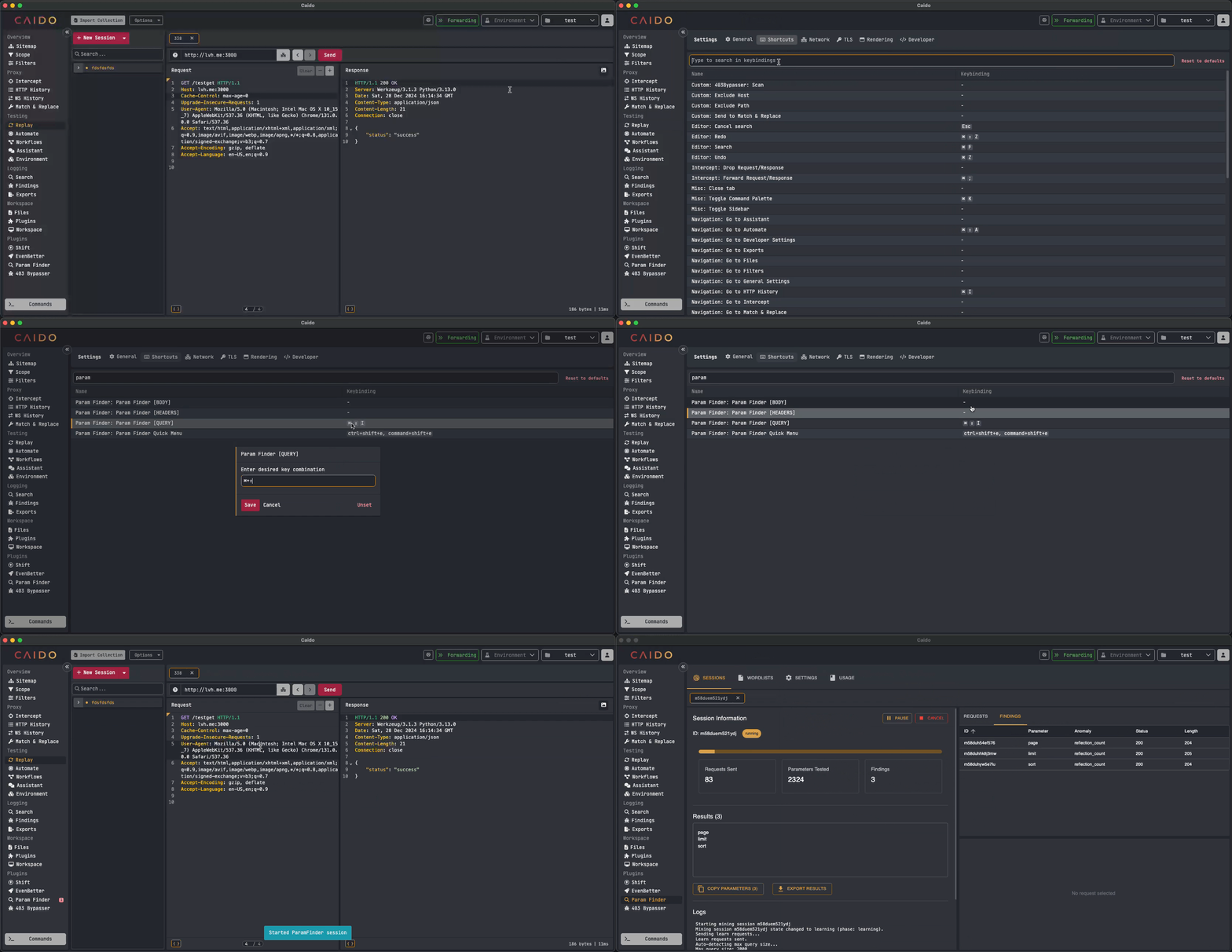
You can create custom shortcuts for ParamFinder actions in Caido Settings → Shortcuts.
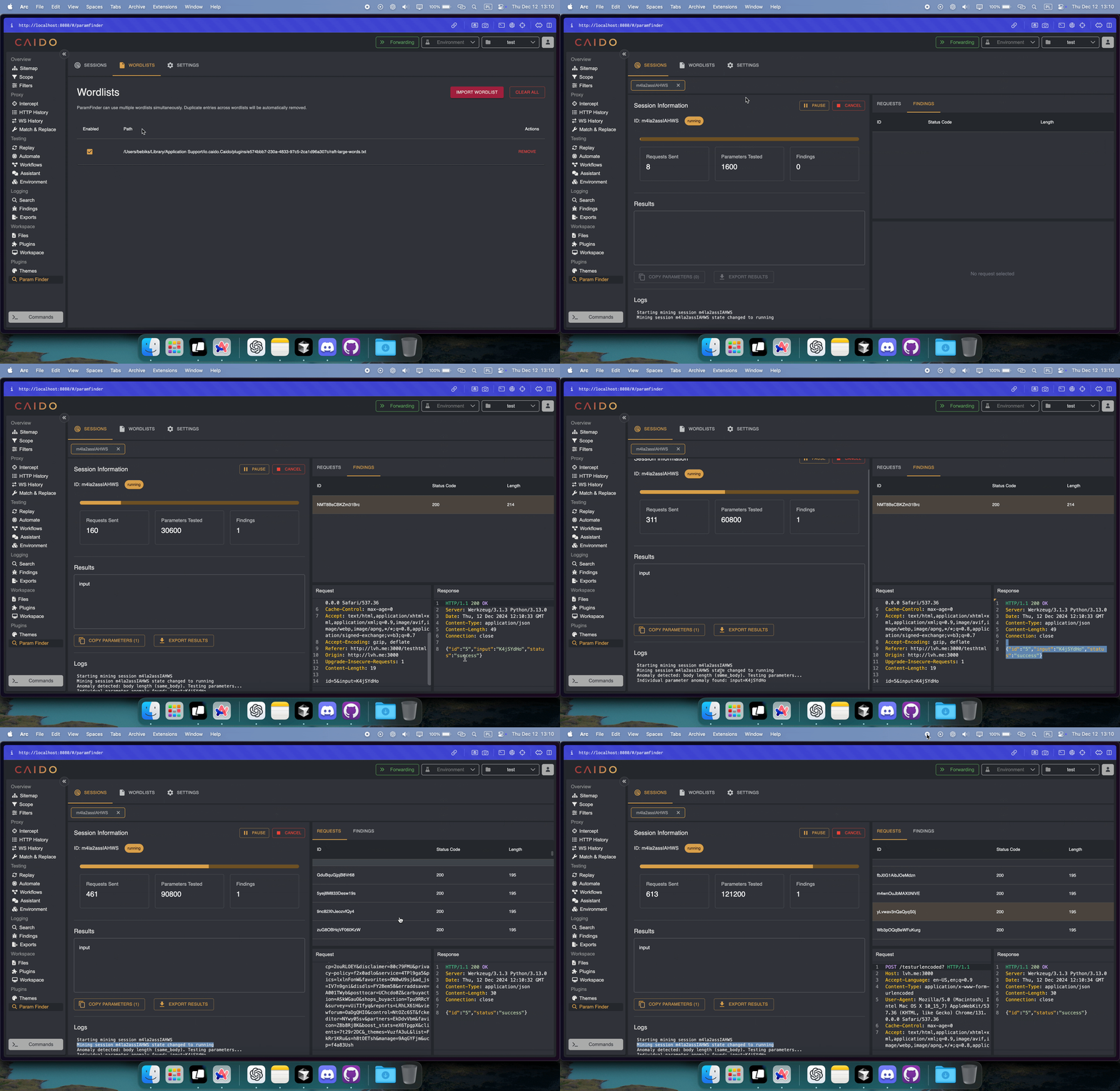
Upload a Wordlist Before starting, make sure you have at least one wordlist uploaded and enabled in ParamFinder settings. The wordlist should contain potential parameter names to test.
Select a Request Choose a request from your Caido history that you want to test for hidden parameters. This will be your base request for parameter discovery.
Choose Attack Type Select where to look for parameters:
Monitor Progress ParamFinder will start testing parameters and show results in real-time. You can:
Feel free to contribute! If you'd like to request a feature or report a bug, please create a GitHub Issue.
