bugbasesecurity/pentest-copilot
AI-driven penetration testing agent that connects to a Kali box, autonomously runs security tools, analyzes results, and iterates through browser-based workflows.




An open-source, AI-driven penetration testing agent. Connects to a Kali attack box, runs tools autonomously, analyzes results, and iterates. You describe the target. It does the rest.
Built for real-world engagements, boot2root boxes, and CTFs.
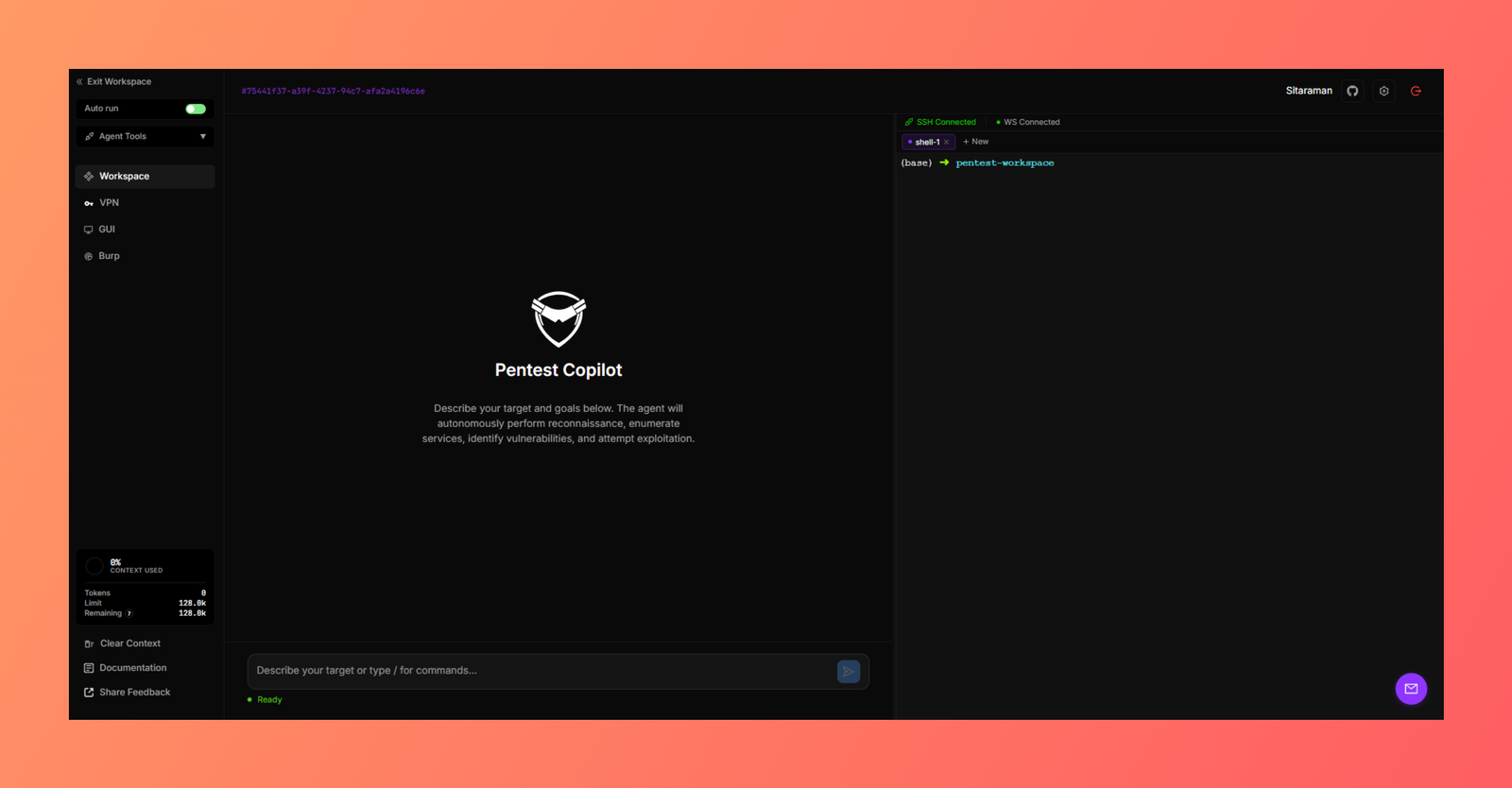
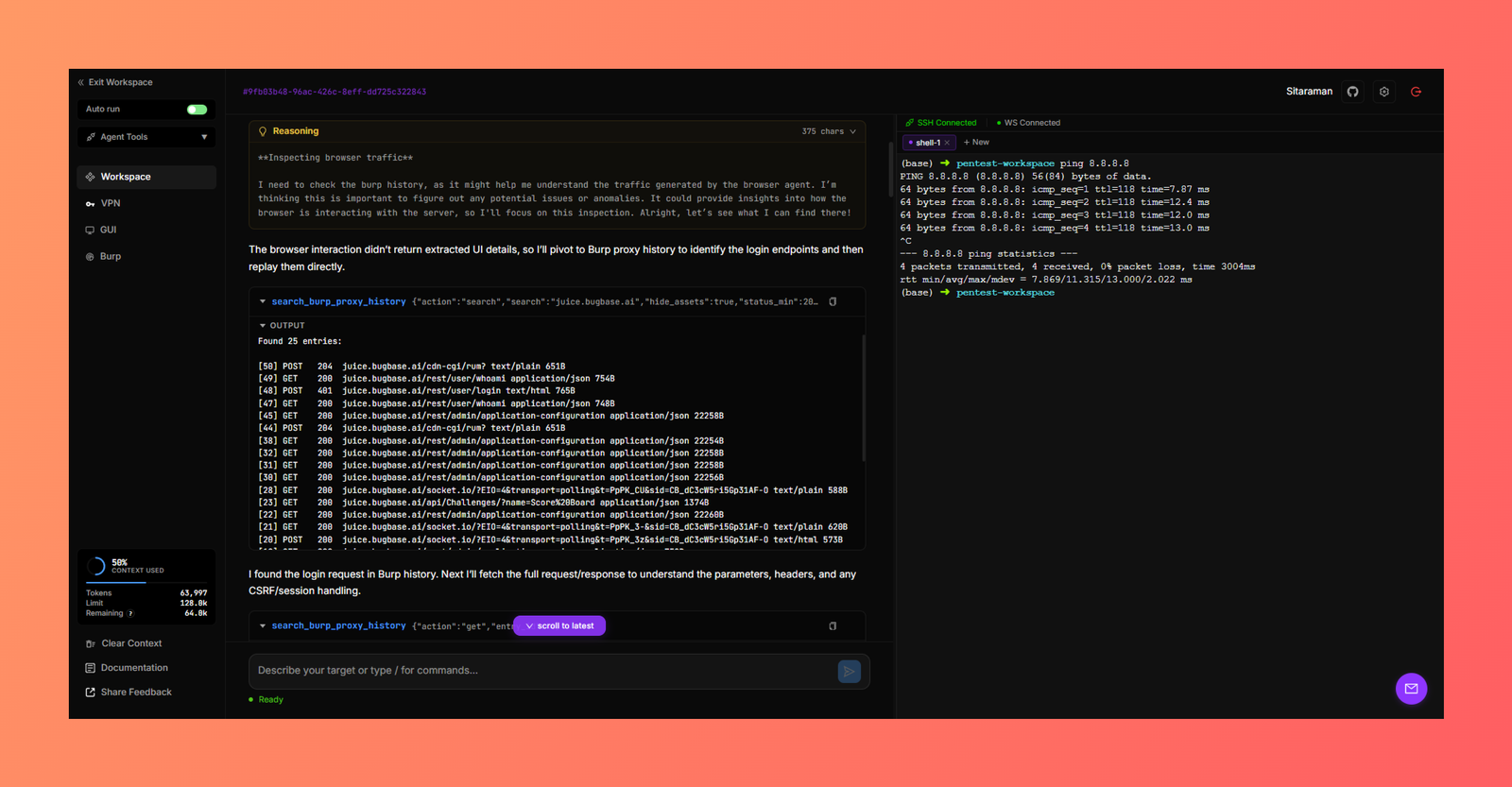
Pentest Copilot performing an auth bypass in OWASP Juice Shop:
Watch it on YouTube
.ovpn/.conf bundles with referenced certificates, keys, or credentials and connect/disconnect from the browser. Multiple simultaneous connections supported.git clone https://github.com/bugbasesecurity/pentest-copilot.git
cd pentest-copilot
./run.sh start
Open http://localhost:3000, register, and start a session.
run.sh waits for the frontend, backend, MongoDB, and Redis to be ready before
reporting success. If startup fails, it prints the affected container status and
recent logs. Configure and assign a model under Settings -> Models after the
first start.
On Windows, run Pentest Copilot inside WSL2 with Docker Desktop's WSL
integration enabled. Native PowerShell and Windows SSH work hosts are not
supported because workspace commands require a POSIX shell. For reliable file
permissions and performance, clone the repository into the WSL filesystem, not
under /mnt/c.
Settings -> Models detects authenticated Codex and Claude Code CLIs. Authenticate once on the machine that runs the CLI:
codex login
claude auth login
Then select Use Codex or Use Claude Code. The official CLI owns login, refresh, and subscription entitlement handling; Pentest Copilot does not copy or replay OAuth tokens. Subscription transports receive the same conversation history and function schemas as API providers and return the same assistant/tool call contract, so Pentest Copilot continues to execute tools and consent checks.
The Docker backend includes the Linux Codex CLI and mounts only the host's
file-based ~/.codex/auth.json, following Codex's documented headless/Docker
login transfer flow. Set CODEX_AUTH_FILE before docker compose up if your
credential file lives elsewhere. The CLI may refresh that file during normal
use; never commit or share it. Host Keychain-only credentials and Claude Code
remain available only in developer/host mode until a host inference bridge is
configured. Claude subscription use is local CLI control and must comply with
Anthropic's current third-party product and subscription terms.
Current first-class model families include GPT-5.6 Sol/Terra/Luna, Claude Fable/Opus/Sonnet 5, and Kimi K3 (direct Moonshot API or OpenRouter).
In Docker mode, Pentest Copilot mounts the host's ~/.ssh and ~/keys
directories read-only. Each workspace can select a concrete Host alias from
~/.ssh/config under Connection. Every session in that workspace uses the
same host and work folder without copying private keys into MongoDB. Set
HOST_SSH_DIR or HOST_SSH_KEYS_DIR before starting Docker when those
directories live elsewhere.
Use named aliases rather than wildcard-only entries:
Host lab-box
  HostName 10.10.10.10
  User root
  IdentityFile ~/.ssh/lab-box.pem
run.sh handles config file generation, Docker builds, and container orchestration. Use ./run.sh start -q to reuse the previous launch mode and skip prompts on subsequent runs.
For the complete OS, Docker, SSH, VPN, proxy, permissions, recovery, and deployment scenario matrix, see Setup and Troubleshooting.