 blacksnufkin/geckodroid
Android client for Adaptix C2 framework enabling remote agent management, interactive command shells, listener control, payload generation, and credential harvesting from mobile devices.

Mobile client for Adaptix C2 Framework. Full operator access from your Android device.
GeckoDroid gives you control over your Adaptix C2 server from anywhere. Instead of sitting at your desktop client, you can manage operations on the go.
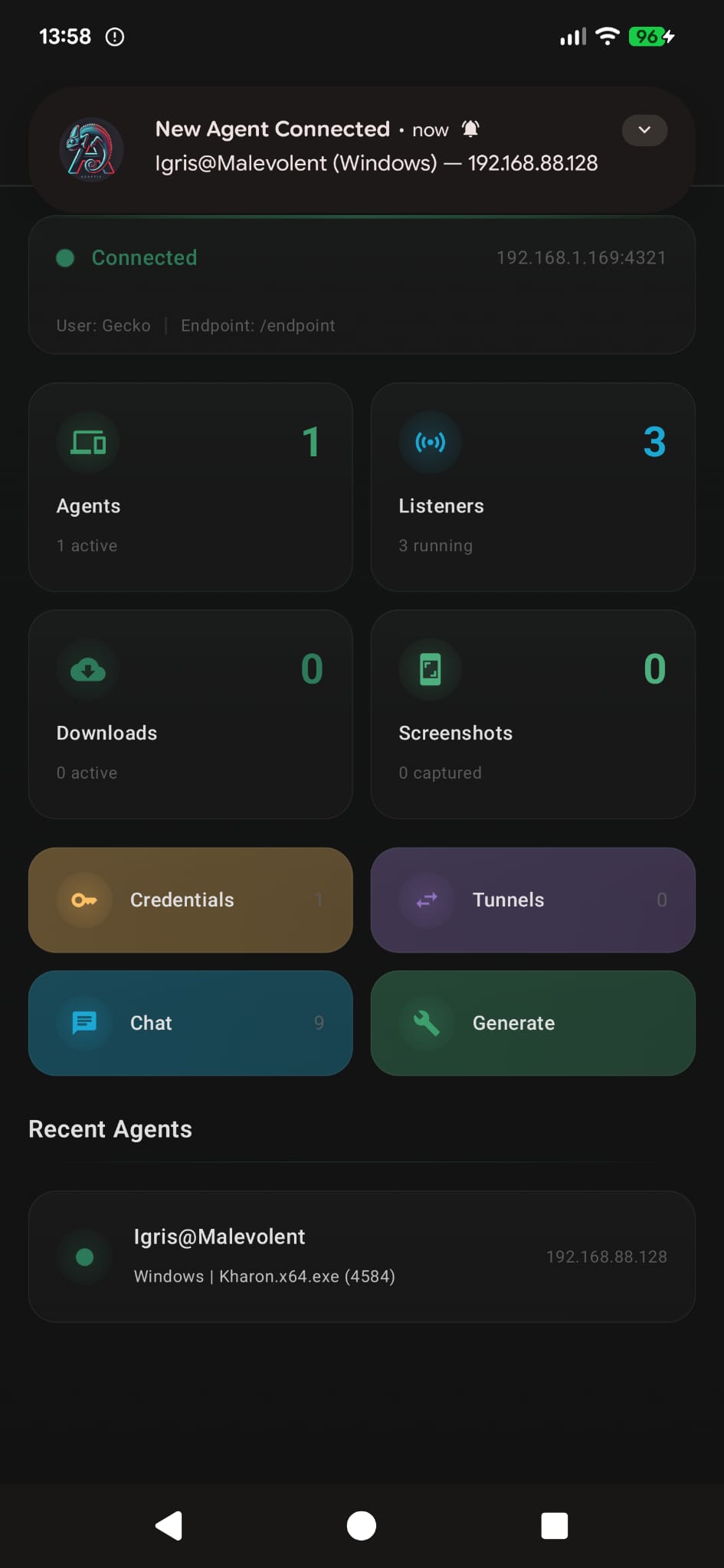
Agents - See all connected agents with live status indicators. Search, filter by alive/dead, sort by name, OS, or last seen. Tap any agent to open its console.
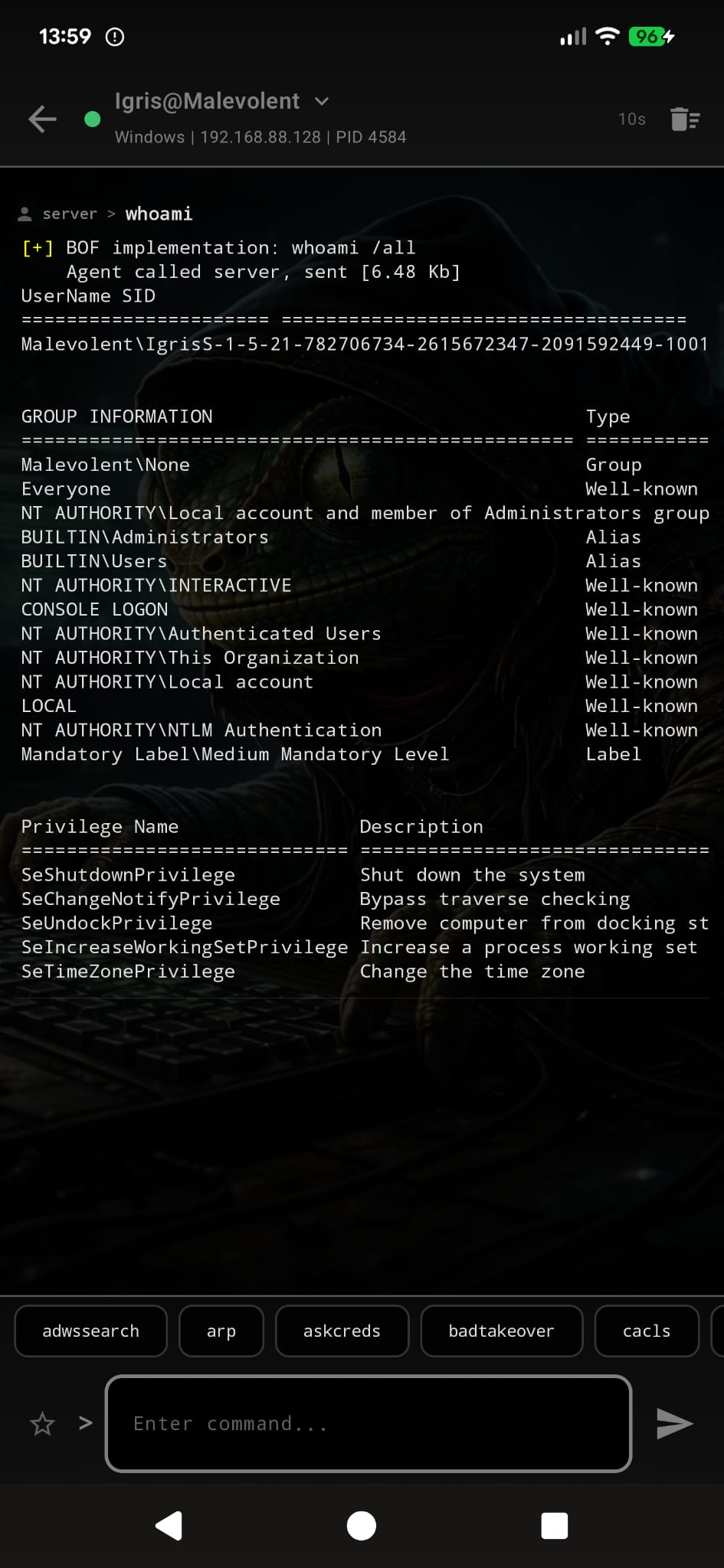
Console - Interactive command shell per agent. Execute commands, see output in real-time as it streams in. Expand the header to see full agent details (PID, process, architecture, domain, sleep interval, first/last seen). Save frequently used commands as favorites for quick access.
Listeners - Start and stop listeners. Save listener configurations as profiles so you can spin them up again with one tap.
Generate - Build agent payloads. Select agent type, pick listeners, configure options, and generate - all from your phone. Build logs stream in real-time.
Tunnels - View all active tunnels with bind/forward addresses. Stop tunnels when you're done.
Credentials - Browse all harvested credentials. Search by username, host, realm, or type. Show/hide passwords with one tap. Tap any field to copy to clipboard.
Screenshots - Grid gallery of captured screenshots. Tap for full-screen view. Save to your phone's gallery or share directly. Multi-select to bulk delete.
Downloads - Track all file downloads from agents. Search by filename or host.
Chat - Operator chat room. Coordinate with other operators connected to the same server.
compileSdk 35)The project uses Gradle 8.9 (wrapper included), AGP 8.5.2, and Kotlin 1.9.24 - all resolved automatically by Gradle.
The debug build includes R8 minification and resource shrinking, producing a ~6MB APK instead of ~65MB.
# Clone and build
git clone https://github.com/BlackSnufkin/GeckoDroid.git && cd GeckoDroid
./gradlew assembleDebug

# Install on connected device
adb install -r app/build/outputs/apk/debug/app-debug.apk
If you don't have adb in your PATH, it's at <android-sdk>/platform-tools/adb.
This project is licensed under the GNU General Public License v3.0.
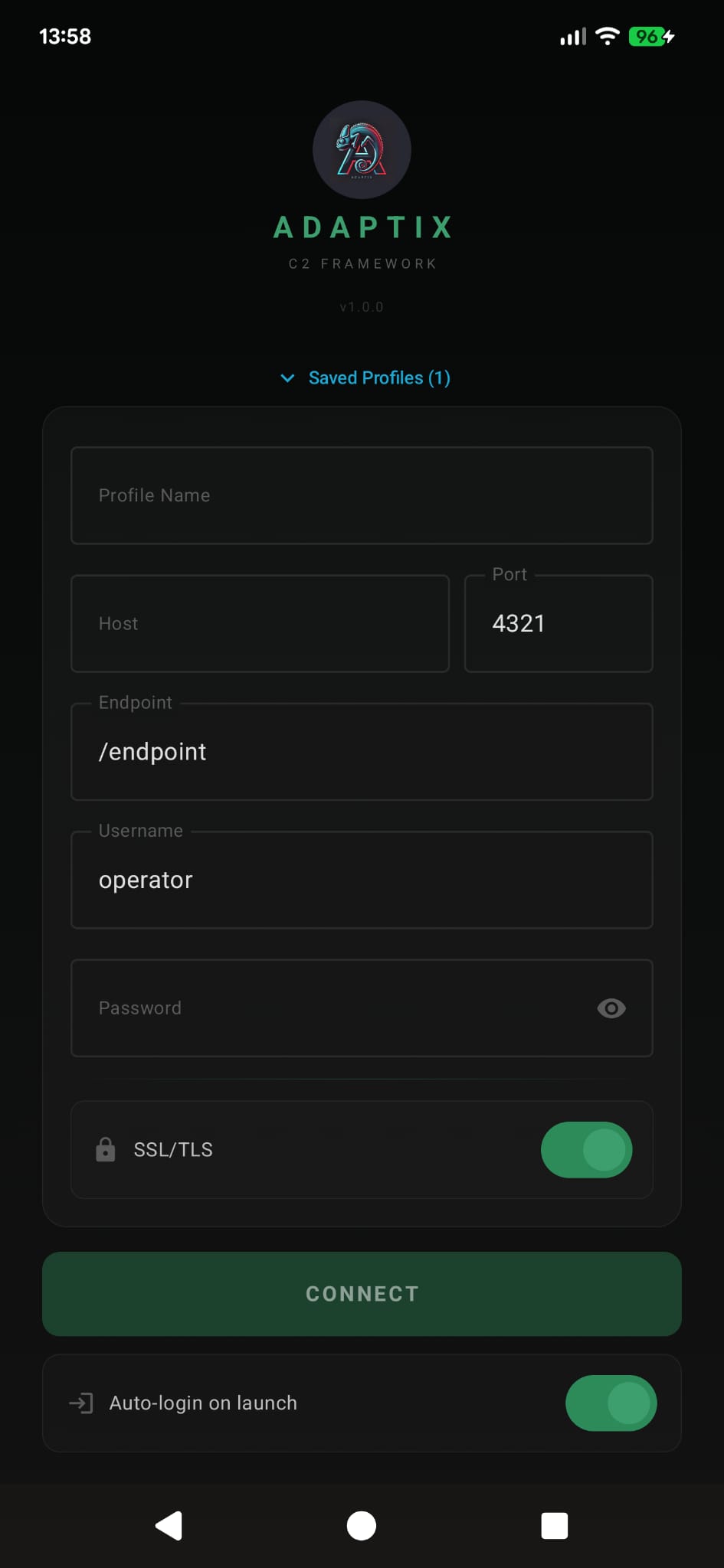
Save the profile and enable auto-login to skip this step next time. Enable biometric lock to protect the app when you're not using it.