 blacksnufkin/checkplz
Scan files for potential threats while leveraging AMSI (Antimalware Scan Interface) and Windows Defender. By isolating malicious content.

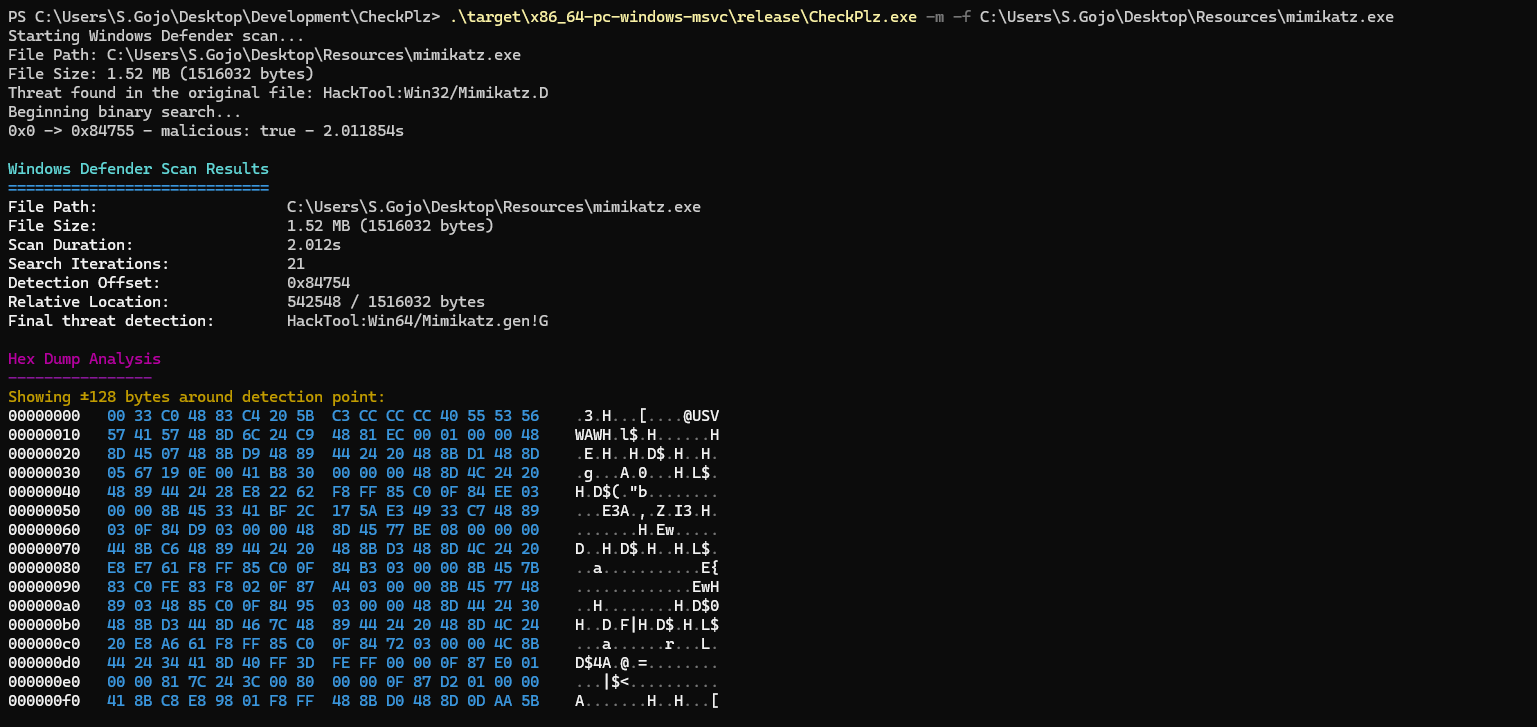
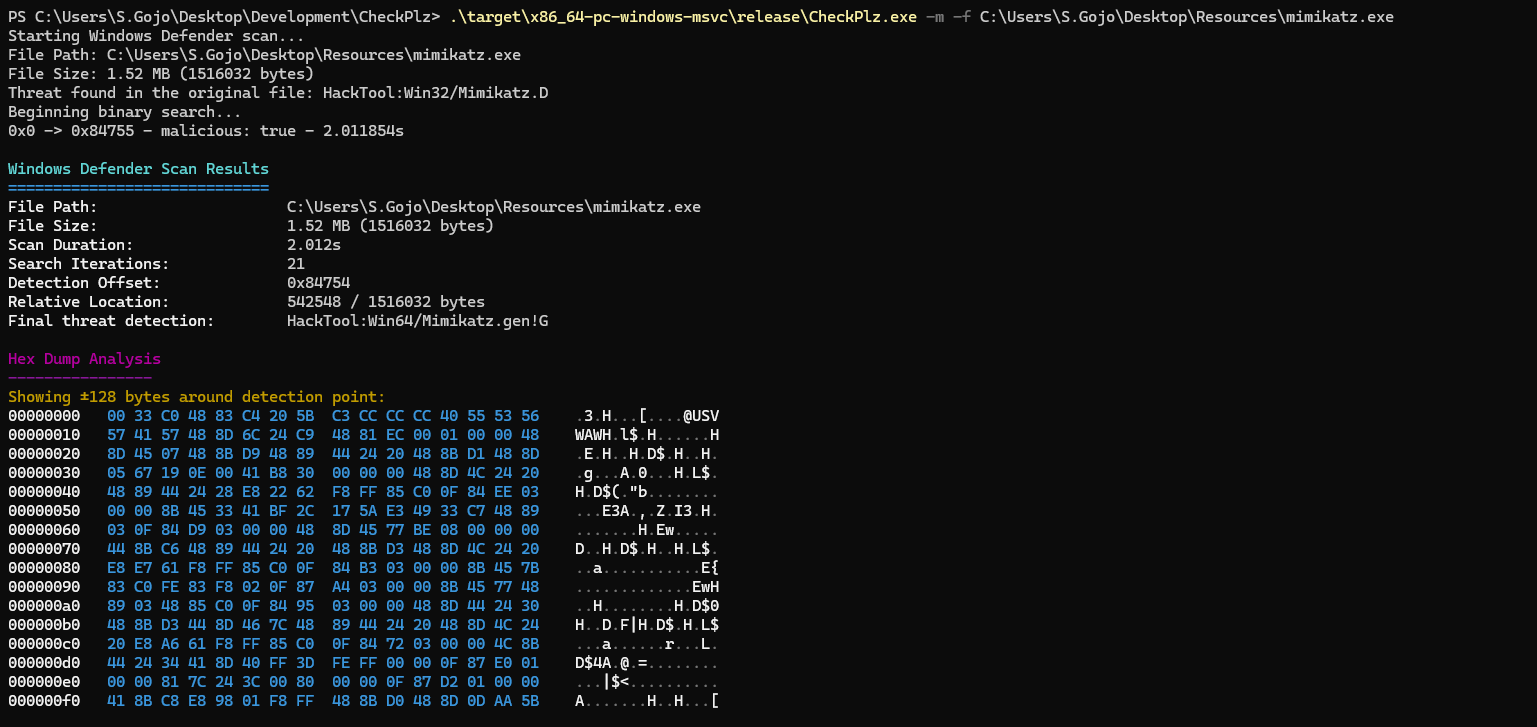
CheckPlz is an Rust adaptation of the populars ThreatCheck & GoCheck tools, designed to scan files for potential threats while leveraging AMSI (Antimalware Scan Interface) and Windows Defender. By isolating malicious content with precision and providing comprehensive analysis, CheckPlz offers an enhanced and efficient file scanning experience.
AMSI Scanning:
Windows Defender Scanning:
MpCmdRun.exe to scan the file.Binary Search:
git clone https://github.com/your-username/CheckPlz.git
cd CheckPlz
cargo build --release
target/release/checkplz.exe.Run CheckPlz with the desired options:
Usage: CheckPlz.exe [OPTIONS] --file <FILE>

Options:
  -f, --file <FILE>  Path to the file to scan
  -d, --debug        Enable debug mode
  -a, --amsi         Use AMSI scan
  -m, --msdefender   Use Windows Defender scan
  -r, --raw          Raw output without ANSI colors
  -h, --help         Print help
  -V, --version      Print version
Scan a file using AMSI:
checkplz --file malicious.exe --amsi
Scan a file with Windows Defender:
checkplz --file suspicious.exe --msdefender
Perform a scan using both AMSI and Windows Defender with debug output enabled:
checkplz --file unknown.exe --amsi --msdefender --debug
Perform a scan with raw output formatting:
checkplz --file unknown.exe --amsi --raw