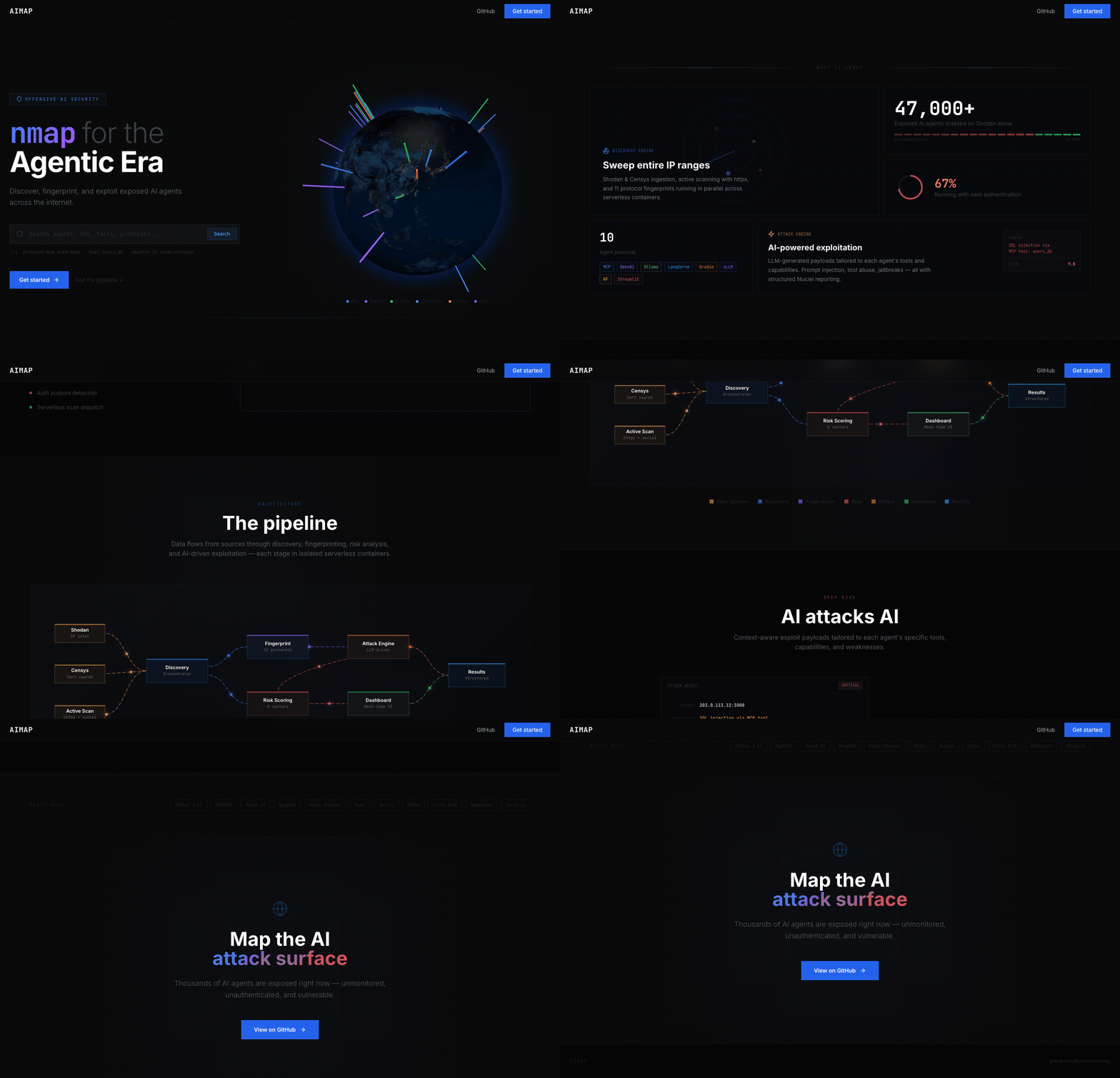
 bishopfox/aimap
Discover Exposed AI Services

Internet-scale discovery and security testing platform for exposed AI agent infrastructure.
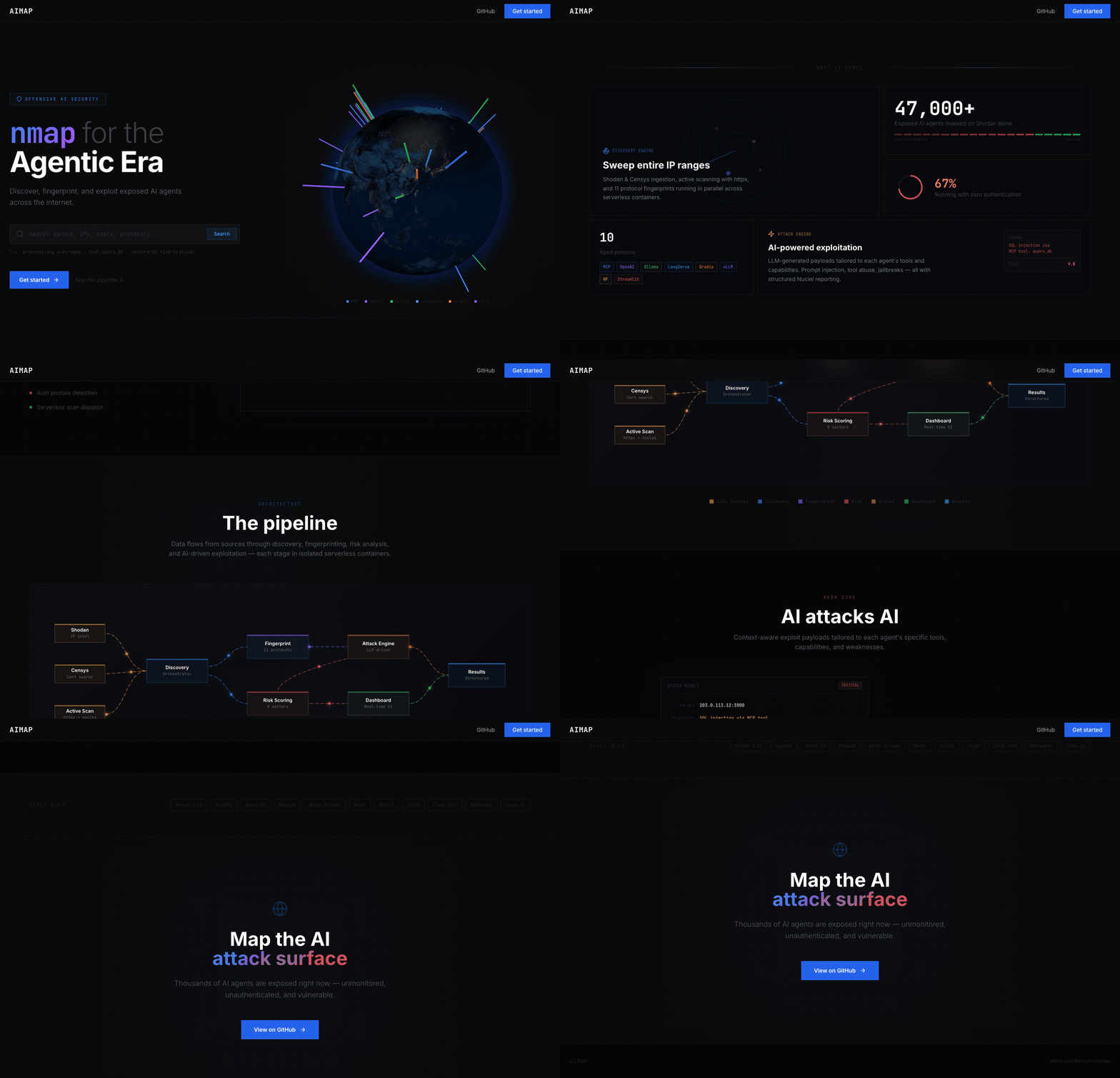
AIMap finds, fingerprints, and security-tests publicly exposed AI endpoints — MCP servers, Ollama instances, vLLM/LiteLLM proxies, LangServe chains, Gradio apps, ComfyUI nodes, and more. Think Shodan, but purpose-built for the AI agent attack surface.
Built by Bishop Fox.
Warning This tool is intended for authorized penetration testing and security research only. You must only use AIMap against systems you own or have explicit written permission to test. Unauthorized access to computer systems is illegal. Bishop Fox assumes no liability and is not responsible for any misuse or damage caused by this tool. Use responsibly.
┌─────────────┐     ┌──────────────┐     ┌───────────┐
│  React SPA  │────▶│  FastAPI      │────▶│  MongoDB  │
│  (Vite)     │ WS  │  Backend      │     │           │
└─────────────┘     └──────┬───────┘     └───────────┘
                           │
              ┌────────────┼────────────┐
              ▼            ▼            ▼
        ┌──────────┐ ┌──────────┐ ┌──────────┐
        │  Shodan  │ │  Nuclei  │ │  Redis   │
        │  API     │ │  Scanner │ │  Streams │
        └──────────┘ └──────────┘ └──────────┘
Backend — Python/FastAPI with async MongoDB (Motor), Redis Streams for attack log streaming, and a discovery engine that orchestrates Shodan queries → httpx liveness checks → Nuclei template scans → enrichment pipeline.
Frontend — React 18 + TypeScript + Tailwind CSS + shadcn/ui. Features a 3D globe (globe.gl), real-time attack streaming via WebSocket, and a Shodan-style search interface.
Scanning — 5 custom Nuclei YAML templates for MCP server detection, MCP tool enumeration, OpenAI-compatible API detection, LangServe detection, and prompt leak testing.
| Protocol | Detection Method | Shodan Queries |
|---|---|---|
| MCP (Model Context Protocol) | SSE transport, JSON-RPC, /mcp/sse paths | 4 queries |
| Ollama | Default port 11434, product fingerprint | 3 queries |
| vLLM / LiteLLM / LocalAI | /v1/models, /v1/chat/completions endpoints | 4 queries |
| LangServe / LangChain | Playground endpoints, langserve markers | 2 queries |
| OpenClaw / Clawdbot | Control dashboard, port 18789 | 3 queries |
| Open WebUI / LibreChat | Title-based detection | 2 queries |
| Gradio | Title, footer watermark, favicon hash | 3 queries |
| Streamlit | Title, favicon hash | 2 queries |
| ComfyUI / Stable Diffusion | Title, port-based detection | 4 queries |
| HuggingFace TGI | HTML markers | 1 query |
| Generic inference | /api/generate, /api/tags paths | 2 queries |
Each endpoint receives a 0–10 risk score computed from:
| Factor | Score Impact |
|---|---|
| No authentication | +4.0 |
| Unknown auth status | +1.0 |
| 10+ tools exposed | +2.0 |
| 5+ tools exposed | +1.0 |
Critical-risk tool (e.g., exec_code, run_shell) | +1.0 each |
High-risk tool (e.g., query_db, file_read) | +0.5 each |
Open CORS (*) | +1.0 |
| No TLS | +0.5 |
| System prompt leaked | +0.5 |
| Models exposed | +1.0 |
| Uncensored model detected | +2.0 |
| Signup enabled (no invite required) | +1.5 |
| Dangerous combo (e.g., no auth + code exec tool) | +1.0 each |
# Clone
git clone [email protected]:BishopFox/aimap.git
cd aimap

# Configure
cp .env.example .env
# Edit .env — at minimum set SHODAN_API_KEY

# Launch
docker compose up --build
This starts 4 services:
Open http://localhost to access the UI.
# Backend
cd backend
python -m venv .venv
source .venv/bin/activate
pip install -r requirements.txt
uvicorn app.main:app --reload --port 8000

# Frontend (separate terminal)
cd frontend
npm install
npm run dev   # starts on http://localhost:5173
Make sure MongoDB is running locally on port 27017. Redis is optional — the backend falls back to in-memory buffers when Redis is unavailable.
Create a .env file in the project root:
# Required
SHODAN_API_KEY=your_shodan_api_key

# Optional — Censys as an additional discovery source
CENSYS_API_ID=
CENSYS_API_SECRET=

# Optional — enables AI-powered attack analysis
ANTHROPIC_API_KEY=

# MongoDB (defaults work for local dev)
MONGODB_URI=mongodb://localhost:27017
MONGODB_DB=aimap

# Redis (defaults work for local dev; optional)
REDIS_URL=redis://localhost:6379/0

# CORS (default allows all origins)
CORS_ORIGINS=*

# Modal serverless (dispatches scans/attacks to Modal containers)
MODAL_ENABLED=false

# Clerk auth — see below
CLERK_ISSUER=
AIMap uses Clerk for authentication. To enable:
# .env (project root)
CLERK_ISSUER=https://your-app.clerk.accounts.dev
# frontend/.env.local
VITE_CLERK_PUBLISHABLE_KEY=pk_test_...
To disable authentication (local dev, demos): leave CLERK_ISSUER empty or unset. The backend will accept all requests with a synthetic local user identity.
ollama, mcp_protocol, vllm) or enter a custom Shodan querynet:<cidr> to each query)Use the search bar with Shodan-style query syntax:
