
Skip to content
KitploitKITPLOIT
ToolsBlog
Submit
ToolsBlog
Submit

Hacking, PenTest, and Cybersecurity Tools for Your Security Arsenal!

Kitploit is a directory of hacking, cybersecurity, and pentesting tools. Discover the latest project updates to find vulnerabilities, analyze systems, automate testing, and strengthen your security.

··Feeds·Contact·Privacy·© 2026 Kitploit

Tool Directory

Categories

View all categories
Loading categories
ID-entify — Search for information related to domain: Emails - IP addresses - Sub-Domains - Information on WEB technology - Type of Firewall - NS and MX records. | Kitploit
Tools/GitHubGitHub/billyv4/id-entify
OSINT (Open Source Intelligence)ReconnaissanceInformation GatheringWeb SecuritySubdomain EnumerationEmail HarvestingDNS Analysis
GitHubbillyv4/id-entify

ID-entify

Search for information related to domain: Emails - IP addresses - Sub-Domains - Information on WEB technology - Type of Firewall - NS and MX records.


View Repository
116316 years agoReviewed by Kitploit

Most Popular

View all →

Discover the most used tools by our community.

Explore all tools

Browse our collection of tools

View all tools →
Share

alt tag

By Carlos Ramírez L. | BillyV4 | V 1.0

ABOUT

ID-entify is a tool that allows you to search for information in the passive way related to a domain.

SEARCH FOR INFORMATION RELATED TO A DOMAIN:

  • Emails
  • IP addresses
  • Subdomains
  • Information on WEB technology
  • Type of Firewall
  • NS and MX records

THE TOOLS USED IN THE INFORMATION SEARCH ARE:

  • Fierce
  • Dnsrecon
  • Dnsenum
  • Dig
  • Blindcrawl
  • OWASP Amass
  • Nslookup
  • Whatweb
  • Wafw00f
  • Nmap http-waf-detect http-waf-fingerprint
  • Whois
  • TheHarvester

TO EXECUTE THIS SCRIPT

Download the script

root@kitploit:~
git clone https://github.com/BillyV4/ID-entify.git
cd ID-entify
chmod +x id-entify.sh

Run the script

Step 1:

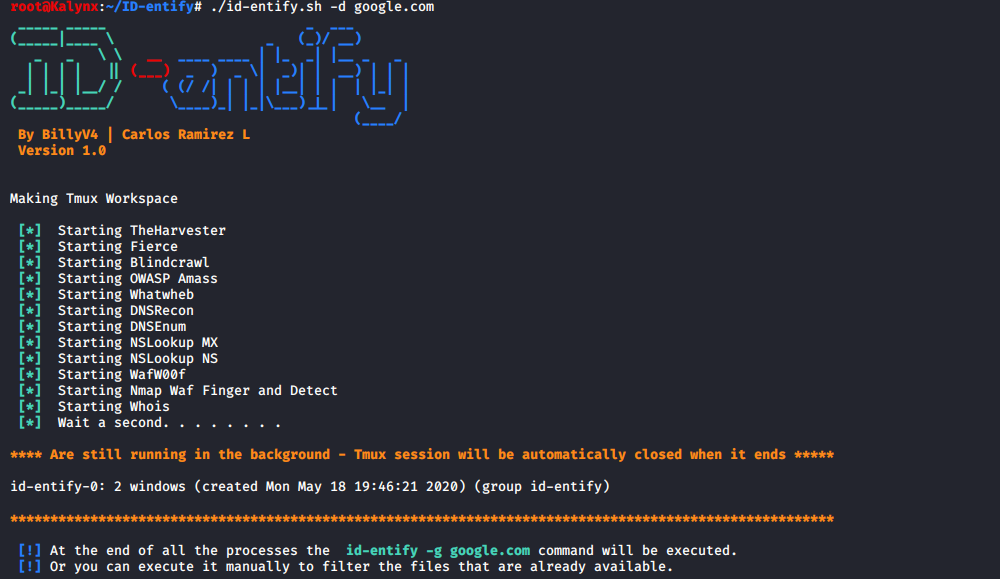
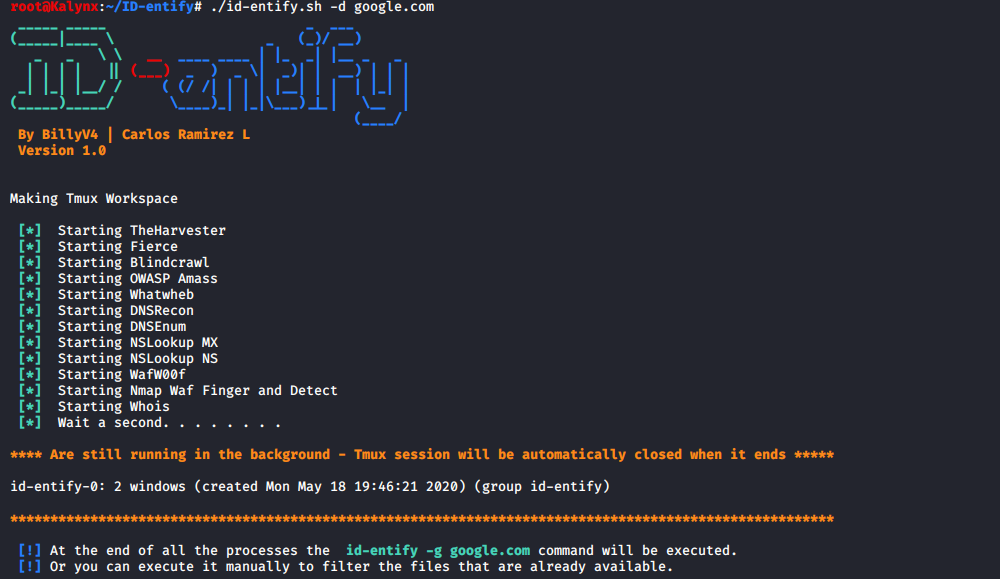
The next command is to create a workspace with tmux in which programs are executed in the background, storing the information in the ./id-domain/Raw_Data/ folder.

root@kitploit:~
id-entify -d google.com
Step 2:

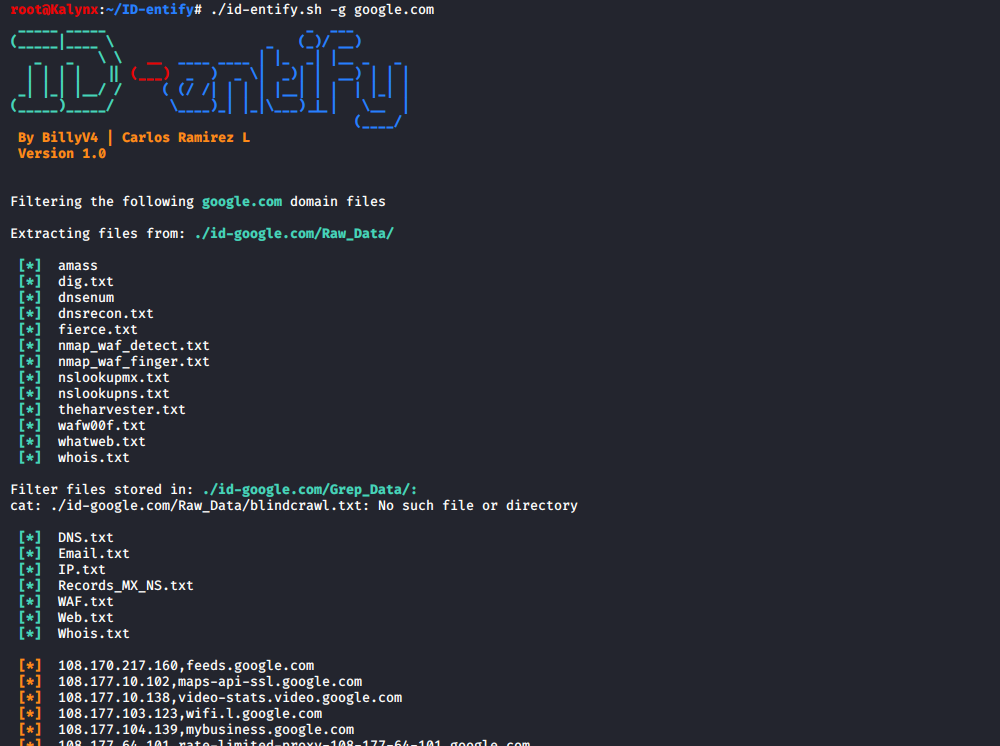
When the programs are finished, the tmux workspace will be closed automatically, the filtered information will be stored in ./id-domain/Greep_Data/. To filter the information manually execute the following command

root@kitploit:~
id-entify -g google.com

SCREENSHOT

Step 1:

alt tag

Step 2:

alt tag

Download Tool