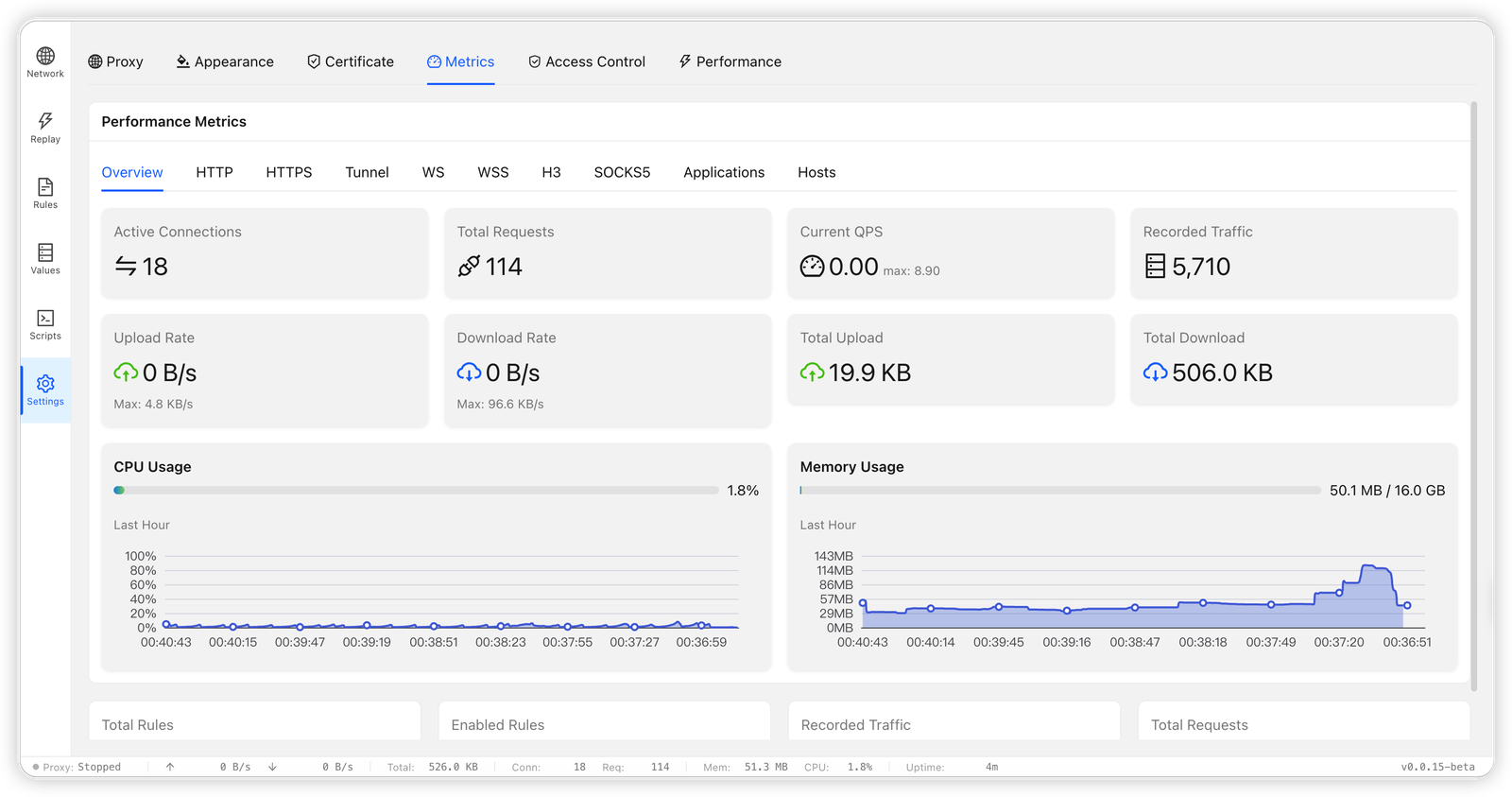

High-performance HTTP/HTTPS/SOCKS5 MITM proxy in Rust with TLS interception, rule-based request rewriting, traffic capture, breakpoints, script sandbox and request replay via Web UI.
High-performance HTTP/HTTPS/SOCKS5 proxy server




Language: English | 中文
Bifrost is a high-performance, AI-friendly proxy server written in Rust and inspired by Whistle. It provides request interception, rule-based modification, TLS MITM, script extensions, traffic inspection, request replay, and Web UI management.
Install the CLI and, on macOS and Windows, the desktop app with the same script:
macOS / Linux / Git Bash:
curl -fsSL https://raw.githubusercontent.com/bifrost-proxy/bifrost/main/install-binary.sh | bash
Windows PowerShell:
irm https://raw.githubusercontent.com/bifrost-proxy/bifrost/main/install-binary.ps1 | iex
The installer always installs the CLI and automatically installs the matching desktop app on macOS and Windows; platforms without a desktop release, such as Linux, remain CLI-only. Use --no-desktop in Bash/Git Bash or set BIFROST_INSTALL_AUTO_DESKTOP=0 in Bash/PowerShell for a CLI-only install. The installer can also install and trust the CA certificate, install Bifrost AI skills, and start Bifrost as a background service. Bash and PowerShell installers probe GitHub and built-in mirrors, then use the fastest available release source. Use BIFROST_GITHUB_MIRROR when your network needs a preferred mirror. On Windows, the PowerShell installer adds the install directory to both the current session and the Windows User Path; the Git Bash installer also updates the Windows User Path, so newly opened PowerShell/CMD windows can run bifrost directly.
Install a specific version:
macOS / Linux / Git Bash:
curl -fsSL https://raw.githubusercontent.com/bifrost-proxy/bifrost/main/install-binary.sh | bash -s -- --version v0.0.96
Windows PowerShell:
$installer = irm https://raw.githubusercontent.com/bifrost-proxy/bifrost/main/install-binary.ps1
& ([scriptblock]::Create($installer)) -Version v0.0.96
Install with npm:
npm i -g @bifrost-proxy/bifrost
More installation options: docs-en/getting-started.md
Check the proxy:
bifrost status
Open the Admin UI after startup:
http://127.0.0.1:9900/_bifrost/
bifrost install-skill -y
ASR Daily Agent can fan out one daily report into separate ChatGPT Web research conversations. Set the optional chatgpt_project_url on the research fan-out to file every new conversation in a specific ChatGPT Project while continuing to enforce Chat mode and the Pro model:
{
  "max_questions": 8,
  "chatgpt_interface_mode": "chat",
  "chatgpt_model": "pro",
  "chatgpt_project_url": "https://chatgpt.com/g/g-p-<project-id>/project"
}
See design/asr-daily-agent-pipeline.md for the complete agent graph, research manifest, and failure boundaries.
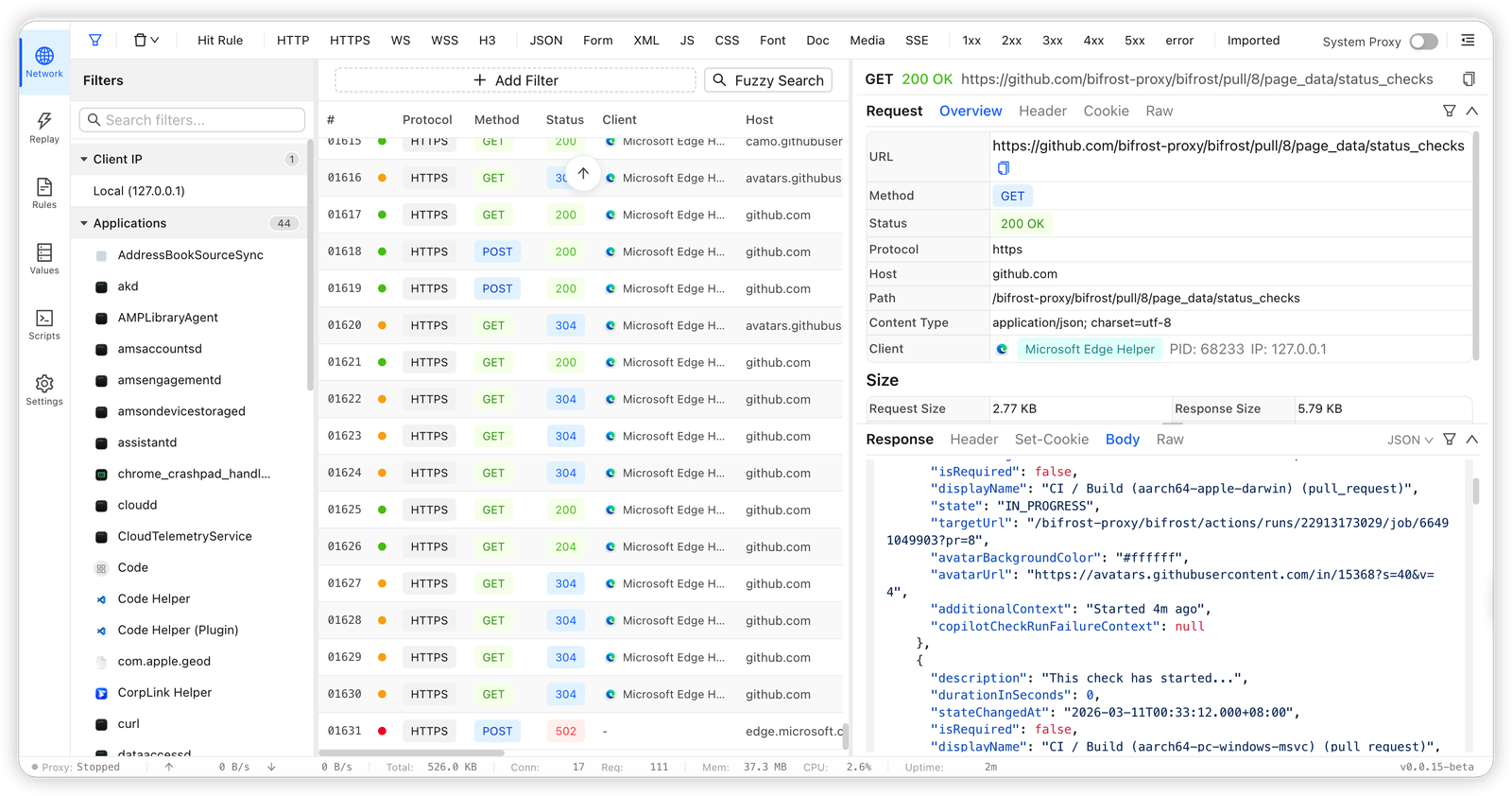
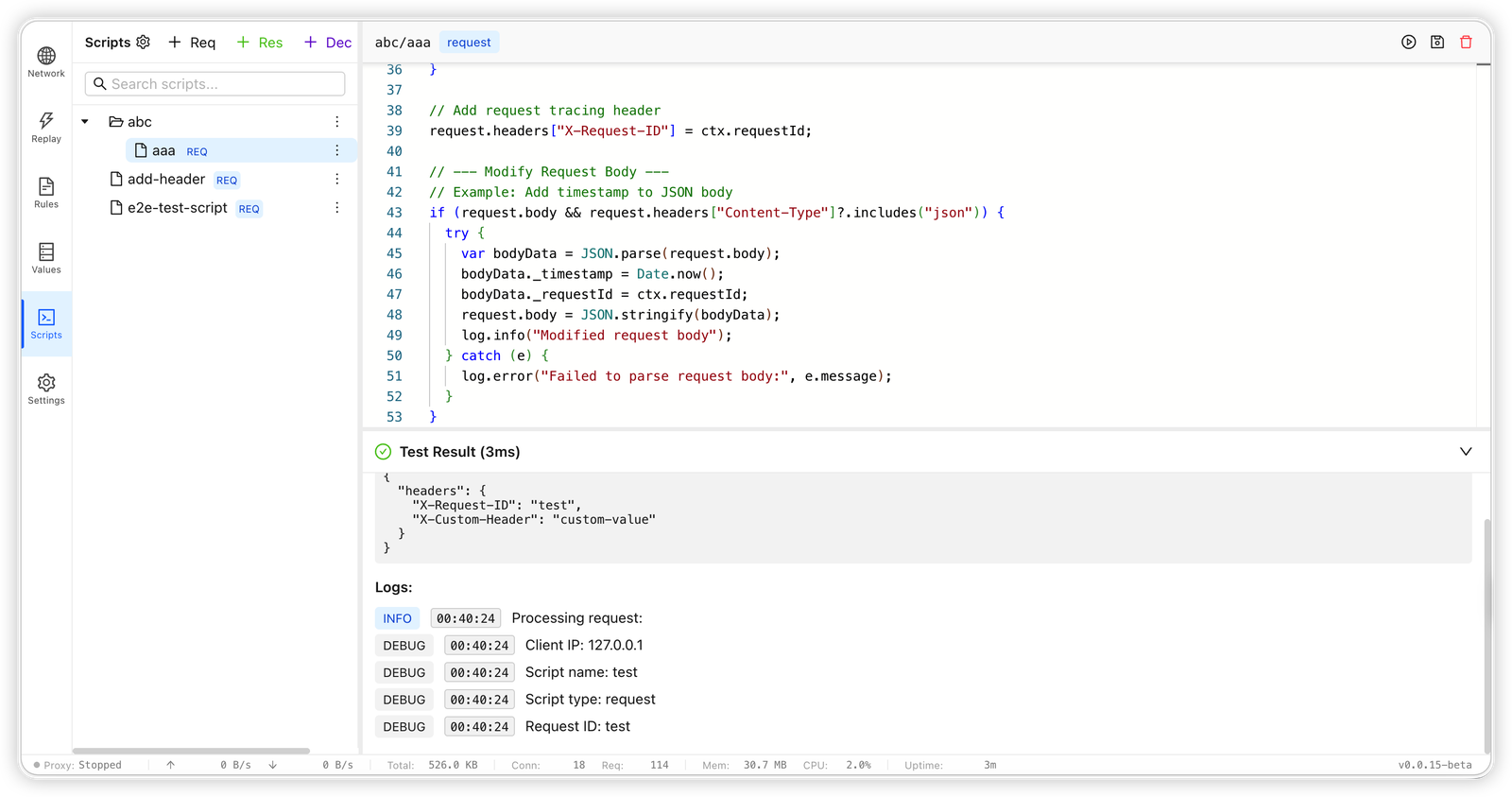
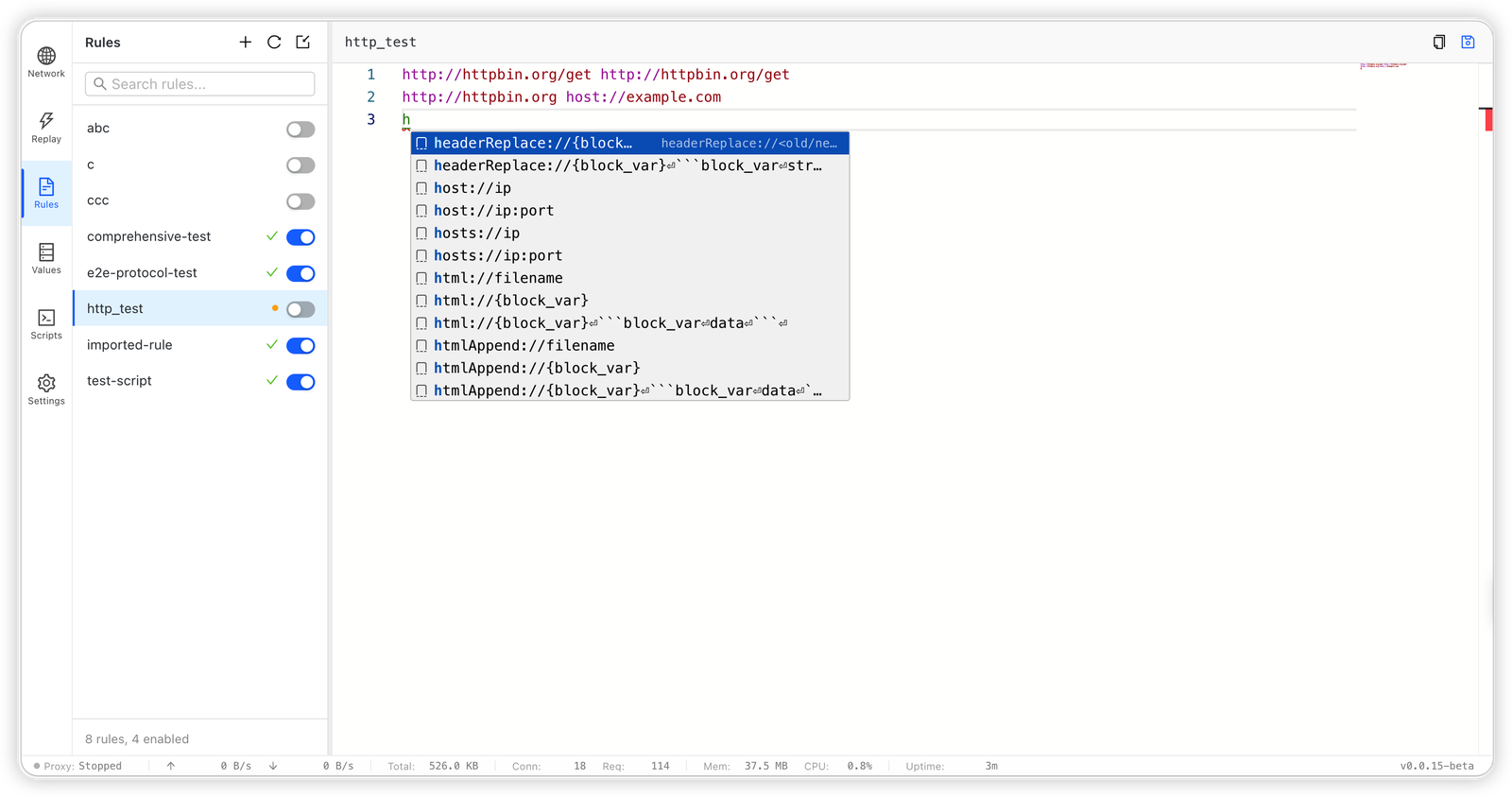
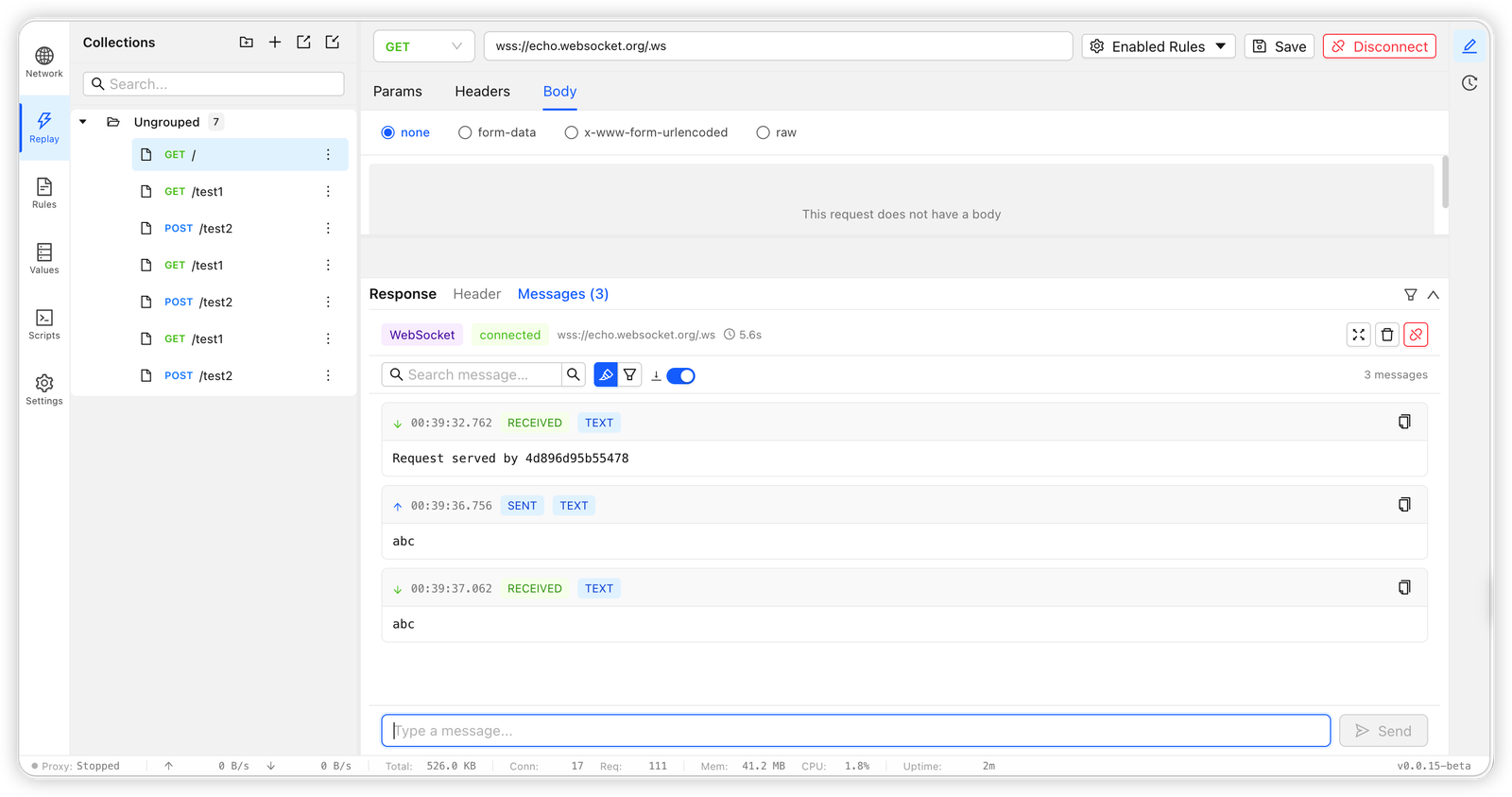
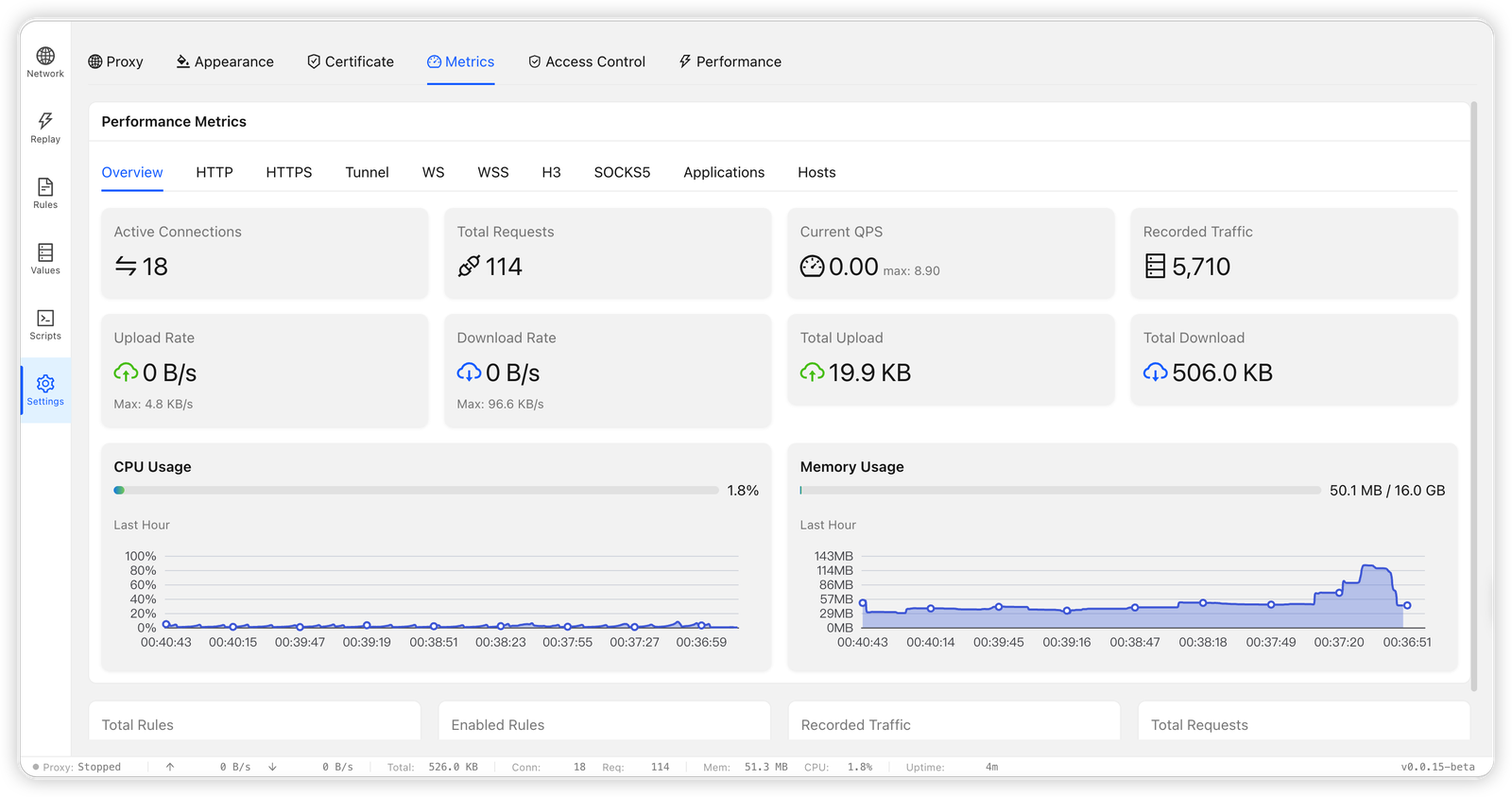
/_bifrost/api/system/memory.reqScript, resScript, and decode support.Initialize repository hooks after cloning:
bash scripts/setup-git-hooks.sh
# or
make setup
This sets core.hooksPath=.githooks for the repository. The default pre-commit hook checks workspace formatting, desktop Tauri formatting, and cargo clippy --workspace --all-targets --all-features -- -D warnings.
Use the desktop app when you want traffic capture, rule editing, replay, and updates without memorizing CLI commands:
Assets..dmg that matches your chip: aarch64-apple-darwin for Apple Silicon or x86_64-apple-darwin for Intel..msi: x86_64-pc-windows-msvc for most PCs or aarch64-pc-windows-msvc for ARM devices..dmg and drag Bifrost.app to Applications. On Windows, double-click the .msi and follow the installer.To make the CLI available from a desktop-first install, open Settings in the desktop app and click Install CLI & Skills in Desktop Proxy Core. See docs-en/desktop.md for the full guide.
# Status and lifecycle
bifrost status
bifrost stop
bifrost restart

# Admin remote access and authentication
bifrost admin remote status
bifrost admin remote enable
bifrost admin passwd
bifrost admin revoke-all

# Traffic inspection
bifrost traffic list
bifrost traffic search "keyword" --method POST --host api.openai.com --path /v1/responses
bifrost search "keyword" --req-header
bifrost search "keyword" --res-body

# Add a rule
bifrost rule add local-dev --content "example.com host://127.0.0.1:3000"

