 benso-io/posta
Browser extension for tracking, inspecting, and exploiting cross-document postMessage vulnerabilities with replay and cross-origin exploit simulation capabilities.


Posta is a tool for researching Cross-document Messaging communication. It allows you to track, explore and exploit postMessage vulnerabilities, and includes features such as replaying messages sent between windows within any attached browser.
Run Posta in development environment:
git clone https://github.com/benso-io/posta
cd posta
npm install
npm start
Dev mode includes a local web server that serves a small testing site and the exploit page. When running in dev mode, you can access the exploit page at http://localhost:8080/exploit/
The development environment will rebuild the extension when source code changes. To work on UI, start the development env, make your changes and refresh. Please note that changes to the background page are rebuilt, but will only take effect after the extension restarts (from browser menu)
Run Posta as a Chrome / Chromium Extension:
git clone https://github.com/benso-io/posta.git
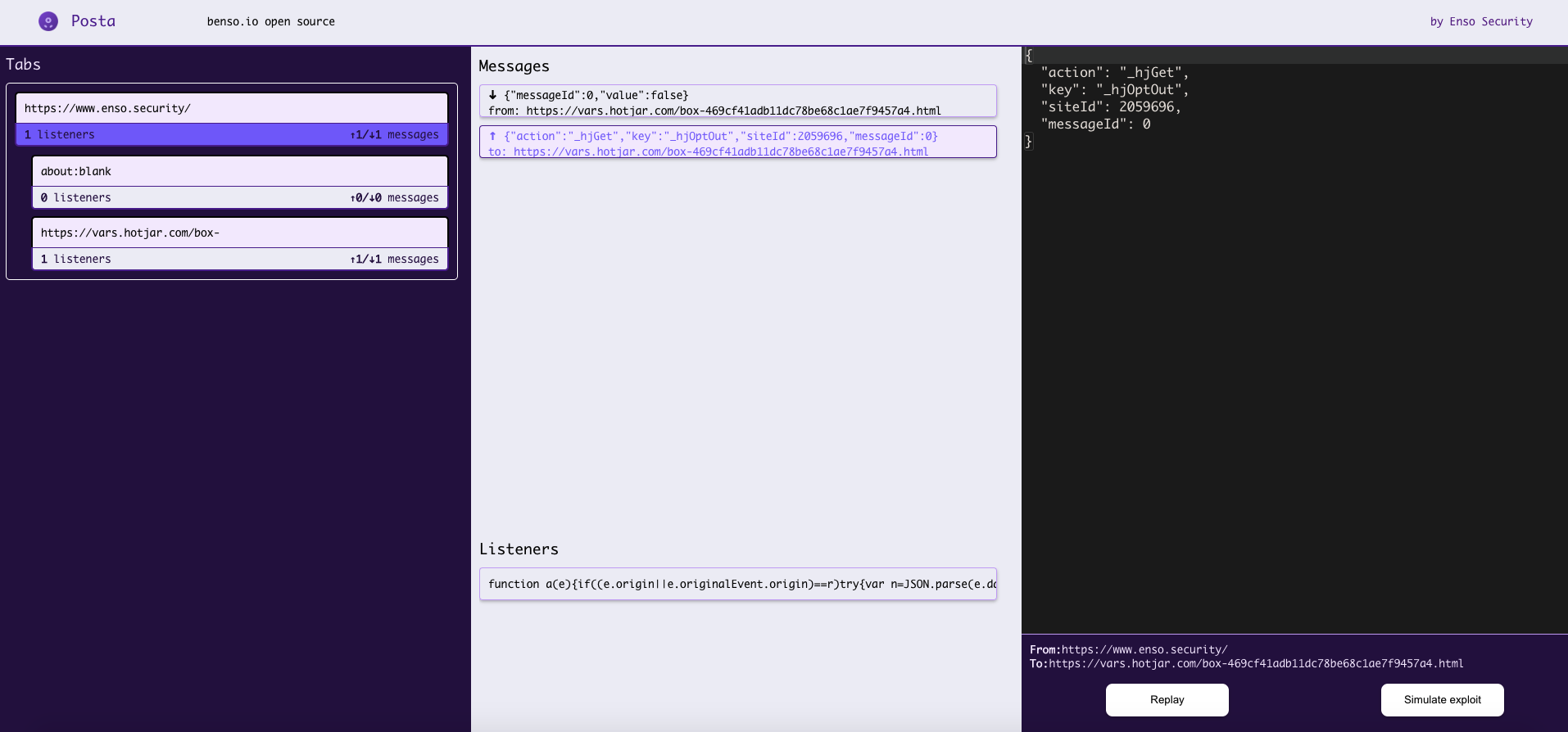
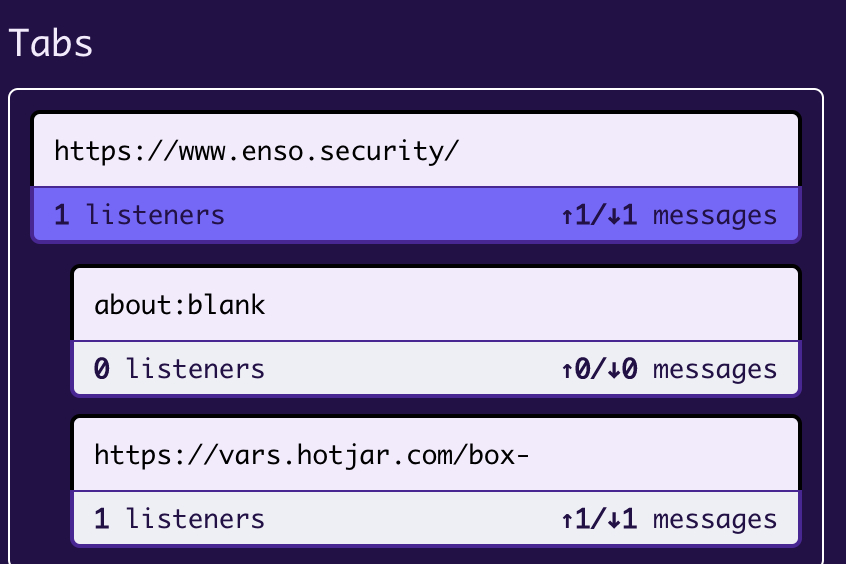
chrome://extensionschrome-extension directory inside Posta and upload it to your browserIn the Tabs section we can find our main Origin, with the iframes it hosts and communicates with through the session. We can choose the specific frame by clicking on it, and observe the postMessages related to that frame only.
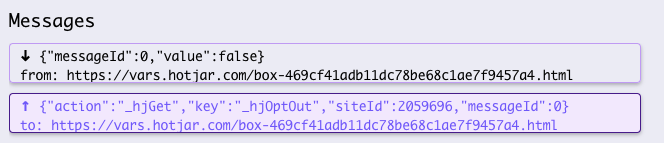
In the Messages section, we can inspect all postMessage traffic being sent from the origin to its iframes, and vice versa.
We can select specific communication for further examination by clicking on it.
The Listeners area presents the code which is in charge of handling the communication, we can click and copy its contents for JS code observation.

In the console section, we can modify the original postMessage traffic, and replay the messages with the tampered values which will be sent from the Origin to its iframe.
We should make tests and see if we can affect the behavior of the website by changing the postMessage content. If we manage to do so, it's time to try and exploit if from a different Origin, by clicking "Simulate exploit".

Click on the "host" button inorder to navigate to the exploitation window.

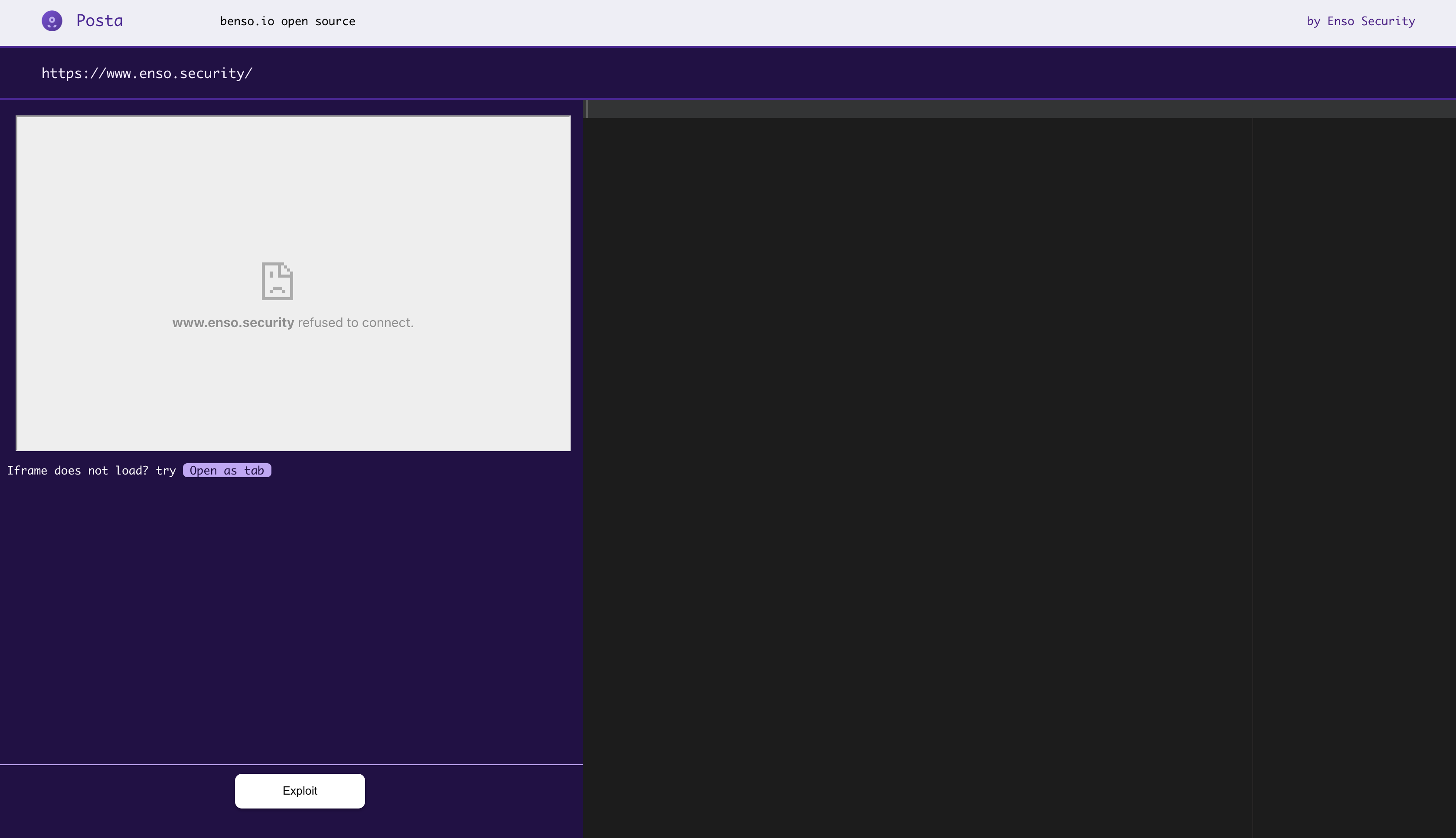
In the Exploit section, Posta will try and host the specified origin as an iframe in order to initiate postMessage communication. Most of the time we won't be able to do so, due to X-Frame-Options being enabled on the origin website.
Therefore, in order to continue with our exploitation, we'll need to gain communication reference with our Origin by initiating the window.open method, which can be achieved by clicking on "Open as tab".
We have the console to our right which will help us modify and craft our specified payloads and test them in Cross-Origin Communication, initiated by clicking on the Exploit button.