 aydinnyunus/ai-captcha-bypass
Automates CAPTCHA solving with multimodal AI models (GPT-4o, Gemini) and Selenium, supporting text, audio, slider puzzles, and reCAPTCHA v2 via a command-line interface.

This project is a Python-based command-line tool that uses large multimodal models (LMMs) like OpenAI's GPT-4o and Google's Gemini to automatically solve various types of CAPTCHAs. It leverages Selenium for web browser automation to interact with web pages and solve CAPTCHAs in real-time.
A successful solve is recorded as a GIF in the successful_solves directory.
Detailed Blog Post: https://aydinnyunus.github.io/2025/12/08/ai-captcha-bypass/
The tool can solve the following CAPTCHA types found on the 2captcha.com/demo/ pages:
🔥 Why users love CapMonster.Cloud
💡 Very high success rates (up to 99%)
⚡ Super fast solving times
💲 Affordable transparent pricing (pay per 1,000 CAPTCHAs)
🔌 Easy integration via API + browser extensions
⭐ Excellent reviews on TrustPilot, SourceForge, SaaSHub, AlternativeTo
--
🔗 Useful Links
💲 Pricing & Supported CAPTCHA Types (25+ types supported)
📘 API Documentation
💡 Main Website → capmonster.cloud
⭐ Reviews → TrustPilot
Clone the repository:
git clone https://github.com/aydinnyunus/ai-captcha-bypass
cd ai-captcha-bypass
Install dependencies:
pip install -r requirements.txt
Set up your API keys:
Create a .env file in the root directory by copying the example file:
cp .env.example .env
Open the .env file and add your API keys for OpenAI and/or Google Gemini:
OPENAI_API_KEY="sk-..."
GOOGLE_API_KEY="..."
The primary script for running the solver is main.py. You need to specify the CAPTCHA type to test. You can also specify the AI provider and model.
captcha_type: (Required) The type of CAPTCHA to solve.
puzzle, text, complicated_text, recaptcha_v2, audio--provider: The AI provider to use.
openai, gemini (Default: openai)--model: The specific model to use (e.g., gpt-4o, gemini-2.5-flash).--file: Path to an audio file for the audio test. (Default: files/audio.mp3)Solve a simple text CAPTCHA using OpenAI (default):
python main.py text
Solve a complicated text CAPTCHA using Gemini:
python main.py complicated_text --provider gemini
Solve a reCAPTCHA v2 challenge using Gemini:
python main.py recaptcha_v2 --provider gemini
Transcribe an audio CAPTCHA:
python main.py audio --file files/radio.wav --provider openai
Solve a puzzle CAPTCHA using a specific OpenAI model:
python main.py puzzle --provider openai --model gpt-4o
Here are some examples of the solver successfully bypassing different CAPTCHA types.
| CAPTCHA Type | OpenAI (GPT-4o) | Gemini (2.5 Pro) |
|---|---|---|
| reCAPTCHA v2 |  | 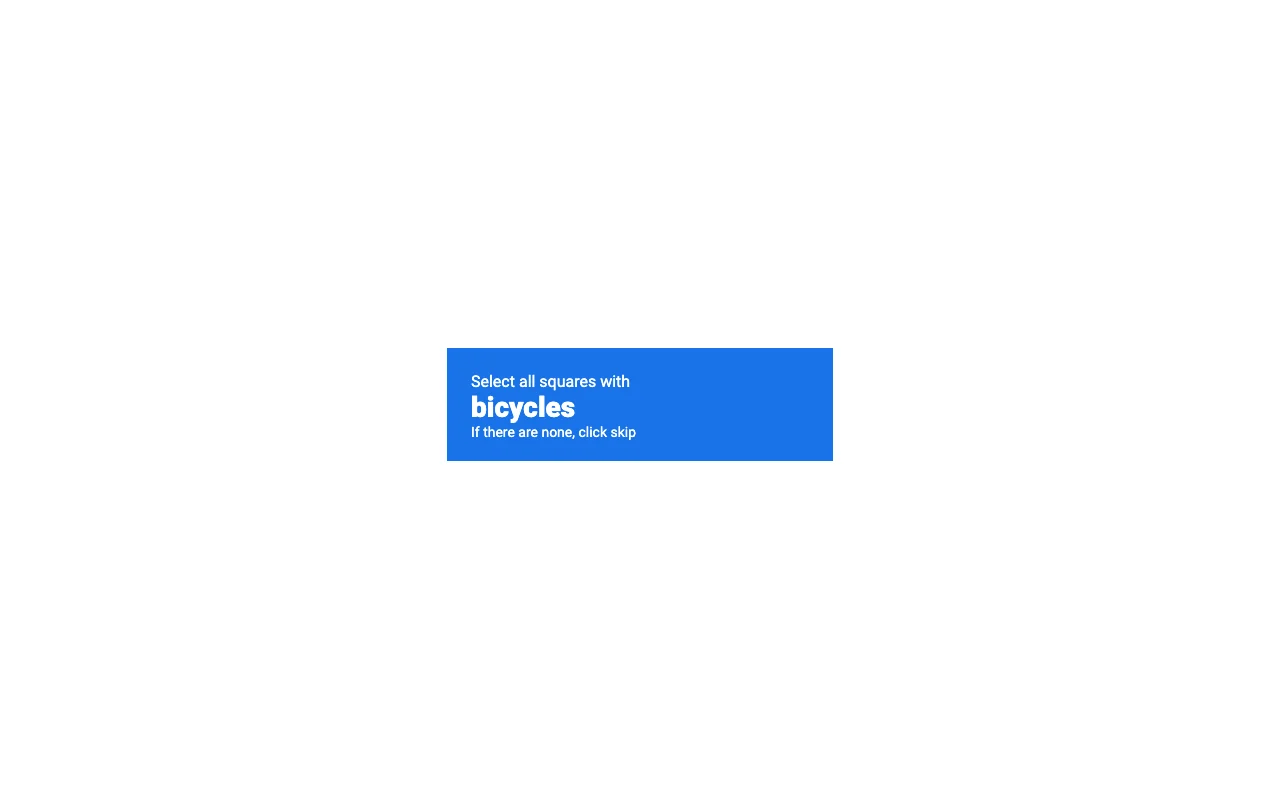 |
| Puzzle | 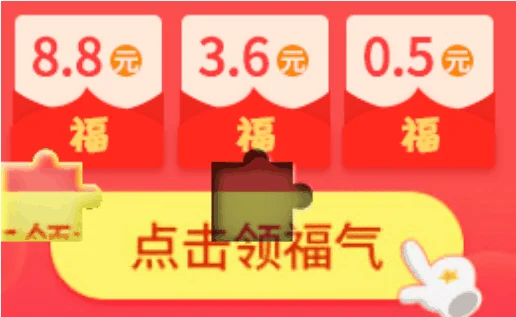 |  |
| Complicated Text |  | 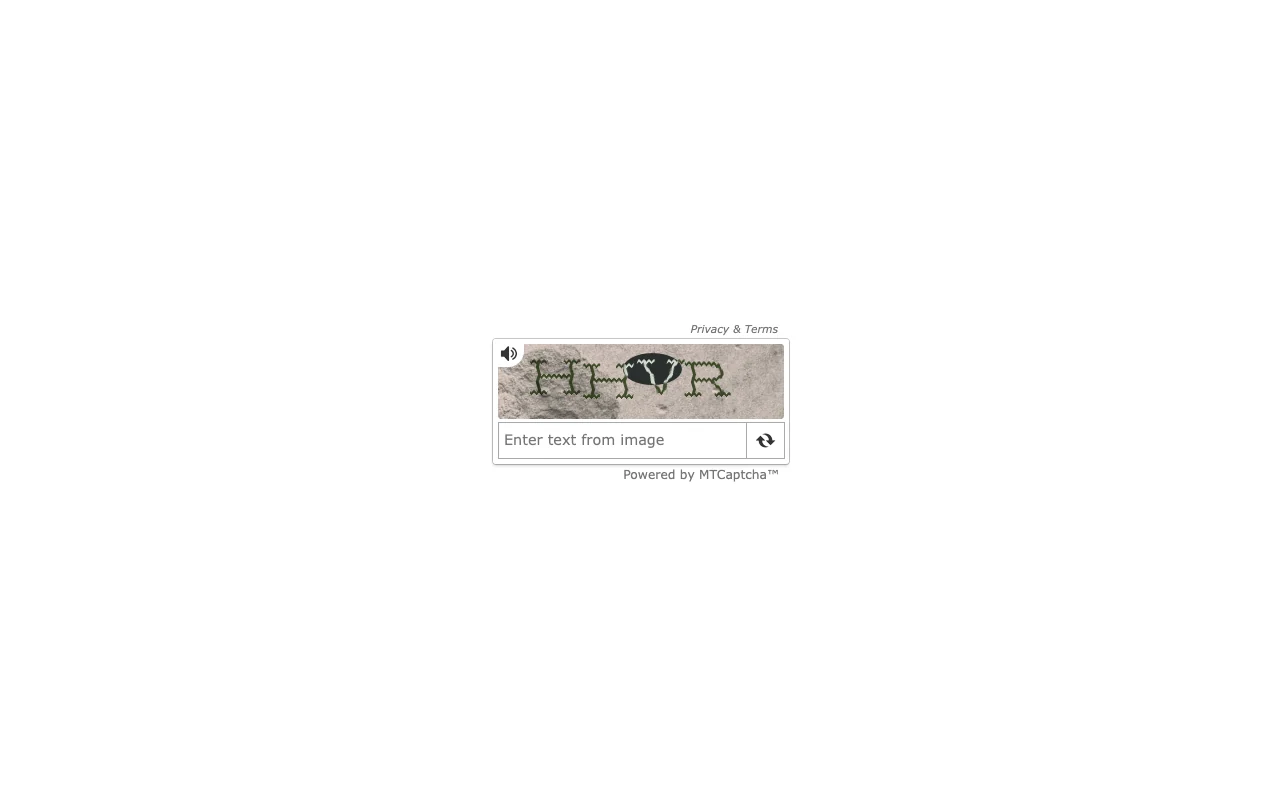 |
main.py: The main entry point to run the CAPTCHA solver tests. Handles command-line arguments and calls the appropriate test functions.ai_utils.py: Contains all the functions for interacting with the OpenAI and Gemini APIs. This is where prompts are defined and API calls are made.puzzle_solver.py: Implements the logic specifically for solving the multi-step slider puzzle CAPTCHA.benchmark.py: A script for running multiple tests to evaluate the performance and success rate of the different solvers.requirements.txt: A list of all the Python packages required for the project.screenshots/: Directory where screenshots of CAPTCHAs are temporarily saved.successful_solves/: Directory where GIFs of successful solutions are saved.