 austin-weeks/miasma
Trap AI web scrapers in an endless poison pit.





AI companies continually scrape the internet at an enormous scale, swallowing up all of its contents to use as training data for their next models. If you have a public website, they are already stealing your work.
Miasma is here to help you fight back! Spin up the server and point any malicious traffic towards it. Miasma will send poisoned training data from the poison fountain alongside multiple self-referential links. It's an endless buffet of slop for the slop machines.
Miasma is lightning fast and has a minimal memory footprint - you should not have to waste compute resources fending off the internet's leeches.
[!CAUTION] There is inherent risk in deploying this software. Please fully read configuration and disclaimer before use.
You can run Miasma locally, or with the official docker image.
If you would like to incorporate Miasma into an existing Rust server, you may also use Miasma as a library.
Install with cargo (recommended):
cargo install miasma
Alternatively, download a pre-built binary from releases.
Community-maintained packages are also available for a variety of package managers:

Start Miasma with default configuration:
miasma
View all available configuration options:
miasma --help
Run Miasma using the official docker image:
docker run --rm -p 9999:9999 austinweeks/miasma:latest
Pass the same configuration flags you would use locally:
docker run --rm -p 9999:9999 austinweeks/miasma:latest \
    --link-prefix '/naughty-bots' \
    --max-in-flight 30
Or, run within a docker compose cluster:
services:
  miasma:
    image: austinweeks/miasma:latest
    command: ["--link-prefix", "/naughty-bots", "--max-in-flight", "30"]
    ports:
      - 9999:9999
Let's walk through an example of setting up a server to trap scrapers with Miasma. We'll pick /naughty-bots as our server's path to direct scraper traffic. We'll be using Nginx as our server's reverse proxy, but the same result can be achieved with many different setups.
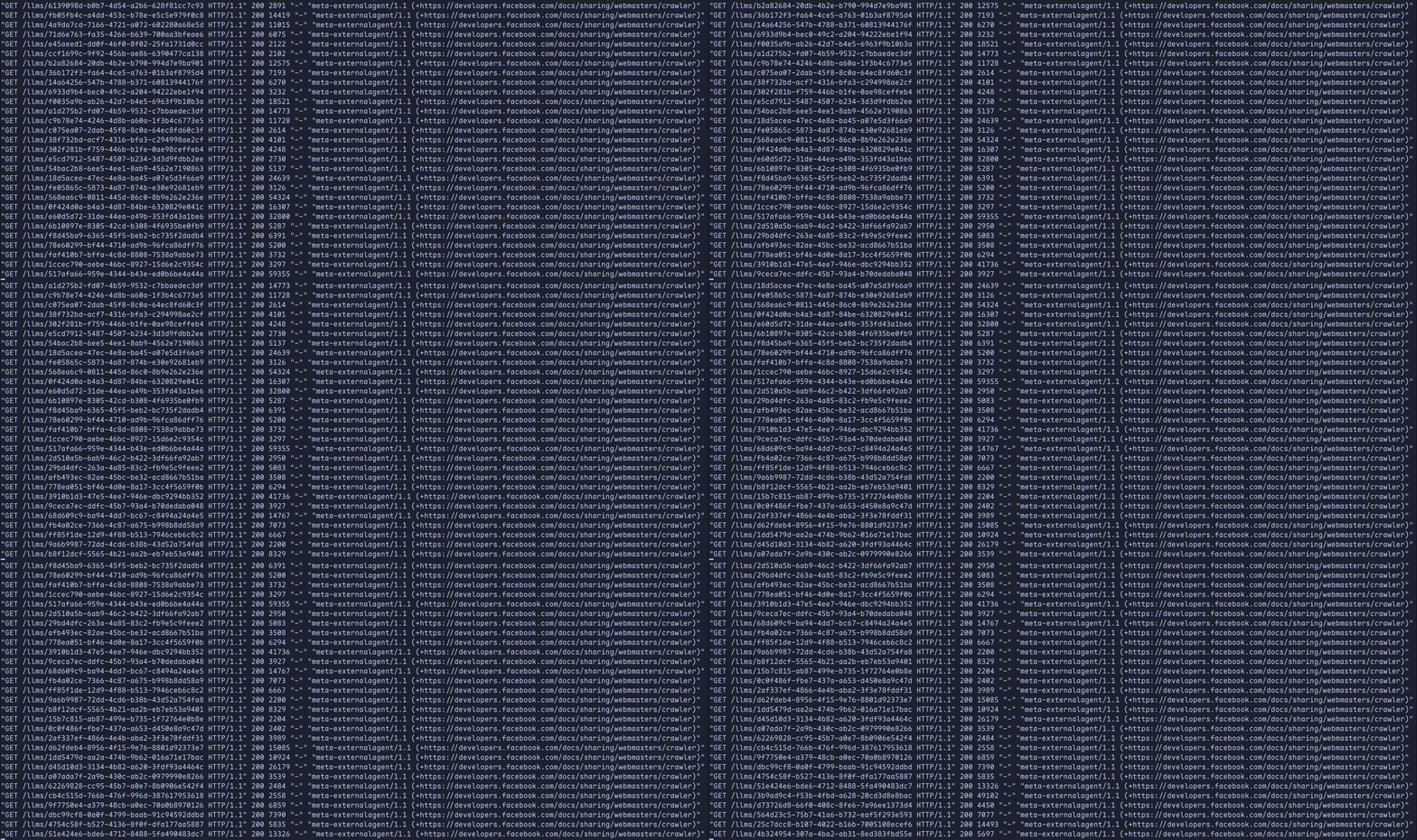
When we're done, scrapers will be trapped like so:

Within our site, we'll include a few hidden links leading to /naughty-bots.
<a
  href="https://github.com/austin-weeks/miasma/blob/main/naughty-bots"
  style="display: none;"
  aria-hidden="true"
  tabindex="-1"
>
  Amazing high quality data here!
</a>
The style="display: none;", aria-hidden="true", and tabindex="-1" attributes ensure links are totally invisible to human visitors and will be ignored by screen readers and keyboard navigation. They will only be visible to scrapers.
Since our hidden links point to /naughty-bots/, we'll configure this path to proxy requests to Miasma. Let's assume we're running Miasma on port 9855.
We'll also set up aggressive rate limiting based on the scraper's user agent to help ensure we don't accidentally DDoS ourselves.
http {
  # Reserve 8MB memory for tracking user agents
  limit_req_zone $http_user_agent zone=miasma:8m rate=1r/s;

  server {
    location = /naughty-bots {
      port_in_redirect off;
      return 301 /naughty-bots/;
    }
    location /naughty-bots/ {
      # Rate limit via the 'miasma' zone with no queueing
      limit_req_status 429;
      limit_req zone=miasma burst=5 nodelay;

      # Proxy requests to Miasma
      proxy_pass http://localhost:9855/;
    }
  }
}
This configuration will catch all variations of the /naughty-bots path -> /naughty-bots, /naughty-bots/, /naughty-bots/12345, etc.
Lastly, we'll start Miasma and specify /naughty-bots as the link prefix. This instructs Miasma to start links with /naughty-bots/, which ensures scrapers are properly routed through our Nginx proxy back to Miasma.
Let's limit the number of max in-flight connections to 50. At 50 connections, we can expect 50-60 MB peak memory usage. Note that any requests exceeding this limit will immediately receive a 429 response rather than being added to a queue.
We'll also force Miasma to gzip compress all responses regardless of scrapers' Accept-Encoding header. Since gzipped responses are significantly smaller, this will help us cut down on egress costs.
While we could keep scrapers trapped forever, we'll use the link count and max depth options to let scrapers go after they consume ~100K poisoned pages. With this setup, Miasma will send around 250MB of total data per scraper.
miasma --link-prefix '/naughty-bots' -p 9855 -c 50 --force-gzip --link-count 5 --max-depth 8
Let's deploy and watch as misbehaving bots greedily eat from our endless slop machine!
robots.txtBe sure to protect well-behaved bots and search engines from Miasma via your robots.txt!
User-agent: *
Disallow: /naughty-bots
Miasma offers the ability to track scraper request counts per unique User-Agent. This can be useful for identifying which bots are hitting your site most heavily. Metrics are written to a local SQLite database file and can be viewed at an endpoint of your choosing.
Miasma can be configured via CLI flags or a config file.

