 asteroid-belt/skulto
Offline and security-first tool for syncing and managing agent skills

Scan AI agent skills for prompt injection before you install them


   ╔════════════════════════════════════════════════════════╗
   ║    ███████╗██╗  ██╗██╗   ██╗██╗  ████████╗ ██████╗     ║
   ║    ██╔════╝██║ ██╔╝██║   ██║██║  ╚══██╔══╝██╔═══██╗    ║
   ║    ███████╗█████╔╝ ██║   ██║██║     ██║   ██║   ██║    ║
   ║    ╚════██║██╔═██╗ ██║   ██║██║     ██║   ██║   ██║    ║
   ║    ███████║██║  ██╗╚██████╔╝███████╗██║   ╚██████╔╝    ║
   ║    ╚══════╝╚═╝  ╚═╝ ╚═════╝ ╚══════╝╚═╝    ╚═════╝     ║
   ╠════════════════════════════════════════════════════════╣
   ║            CROSS-PLATFORM AI SKILLS MANAGEMENT         ║
   ╚════════════════════════════════════════════════════════╝
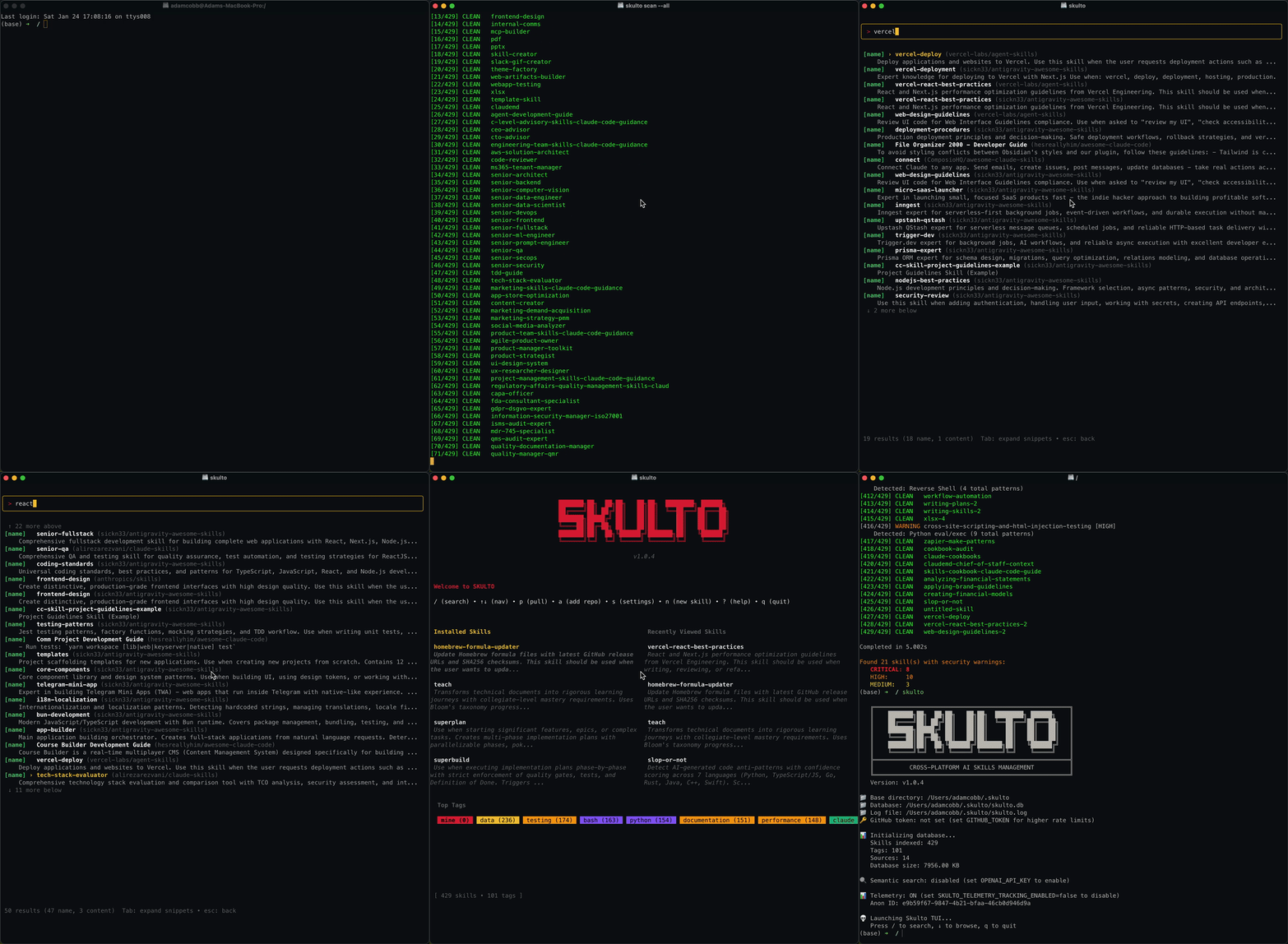
Skulto is a cross-platform CLI tool for managing AI coding assistant skills across 33 platforms. It provides:
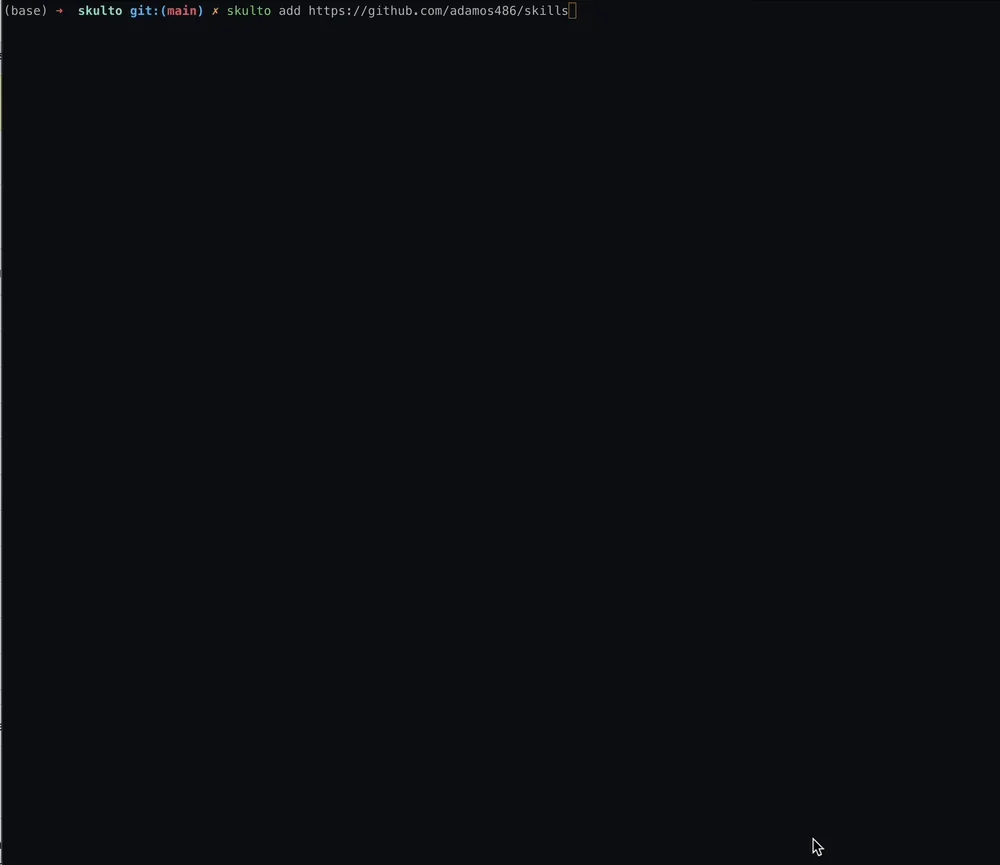
skulto install owner/repo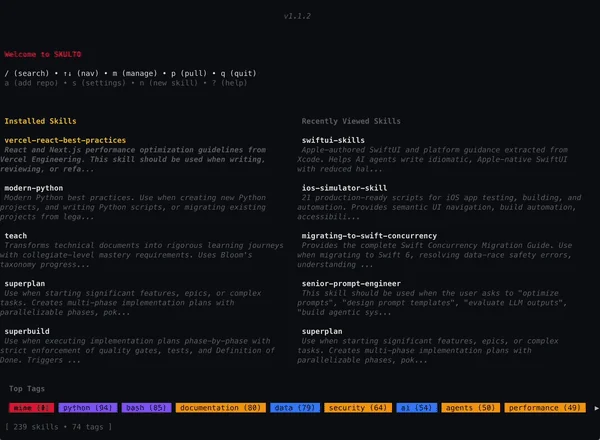
~/) or per-project (./) with separate control per platformSkulto detects and installs skills to 33 AI coding tools:
| Claude Code | Cursor | Windsurf | GitHub Copilot |
| OpenAI Codex | OpenCode | Cline | Roo Code |
| Gemini CLI | Kiro CLI | Amp | Continue |
| Goose | Junie | Kilo Code | Trae |
| Qwen Code | Kimi Code CLI | CodeBuddy | Command Code |
| Crush | Droid | Kode | MCPJam |
| Mux | OpenHands | Pi | Qoder |
| Zencoder | Neovate | Pochi | Antigravity |
| Moltbot |
brew install asteroid-belt/tap/skulto
To upgrade:
brew upgrade asteroid-belt/tap/skulto
GitHub Releases provide .deb and .rpm downloads for both amd64 and
arm64. Choose the package format for your distribution and replace the
version below with a release tag:
VERSION=vX.Y.Z
ARCH=amd64 # or arm64

# Debian/Ubuntu
curl -LO "https://github.com/asteroid-belt/skulto/releases/download/${VERSION}/skulto_${VERSION#v}_linux_${ARCH}.deb"

# Fedora/RHEL/openSUSE
curl -LO "https://github.com/asteroid-belt/skulto/releases/download/${VERSION}/skulto-${VERSION#v}-1.$([ "$ARCH" = amd64 ] && echo x86_64 || echo aarch64).rpm"

# Download the release checksums, then verify the downloaded asset.
curl -LO "https://github.com/asteroid-belt/skulto/releases/download/${VERSION}/checksums.txt"
sha256sum -c checksums.txt --ignore-missing
Install the local file with your distribution's package manager:
sudo apt install ./skulto_*.deb
sudo dnf install ./skulto-*.rpm
sudo zypper install ./skulto-*.rpm
Each package installs skulto and skulto-mcp at /usr/bin/skulto and
/usr/bin/skulto-mcp. Skulto does not require system Git at runtime. These are
GitHub Release downloads, not a configured package repository.
# Clone the repository
git clone https://github.com/asteroid-belt/skulto.git
cd skulto

# Install dependencies
make deps

# Build (outputs to ./build/)
make build-all

# Run
./build/skulto
GITHUB_TOKEN for higher API rate limits# Launch the TUI (guided onboarding on first run)
skulto
# Or install skills directly from a repository URL
skulto install asteroid-belt/skills
On first launch, Skulto walks you through onboarding:
Skulto works like a package manager for AI agent skills. Use skulto.json to define the skills your project needs, then skulto sync to install them — so every developer and CI environment has the same skill setup.
# 1. Install skills into your project
skulto install superplan
skulto install teach

# 2. Save project skills to a manifest
skulto save

# 3. Commit skulto.json to your repo
git add skulto.json
git commit -m "add skulto skill manifest"

# 4. Teammates (or CI) sync from the manifest
skulto sync
skulto.jsonThe manifest tracks which skills your project depends on and where they come from:
{
  "version": 1,
  "skills": {
    "superplan": "asteroid-belt/skills",
    "teach": "asteroid-belt/skills",
    "resume-ats-optimizer": "paramchoudhary/resumeskills"
  }
}
Each entry maps a skill slug to its source repository (owner/repo). When a teammate runs skulto sync, Skulto clones any missing repositories, resolves the skills, and installs them to the selected platforms.
skulto saveCaptures your current project-scope installations into skulto.json:
$ skulto save

SAVED to skulto.json

  teach               asteroid-belt/skills
  superplan           asteroid-belt/skills

2 skill(s) saved
Only project-scope installations are saved — global installs are personal and not shared via the manifest.
skulto syncReads skulto.json and installs any missing skills:
$ skulto sync

SYNCING from skulto.json (2 skills)
────────────────────────────────────────────────
Done! Installed: 2, Skipped: 0
On sync, Skulto:
-y)skulto checkShows all installed skills and where they're installed:
$ skulto check

SKILL                  INSTALLED LOCATIONS
─────────────────────────────────────────────────────────────
superplan              claude (global), codex (global + project)
teach                  claude (global + project)

2 skill(s) installed
Both skulto save and skulto check automatically detect skills that exist on disk (as symlinks in your project's platform dirs) but are missing from the database. This happens after migrations, database resets, or when a teammate installs skills outside of Skulto.
$ skulto check

RECONCILED 2 project skill(s)
  brainstorming  claude
  modern-python  codex

SKILL                  INSTALLED LOCATIONS
─────────────────────────────────────────────────────────────
brainstorming          claude (project)
modern-python          codex (project)

2 skill(s) installed
Plain directories in your project (skills committed directly to the repo) are left alone — they don't need Skulto management.
skulto
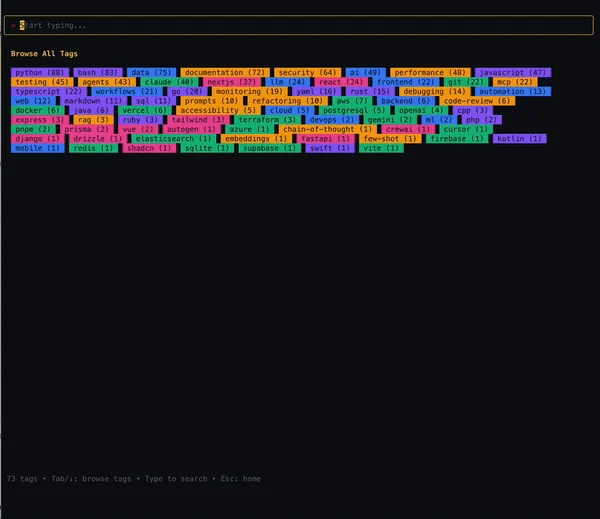
Key Bindings:
| Key | Action |
|---|---|
/ | Open search |
j / k | Navigate down / up |
h / l | Navigate left / right (between columns) |
↑ / ↓ | Navigate results |
Enter | Select / confirm |
Space | Toggle selection (in choosers) |
f | Toggle favorite / bookmark |
i | Install / manage skill locations |
c | Copy skill content to clipboard |
p | Pull/sync repositories |
Esc | Back / cancel |
q | Quit |
The home view displays three columns:
When you select a skill, you'll see:
c to copy the full skill contentWhen installing a skill, you choose where to install it:
~/.claude/skills/ (user-wide) or ./.claude/skills/ (project-local)a all, n none, g global only, p project onlyPress i on an installed skill to manage its locations:
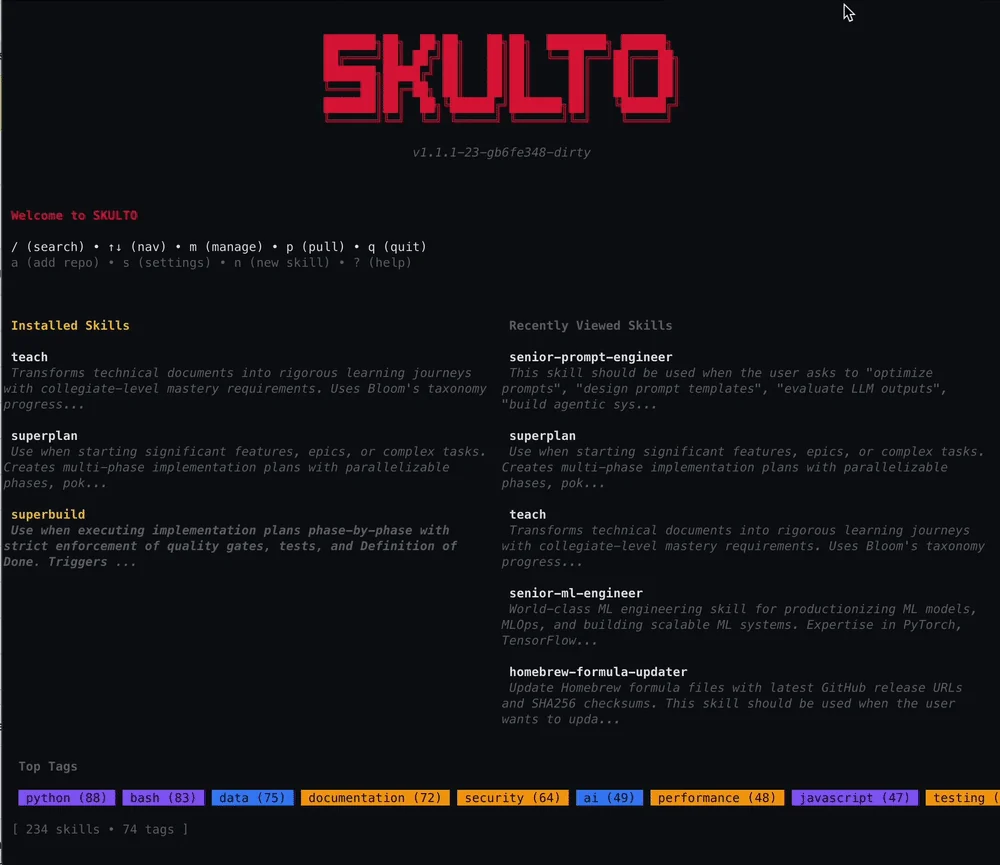
Skulto provides CLI subcommands for scripting and automation:
| Command | Purpose |
|---|---|
skulto | Launch the interactive TUI |
skulto install <slug or repo> | Install skills by slug or from a repository URL |
skulto uninstall <slug> | Uninstall a skill from selected platforms |
skulto save | Save project-scope installations to skulto.json |
skulto sync | Install all skills from skulto.json manifest |
skulto check | List all installed skills and their locations |
skulto add <repo> | Add a skill repository and sync its skills |
skulto list | List all configured source repositories |
skulto pull | Pull/sync all repositories and reconcile installed skills |
skulto remove [repo] | Remove a repository (interactive selection if no repo specified) |
skulto scan | Scan skills for security threats |
skulto update | Pull + scan with change reporting |
skulto info <slug> | Show detailed information about a skill |
skulto favorites add <slug> | Add a skill to favorites |
skulto favorites remove <slug> | Remove a skill from favorites |
skulto favorites list | List all favorited skills |
skulto feedback | Open the feedback/bug report page |
skulto installInstall skills by slug or directly from a GitHub repository:
# Install a single skill by slug
skulto install superplan

# Install from a repository (auto-detects all skills)
skulto install asteroid-belt/skills

# Install from a full GitHub URL
skulto install https://github.com/asteroid-belt/skills

# Non-interactive mode (accept defaults)
skulto install asteroid-belt/skills -y
When installing from a repository URL:
y (add locations), N (skip, default), or s (skip all remaining)skulto add <repo>Add a skill repository to Skulto:
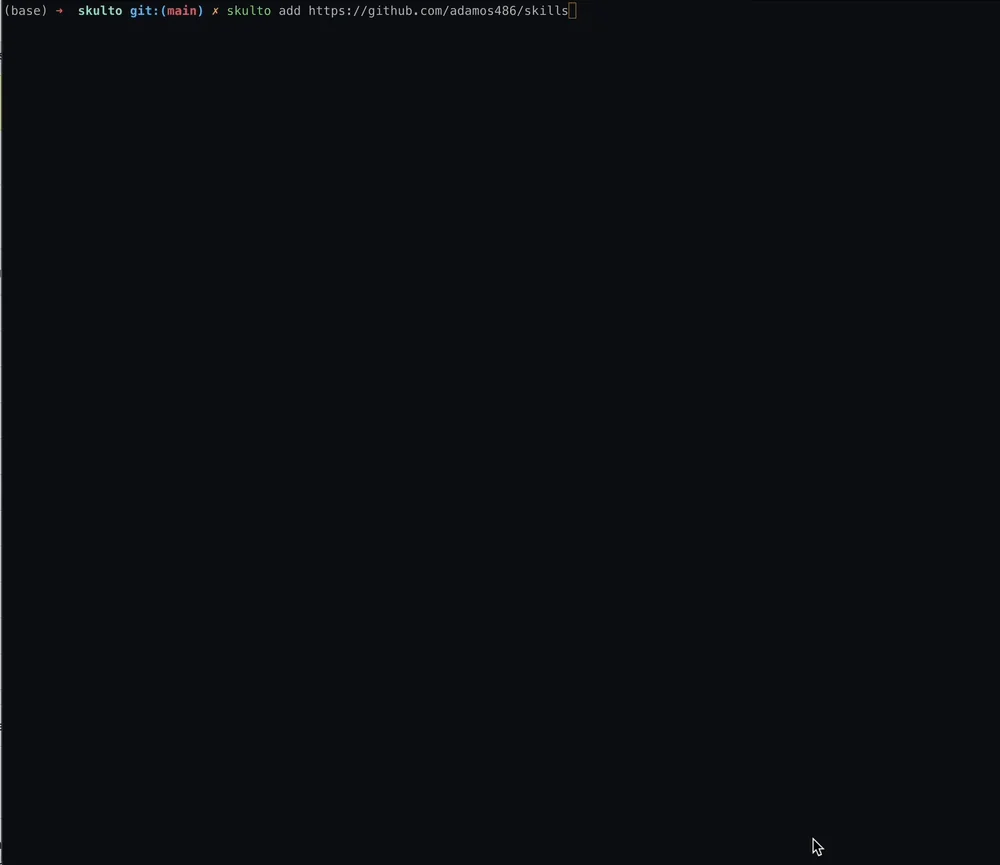
# Short format
skulto add asteroid-belt/skills

# Full URL
skulto add https://github.com/asteroid-belt/skills

# Skip initial sync
skulto add asteroid-belt/skills --no-sync
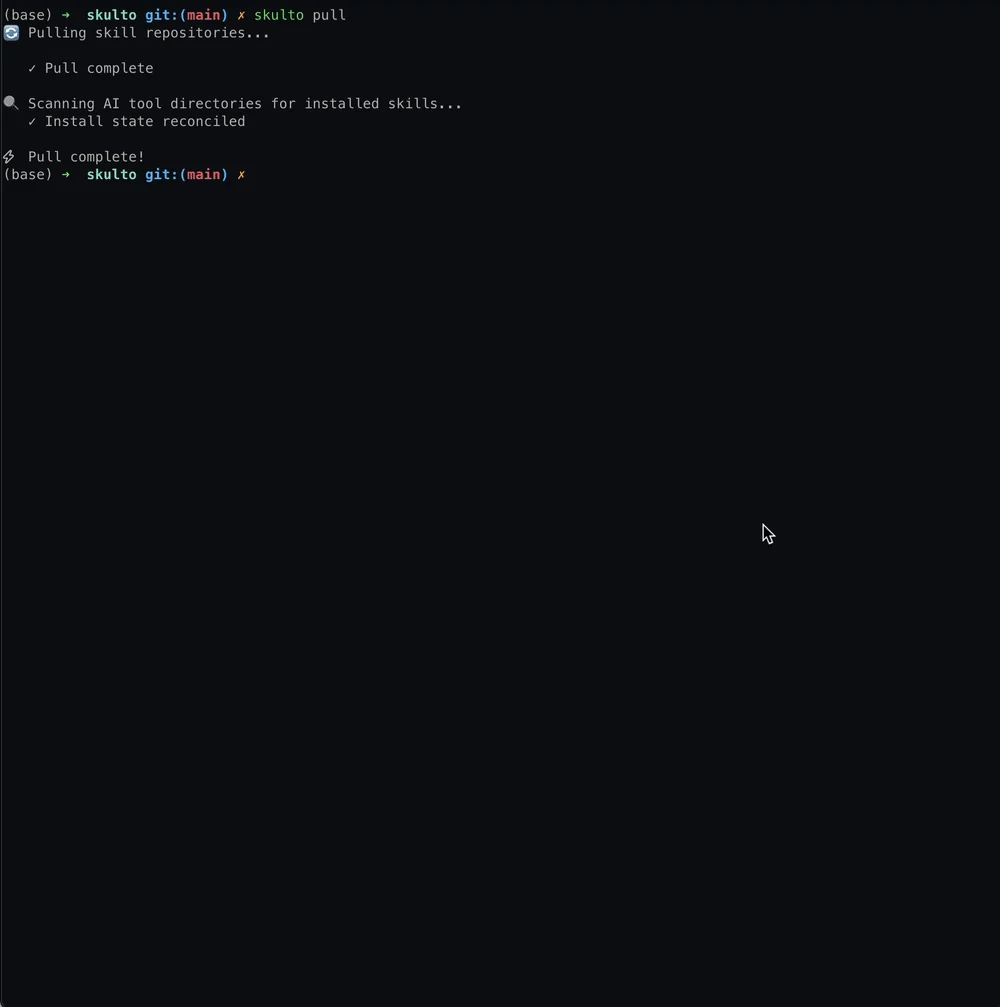
skulto pullSync all registered repositories:
skulto pull
This clones/updates all repositories and reconciles installed skill state with the filesystem.
skulto removeRemove a repository and all its skills:
# Interactive selection
skulto remove

# Specify repository
skulto remove asteroid-belt/skills

# Skip confirmation
skulto remove asteroid-belt/skills --force
skulto scanScan skills for security threats:
# Scan all skills
skulto scan --all

# Scan specific skill by slug or ID
skulto scan --skill teach

# Scan skills from a source
skulto scan --source asteroid-belt/skills

# Scan only unscanned skills
skulto scan --pending
Reports threat levels: CRITICAL, HIGH, MEDIUM, LOW
skulto updateCombined pull + scan with reporting:
# Update and scan new/updated skills
skulto update

# Update and scan ALL skills
skulto update --scan-all
skulto favoritesManage your favorite skills. Favorites persist across database resets and are stored separately in ~/.agents/skulto/favorites.json.
# Add a skill to favorites
skulto favorites add docker-expert

# Remove a skill from favorites
skulto favorites remove docker-expert

# List all favorited skills
skulto favorites list
You can also toggle favorites in the TUI by pressing f on any skill detail view.
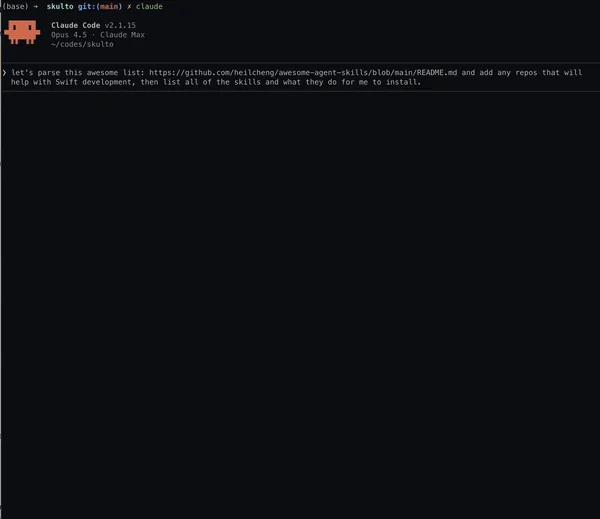
skulto-mcp)Skulto includes an MCP (Model Context Protocol) server that exposes skills to Claude Code and other MCP-compatible clients. This enables AI assistants to search, browse, install, and manage skills and repositories programmatically.
Add to your Claude Code settings (.claude.json):
{
  "mcpServers": {
    "skulto": {
      "command": "/opt/homebrew/bin/skulto-mcp",
      "type": "stdio"
    }
  }
}
| Tool | Description |
|---|---|
skulto_search | Search skills using full-text search with BM25 ranking |
skulto_get_skill | Get detailed information about a skill including full content and tags |
skulto_list_skills | List all skills with pagination |
skulto_browse_tags | List available tags by category (language, framework, tool, concept, domain) |
skulto_get_stats | Get database statistics (total skills, tags, sources) |
skulto_get_recent | Get recently viewed skills |
skulto_install | Install a skill to any supported platform (33 platforms, global or project scope) |
skulto_uninstall | Uninstall a skill from specified platforms |
skulto_favorite | Add or remove a skill from favorites |
skulto_get_favorites | Get favorite skills |
skulto_check | List all installed skills and their installation locations |
skulto_add | Add a skill repository and sync its skills |
The MCP server also exposes resources for direct skill access:
| Resource URI | Description |
|---|---|
skulto://skill/{slug} | Full markdown content of a skill |
skulto://skill/{slug}/metadata | JSON metadata including tags, source, and stats |
Skulto stores data in ~/.agents/skulto/, coexisting with other agent tooling under the shared ~/.agents/ namespace:
| Path | Purpose |
|---|---|
~/.agents/skulto/skulto.db | SQLite database |
~/.agents/skulto/skulto.log | Logfile |
~/.agents/skulto/repositories/ | Cloned git repositories |
~/.agents/skulto/skills/ | User's local skills directory |
~/.agents/skulto/favorites.json | Favorite skills (persists across DB resets) |
Upgrading from a previous version? If you have an existing
~/.skulto/directory, Skulto automatically migrates it to~/.agents/skulto/on first launch — including database records and installed skill symlinks. No manual steps required.
# Build
make build           # Production build
make dev             # Development build with race detector

# Test
make test            # Run all tests with coverage
make test-race       # Run with race detector

# Lint
make lint            # Run golangci-lint
make format          # Format code

# Clean
make clean           # Remove build artifacts
skulto/
├── cmd/skulto/              # Main CLI entry point
├── cmd/skulto-mcp/          # MCP server binary
├── internal/
│   ├── cli/                 # Cobra CLI commands (add, install, pull, etc.)
│   │   └── prompts/         # Interactive CLI prompts (platform selector)
│   ├── config/              # Configuration (env vars only)
│   ├── db/                  # GORM + SQLite + FTS5 database layer
│   ├── detect/              # AI tool detection on system
│   ├── embedding/           # Embedding provider abstraction
│   ├── favorites/           # File-based favorites persistence
│   ├── installer/           # Skill installation via symlinks (33 platforms)
│   ├── llm/                 # LLM provider abstraction
│   ├── log/                 # Structured logging
│   ├── mcp/                 # MCP server implementation
│   ├── migration/           # Database migrations
│   ├── models/              # Data structures (Skill, Tag, Source, etc.)
│   ├── scraper/             # GitHub scraping (git clone based)
│   ├── search/              # Search service
│   ├── security/            # Security scanner for skills
│   ├── telemetry/           # PostHog analytics (opt-in)
│   ├── testutil/            # Test utilities
│   ├── tui/                 # Bubble Tea TUI
│   │   ├── components/      # Reusable UI components (dialogs, selectors)
│   │   └── views/           # Screen views (home, search, detail, onboarding, manage)
│   └── vector/              # Vector store
├── pkg/version/             # Version info (set via ldflags)
└── scripts/                 # Build and release scripts
Skulto is configured entirely via environment variables (no config file):
| Variable | Purpose |
|---|---|
GITHUB_TOKEN | Higher GitHub API rate limits (optional) |
OPENAI_API_KEY | Embeddings for semantic search (optional) |
SKULTO_TELEMETRY_TRACKING_ENABLED | Set to false to disable telemetry |
Skulto collects anonymous usage stats (command frequency, error rates) to improve the tool. Telemetry is enabled by default.
To opt-out:
export SKULTO_TELEMETRY_TRACKING_ENABLED=false
No personal data, no IP addresses are collected. See more in events.
Contributions welcome! Please read CONTRIBUTING.md first.
MIT License - see LICENSE for details.
Made with ❤️ by Asteroid Belt
