 asteroid-belt/skulto
Offline and security-first tool for syncing and managing agent skills

Scan AI agent skills for prompt injection before you install them


   ╔════════════════════════════════════════════════════════╗
   ║    ███████╗██╗  ██╗██╗   ██╗██╗  ████████╗ ██████╗     ║
   ║    ██╔════╝██║ ██╔╝██║   ██║██║  ╚══██╔══╝██╔═══██╗    ║
   ║    ███████╗█████╔╝ ██║   ██║██║     ██║   ██║   ██║    ║
   ║    ╚════██║██╔═██╗ ██║   ██║██║     ██║   ██║   ██║    ║
   ║    ███████║██║  ██╗╚██████╔╝███████╗██║   ╚██████╔╝    ║
   ║    ╚══════╝╚═╝  ╚═╝ ╚═════╝ ╚══════╝╚═╝    ╚═════╝     ║
   ╠════════════════════════════════════════════════════════╣
   ║            CROSS-PLATFORM AI SKILLS MANAGEMENT         ║
   ╚════════════════════════════════════════════════════════╝
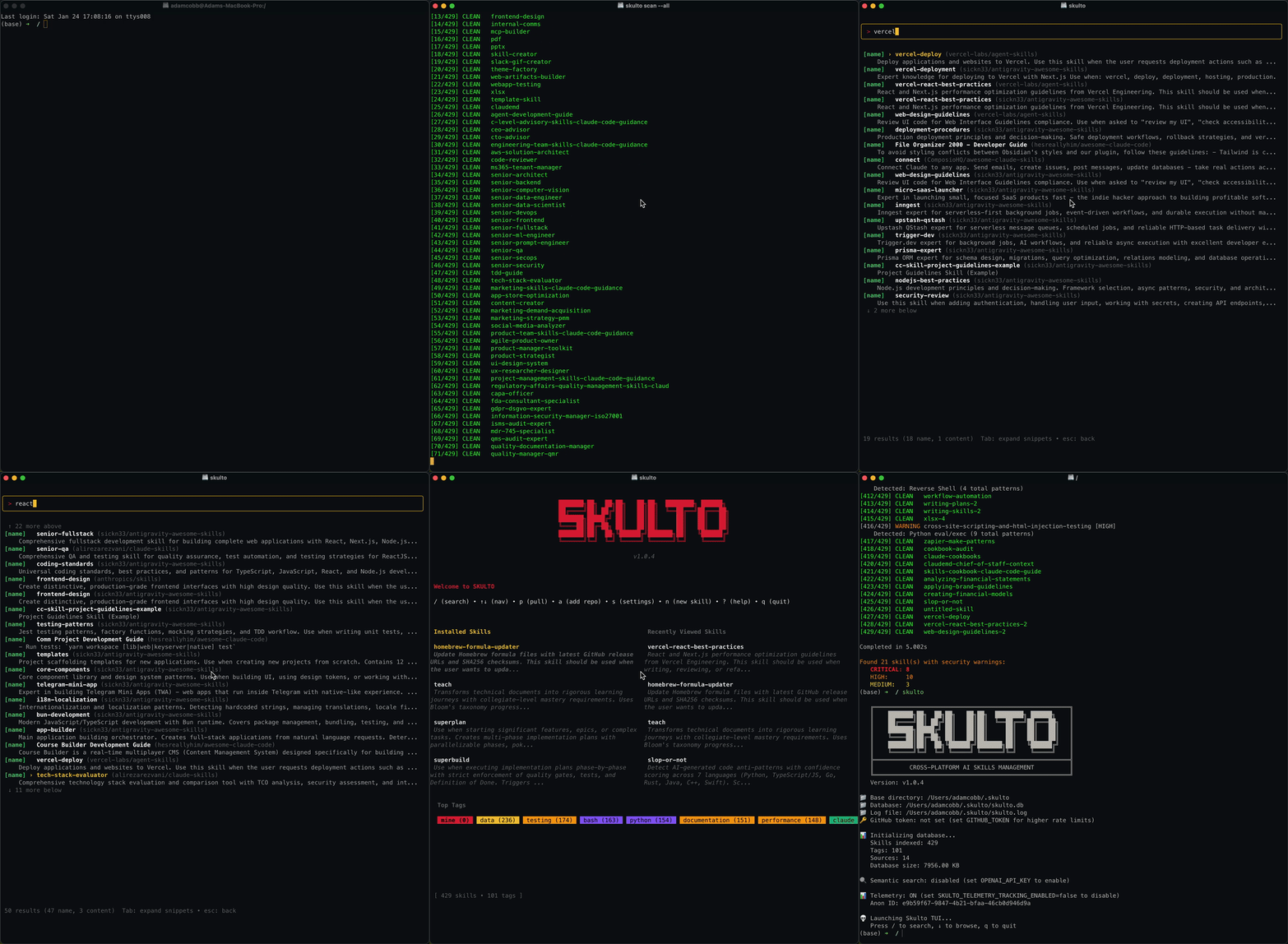
Skulto is a cross-platform CLI tool for managing AI coding assistant skills across 33 platforms. It provides:
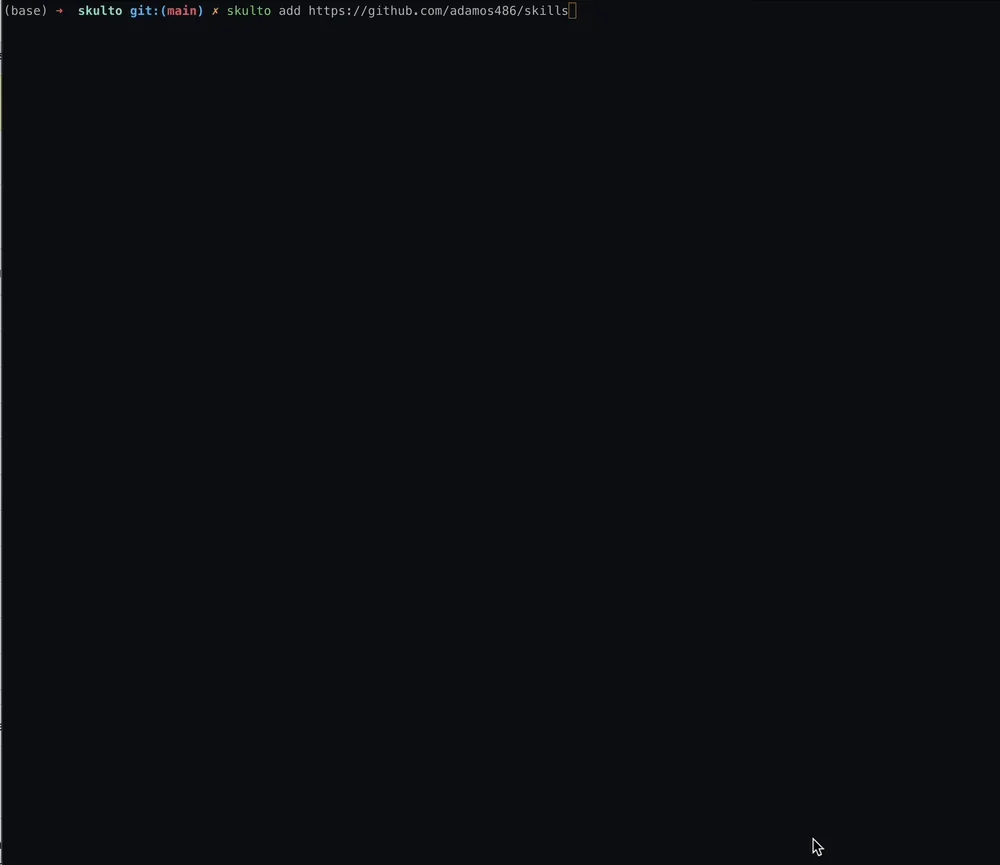
skulto install owner/repo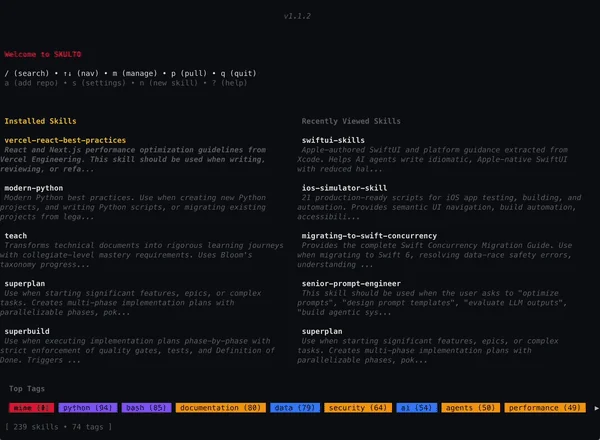
~/) or per-project (./) with separate control per platformSkulto detects and installs skills to 33 AI coding tools:
| Claude Code | Cursor | Windsurf | GitHub Copilot |
| OpenAI Codex | OpenCode | Cline | Roo Code |
| Gemini CLI | Kiro CLI | Amp | Continue |
| Goose | Junie | Kilo Code | Trae |
| Qwen Code | Kimi Code CLI | CodeBuddy | Command Code |
| Crush | Droid | Kode | MCPJam |
| Mux | OpenHands | Pi | Qoder |
| Zencoder | Neovate | Pochi | Antigravity |
| Moltbot |
brew install asteroid-belt/tap/skulto
To upgrade:
brew upgrade asteroid-belt/tap/skulto
GitHub Releases provide .deb and .rpm downloads for both amd64 and
arm64. Choose the package format for your distribution and replace the
version below with a release tag:
VERSION=vX.Y.Z
ARCH=amd64 # or arm64

# Debian/Ubuntu
curl -LO "https://github.com/asteroid-belt/skulto/releases/download/${VERSION}/skulto_${VERSION#v}_linux_${ARCH}.deb"

# Fedora/RHEL/openSUSE
curl -LO "https://github.com/asteroid-belt/skulto/releases/download/${VERSION}/skulto-${VERSION#v}-1.$([ "$ARCH" = amd64 ] && echo x86_64 || echo aarch64).rpm"

# Download the release checksums, then verify the downloaded asset.
curl -LO "https://github.com/asteroid-belt/skulto/releases/download/${VERSION}/checksums.txt"
sha256sum -c checksums.txt --ignore-missing
Install the local file with your distribution's package manager:
sudo apt install ./skulto_*.deb
sudo dnf install ./skulto-*.rpm
sudo zypper install ./skulto-*.rpm
Each package installs skulto and skulto-mcp at /usr/bin/skulto and
/usr/bin/skulto-mcp. Skulto does not require system Git at runtime. These are
GitHub Release downloads, not a configured package repository.
# Clone the repository
git clone https://github.com/asteroid-belt/skulto.git
cd skulto

# Install dependencies
make deps

# Build (outputs to ./build/)
make build-all

# Run
./build/skulto
GITHUB_TOKEN for higher API rate limits# Launch the TUI (guided onboarding on first run)
skulto
# Or install skills directly from a repository URL
skulto install asteroid-belt/skills
On first launch, Skulto walks you through onboarding:
Skulto works like a package manager for AI agent skills. Use skulto.json to define the skills your project needs, then skulto sync to install them — so every developer and CI environment has the same skill setup.
# 1. Install skills into your project
skulto install superplan
skulto install teach

# 2. Save project skills to a manifest
skulto save

# 3. Commit skulto.json to your repo
git add skulto.json
git commit -m "add skulto skill manifest"

# 4. Teammates (or CI) sync from the manifest
skulto sync
skulto.jsonThe manifest tracks which skills your project depends on and where they come from:
{
  "version": 1,
  "skills": {
    "superplan": "asteroid-belt/skills",
    "teach": "asteroid-belt/skills",
    "resume-ats-optimizer": "paramchoudhary/resumeskills"
  }
}
Each entry maps a skill slug to its source repository (owner/repo). When a teammate runs skulto sync, Skulto clones any missing repositories, resolves the skills, and installs them to the selected platforms.
skulto saveCaptures your current project-scope installations into skulto.json:
$ skulto save

SAVED to skulto.json

  teach               asteroid-belt/skills
  superplan           asteroid-belt/skills

2 skill(s) saved
Only project-scope installations are saved — global installs are personal and not shared via the manifest.
skulto syncReads skulto.json and installs any missing skills:
$ skulto sync
