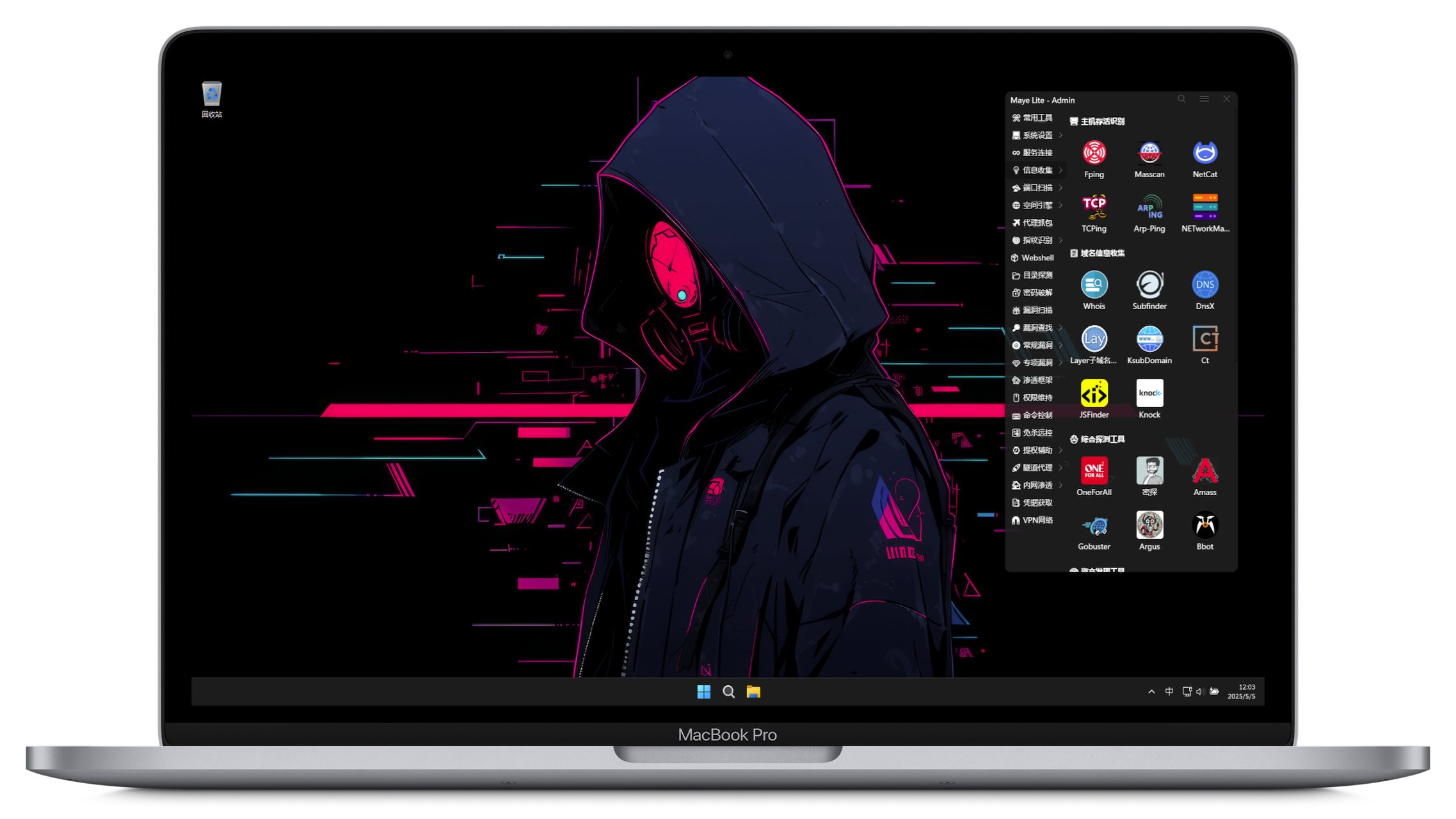
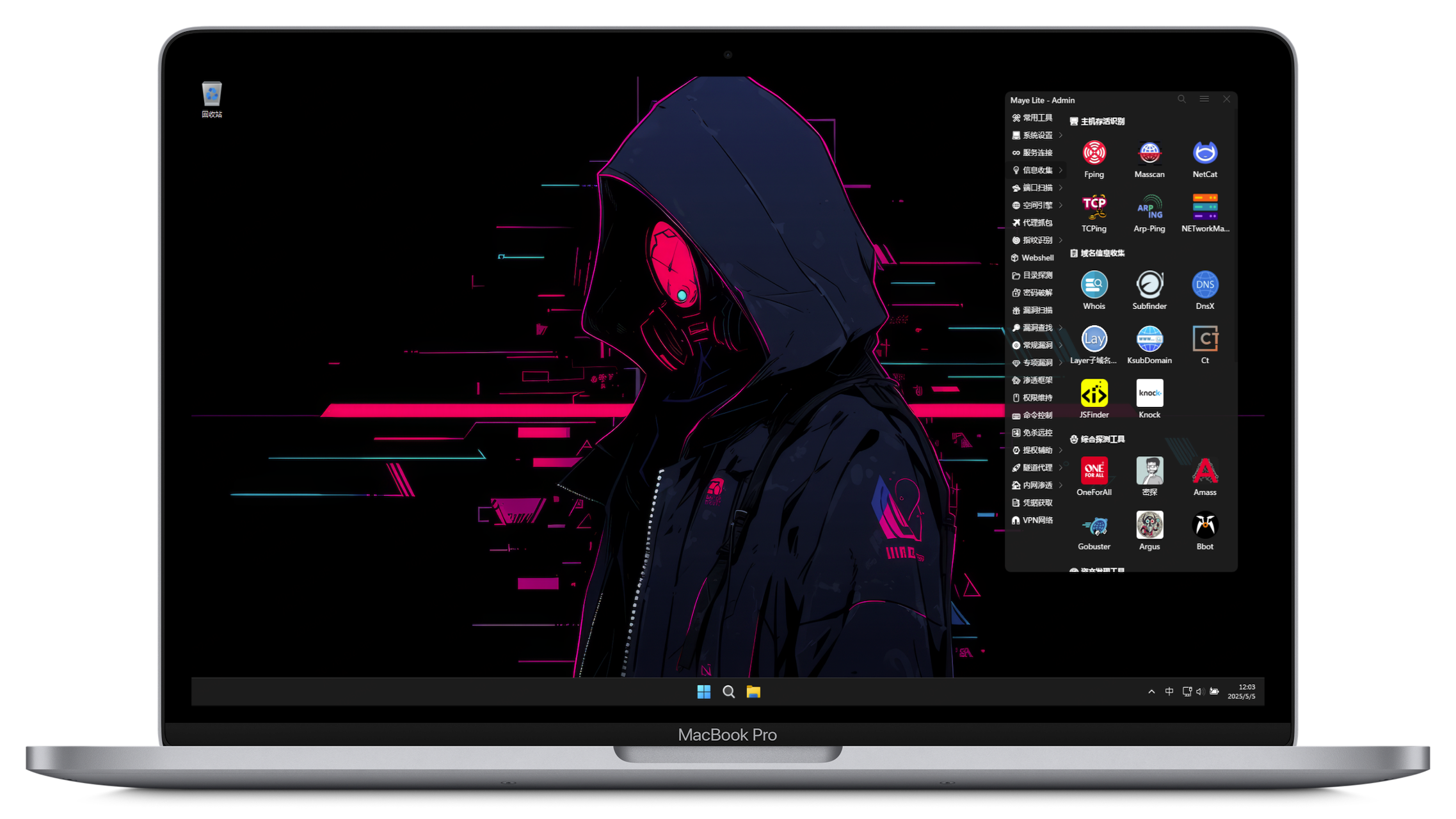
Pentest-Windows11 v3.2
The First Windows Penetration Testing Environment on Mac M Chips





中文文档 |
English README
📖 Project Overview
📝 System Introduction
- This environment aims to provide a ready-to-use Windows penetration testing environment.
- Reposting is welcome. Please indicate the original author and link: https://github.com/arch3rPro/Pentest-Windows
- Recommended environment: [VMware: 17.0] / [RAM: 8G] / [VM Disk: 100G] / [Actual disk usage: about 30G]
- System account:
admin, password: 123456. Please change the password after login!
- Chinese name: 矛·盾 武器库, meaning that cybersecurity is both offense and defense, with the sharpest spear and the strongest shield, interdependent and competitively evolving.
- The project has integrated 400+ commonly used tools and scripts. You can submit tool requests in the pinned Issue.
🚀 VM Download
Release status:
Download Link:
- Parallels Desktop
- VMware version
✨ Version Introduction
Main Features & Update History:
- v3.2 (Latest):
- Supports x64 architecture (VMware | PVE-KVM)
- Supports Mac M series Arm architecture (Fusion | Parallels Desktop)
- Supports Hyper-V and Ventoy bootable version (can be installed to external hard drive, run on any host, no VM required)
- Optimized graphical bat tool startup, added vbs no CMD popup startup.
- KVM VM has QGA and VirtualIO drivers installed, adapted for ProxmoxVE, ready to use after import (RDP recommended).
- Added UniGetUI management, supports graphical update of scoop-installed tools and software.
- VirtualBox version in progress.
- v3.1:
- Based on official Windows 11 ARM ISO.
- Chrome tab management added, project tool links imported.
- Maye toolkit categories and subcategories beautified with emoji.
- v3.1 PD version removed TPM restriction, VM not encrypted.
- Added basic PD VM download Windows 11-Optimization.PD.7z
- v3.0:
- Added tools for internal penetration, credential acquisition, VPN, etc. Total tools increased to 360+.
- Toolbox uses new Maya Lite version, supports subcategories, clearer classification.
- All tools in the toolbox have comments, mouse hover shows description.
- Due to Windows 11 TPM policy, VM is encrypted, password:
123456789.
- General Features (v2.x - v3.x):
- Streamlined built-in software, beautified terminal fonts and some icons, moderate optimization.
- System disk image 100GB, single disk file storage for performance (image size continuously optimized).
- Rebuilt tool icons, each tool has a corresponding icon.
- Integrated Scoop package manager (v2.1+), supports
scoop update <tool> for updates.
- Scoop supports script tool installation and updates (v2.2+).
- Windows Terminal optimized, unified theme and oh-my-posh enhancement.
- Updated Scoop environment variables, CLI tools can be used directly in CMD or Powershell.
- Removed some unmaintained or rarely used tools.
- WSL temporarily removed (low usage, large space, ARM version not supported), may be added later as needed.
- For the full list of supported tools and updates, please check https://github.com/arch3rPro/scoop-bucket.
- Some machines do not support nested virtualization or may conflict with local Hyper-V installation. Please use the NoWSL lite version if you do not need Kali-WSL.
- Tools are in their initial installation state by default. Some tools require initialization, and a few need manual plugin configuration.
📜 Production Statement
1. All installable software is downloaded from the official website or GitHub.
2. All portable (green) software is downloaded from Guohe Shell (https://www.ghxi.com/).
3. All script tools are downloaded from GitHub.
4. Some licensed (cracked) and excellent penetration tools are shared from WeChat public accounts.
5. Some personal information may remain due to debugging; please ignore it.
6. This project does not and will never accept any form of sponsorship.
⚠️ Disclaimer
1. This image is only for legally authorized enterprise security construction. If you want to test its usability, please set up your own target environment.
2. When using this image for testing, ensure your actions comply with local laws and have sufficient authorization.
3. Any illegal use is at your own risk. The author assumes no legal or joint liability.
💻 System Introduction
🖥️ Basics
- 🪟: Managed and installed by scoop, supports one-click install and update.
- 🌐: Online security tools, require internet access, some need VPN/proxy.
- 📖: Offline knowledge base, including password dictionaries, tool usage, exploit tutorials, AV bypass guides (PDF/Markdown).
⌨️ Programming & IDEs
- Python v3.10.11 (D:/Base/apps/Python310)
- Python v2.7.18 (D:/Base/apps/Python27)
- JRE v1.8.0_381 (D:/Base/apps/liberica17-jre/current/bin)
- Perl v5.36.1 (D:/Base/apps/git/current/usr/bin/perl.exe)
- Ruby v3.2.2
- TDM-gcc v10.3.0 (D:/Base/apps/tdm-gcc)
- Laragon v5.0.0 (D:/Base/apps/laragon)
- Nginx v1.14.0
- Apache v2.4.43
- PHP v5.4.9
- MySQL v5.1.72
- Git v2.41.0 (D:/Base/apps/git)
- Curl v8.1.1 (D:/Base/apps/Curl/bin)
- Wget v1.21.4 (D:/Base/apps/Wget)
- Scoop: Windows package manager v0.3.1 (D:/Base/apps/scoop)
⚓ Common Software
System Enhancement:

 arch3rpro/pentest-windows