 angelorc/vmsan
Firecracker made simple. Spin up secure microVMs in milliseconds, from install to interactive shell in one command.

🔥 Firecracker microVM sandbox toolkit



Create, manage, and connect to isolated Firecracker microVMs from the command line. Boot a sandboxed VM in milliseconds, run commands, transfer files — no SSH required.
--from-imagebase, node22, node24, python3.13--json flag for scripting and automation--from-image)curl -fsSL https://vmsan.dev/install | bash
This downloads and installs everything into ~/.vmsan/:
node22, node24, python3.13) downloaded as prebuilt artifactsStandard release installs download built-in runtimes from https://artifacts.vmsan.dev/ and do not require Docker. Source installs still build runtimes locally.
curl -fsSL https://vmsan.dev/install | bash -s -- --uninstall
If you want to build from source:
# Install dependencies
bun install

# Build the in-VM agent
cd agent && make install && cd ..

# Build the CLI
bun run build

# Link local build
mkdir -p ~/.vmsan/bin
ln -sf "$(pwd)/dist/bin/cli.mjs" ~/.vmsan/bin/vmsan
# Create and start a VM
vmsan create --runtime node22 --memory 512 --cpus 2

# Create a VM from a Docker image
vmsan create --from-image node:22-alpine

# List all VMs
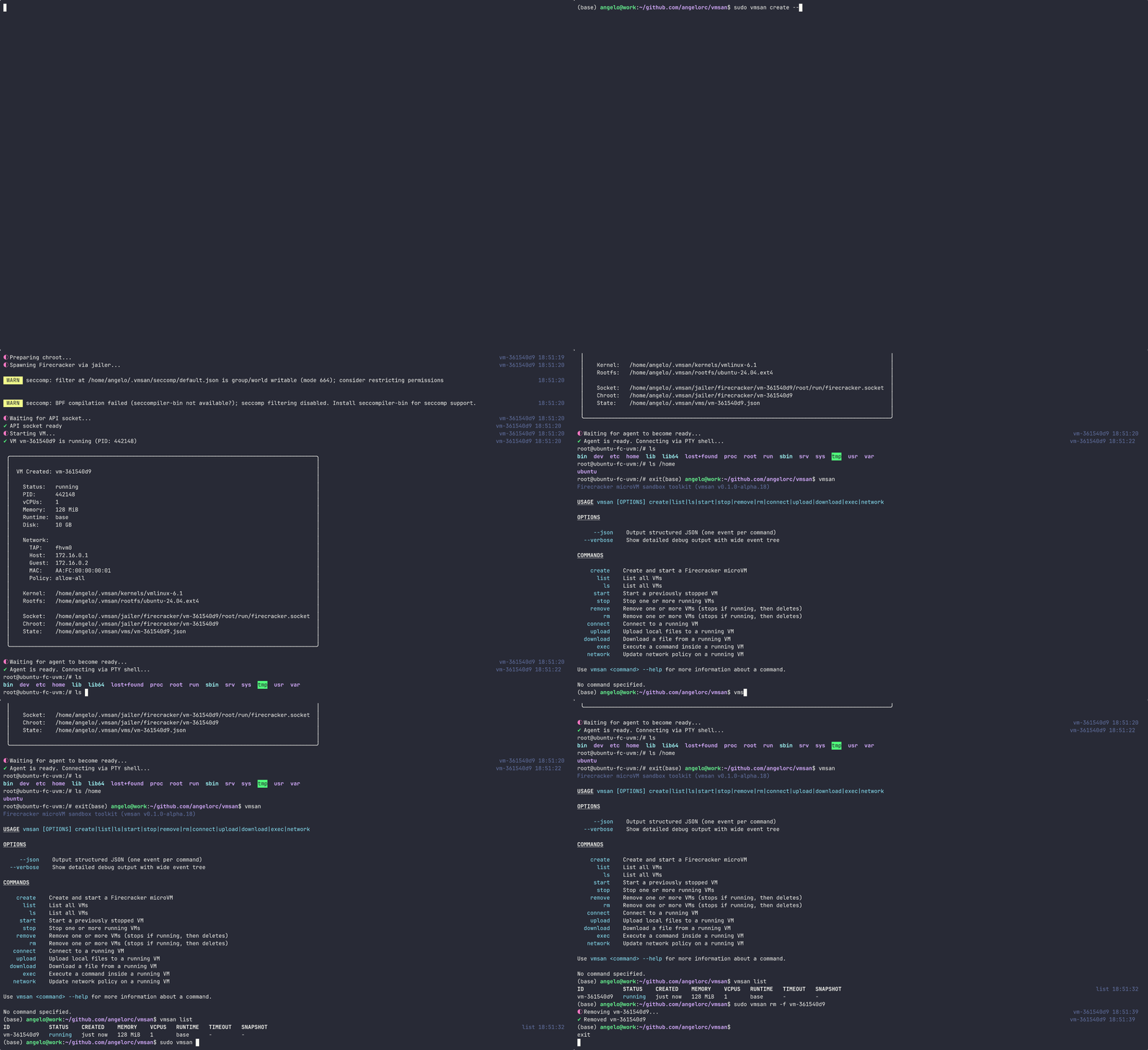
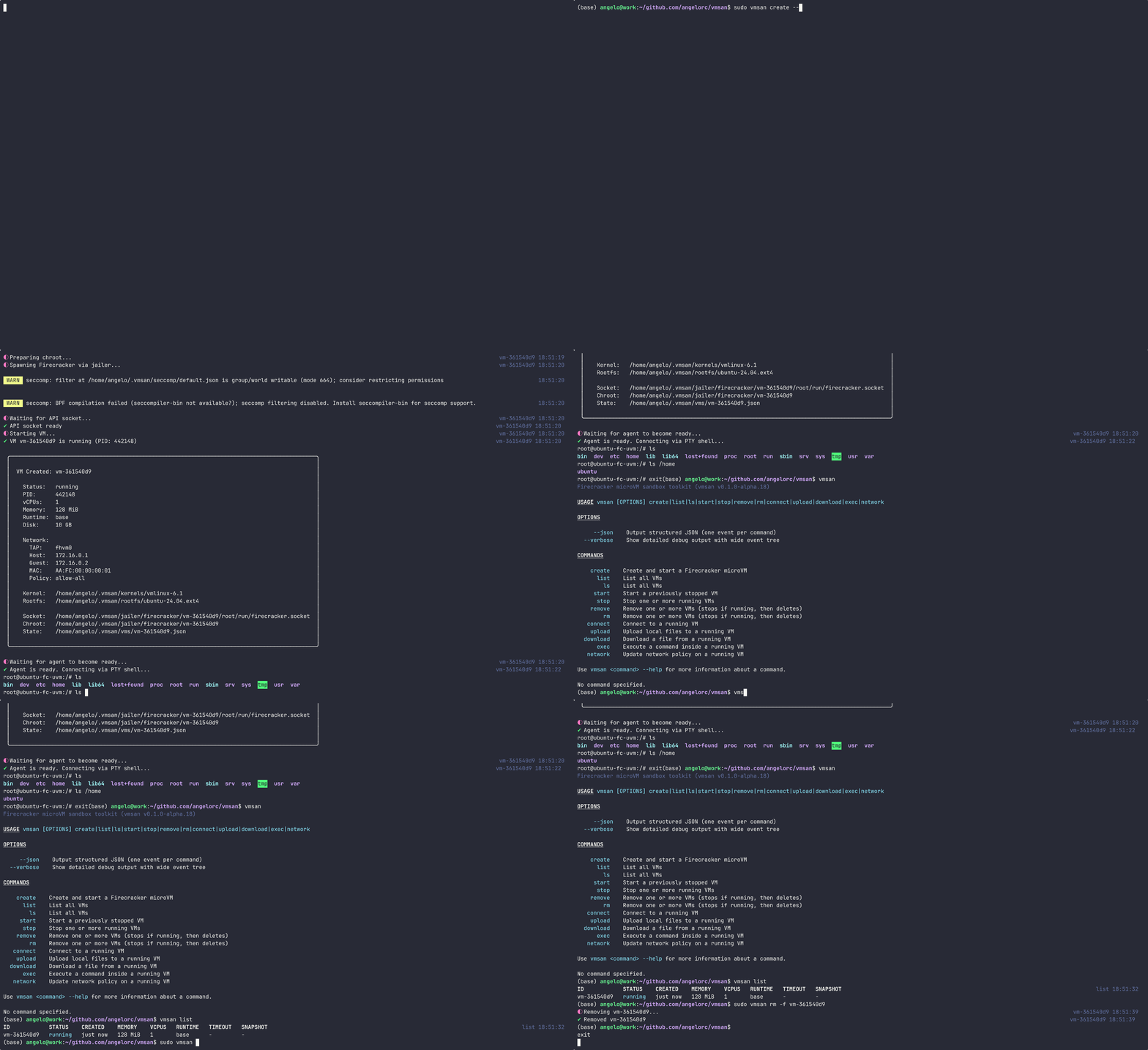
vmsan list

# Execute a command inside a VM
vmsan exec <vm-id> ls -la

# Interactive exec with PTY
vmsan exec -i <vm-id> bash

# Connect to a running VM shell
vmsan connect <vm-id>

# Upload a file to a VM
vmsan upload <vm-id> ./local-file.txt /remote/path/file.txt

# Download a file from a VM
vmsan download <vm-id> /remote/path/file.txt ./local-file.txt

# Snapshot a running VM
vmsan snapshot create <vm-id>

# List snapshots
vmsan snapshot list

# Restore a VM from a snapshot
vmsan create --snapshot <snapshot-id>

# Stop a VM
vmsan stop <vm-id>

# Remove a VM
vmsan remove <vm-id>
| Flag | Description |
|---|---|
--json | Output structured JSON |
--verbose | Show detailed debug output |
| Command | Alias | Description |
|---|---|---|
create | Create and start a new microVM | |
list | ls | List all VMs |
start | Start a stopped VM | |
stop | Stop a running VM | |
remove | rm | Remove a VM |
exec | Execute a command inside a running VM | |
connect | Open an interactive shell to a VM | |
upload | Upload files to a VM | |
download | Download files from a VM | |
network | Update network policy on a running VM | |
snapshot | Manage VM snapshots (create, list, delete) | |
doctor | Check system prerequisites and installation health |
vmsan.toml (planned for 0.5.0)nftables with atomic rule application for network isolation (since 0.2.0)# Build
bun run build
# Link local build
ln -sf "$(pwd)/dist/bin/cli.mjs" ~/.vmsan/bin/vmsan
# Dev mode (watch)
bun run dev
# Run tests
bun run test
# Type check
bun run typecheck
# Lint & format
bun run lint
bun run fmt
bin/            CLI entry point
src/
  commands/     CLI subcommands
  services/     Firecracker client, agent client, VM service
  lib/          Utilities (jailer, networking, shell, logging)
  errors/       Typed error system
  generated/    Firecracker API type definitions
agent/          Go agent that runs inside the VM
docs/           Documentation site (vmsan.dev)
/30 subnet (198.19.{slot}.0/30)State is persisted in ~/.vmsan/:
~/.vmsan/
  vms/          VM state files (JSON)
  jailer/       Chroot directories
  bin/          Agent binary
  kernels/      VM kernel images
  rootfs/       Base root filesystems
  registry/     Docker image rootfs cache
  snapshots/    VM snapshots

