 ang13t/bluesnoop
A TUI bluetooth utility for radar analysis and war driving 🦉

A simple Bluetooth Low Energy (BLE) sniffer using Python and the Bleak library
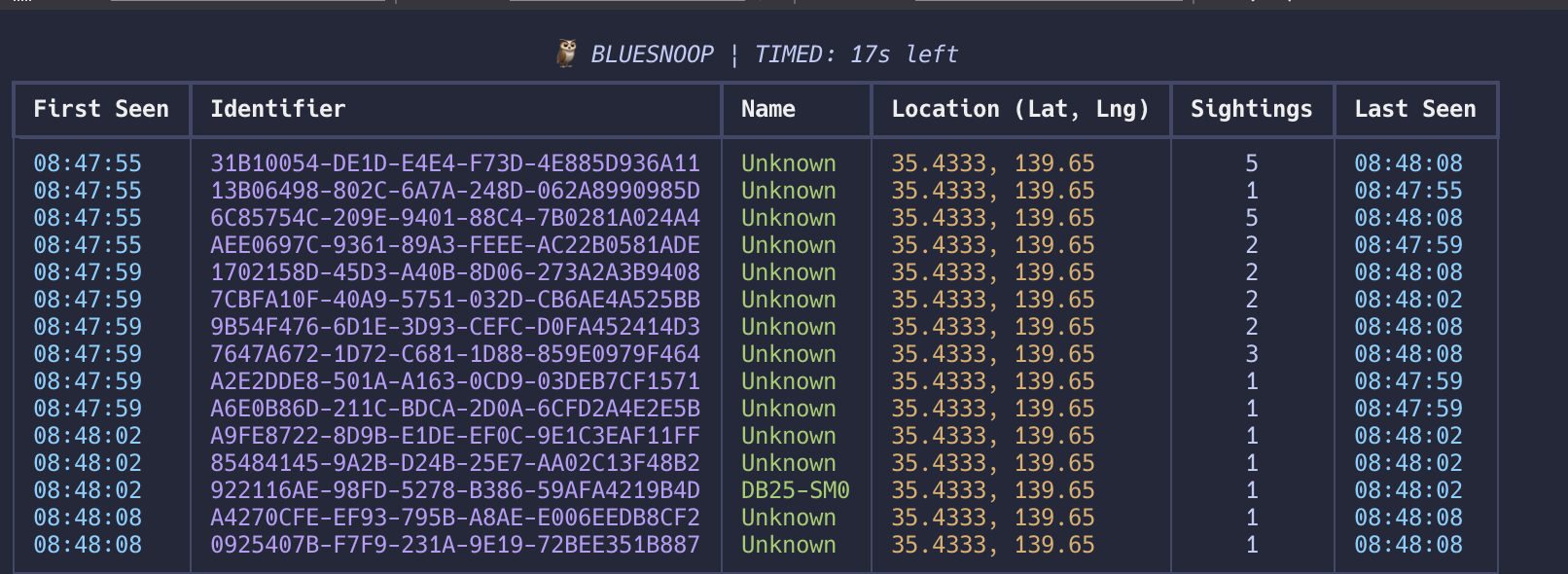
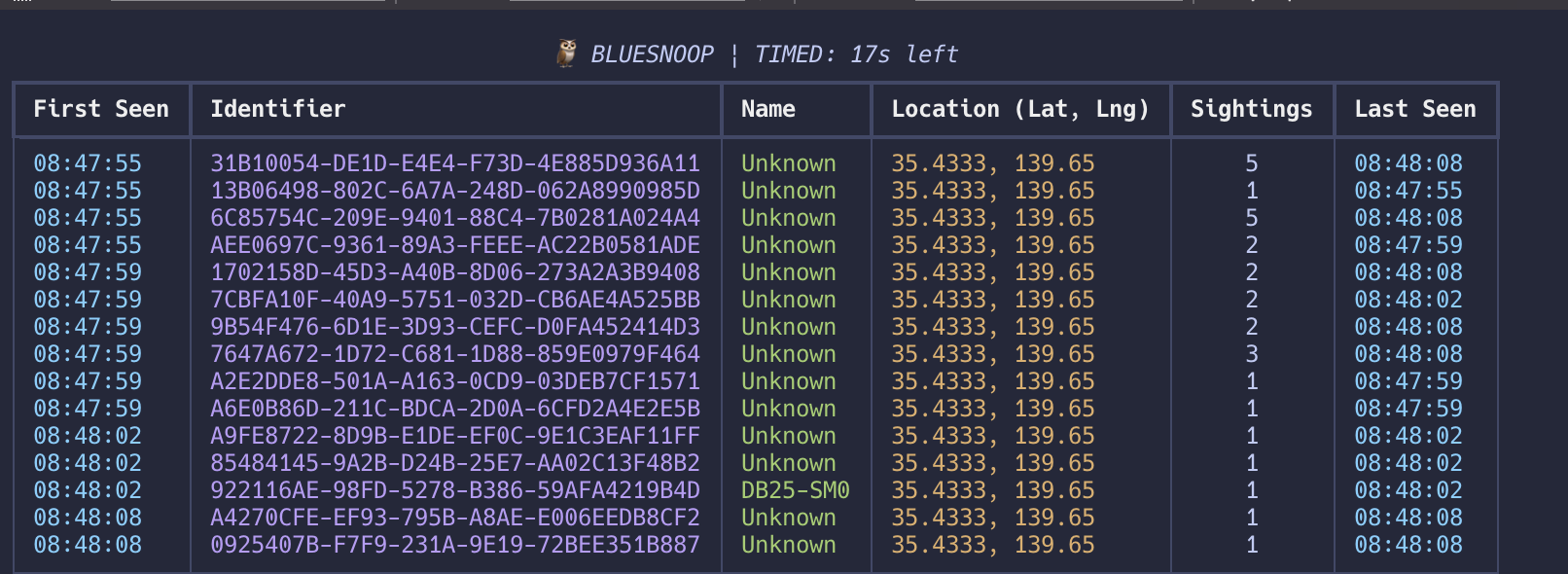 Timed Snoop |
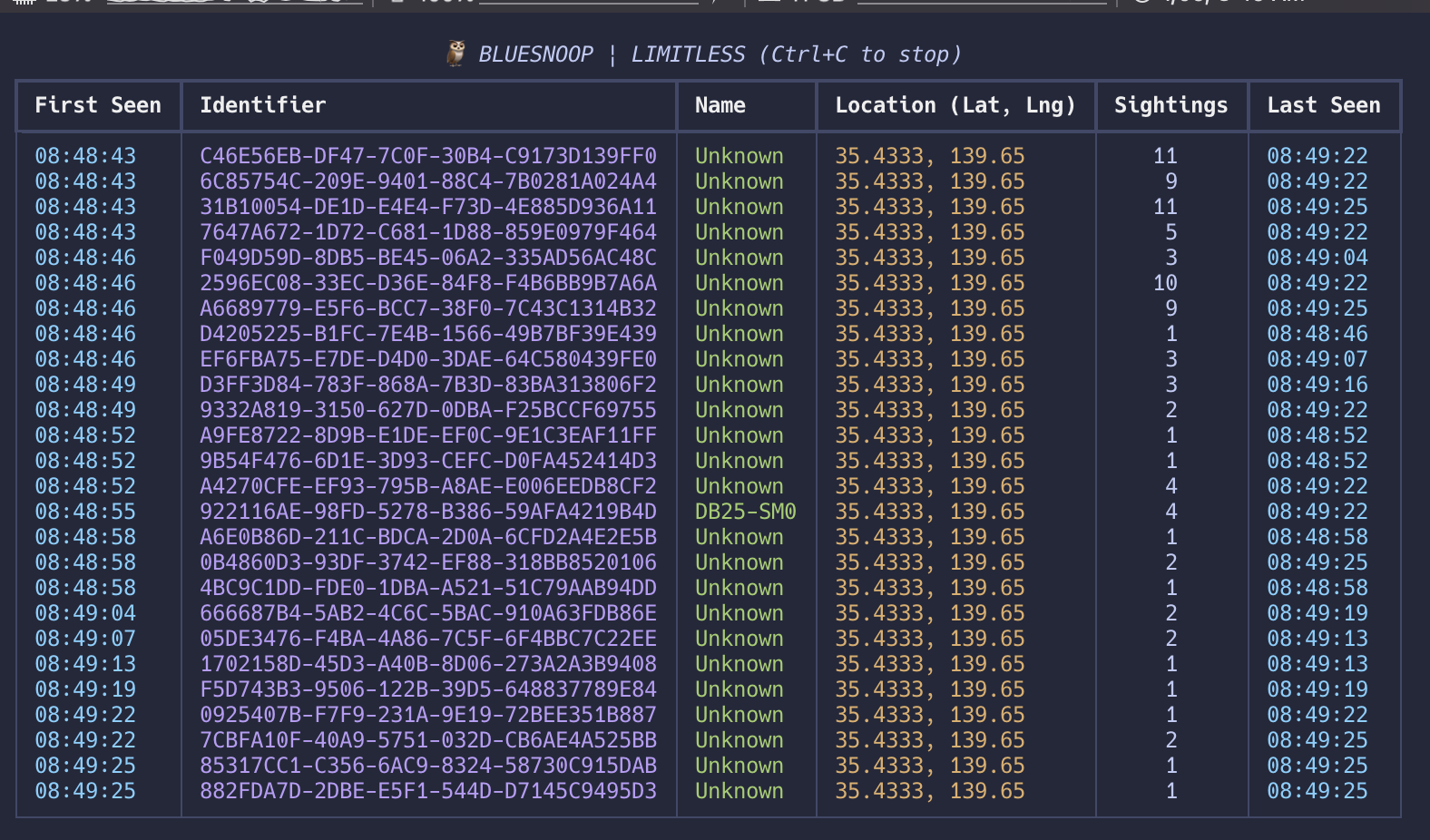 Limitless Snoop |
If you are using iTerm2, you need to ensure the terminal itself has permission to Bluetooth.
Open System Settings (or System Preferences).
Go to Privacy & Security > Bluetooth and Grant Access to iTerm2.
python -m venv .venv
source .venv/bin/activate
pip install asyncio bleak rich manuf bluetooth-numbers geocoder
python3 bluesnoop.py
bluesnoop is open to any contributions. Please fork the repository and make a pull request with the features or fixes you want to be implemented.
An Organizationally Unique Identifier (OUI) is a 24-bit (three-byte) number, managed by the IEEE, that uniquely identifies a manufacturer or organization for network devices, forming the first half of a device's MAC address to ensure global uniqueness
The uuid.UUID class in Python strictly validates strings against the RFC 4122 standard. Specifically, it looks for a "version" digit at a specific position in the string.
Why it's failing In a standard UUID, the first digit of the third group (e.g., xxxx-xxxx-Nxxx-xxxx) must be a number from 1 to 5 (representing the version).
Looking at your data:
D5D93B6E-C324-FD7B... -> The version digit is F.
6ADBBD89-CBFF-0FE8... -> The version digit is 0.
Since F and 0 are not valid RFC 4122 versions (1-5), Python throws a ValueError: badly formed hexadecimal UUID string.
Explore more on the following:
discovered_devices_and_advertisement_data // https://bleak.readthedocs.io/en/latest/api/scanner.html#bleak.BleakScanner.discovered_devices // 16:20 @ 1/8/26 BW
If you enjoyed bluesnoop, please consider becoming a sponsor in order to fund my future projects.
To check out my other works, visit my GitHub profile.
