 andreiverse/gorilla
tool for generating wordlists or extending an existing one using mutations.

gorilla is the ultimate wordlist tool packing a lot of amazing utilities like:
With Rust's Cargo installed, run cargo install --git https://github.com/d4rckh/gorilla --branch main
You should now be able to run gorilla --help
cargo build --release
# the binary will be located in target/release folder
The --from-pattern/-p argument is used to tell gorilla to compute passwords based on a pattern.
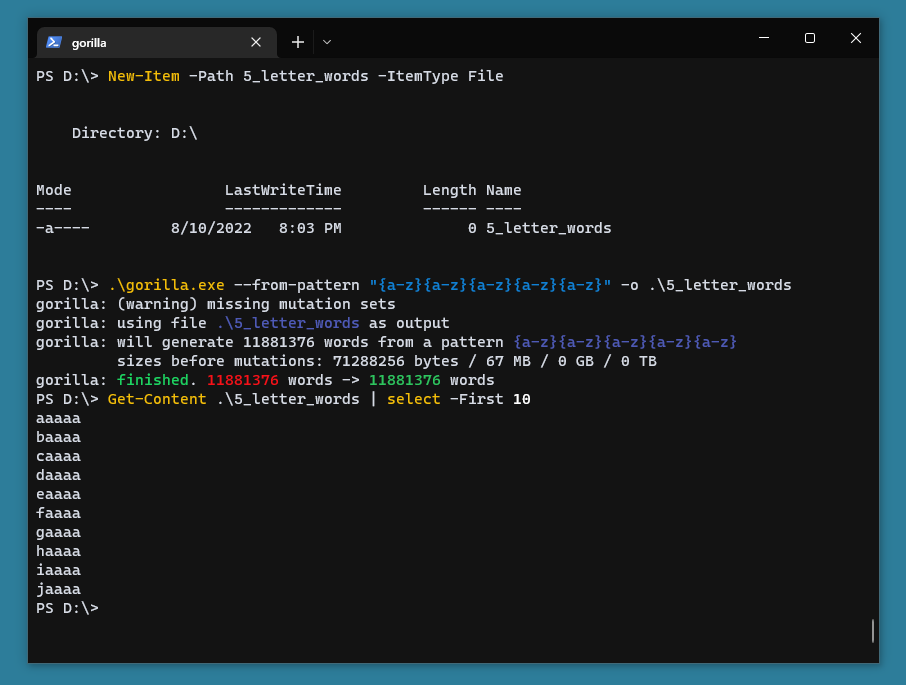
For example, the following command will print every single word containing 5 lowercase letters.
gorilla --from-pattern "{a-z}{a-z}{a-z}{a-z}{a-z}"
Other examples of patterns are administrator{0-9} (administrator0 -> administrator9); hello_world{a-z}{0-9} (hello_worlda0 -> hello_worldz9).
If you want to save the output to a file, you can use the --output-file/-o argument.
Gorilla now also supports character sets. They are defined in src/char_sets.rs. Here are some examples of patterns that use them: {l} => a b c d ... z; {u} => A B C D ... Z; {d} => 1 2 3 4 ... 9; {s} => (space) ! " # $ ... ~. You can combine multiple of them, so {luds} would result in a char set containing all other char sets described (#45).
If you use a range and each end has 1 character, you will be doing a character range. For example:
{a-z} will result in adding each character of the alphabet, one at a time: a, b, c, d, e, f, g,...., x, y and z;{a-c} will result in adding only a, b and c, one at a time;{0-9} will result in adding only 0, 1, 2, 3, 4, 5, 6, 7, 8, 9, only one at a time.
If you use a range and one of the ends have more than 1 characters, each end will be parsed as a unsigned 32 bit number and result a number range instead. For example:{2020-2026} will result in adding 2020, 2021, 2022, 2023, 2024, 2025 and 2026, one at a time.{1-100} will result in adding numbers from 1 to 100 (inclusive), one at a time.Experimental: If the inside of your brackets contains a comma, the string will be split by it and add each part, one at a time, for example {Jan,Feb,Mar} will result in adding Jan, Feb and Mar, one at a time.
Optionally, you can spawn multiple pattern threads using the --pattern-threads parameter. I recommend you set this to the maximum amount of threads you have available on your computer.
Using the command line arguments you can do any mutation that is supported but you are only limited to only 1 set of mutations. A mutation set is a set of mutations applied to a word. Via the cli, mutations are supplied via the --mutation/-m argument.
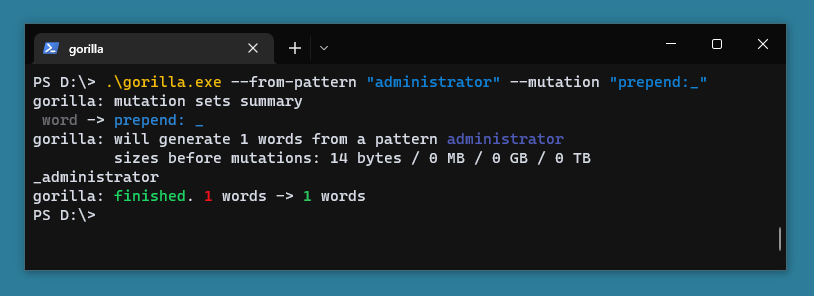
gorilla --from-pattern "administrator" --mutation "prepend:_"
Usually you will want to use the --from-file/-i argument instead of --from-pattern in this case to specify a wordlist instead of a single word, but to keep things simple, I will use that.
The above command takes in 1 word and outputs 1 word: _administrator. You can add multiple mutations using the same parameter.
gorilla --from-pattern "administrator" \
  -m "prepend:_" \
  -m "append:{0-9}"
This once again takes 1 single word, but will output 10 different ones. Adding the {0-9} syntax to prepend & append will result in multiple words getting generated. The above command generates the following words.
_administrator0
_administrator1
_administrator2
[.. snip ..]
_administrator8
_administrator9
If we were to supply a wordlist via the -i file, we'd get back the amount of words we had in that wordlist times 10.
So far we only applied 1 single set of mutations. Usually you will want to combine multiple of these. This is done via the yaml files. You specify one using the --mutations-file/-f argument. An example one is located in sets/simple.yml file in this repo and it looks like this:
name: simple

mutation_sets:
  - [ nothing ] # => word
  - [ reverse ] # => drow
  - [ remove_last_letter ] # => wor
  - [ remove_first_letter ] # => ord
  - [ uppercase_all ] # => WORD
  - [ "append:{0-9}" ] # => word1, word2, word3
  - [ "2 append:{0-9}" ] # => word11, word22, word33
  - [ "replace:o:0", "replace:a:4", "replace:e:3" ] # => w0rd, h3ll0
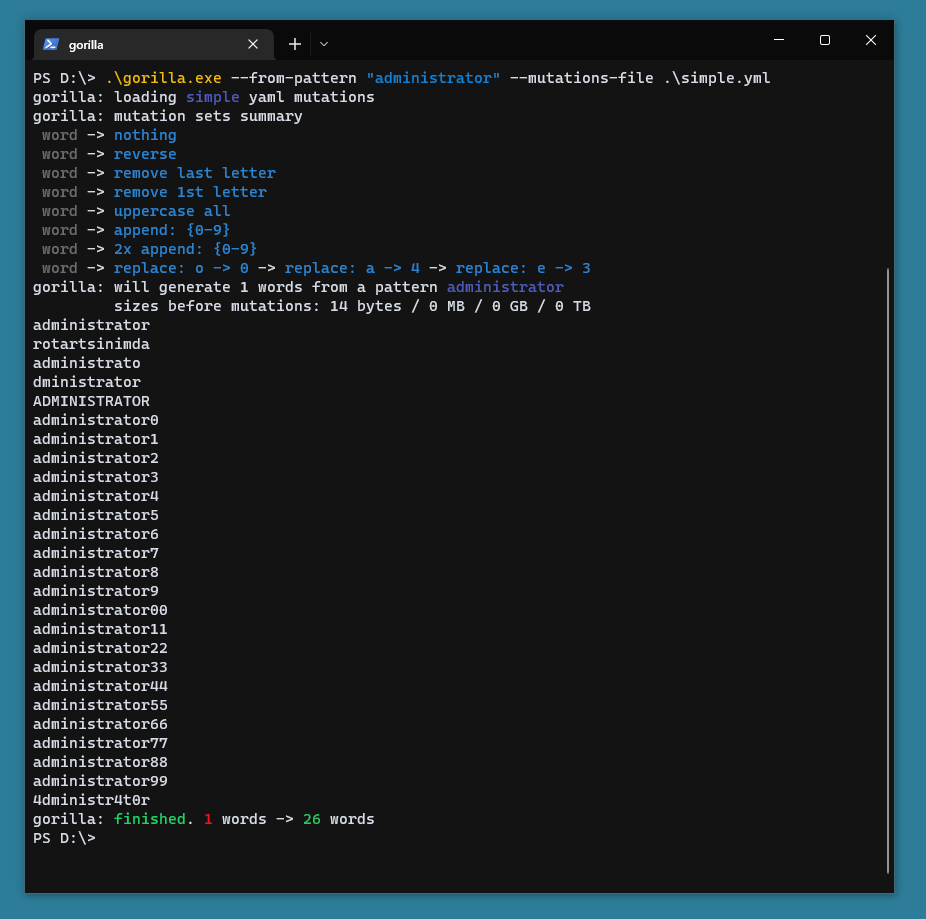
Each mutations file has to have a name and a mutation_sets value as shown in the example. The above mutation sets will generate, from a single word, 27 other words.
administrator
administrator
rotartsinimda
administrato
dministrator
ADMINISTRATOR
administrator0
[.. snip ..]
administrator9
administrator00
[.. snip ..]
administrator99
4dministr4t0r
If you'd like to check your mutation file for errors before using it, you can use the following syntax to parse and print the summary.
gorilla --mutations-file muts.yml
(For now) you can only scrap a specific page for words. Styles and script tags are automatically removed.
You can specify a page using the --from-website/-w argument. For example
gorilla --from-website https://example.org/
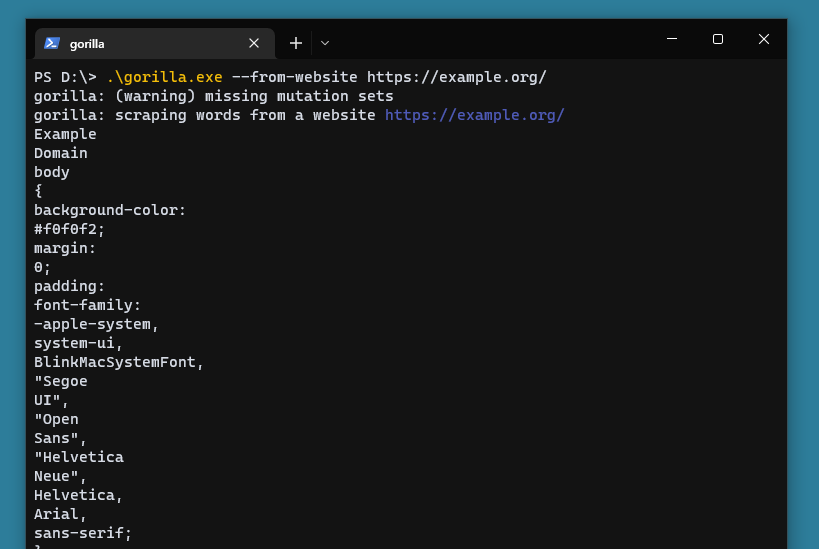
The above command will print every word from that website. You can add other arguments shown previously like --mutations-file/-f, --mutation/-m and of course --output-file/-o to save them (instead of printing).
You can apply a set of mutations to specific words that meet certain conditions/condition. This only makes sense in yaml files.
The following mutations file will remove words that don't contain the string admin. Unlike the previous mutations, this can remove words.
name: filtering_words

mutation_sets:
  - [ "if_contains:admin" ]
Another example is the following, which will add an underscore only to words that are longer than 5 characters.
name: conditional_mutation

mutation_sets:
  - [ "if_length:>5", "append:_" ],
  - [ "! if_length:>5" ]
Notice we had to add another mutation set that begins with the negated version of the first if mutation because otherwise the words that are shorter than 6 characters will be removed.
gorilla supports many other mutations and since the tool is in early development it would be very painful to maintain a list of them here. If you are curious about the other mutations, you can check out the Action enum from src/mutation.rs file.
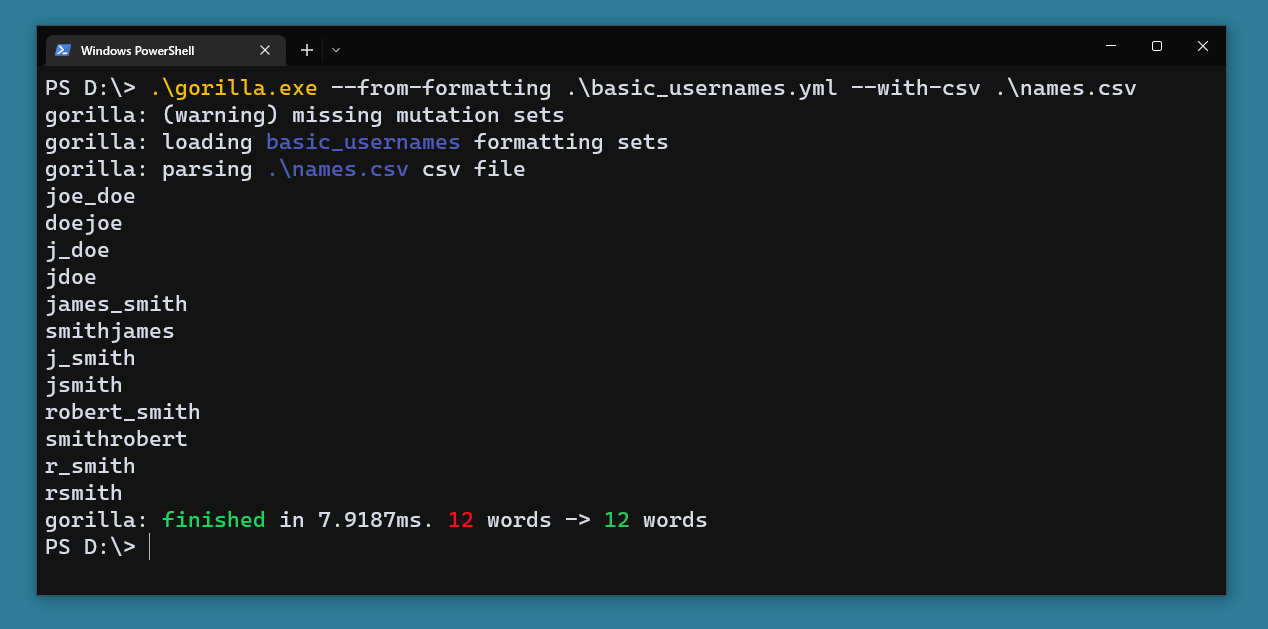
Formats are defined in formatting sets via yaml files and are supplied to gorilla via the --from-formatting/-q argument. Currently there's only one formatting set made, it is located at sets/formatting/basic_usernames.yml. And it looks (similar) to this.
name: basic_usernames

fields:
  - [ f_name ]
  - [ l_name ]
