 alw1ez/arkhota
Arkhota, a web brute forcer for Android.

Arkhota is a web (HTTP/S) brute forcer for Android OS.
A web brute forcer is always in a hacker's computer, for obvious reasons. Sometimes attacks require to be quick or/and with minimal device preparation. Also a phone takes less attention rather than a laptop/computer. For this situations here's Arkhota.
You can download APK from there.
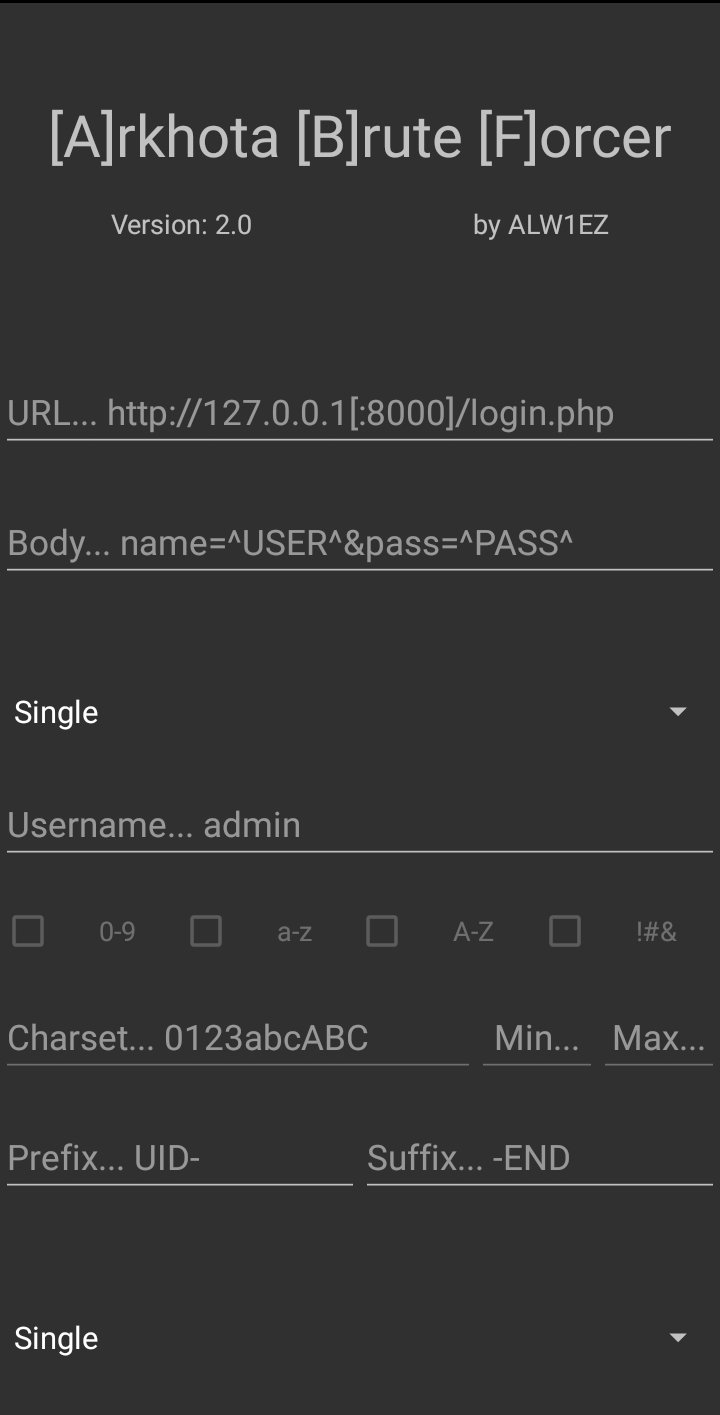
Explanation is in order of objects in the APK from top to bottom.
You can long click to version to see about page.
An URL to make request.
You need to specify a body if you are going to make a POST request.
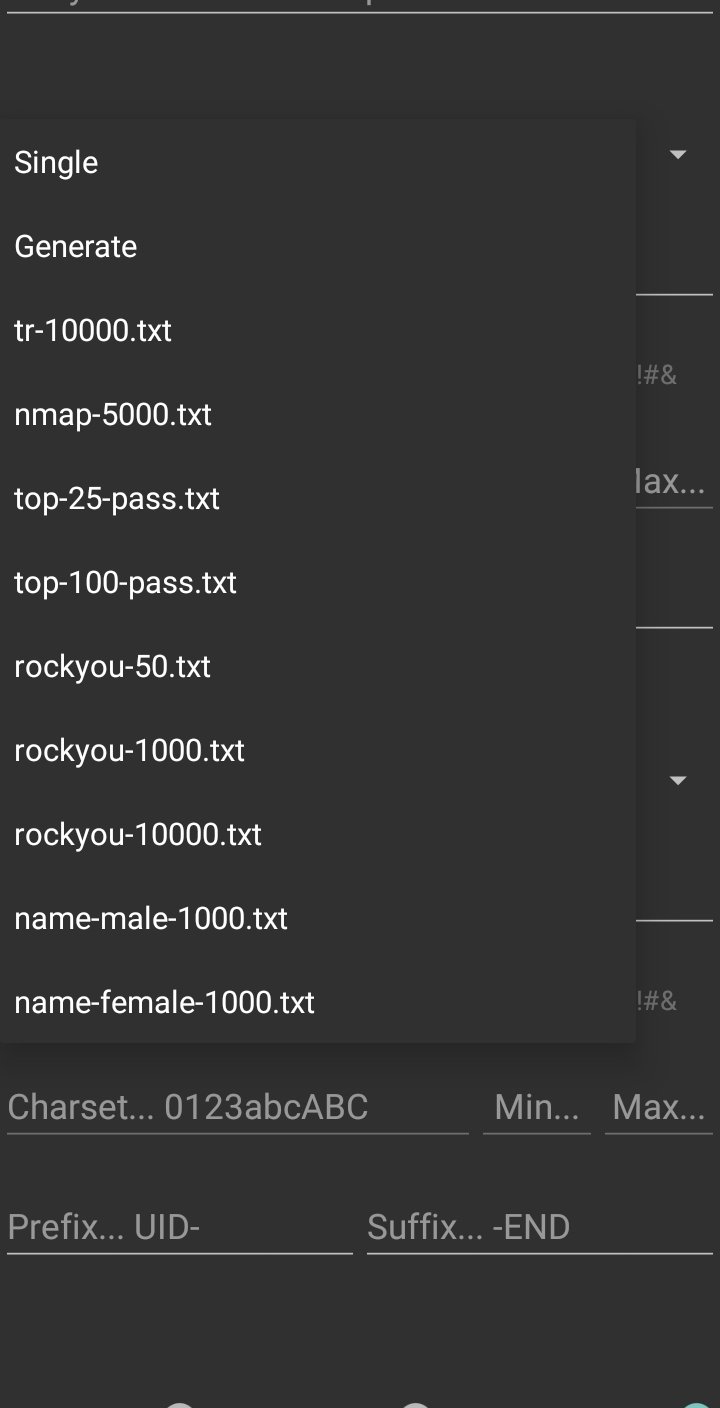
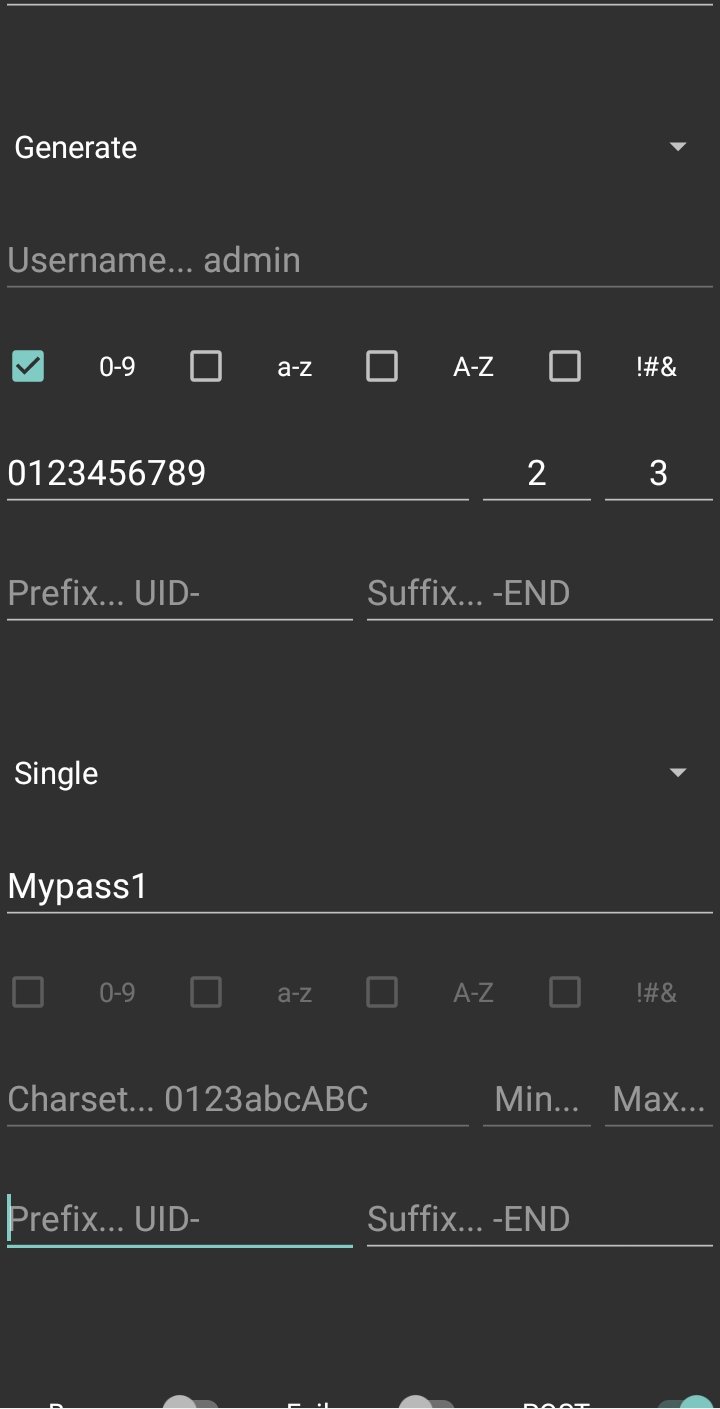
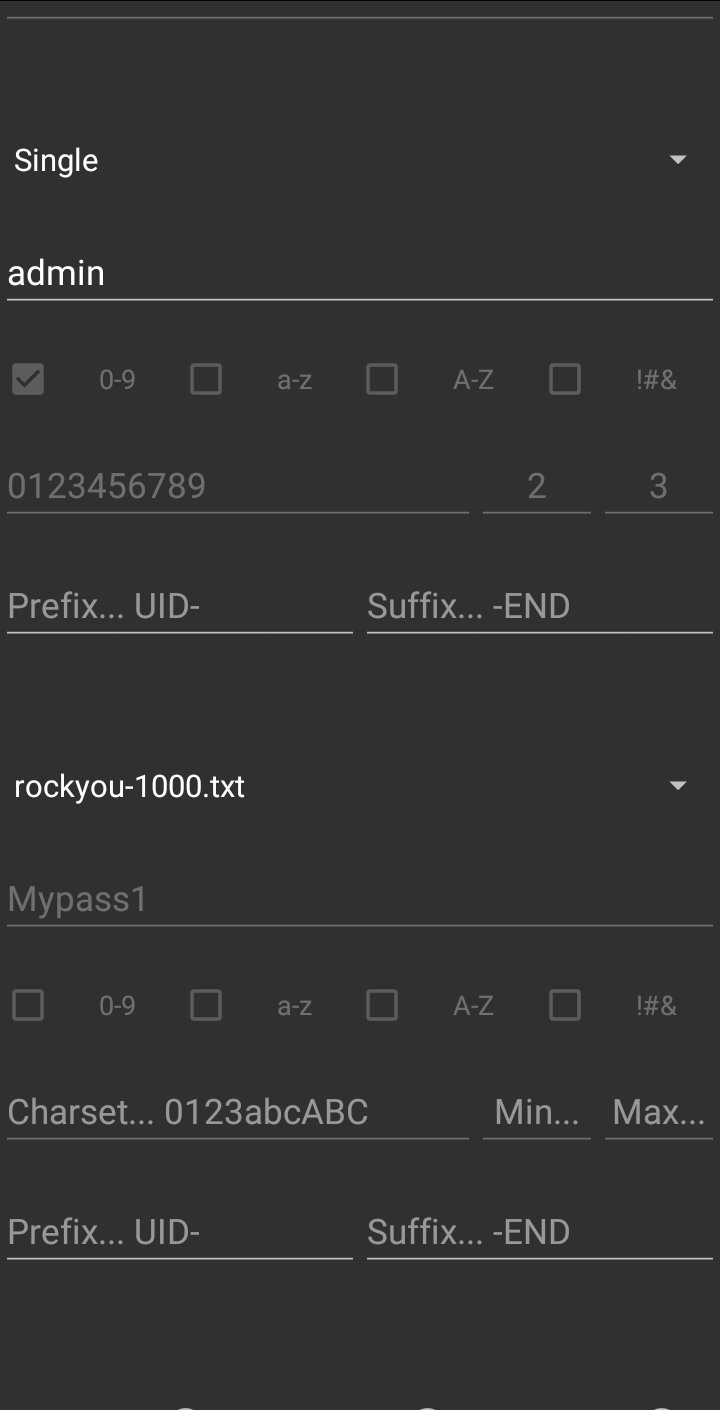
Single: Sets a single username
Generate: Generates runtime with given options
Wordlists: Sets prepared wordlist
Custom wordlist: You can place your custom wordlist to /sdcard/ABF/
Then this selector will have it (if required permissions given.).
You need to specify a username if you selected Single.
[W] You need to specify charset, min & max length to generate runtime.
If you selected Generate, checkboxes will help you to select._
You can specify prefix & suffix to be added to your username
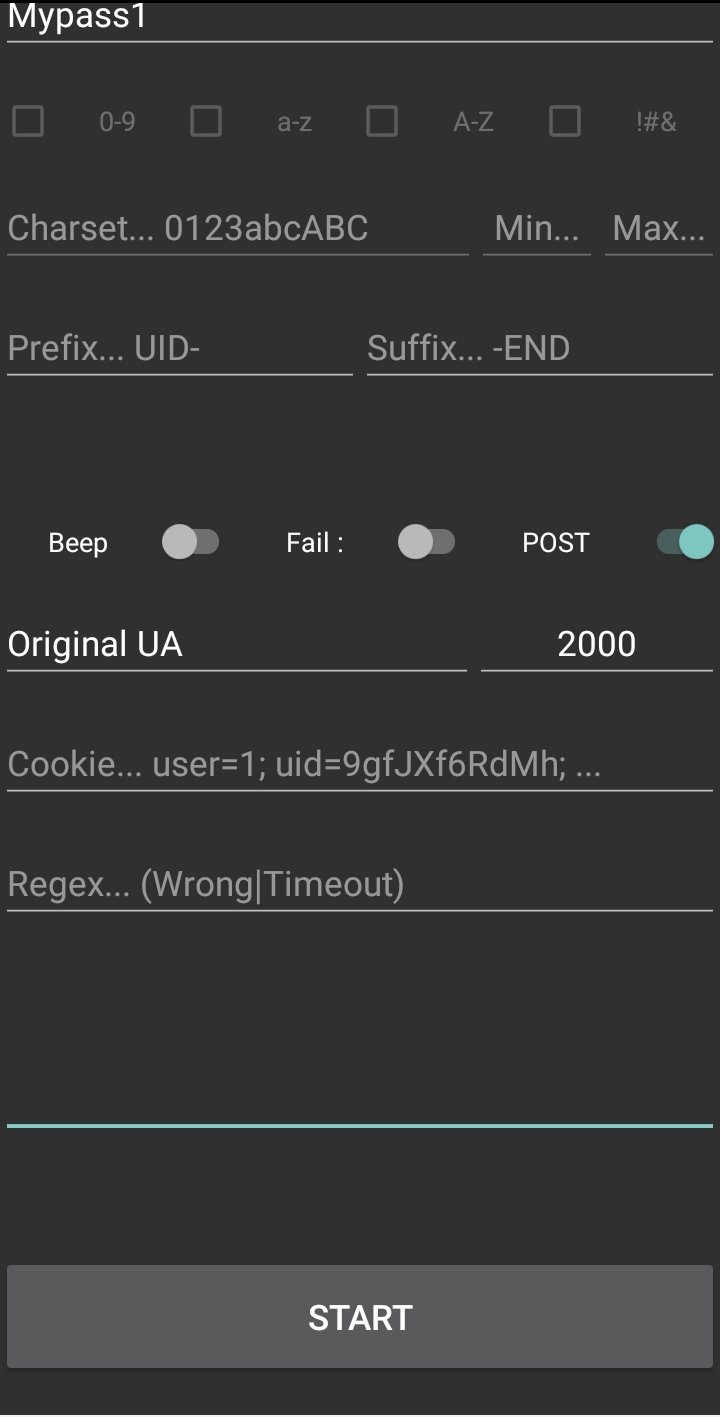
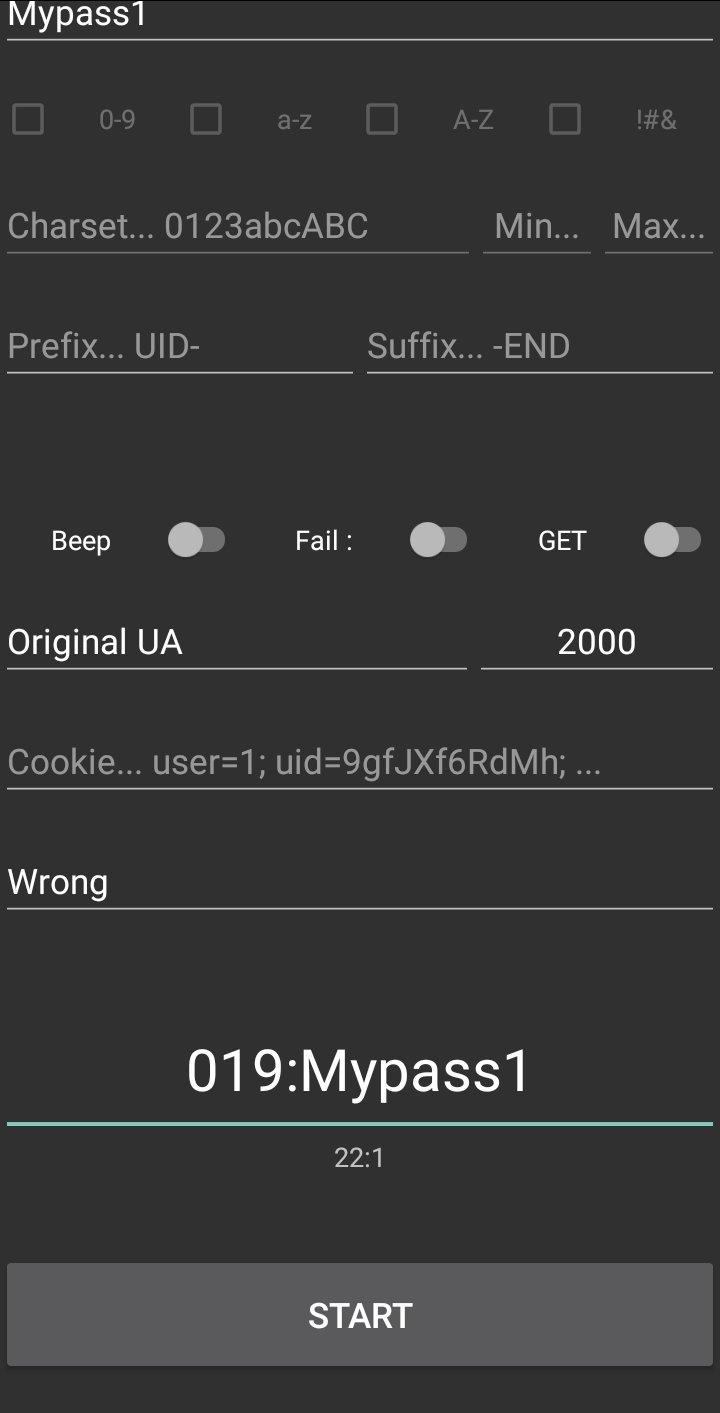
Beeps if attack success.
Decides how to react connection response
Decides type of connection
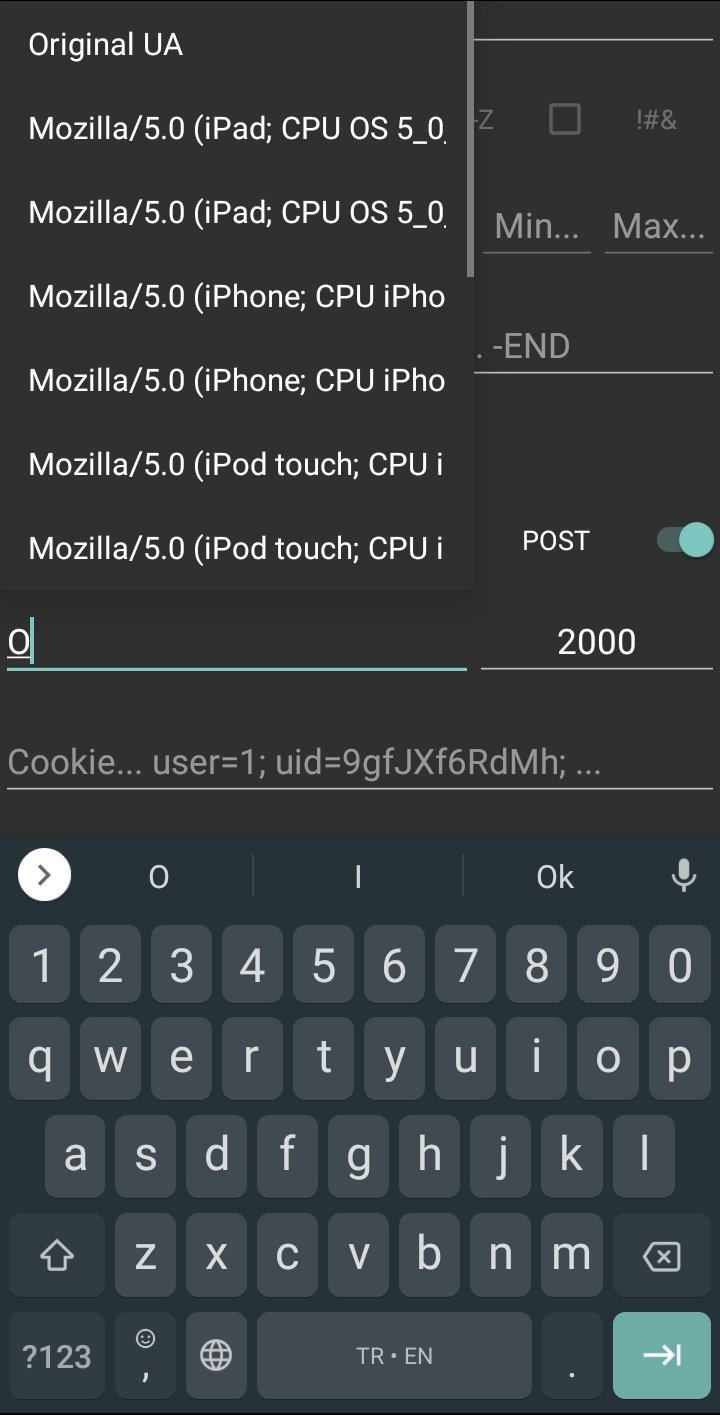
_Sets user-agent for connection.
if "Original UA" set, then original user-agent set
Othervise given text will set to user-agent_
Sets timeout for connection, in milliseconds
Sets cookie value for connection
Determines what to look in connection response
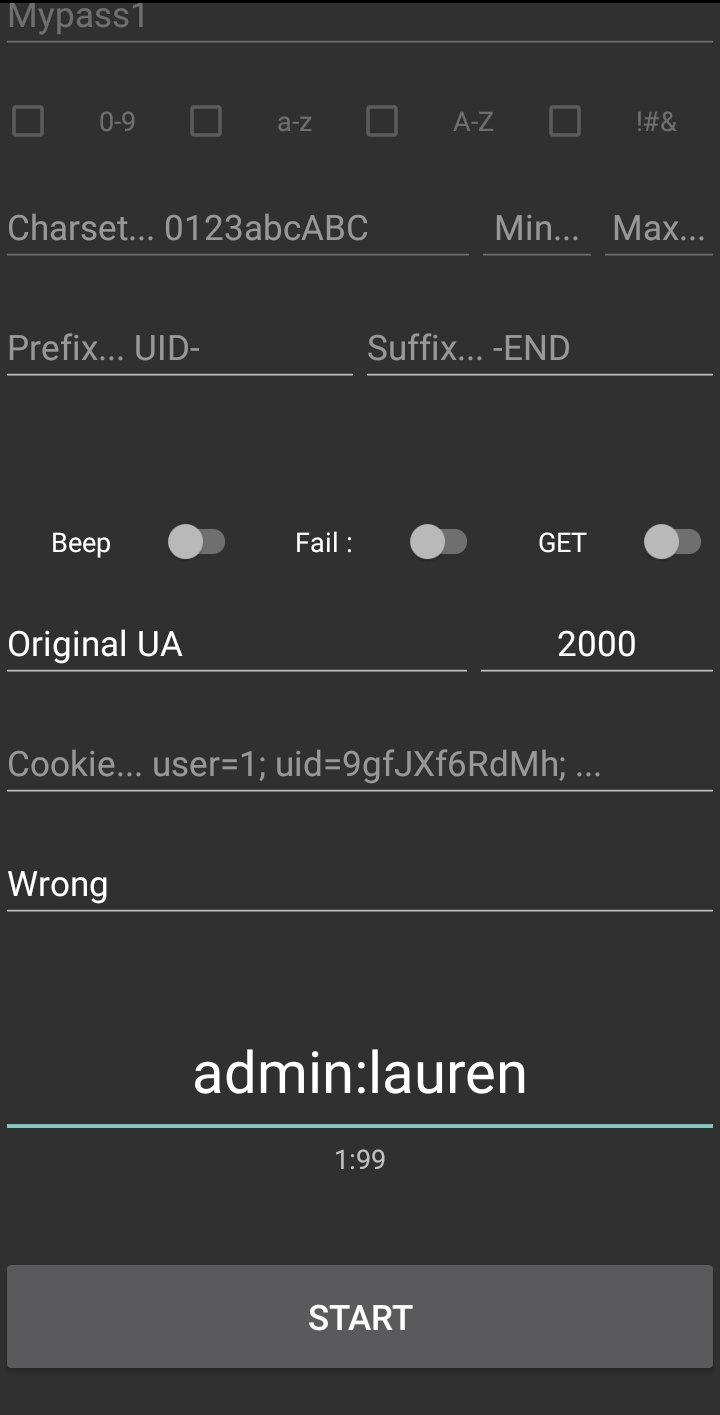
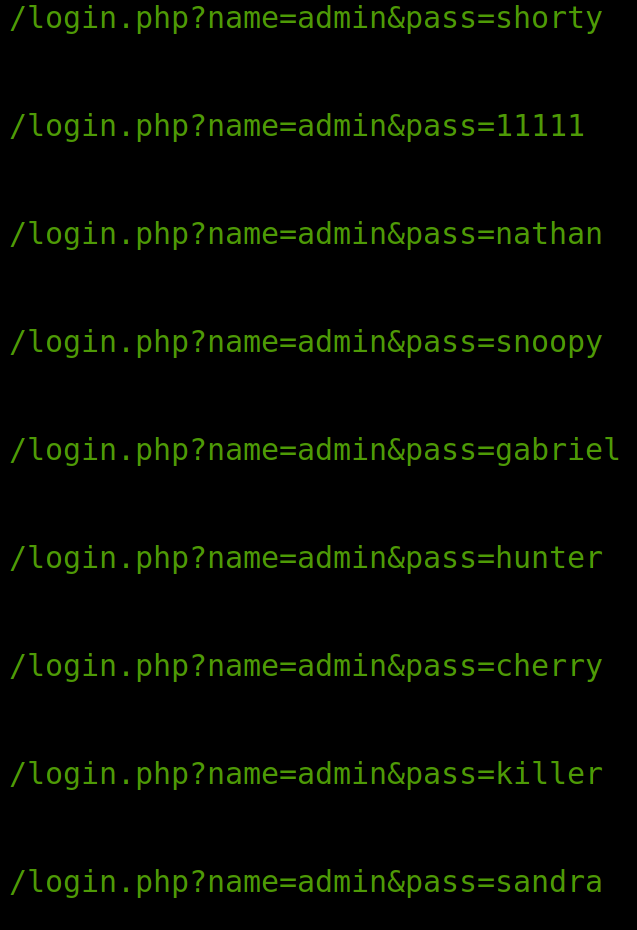
Tried username:password pairs & result will shown there.
Starts attack!
URL & Body: ^USER^ & ^PASS^ are placeholders for username and password.
You need to place them in url or the body (depends what type you choose to connection)
Regex & Fail/Success switch: These two determines the result of the attack.
If switch points to "Fail", and if given regex found in the response, this means, this is a fail, continue to attack.
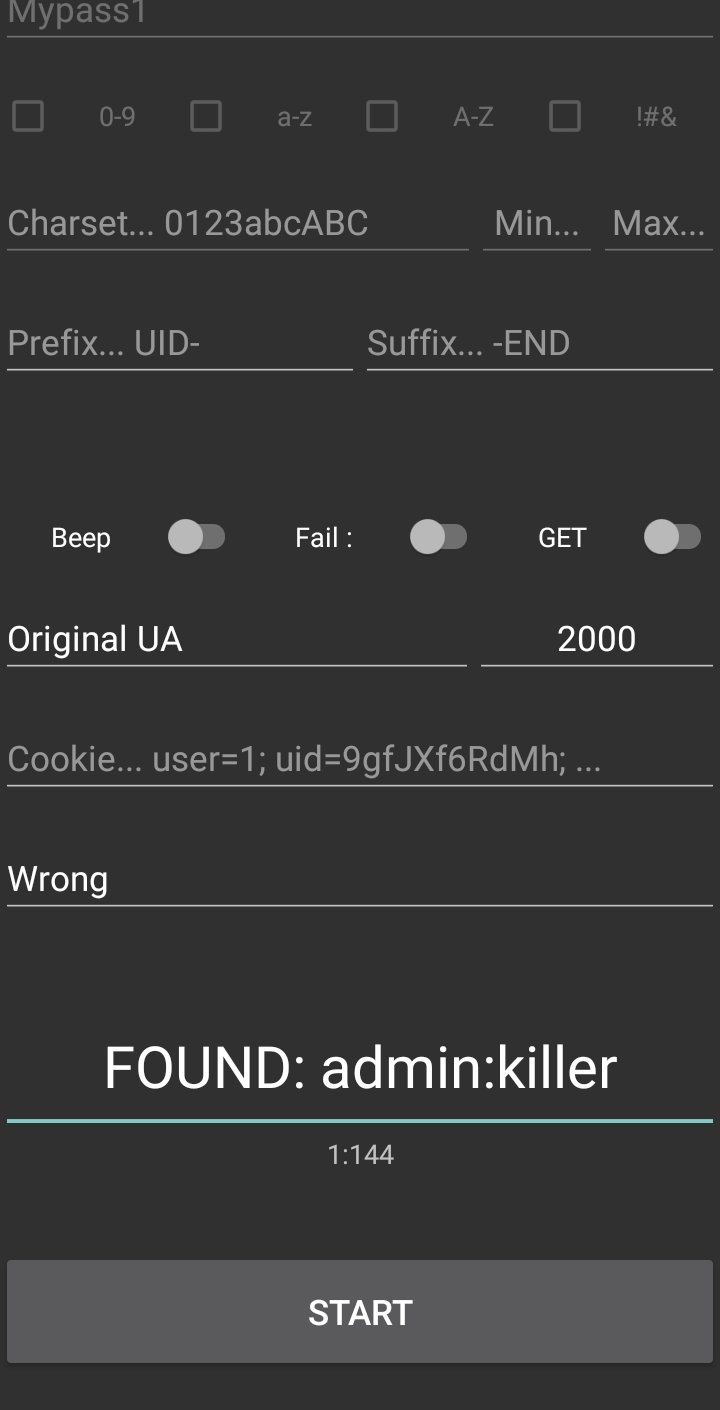
if switch points to "Success", and if given regex found in response, this means this is a success!, write result to empty box (in format "FOUND: username:password") and stop the attack.
Copying: Long click on the empty box will copy the content.
if password found, it copies in username:password format
Otherwise copies whole content.
If attack is over and unsuccessful, it just stops at the last user:password.
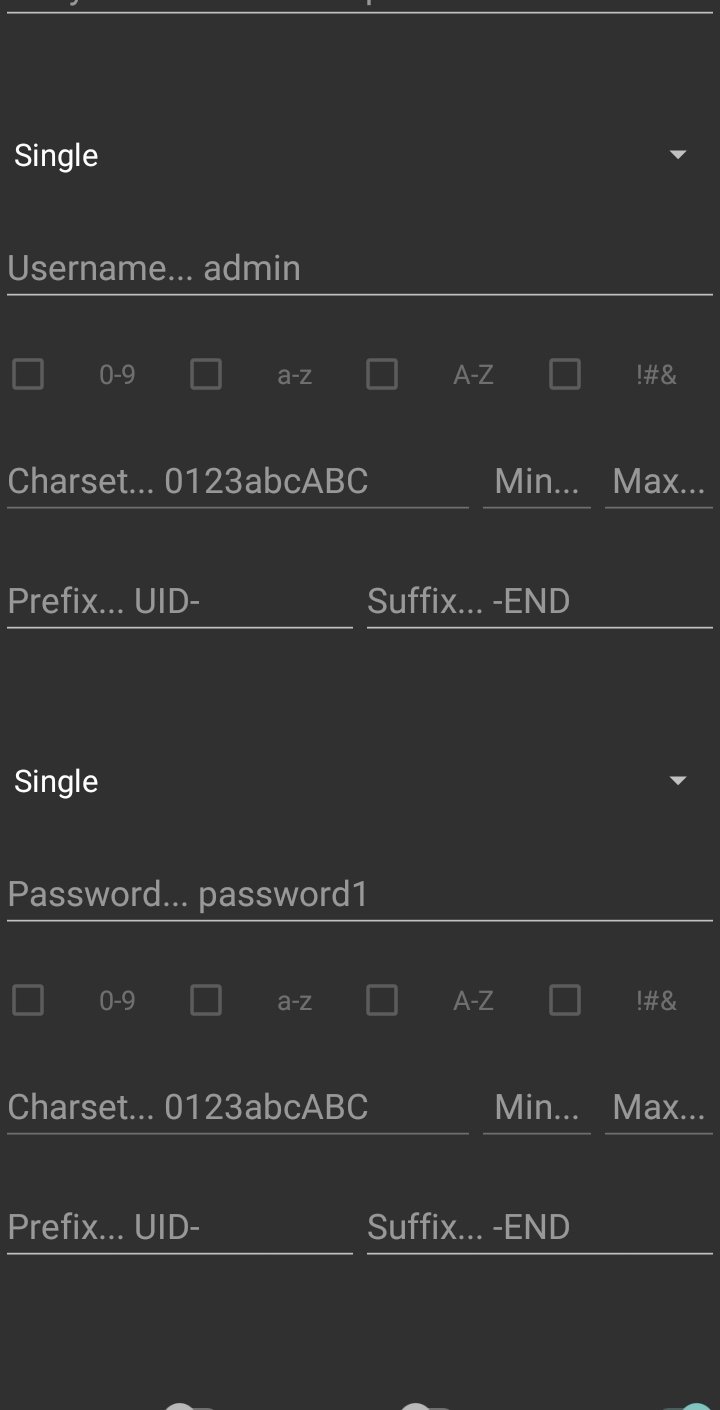
Every parameter editable during attack, but none of the parameters will changeable during attack, except two. "Fail/Success" and "Beep" switch.
This means: If you started the attack, and want to change a parameter (e.g charset), editing will not change anything, this changes applies after pressing start button. BUT If you started the attack with beep option on, and you want to change it. You don't need to re-start attack, just click on switch and it won't beep when attack success.
The Generate option is NOT recommended Runtime generating & parsing is a really hard work for a phone. Also it's not stable, all possible words will be generated, but may not be sequential. If you really need to select it, keep everything minimum. If your phone freezes or crashes, you know selected options is not suitable your phone's processor.
Do NOT place big wordlists to /ABF/ directory. This will cause freezing & crashing.
And do NOT forget standard smartphones have far less processor power rather than a computer, this project is for small and quick attacks.
Depends on your speed of network & remote host.
This version of Arkhota doesn't support "stopping the attack". BUT that doesn't mean you cannot stop. Just change "Fail/Success" switch to opposite direction and wait one more request. This will cause a false-positive on purpose to stop. Or You can simply close and re-open the application.
