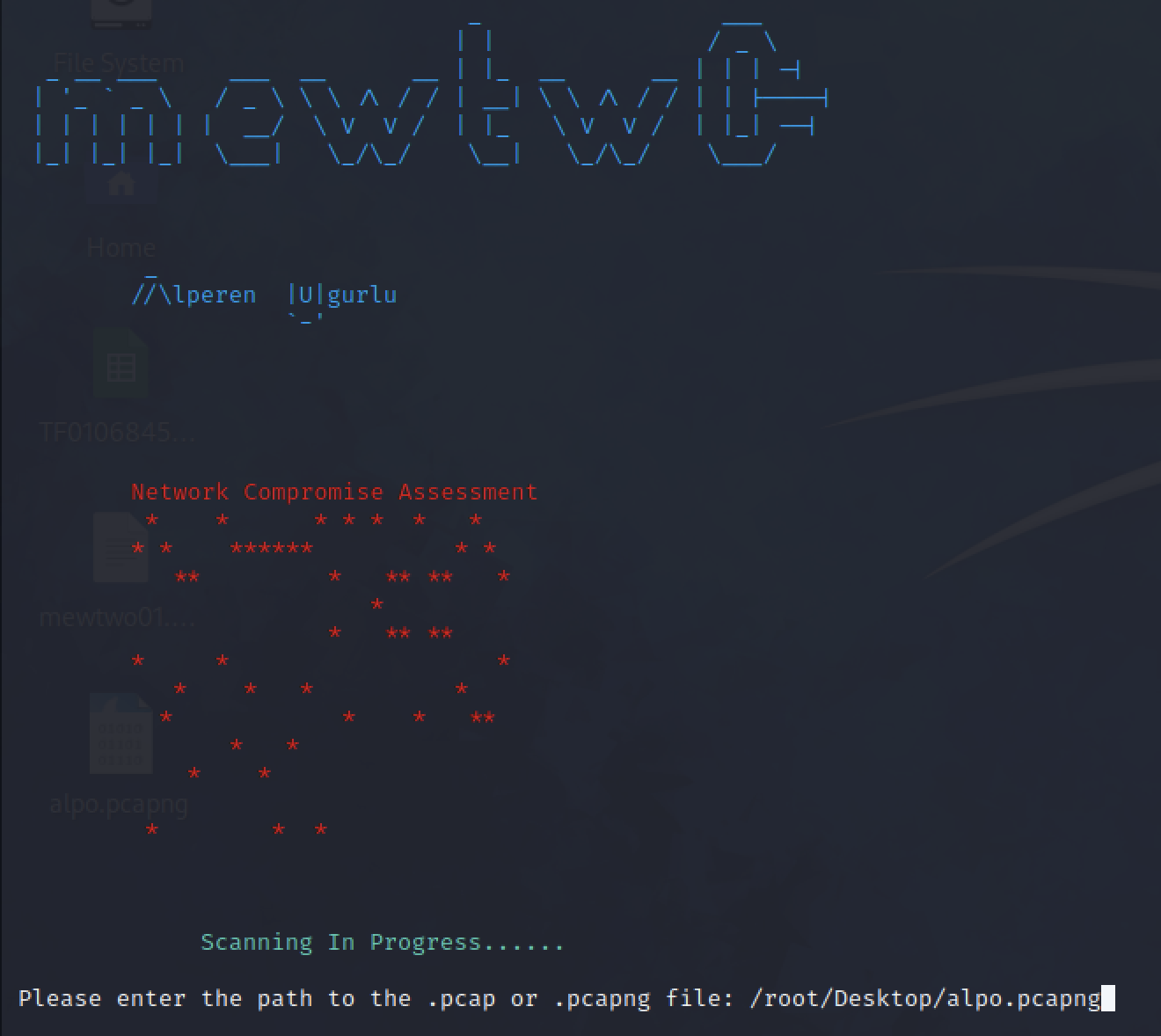
 alperenugurlu/network_assessment
With Wireshark or TCPdump, you can determine whether there is harmful activity on your network traffic that you have recorded on the network you monitor.

With Wireshark or TCPdump, you can determine whether there is harmful activity on your network traffic that you have recorded on the network you monitor.
This Python script analyzes network traffic in a given .pcap file and attempts to detect the following suspicious network activities and attacks:
The script also tries to detect packages containing suspicious keywords (eg "password", "login", "admin", etc.). Detected suspicious activities and attacks are displayed to the user in the console.
The main functions are:
get_user_input(): Gets the path of the .pcap file from the user.get_all_ip_addresses(capture): Returns a set containing all source and destination IP addresses.detect_* functions: Used to detect specific attacks and suspicious activities.main(): Performs the main operations of the script. First, it gets the path of the .pcap file from the user, and then analyzes the file to try to detect the specified attacks and suspicious activity.git clone https://github.com/alperenugurlu/Network_Assessment.git
pip3 install -r requirements.txt
python3 Network_Compromise_Assessment.py
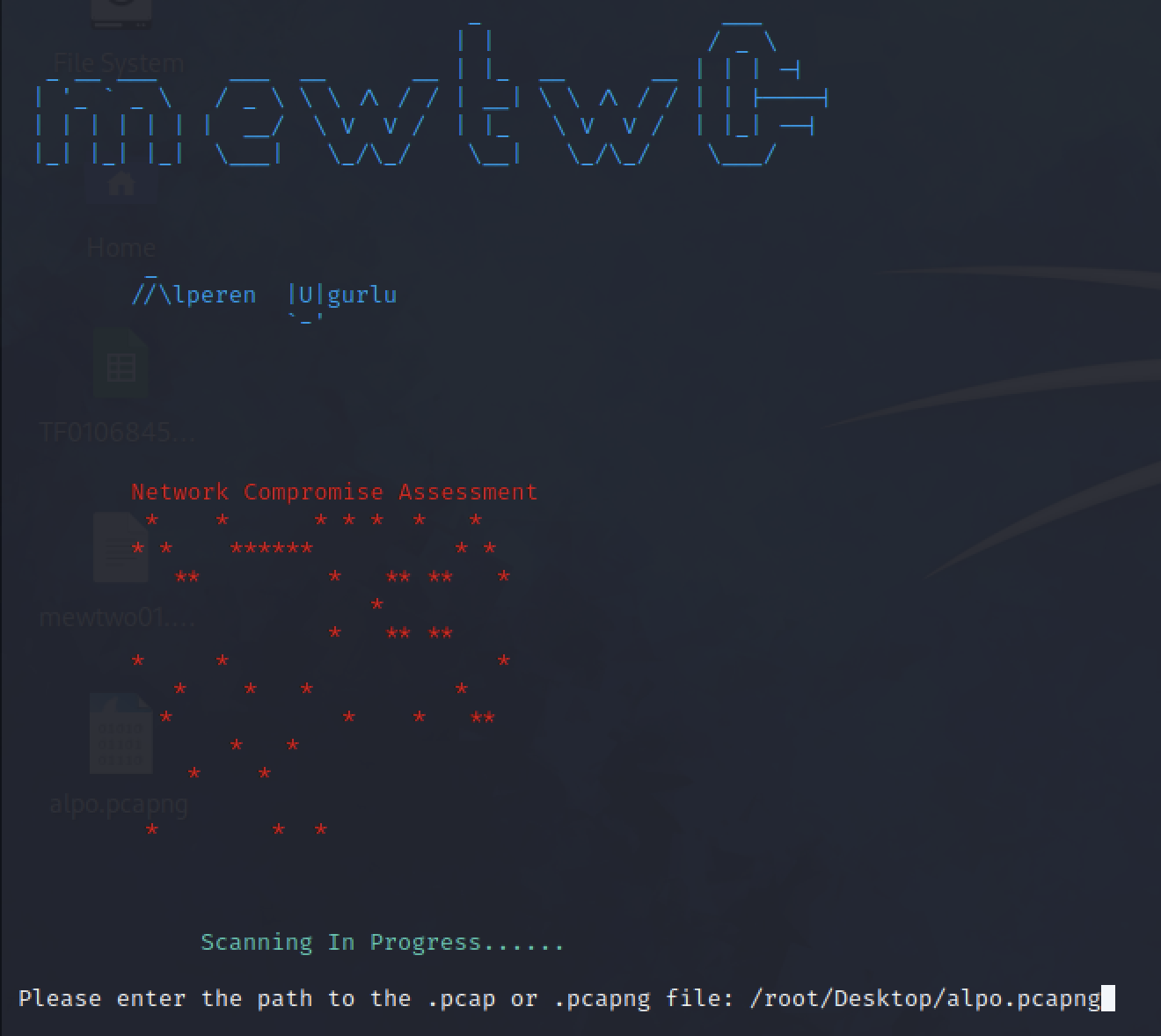
Please enter the path to the .pcap or .pcapng file: /root/Desktop/TCP_RST_Attack.pcap (Example)
Alperen Ugurlu
https://www.linkedin.com/in/alperen-ugurlu-7b57b7178/
