 aleksamcode/preferred-network-list-sniffer
A reconnaissance tool for capturing and displaying SSIDs from device's Preferred Network List.


Preferred Network List Sniffer (PNLS) is a Red Team Wi-Fi auditing tool with a simple web interface that is capable of intercepting SSIDs[^1] from the device's preferred network list (PNL)[^2]. This is achieved by sniffing out Probe Requests in the nearby vicinity, which are then parsed for SSID and other information and finally propagated to the web UI. The primary motivation for this project was to look into 802.11 Probe Requests and the privacy risks associated with the data they transmit.
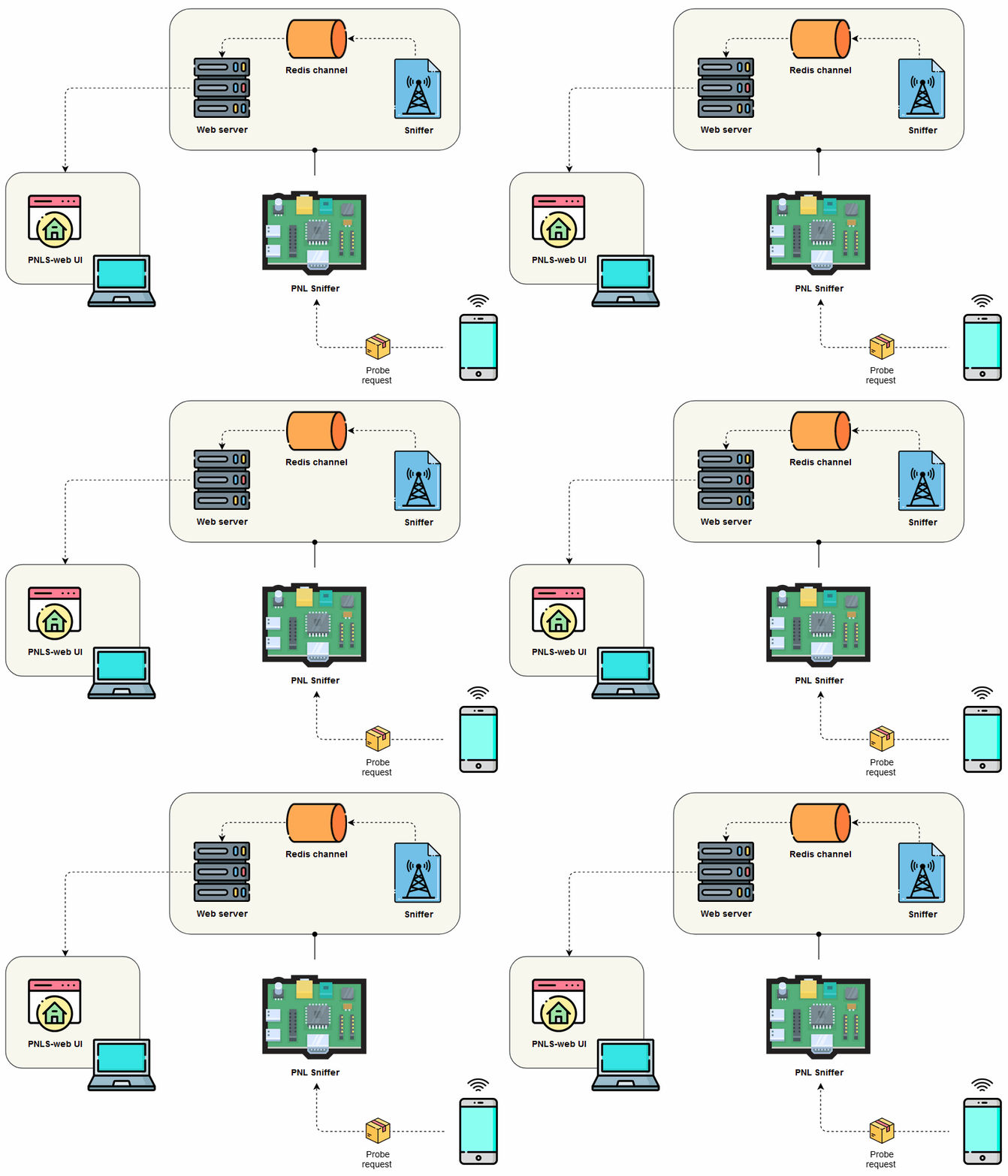
Fig. 1: PNLS system overview
[!WARNING] All content in this project is intended for security research purposes only.
[!NOTE]
This project is part of my ongoing research into Privacy Protection in Wi-Fi Networks.
To monitor the ongoing work on the PNLS, see the project's board.
Here is what you will need in order to duplicate and deploy this project, including both the hardware and software components. Once you have your working environment ready, head over to the setup sections.
sudo airmon-ng start wlan0 [2].[!NOTE]
The Kali image uses Re4son's kernel, which includes the drivers for external Wi-Fi cards and the Nexmon firmware for the built-in wireless card on the RPi 3 and 4 [3].
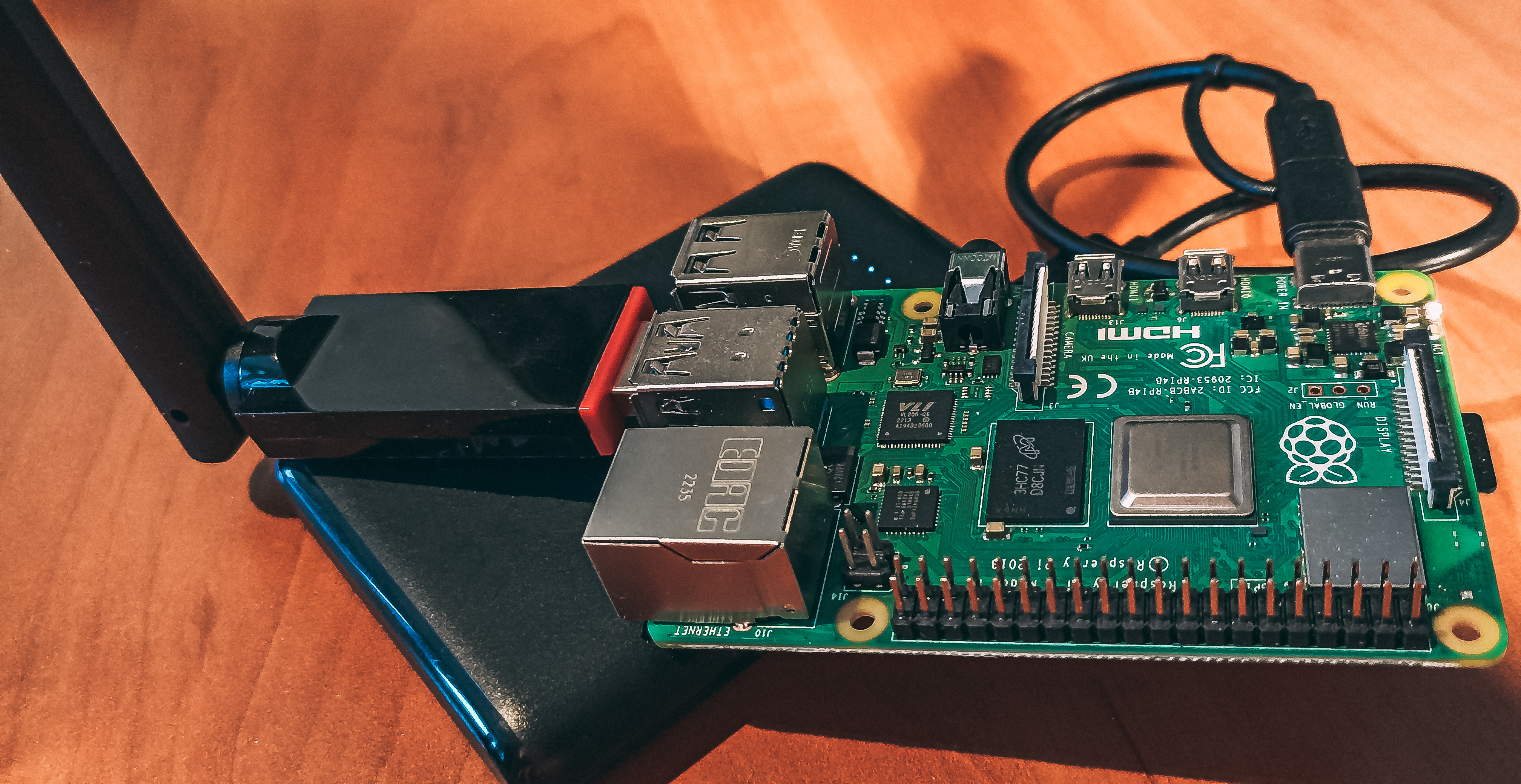
Fig. 2: PNLS running on a RPi 4 with an external antena and a battery bank
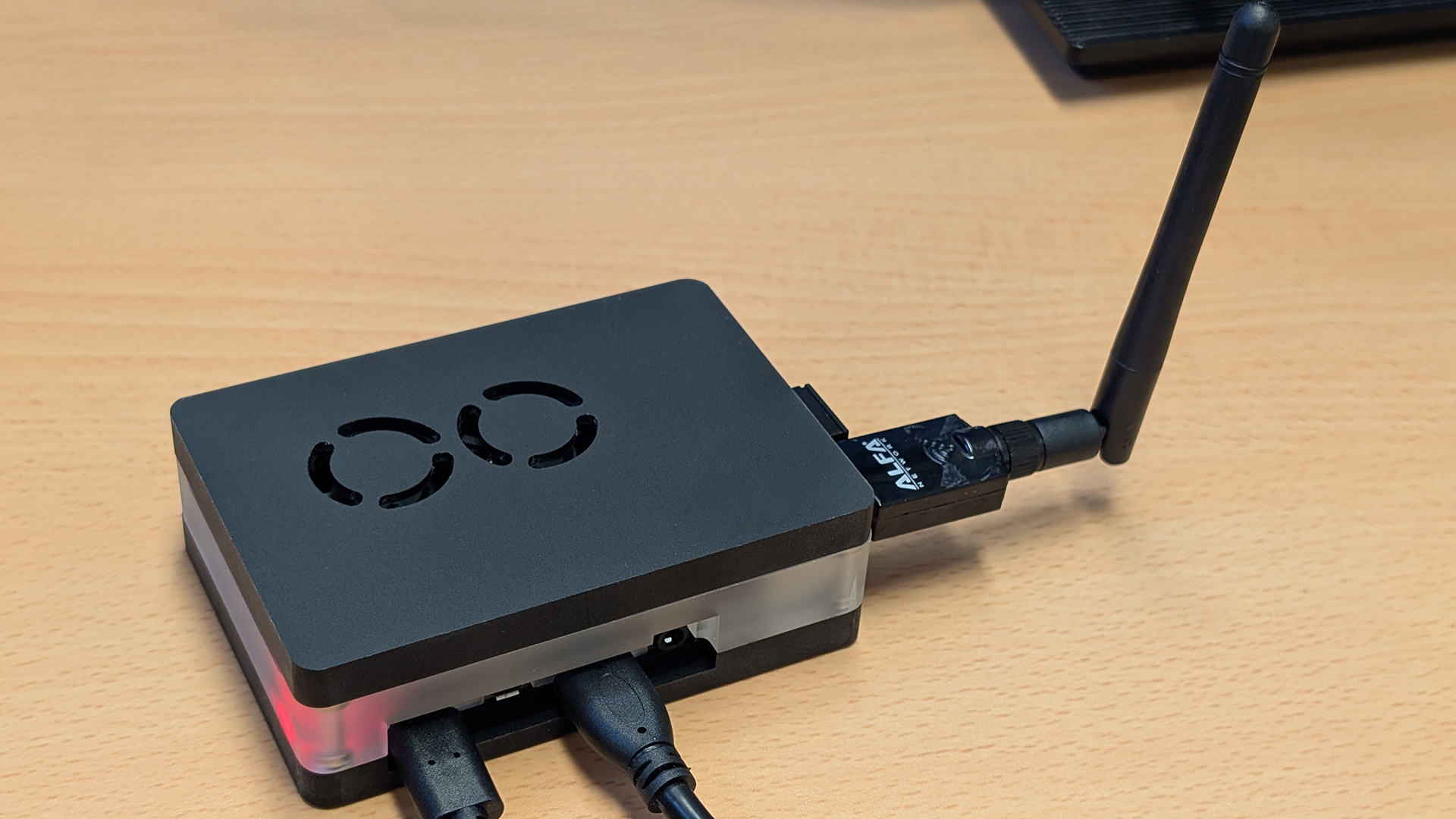
Fig. 3: PNLS running on a RPi 4 with a case with an AWUS036ACS antena
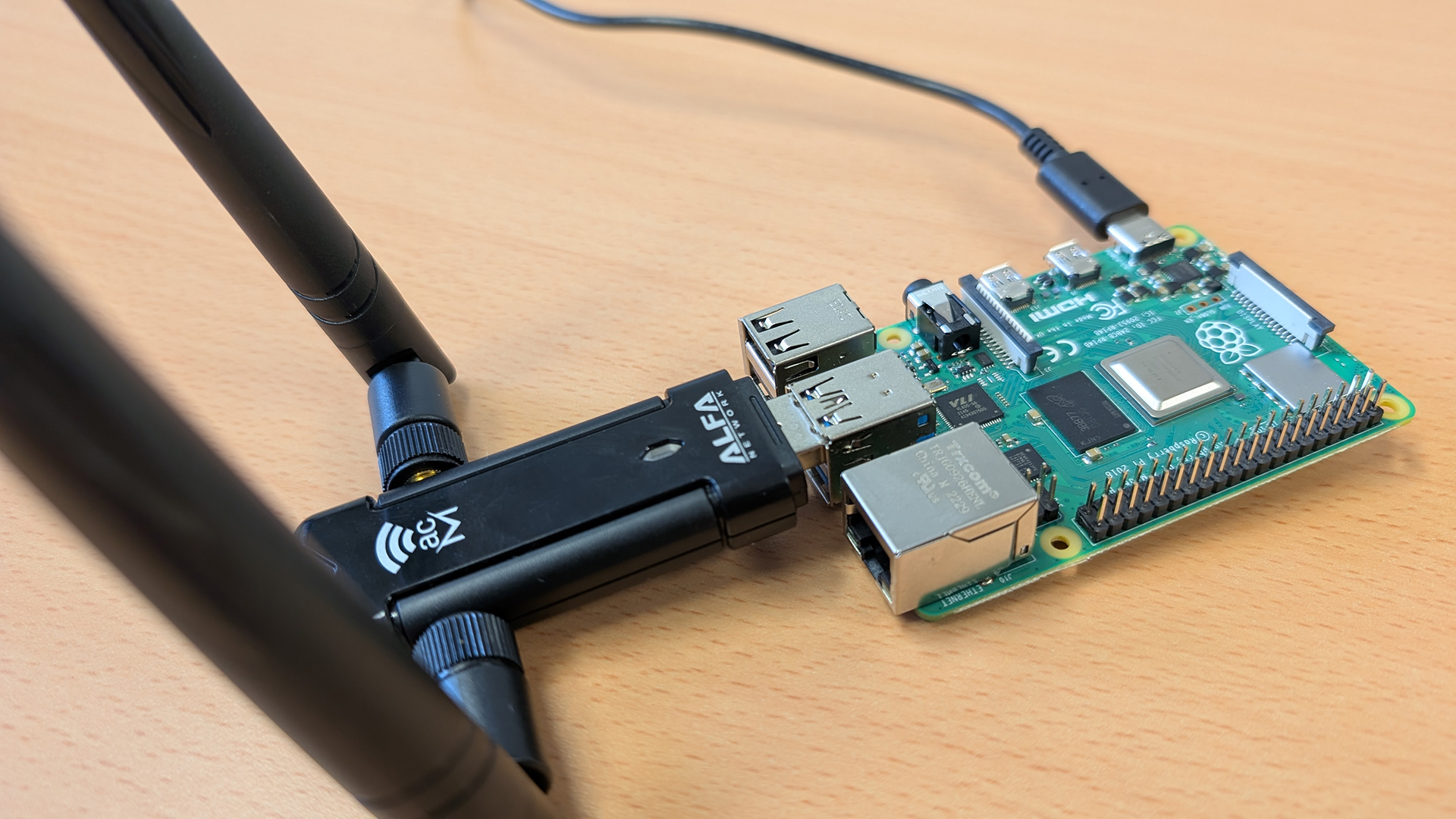
Fig. 4: PNLS running on a RPi 4 with an AWUS036ACM antena
If you don't want to use Docker, head over to setup without Docker.
Quickly setup a development instance:
# First clone this repo.
git clone https://github.com/AleksaMCode/Preferred-Network-List-Sniffer.git
# Move to the project root folder.
cd Preferred-Network-List-Sniffer
# Build backend and frontend image.
docker compose build
# Bring up both the backend and the frontend server.
docker compose up
# Move into the sniffer folder.
cd sniffer
# Run the Sniffer service.
sudo python3 sniffer.py
Currently, multi-platform images are not available, and the project only supports the ARM64v8 architecture. Download the latest prebuild images from the GitHub Container Registry and run them locally.
# First clone this repo.
git clone https://github.com/AleksaMCode/Preferred-Network-List-Sniffer.git
# Move to the project root folder.
cd Preferred-Network-List-Sniffer
# Download the prebuild images.
docker pull ghcr.io/aleksamcode/pnls-backend-ghcr:latest
docker pull ghcr.io/aleksamcode/pnls-frontend-ghcr:latest
# Bring up both the backend and the frontend server.
docker compose up
# Move into the sniffer folder.
cd sniffer
# Run the Sniffer service.
sudo python3 sniffer.py
Backend: to start the ASGI and Redis servers and to run needed services, see these instructions.
Frontend: to run the React server, see these instructions.
Here is a screenshot when everything was ran "manually":
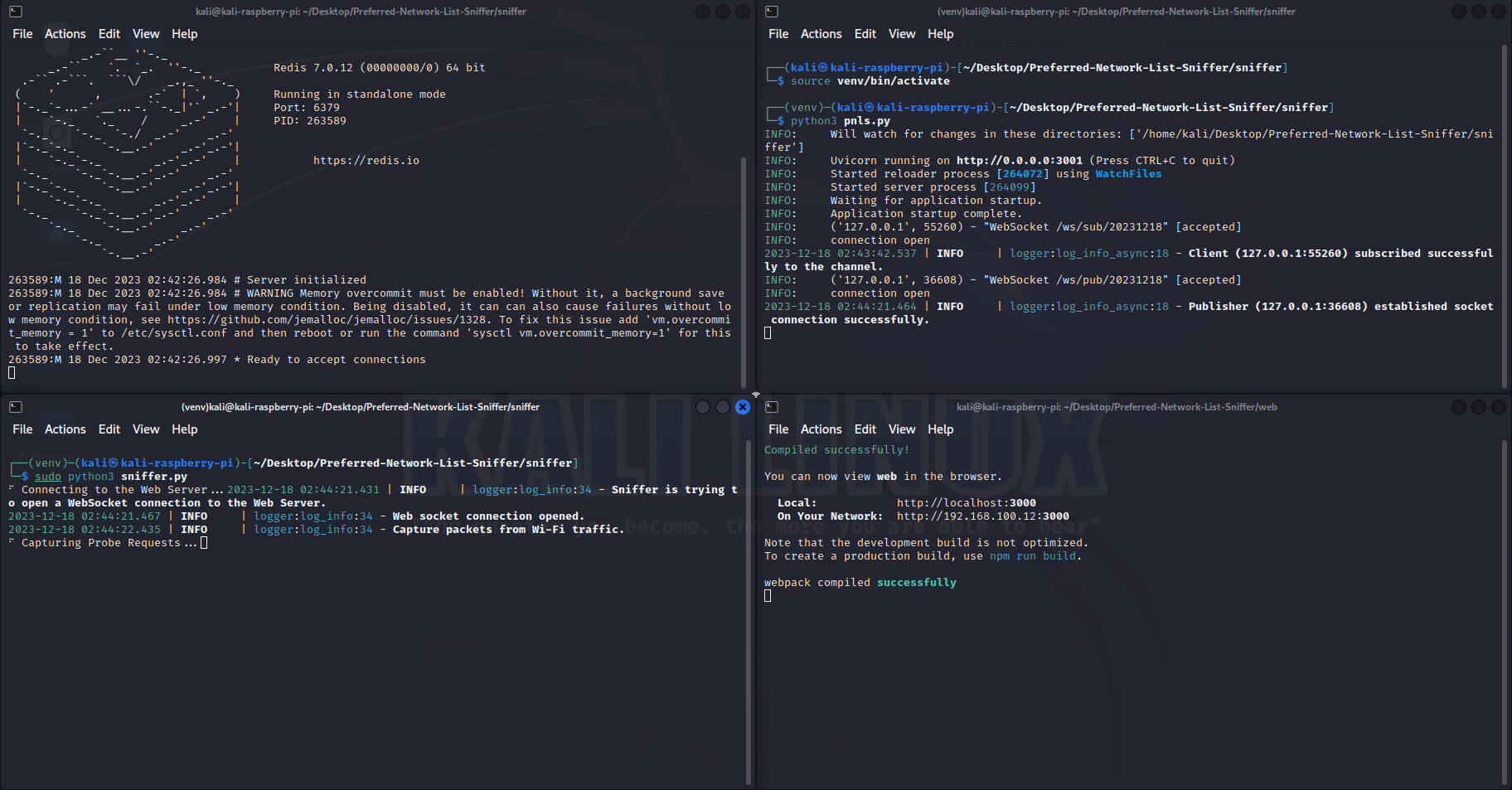
Fig. 5: PNLS screenshot

